
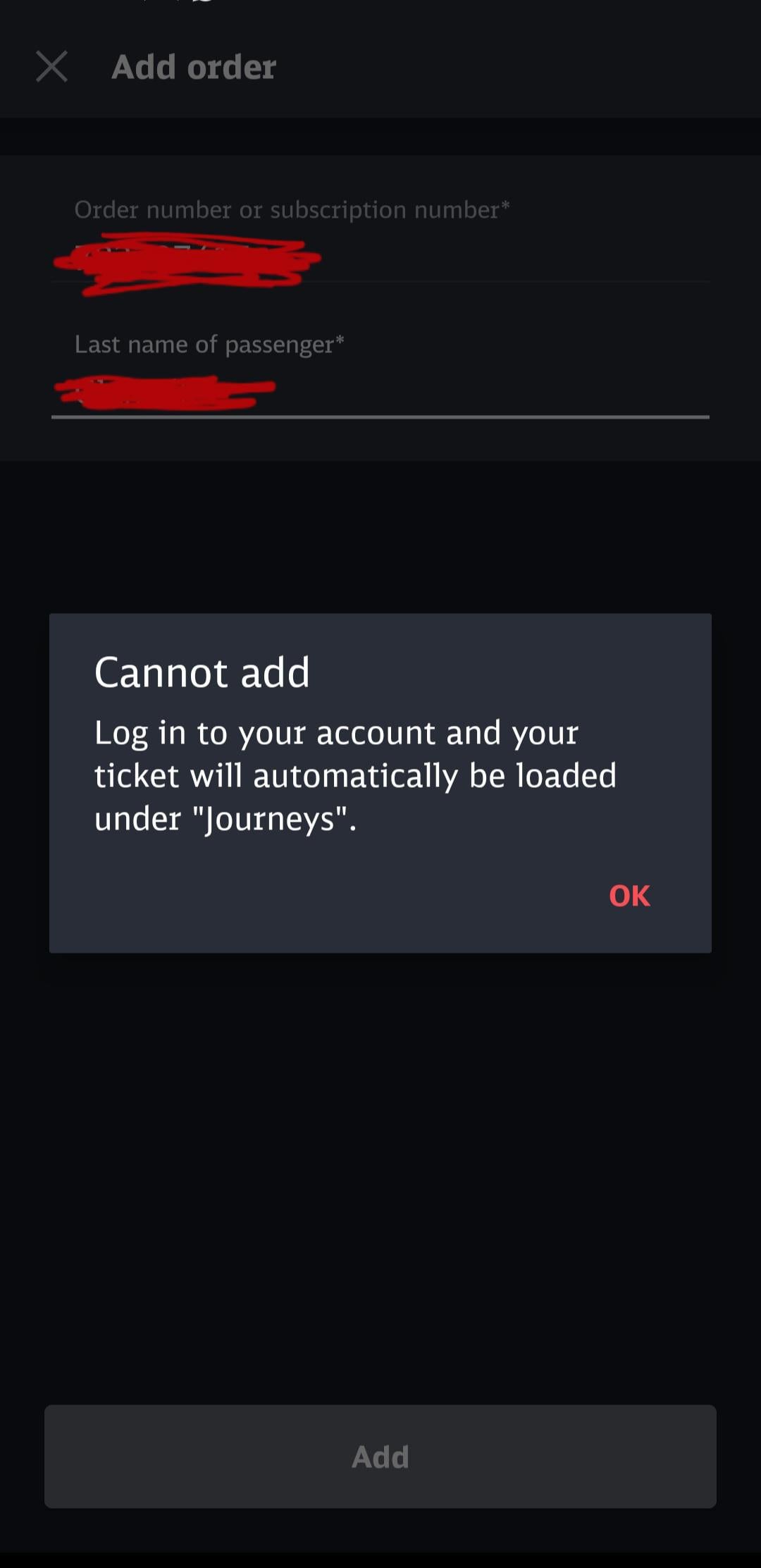
Hi, I’m visiting my girlfriend in Germany next week for two weeks and I bought a 49 euro ticket for January last month through Deutschebahn. I received the order confirmation email at the time and downloaded the DB Navigator app (as instru in the email) but have been unable to access my ticket.
I’ve tried adding the ticket through the Journeys part of the app and have refreshed many times, even logged out then back in too and reinstalled the app but am just met with the above message in the photo. I’m already logged in so I don’t understand why I’m still receiving this and I don’t know how I’m actually supposed to access my ticket? It’s giving me a headache and feels impossible to navigate, I’m struggling with the DB website too 🤦♀️ any help would be much appreciated!
(P.S. sorry if this has been asked before! I’ve searched this sub briefly and couldn’t find this specific problem, though it was from here that I learned to enter the abo number from the order confirmation rather than the order number)
by megang_99
1 comment
Can you log into your customer account on the DB Website
[https://int.bahn.de/en/buchung/kundenkonto/abos](https://int.bahn.de/en/buchung/kundenkonto/ihrkonto)
And can you click on the Subscriptions Portal there?
That’s where you should find your D-Ticket subscription. Use the same login data on your DB Navigator App.
By the way, if you are only using it for January you need to cancel it by Wednesday or it will automatically renew for February, too.