
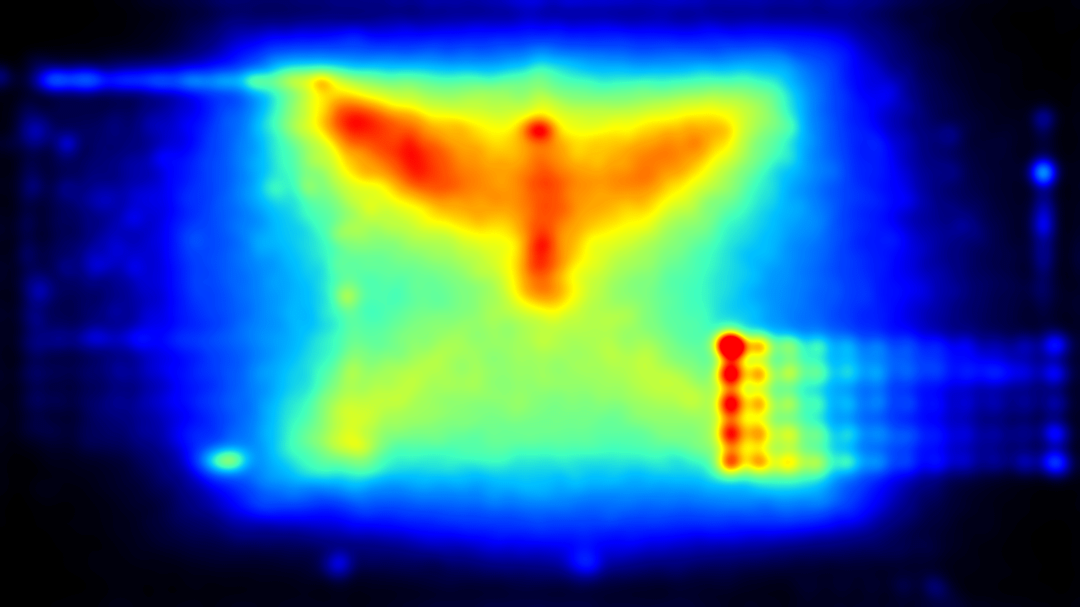
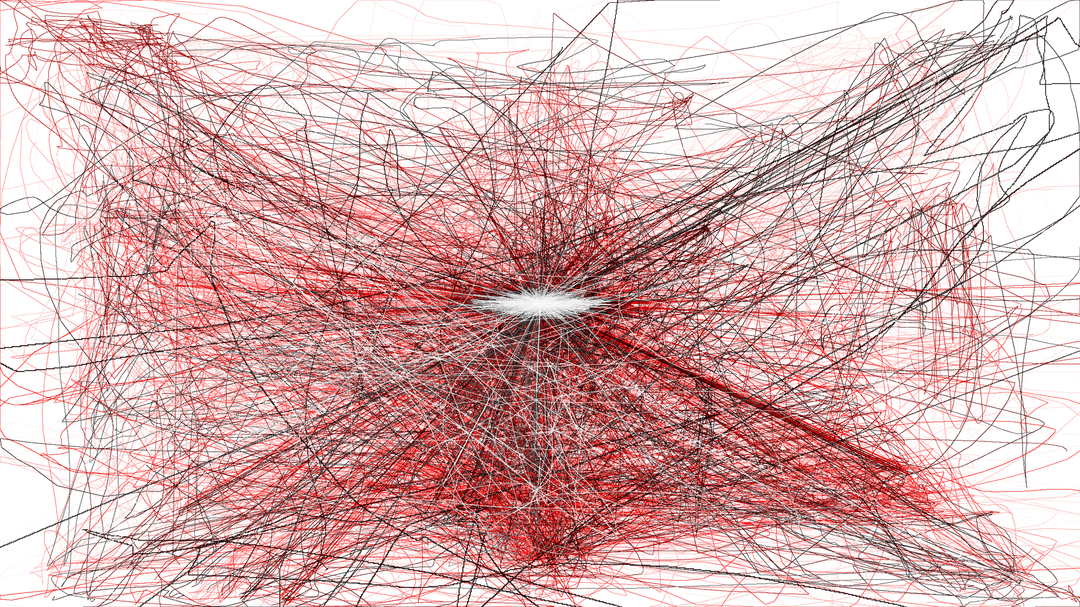
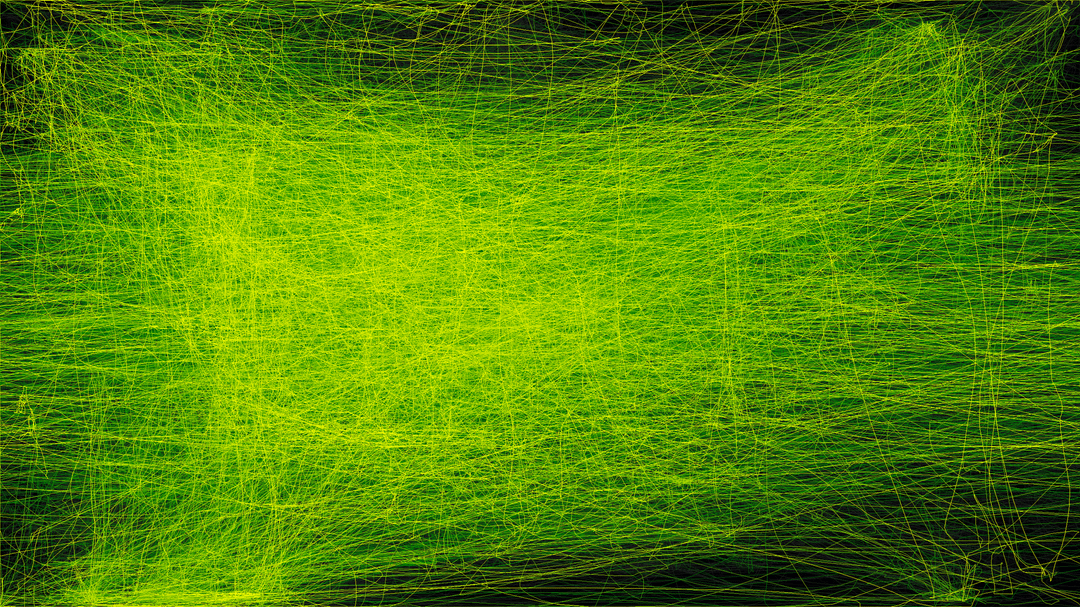
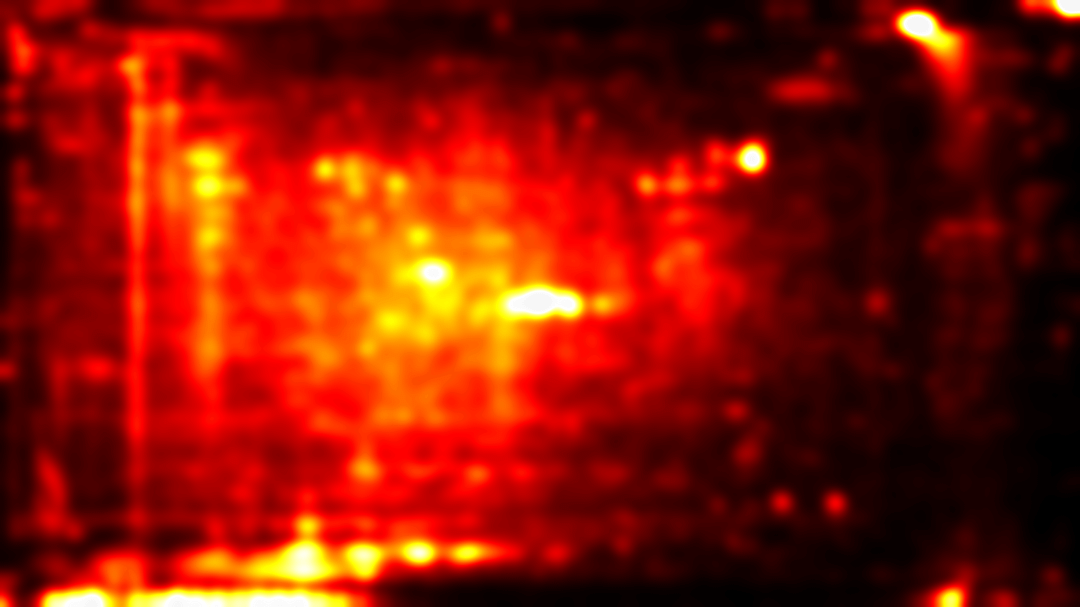
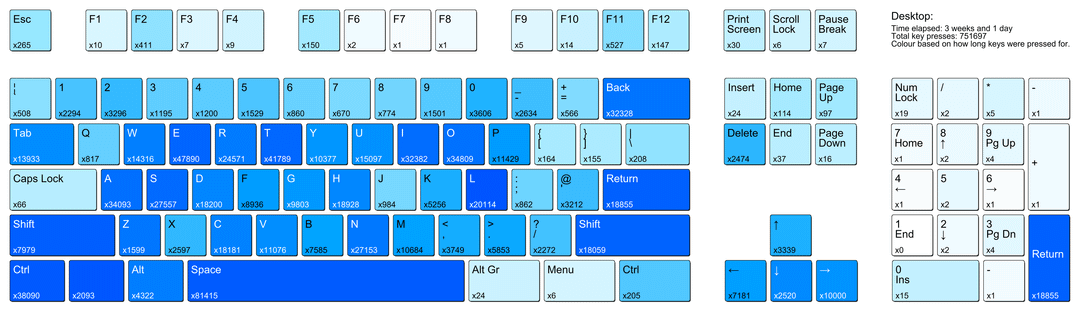
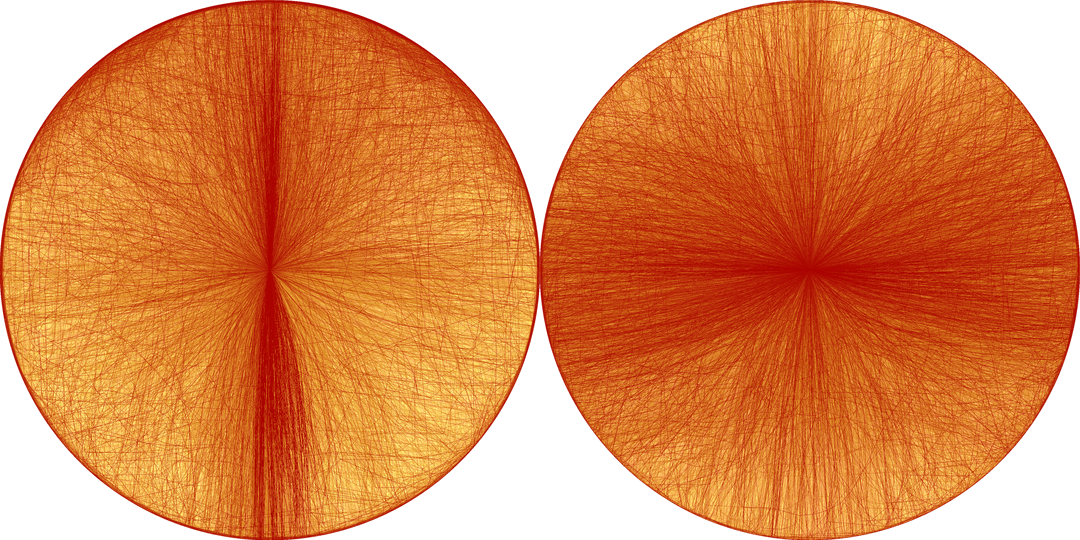
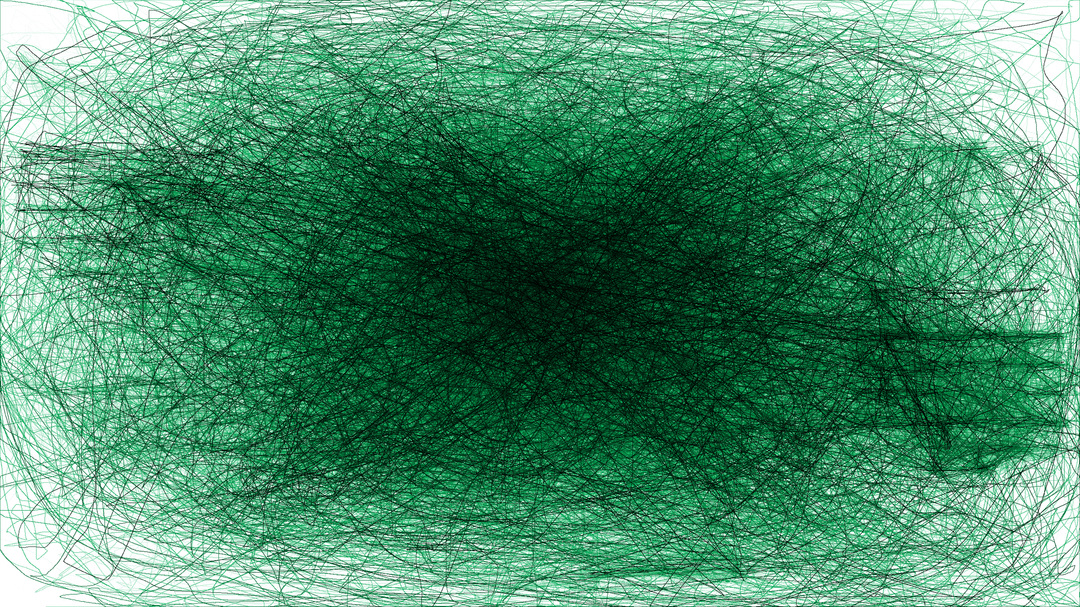
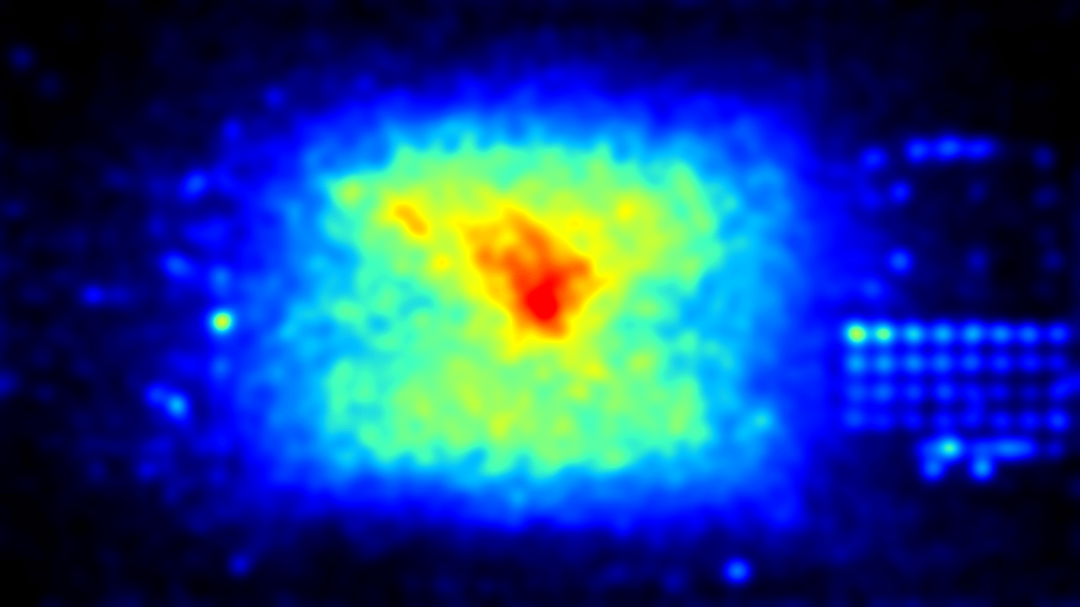
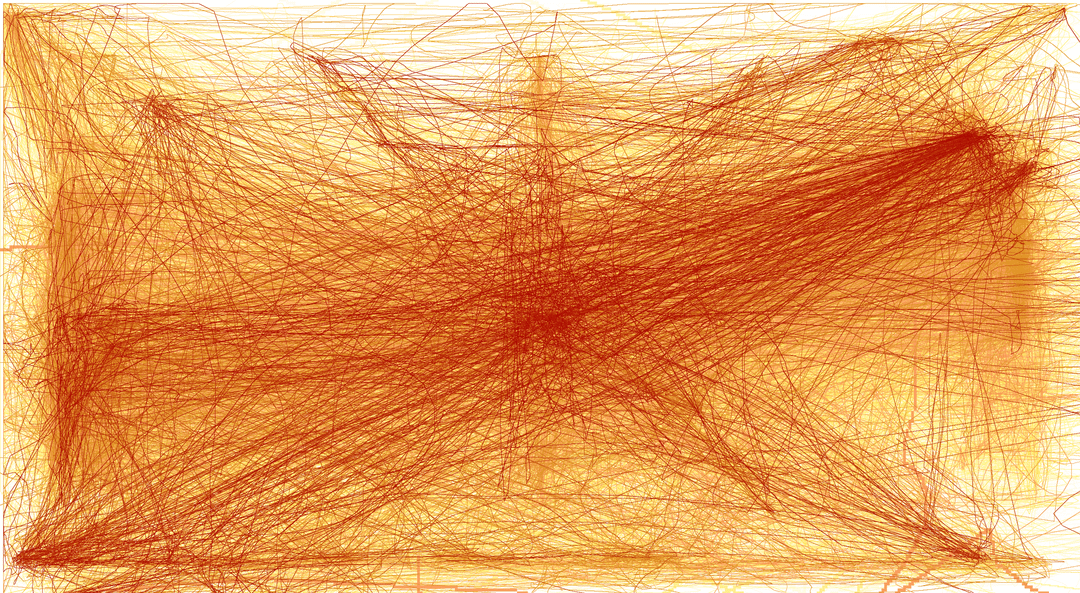
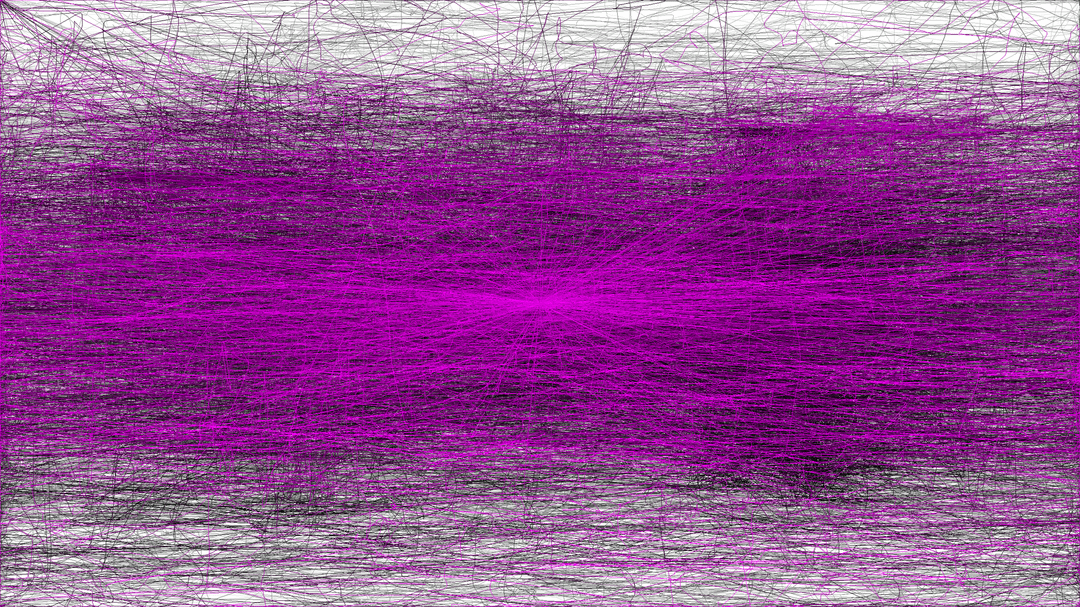
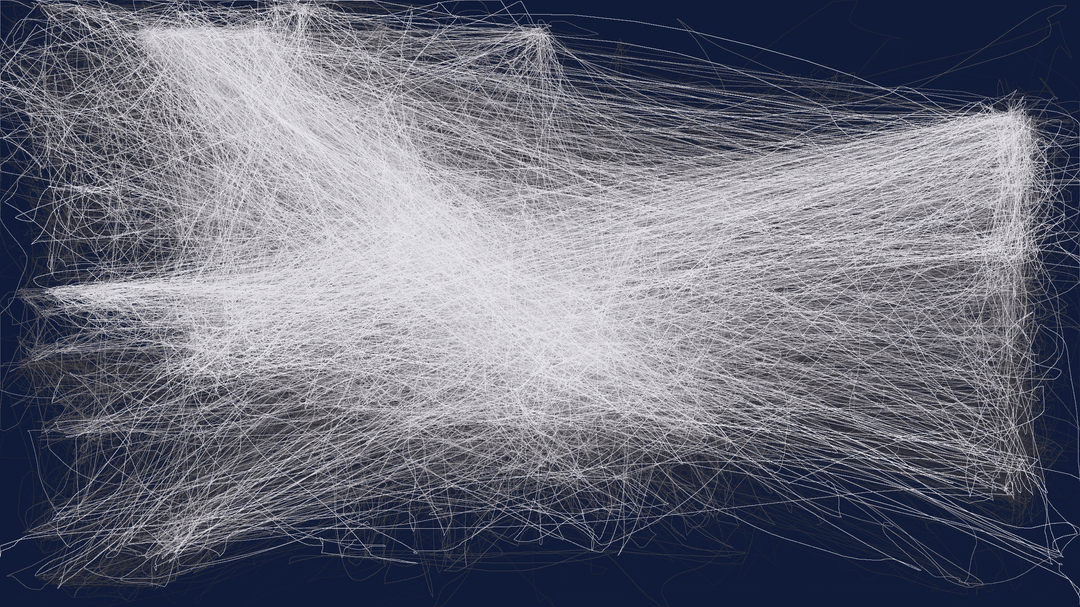
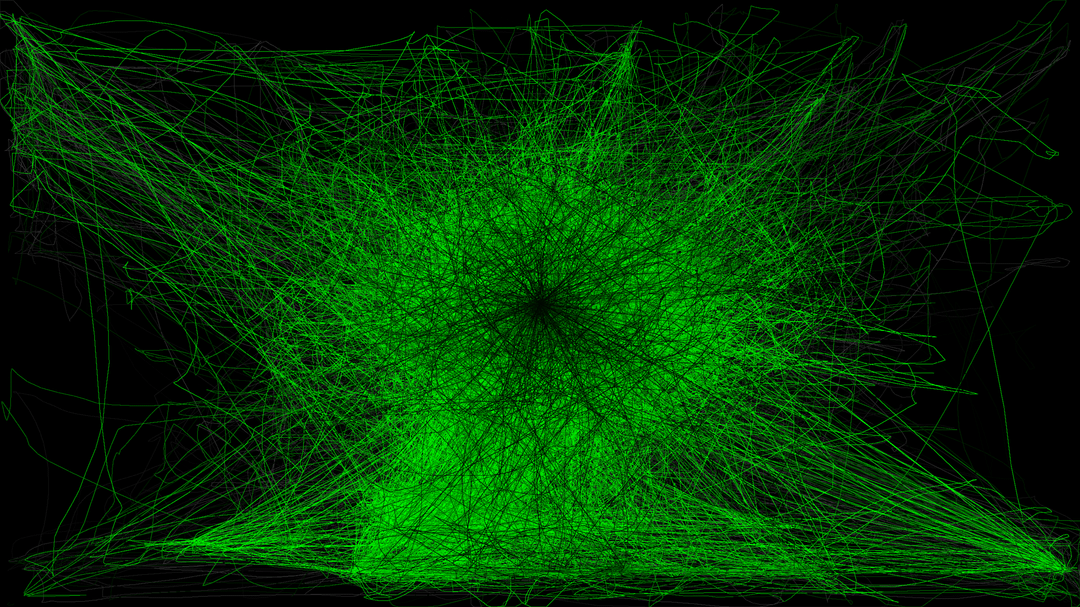
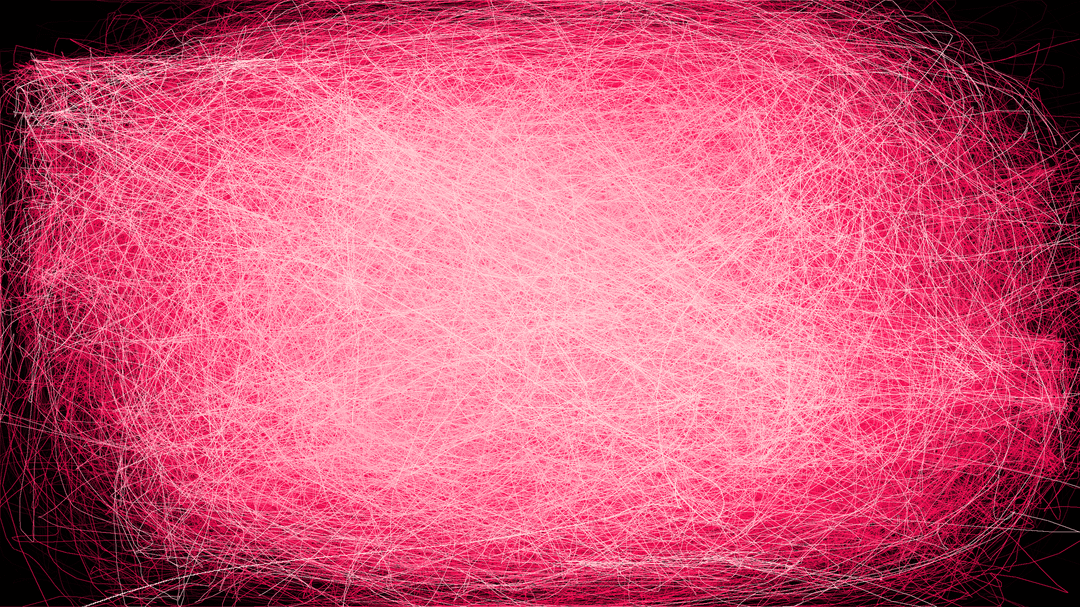
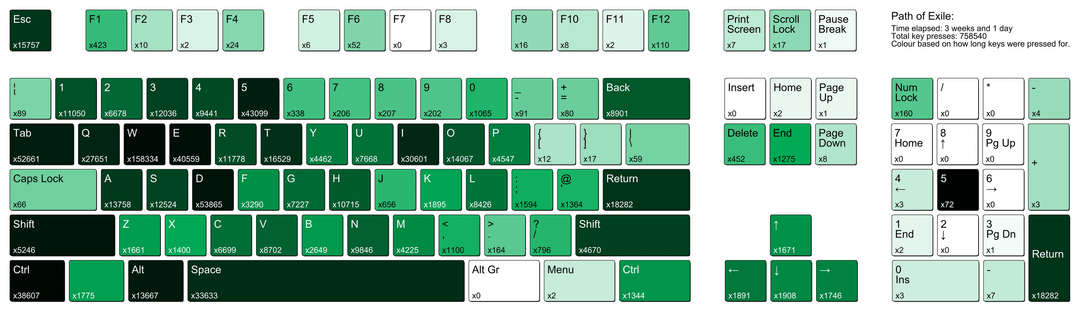
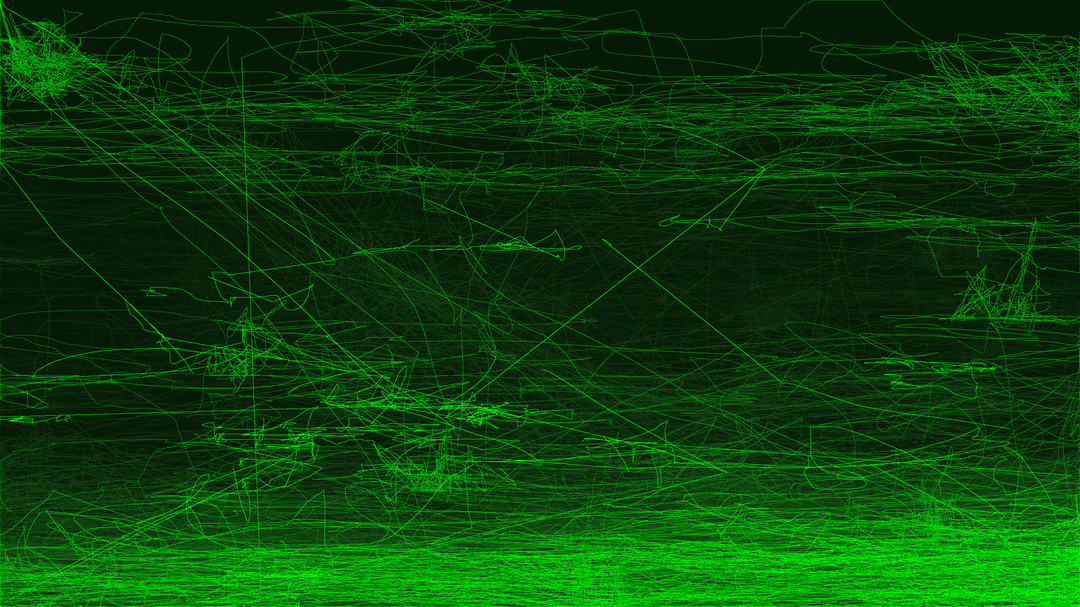
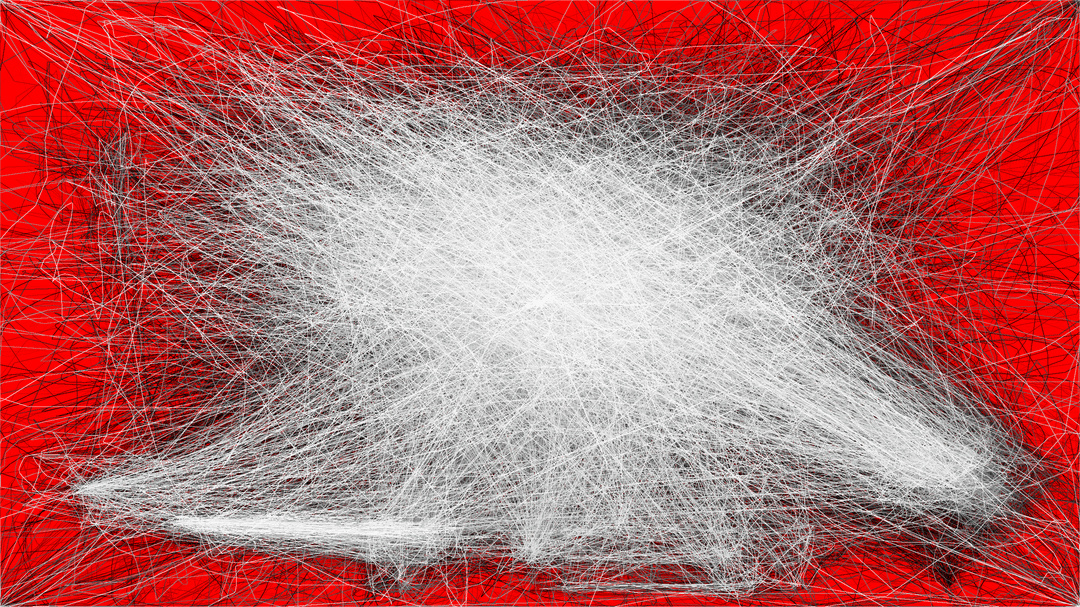
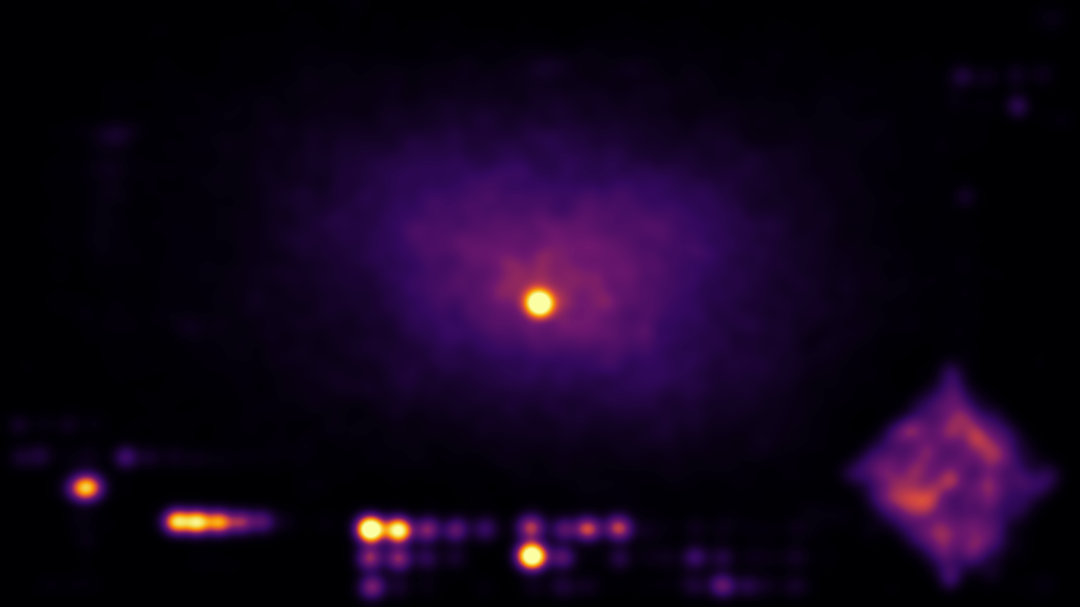

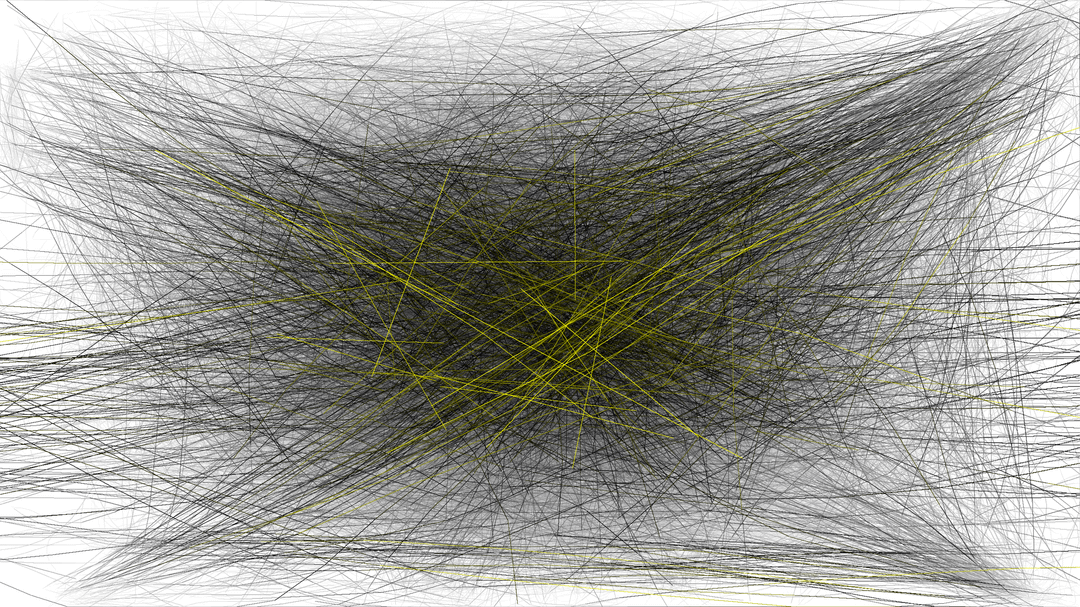
Back in 2017, I made a post to show off my pet project – an application designed to run quietly in the background to track your input data across different games, with the ability to render colourful visualisations of your activity.
I expected it to interest a few hundred people at the most, but the response I got was crazy.
I never quite finished that original version, but half a year ago I decided to pick up the project again to create the long overdue 2.0 update, which I've finally just released.
Some key features:
- Track mouse movements, clicks, keyboard, and controller inputs (you can optionally disable any of these).
- Live render preview in the GUI.
- It's designed to flawlessly handle multiple monitors and different resolutions.
- Older mouse movements gradually fade to keep focus on the most recent activity.
- Data can be recorded for years and rendered at any time.
For anyone who wants to try it out, the project is fully open source and written in Python with PySide6 (currently it's only compatible with Windows).
– Github Project: https://github.com/huntfx/MouseTracks
– Direct Download (.exe): https://github.com/huntfx/MouseTracks/releases/latest
Posted by Peter3571
9 comments
Some *actually* beautiful data. Well done.
POE, keyboard heatmap, number pad #5, what am I missing?
that second image sorta looks like an angel
You’re playing mines this league and are short on glassblower’s baubles
you’re an artist. hit the gallery and museum circuit.
I wish I could make UI and UX designers use this. XD
It would help so much for game design.
Very interesting. Why do you think is the Witcher so different from other games? Very cluttered and not fixated in the center it seems.
sad that i know all them PoE mouse clicks
Torchlight 2 and Titan Quest let’s go those are some fine choices
Cool stuff, looks really cool!
Seeing where the different menus/windows are in the games is really interesting
Comments are closed.