

Andy Walker / Android Authority
Add Android Authority on Google:
TL;DR
Some Pixel and Samsung Galaxy owners say Android Auto repeatedly asks who they want to call or message, even after they provide a contact’s name.
Google’s Android Auto community specialists are collecting diagnostic details to investigate, but there’s no confirmed cause or fix yet.
The complaints come as Gemini rolls out more widely in Android Auto.
Making a hands-free call shouldn’t feel like an interrogation. You say a contact’s name, Android Auto places the call, and your hands stay on the wheel. But for some Pixel and Samsung Galaxy owners, that simple exchange has turned into an endless conversation with a particularly forgetful assistant. No matter how many times they repeat the name, Android Auto keeps asking the same question: Who do you want to call?
The complaints have been piling up on Google’s support forums since early October, with reports involving the Pixel 10, Pixel 10 Pro, Galaxy S24, Galaxy S25 Ultra, and Galaxy S26. Both calling and texting are affected, leaving some drivers unable to reach their contacts through voice commands.
Gemini apparently understands the requested contact well enough to display the correct name on the screen, yet still asks who you want to call or message. It’s not simply misunderstanding what you’re saying. Something appears to be going wrong between recognizing the request and actually carrying it out.
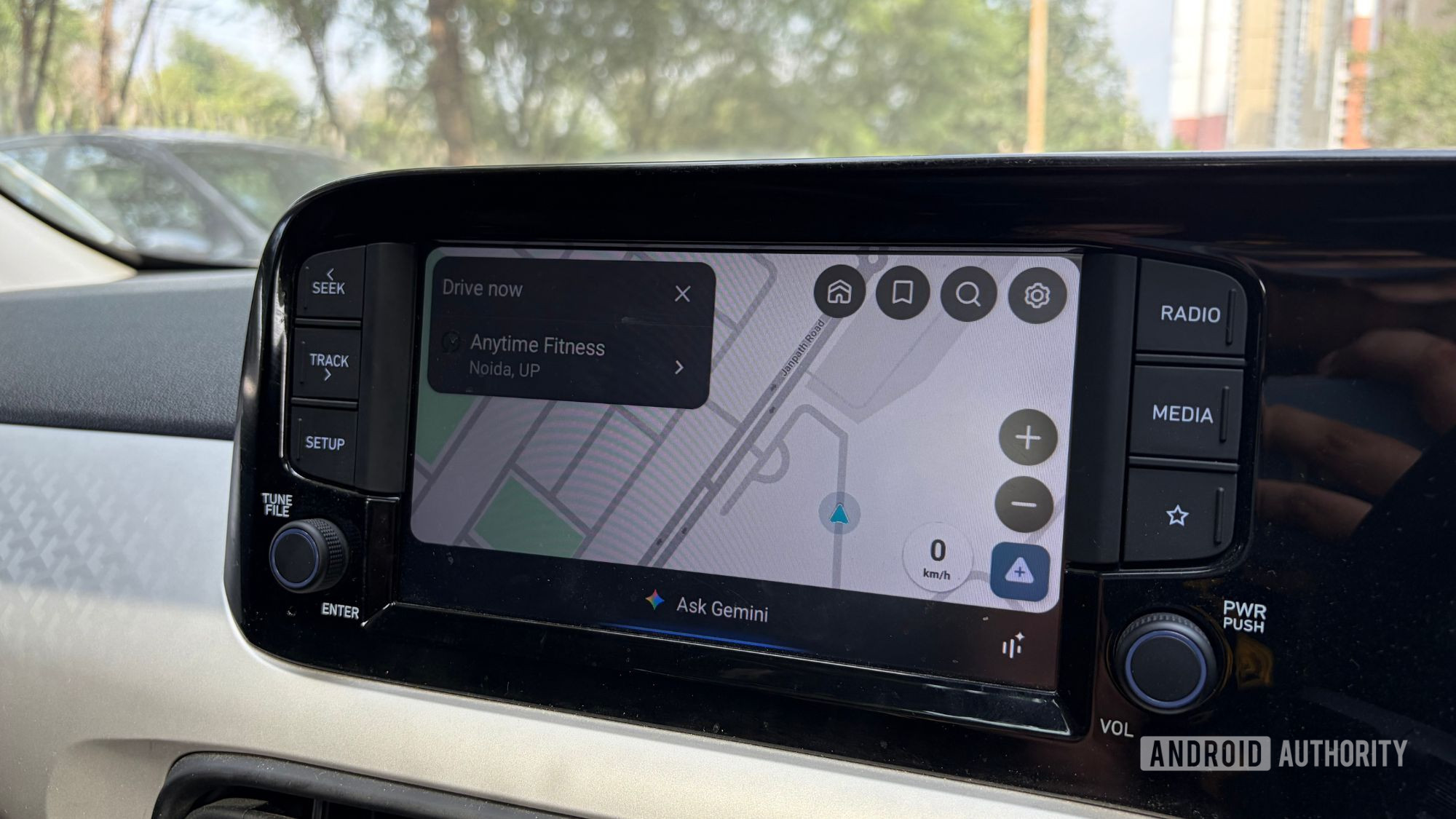
Shimul Sood / Android Authority
In some cases, speaking a phone number directly works, while asking Android Auto to contact someone by name doesn’t. That suggests the issue may involve how voice requests match saved contacts, although the underlying cause remains unknown.
Google is gathering details, but there’s no fix yet
The complaints haven’t gone unnoticed. Android Auto community specialists are actively responding to affected users, requesting information to help the team investigate.
They’re asking for phone models, Android build numbers, Android Auto and Google Play Services versions, vehicle or head unit details, and whether the connection is wired or wireless. They also want to know when the issue began, how frequently it occurs, whether an update preceded it, and whether users are experiencing the problem with Gemini or Google Assistant.
For drivers, this isn’t merely an annoying software quirk. Voice calling and texting are supposed to reduce the need to interact with a phone behind the wheel. When those commands stop working, an important hands-free convenience disappears with them.
We’ve reached out to Google for comment on the reports and whether a fix is in development. We’ll update this article if we hear back.