
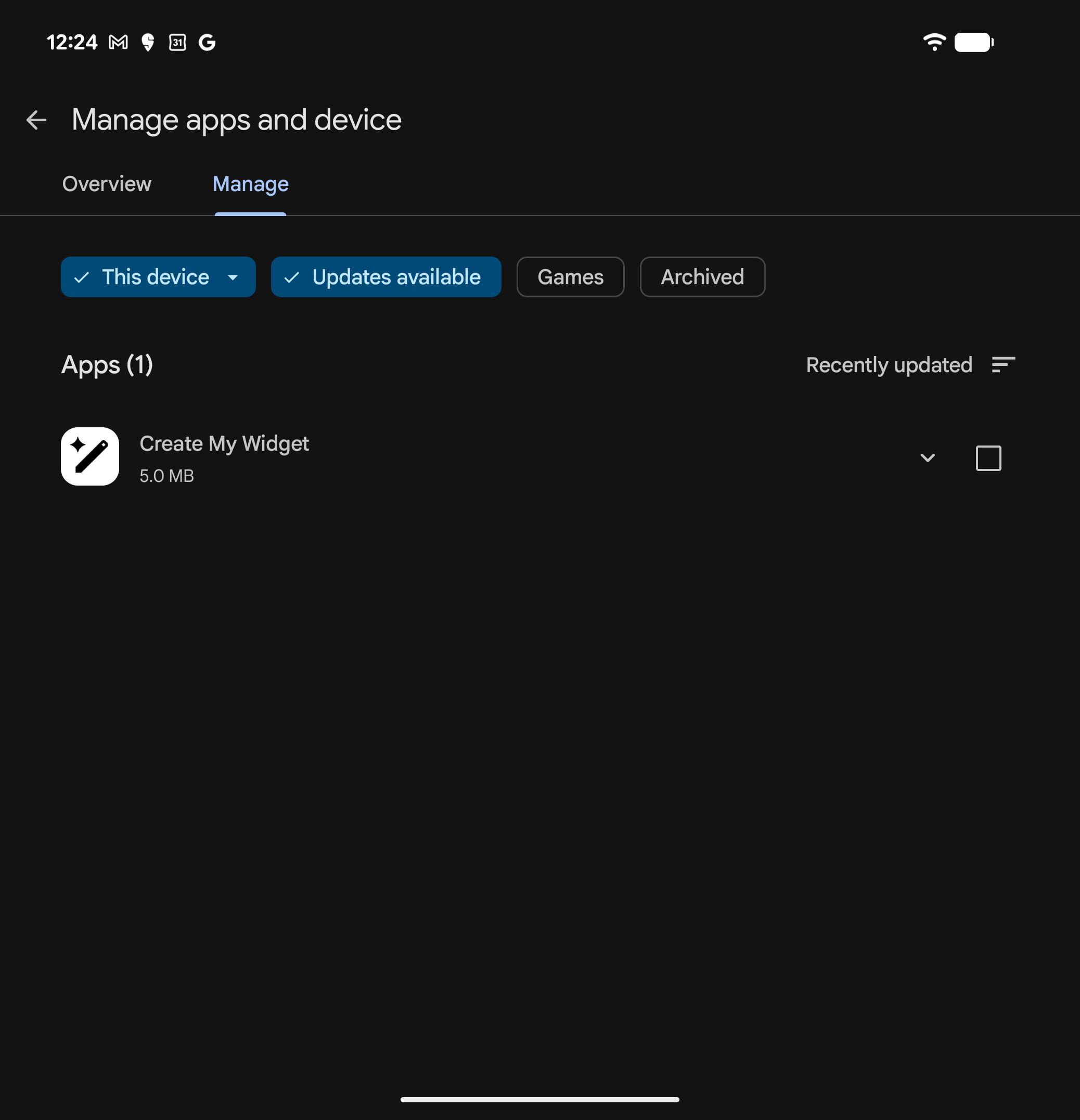
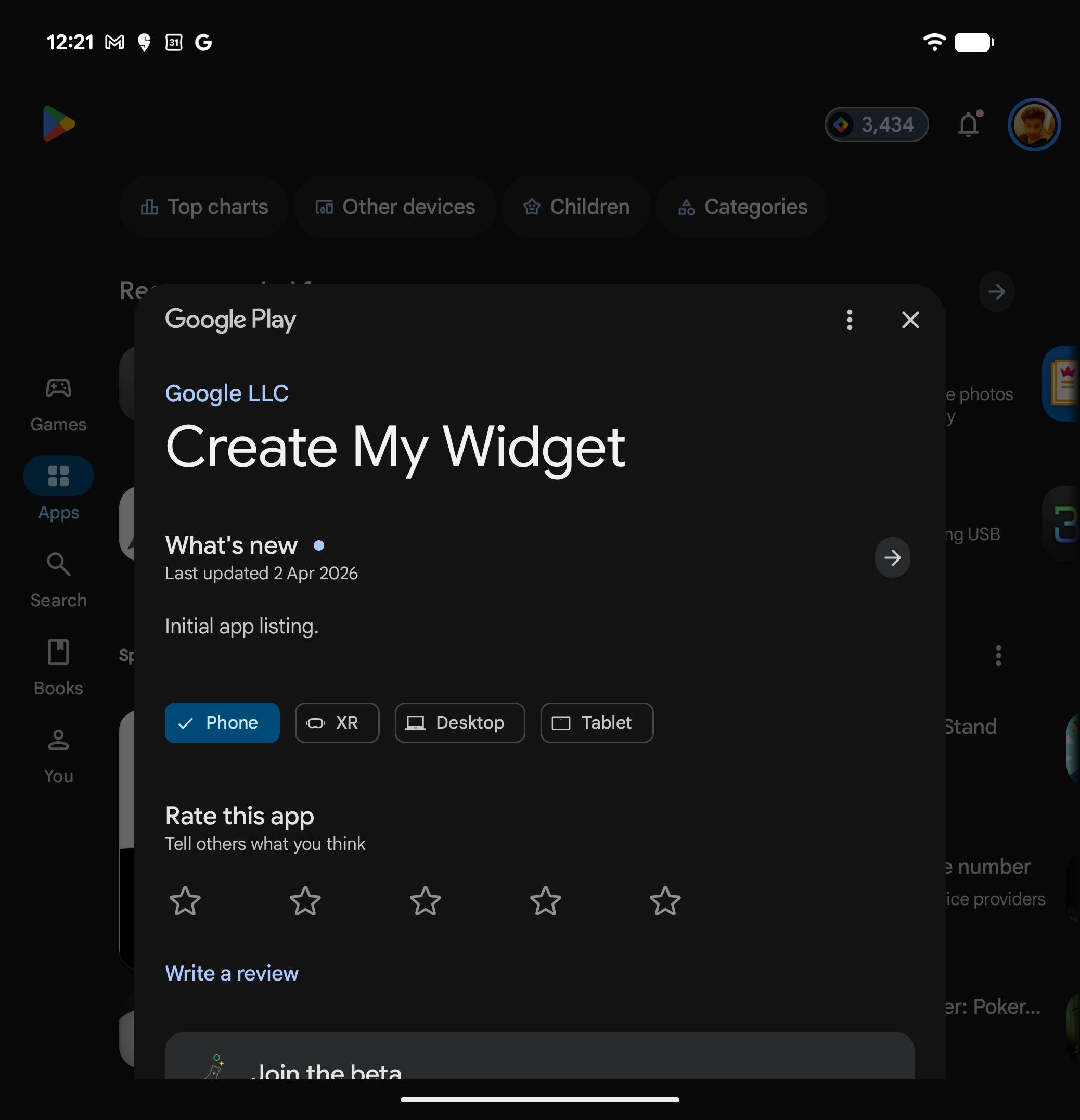
In an era where everyone’s just vibe-coding, Google has decided to drop the “Create My Widget” feature for the early adopters. Originally, this was supposed to be bundled with the November Pixel Drop in line with Android 17 QPR2; but due to the staggered rollout nature of such updates and the discovery of some bugs, this was released separately as a Public Beta Program via the Google Play Store.
What does the “Create My Widget” feature do?
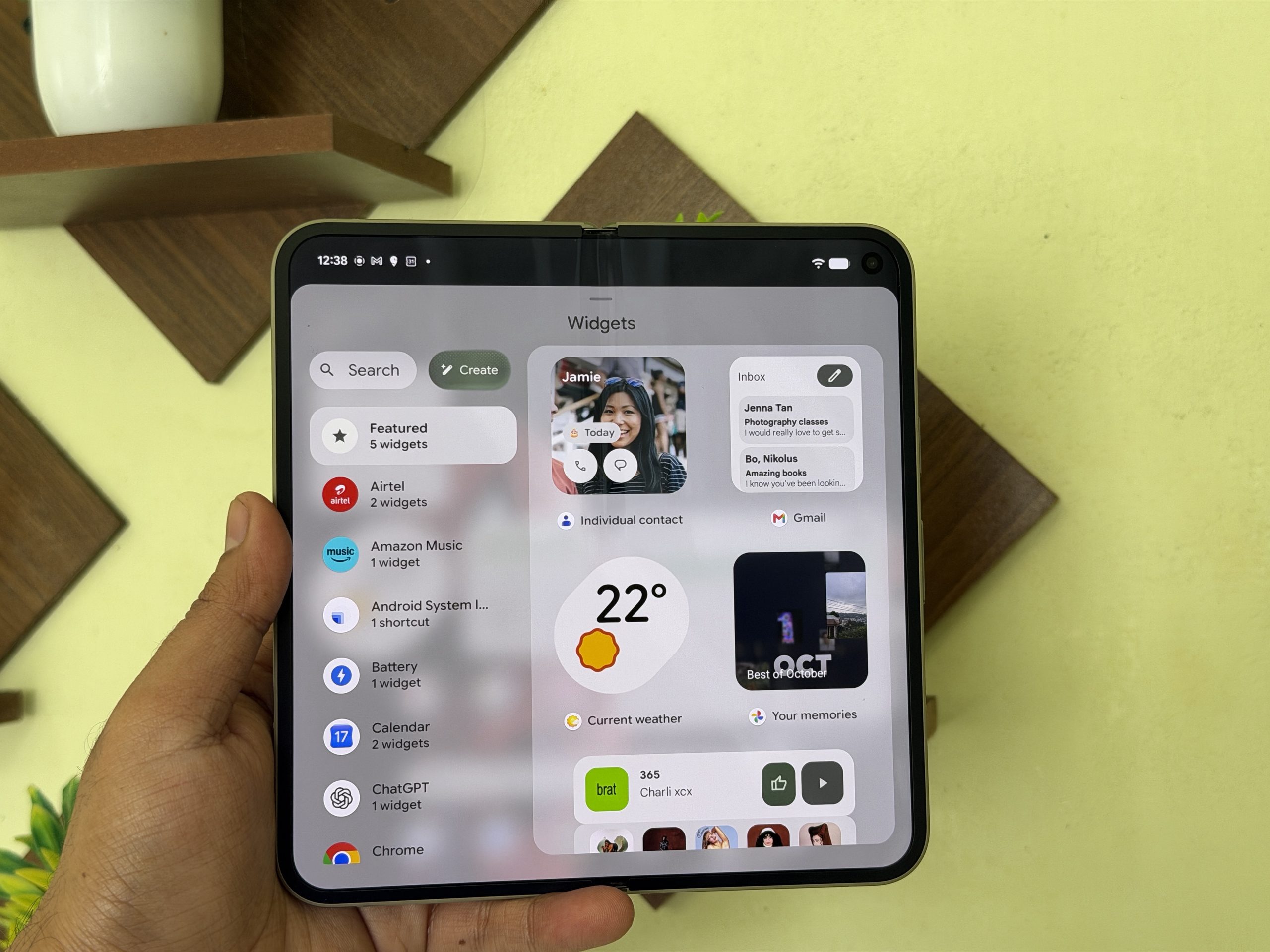
This tool allows you to generate custom widgets via simple English prompts, like tracking countdowns for vacations, birthdays, or even keeping track of sports scores. Pushing further, connecting Google Workspace enables these custom widgets to even pull personal contextual data from apps like Gmail, Calendar, et al.
Google just rolled out the Create My Widget feature for Pixel phones, which lets you create custom widgets using AI.
Pick from a wide range of templates, or simply describe what you want.
Here’s how it works: pic.twitter.com/zmLLCI0uht
— Digital Trends (@DigitalTrends) November 17, 2026
Create My Widget is currently available for Pixel 10 and newer devices (excluding the Pixel 10a). In addition, this brings the current roster to:
Nadeem Sarwar / Digital Trends

Nadeem Sarwar / Digital Trends

Nadeem Sarwar / Digital Trends
Nadeem Sarwar / Digital Trends
Nadeem Sarwar / Digital Trends
English speakers in the US, Australia, Canada, India and the UK are eligible to sign up for the Public Beta on the Play Store.
Related Coverage: