WhatsApp has begun rolling out a new option for iOS users that allows them to operate two accounts within the same app. The rollout aims to help users keep their personal and work communication separate without needing an additional device or a parallel app. Each account functions independently, giving users more control over how they manage conversations and notifications.
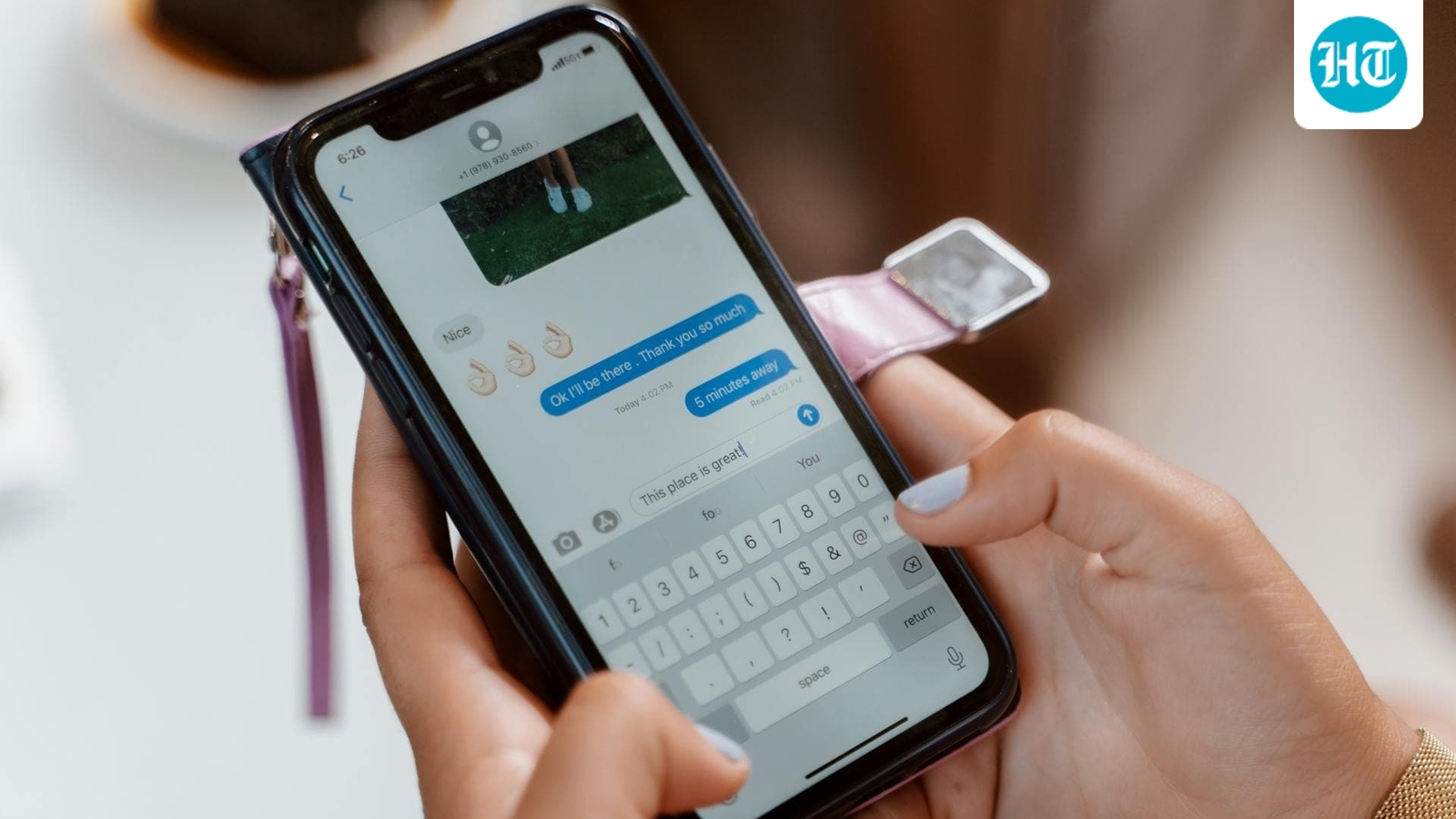
 WhatsApp is bringing multi-account features for iOS users. (Pexels) WhatsApp Multi-Account Setup on iOS
The feature is currently available through the latest WhatsApp beta update for iOS (version 25.34.10.72). Users who have access to the beta can add a second account from the settings menu. WhatsApp allows this setup by linking an existing account, registering a new number, or scanning a QR code to connect a companion account. The QR code method enables automatic syncing for users who already use WhatsApp on another device.
Also read: Planning a trip? Google Maps rolls out four new tools that could save you time and money
Each account operates with its own chat history, backup options, notification preferences, privacy controls, and media settings. This structure ensures that actions on one account do not influence the other. Notifications also identify which account receives a message, helping users avoid mixing conversations when switching between personal and work accounts.
WhatsApp has added multiple ways to switch profiles. Users can view the full Account List, press and hold the Settings tab, or double-tap to move between accounts quickly. App Lock continues to work across profiles, requiring Face ID, Touch ID, or a passcode before opening a protected account. This keeps sensitive conversations secure even when two accounts run in the same app.
Also read: iPhone 17e, budget iPad, and affordable MacBook may launch in 2026, says analyst
Users can remove an account through the Account section whenever needed. WhatsApp also stores previously used numbers, making it easy to sign back in from the Add Account option without repeating the entire setup process. The multi-account feature remains limited to select beta testers for now, and WhatsApp plans to expand availability gradually.
Also read: Vivo X300 vs iQOO 15: Design, display, performance, camera and price compared
Update to the “About” Feature
In other news, WhatsApp recently brought back its “About” text feature with a new presentation. The platform repositioned the option to make short updates more visible, similar to the brief notes format seen on Instagram. WhatsApp said the feature dates back to the early days of the service and is being renewed to make sharing quick status messages easier and more prominent for users.