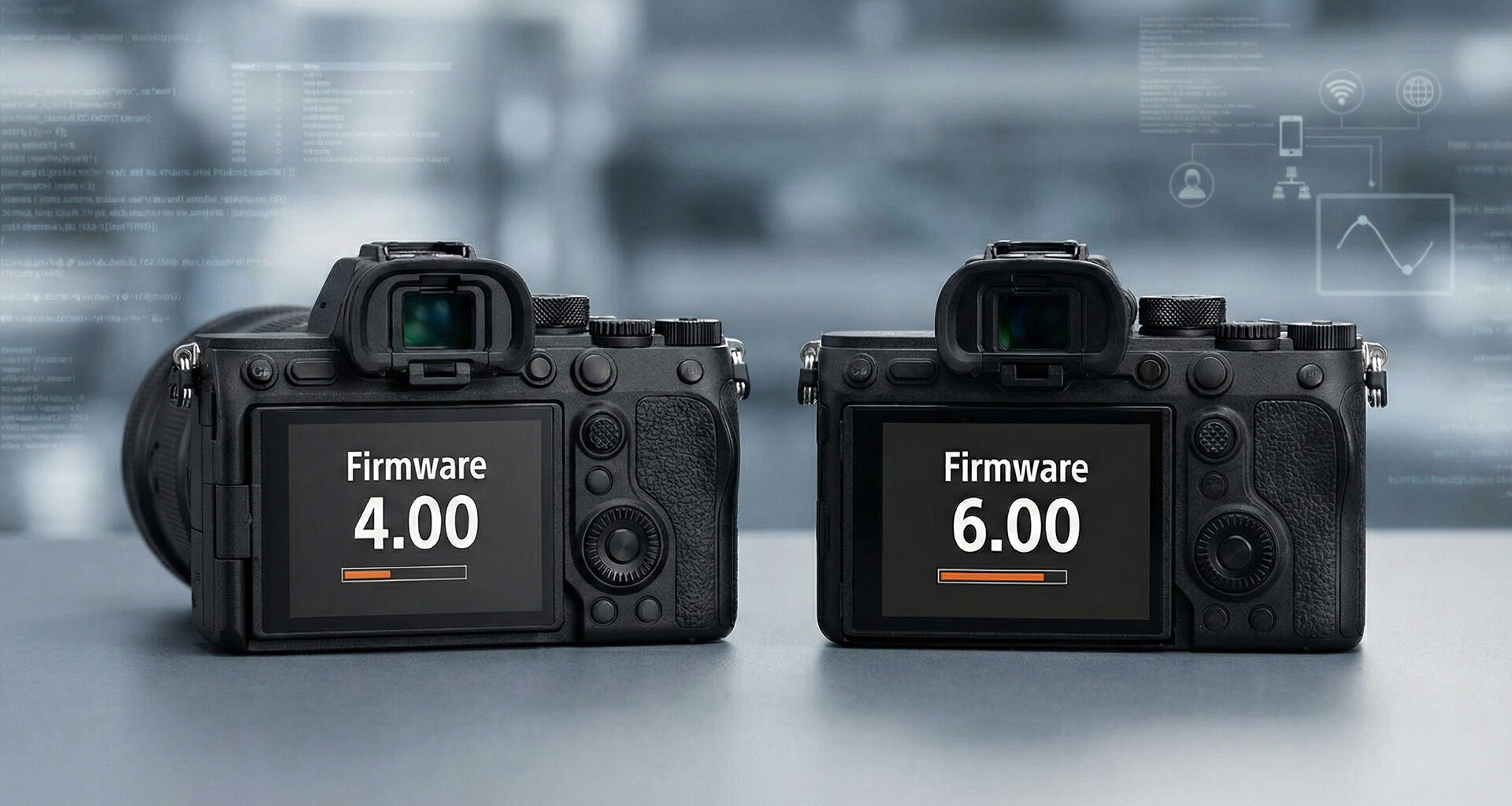
Sony has released substantial firmware updates for two of its popular full-frame mirrorless cameras, bringing the a7R V to version 4.00 and the a7 IV to version 6.00. Both updates deliver expanded autofocus options, improved video workflow tools, and enhanced FTP transfer capabilities that should appeal to working professionals.
The updates (here for the a7R V, and here for the a7 IV) arrive as Sony continues to mature its Alpha mirrorless lineup, adding features that were previously reserved for newer camera bodies. While neither update transforms the fundamental capabilities of these cameras, the cumulative improvements address several workflow pain points that professionals have identified since launch.
New focus area options
Both the Sony a7R V (launch article here) and the a7 IV (video review here) gain several new Focus Area selections that expand creative control over autofocus behavior. The Spot option now includes an XL size, providing a larger target area for subjects that move unpredictably. Custom focus areas receive three new slots (Custom 1, 2, and 3), allowing users to define and quickly switch between different zone configurations suited to their shooting style.
The Tracking options mirror these additions with Tracking: Spot XL and Tracking: Custom 1, 2, and 3 variants. This means photographers can now configure six different custom tracking zones and recall them instantly, a welcome addition for event and sports shooters who frequently switch between subject types.
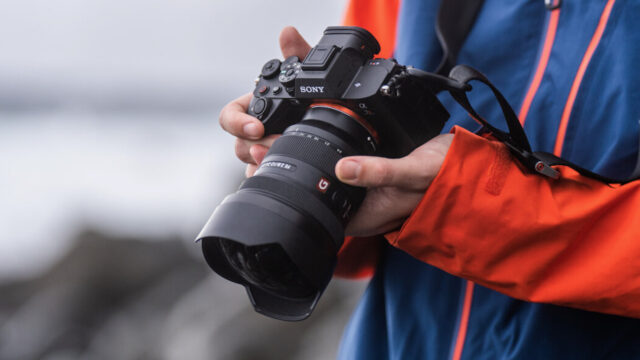 The Sony a7R V in use. Credit: Sony Display and interface improvements
Sony has addressed one of the more requested interface features by adding portrait and landscape orientation support for shooting information overlays. The menu screen can now be displayed enlarged, improving readability in bright conditions or for users who prefer larger text.
A new Golden Ratio grid line type joins the existing options, giving compositionally-minded photographers another framing aid. While some may dismiss grid overlays as beginner tools, the golden ratio in particular can help when composing for fine art or architectural work where classical proportions matter.
Video workflow enhancements
The video-focused improvements will likely generate the most interest among hybrid shooters. During or after recording, clips can now be flagged with three status markers: OK, NG, or KEEP. This simple addition can dramatically speed up the editing process by allowing shooters to mark takes in-camera rather than reviewing everything in post.
When using simultaneous recording or relay recording (automatic media switching), both cameras now display the remaining capacity for both media cards. Relay playback between cards is also now supported, eliminating the need to manually switch slots when reviewing footage that spans multiple cards.
The a7 IV receives one unique addition in this update: the audio level meter now displays constantly during video recording. This was already available on the a7R V, so the update brings feature parity between the two bodies.
 Sony a7 IV. Credit: CineDPlayback and organization features
Image filtering during playback has been expanded to support multiple conditions simultaneously, such as filtering by Rating. Custom key settings can now be assigned to the AF-ON, AEL, and Delete buttons during playback mode, providing faster access to frequently used review functions.
Support for multiple IPTC Presets has been added, allowing photographers who work across different clients or publications to quickly switch metadata configurations. This is particularly valuable for news and editorial photographers who need to maintain accurate caption and credit information across diverse assignments.
Authenticity Camera Solution support
Both cameras now support electronic signature writing for still images and videos as part of Sony’s Authenticity Camera Solution. This feature embeds cryptographic signatures into files at capture, helping verify that images have not been manipulated. The feature requires a paid license and is aimed primarily at news organizations and agencies concerned about image authenticity in an era of generative AI.
FTP transfer and network improvements
The networking capabilities receive significant attention in both updates. Users can now schedule FTP transfers while the camera is still writing to media, and protected files can be automatically queued for transfer. Conversely, files that have been successfully transferred via FTP can be automatically protected to prevent accidental deletion.
Priority transfer for specified images allows urgent shots to jump the queue during batch transfers, a feature that news photographers working on tight deadlines will appreciate. Monitor and Control functionality is now supported, along with focus map display for real-time focus verification.
Security updates and bug fixes
The a7R V update includes several important changes to security protocols. The IPsec function has been removed, with Sony recommending users enable Access Authentication instead. Similarly, WPA and WEP Wi-Fi security options have been deprecated in favor of the more secure WPA2 and WPA3 standards.
Sony has also addressed two specific issues on the a7R V: a bug where focus might not reach infinity during focus bracketing, and a problem where color reproduction could shift during exposure bracketing with lossless compressed RAW when white balance was fixed. Both cameras receive general operational stability improvements.
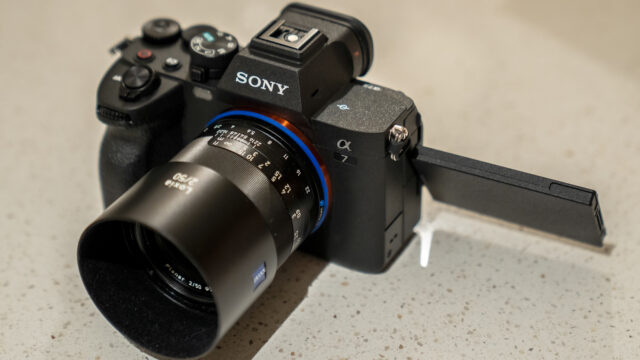 The Sony a7 IV is still a very popular camera. Credit: CineDAvailability
Both firmware updates are available now for download from Sony’s support website. The a7R V update can be found at the ILCE-7RM5 support page, while the a7 IV update is available on the ILCE-7M4 support page.
These updates demonstrate Sony’s continued commitment to supporting cameras well after launch, though the timing has sparked speculation about potential successor announcements. Have you already updated your a7R V or a7 IV, and which new feature are you most looking forward to using? Let us know in the comments below!