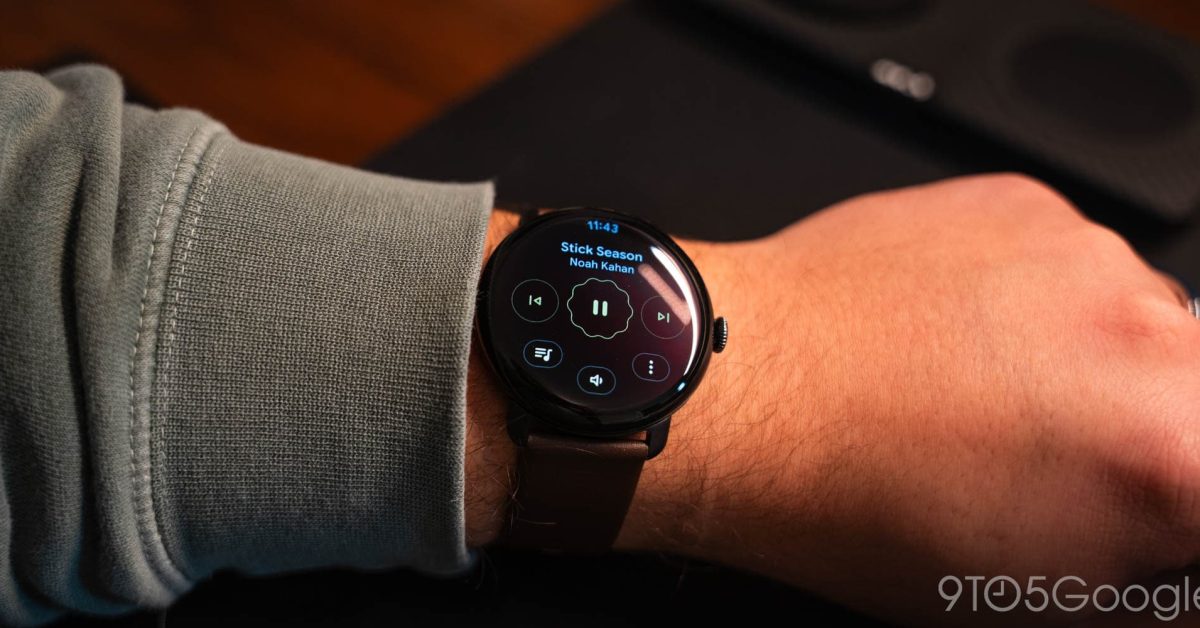
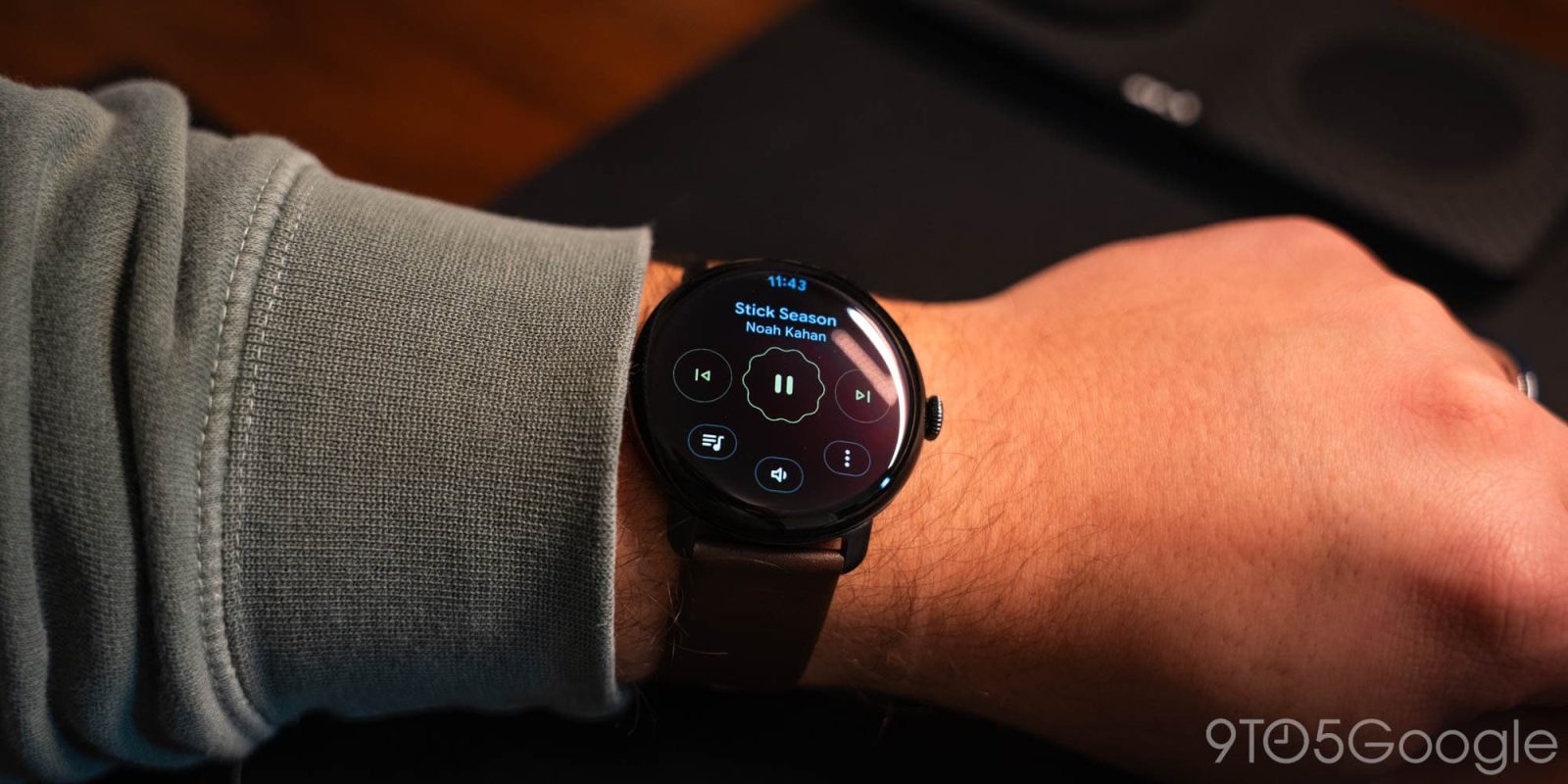
With Wear OS 6, Google promised “more consistent always-on behavior” (AOD), and the Pixel Watch is starting to do this across three key experiences, including the Timer app.
Previously, most Google apps would blur the screen after a few seconds and overlay the clock at the center to conserve resources.
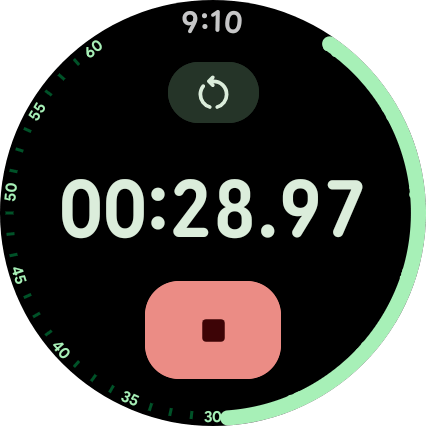
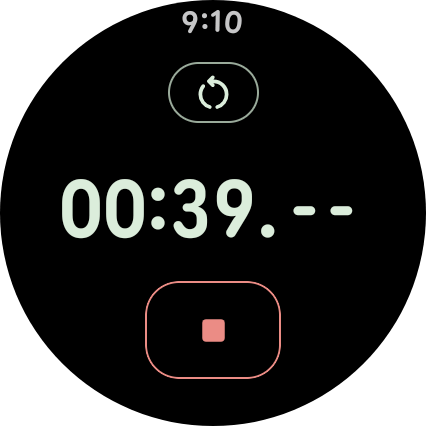
Now, putting your wrist down or having the screen time out when the Timer is active lets you keep using the app. The AOD removes the circular countdown ring. All buttons (restart, end, and pause) get thin outlines that are no longer filled-in, while seconds are replaced by dashes.
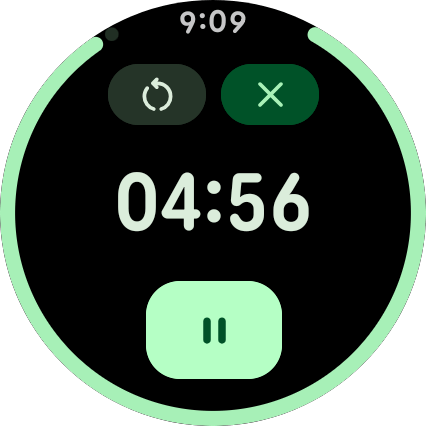
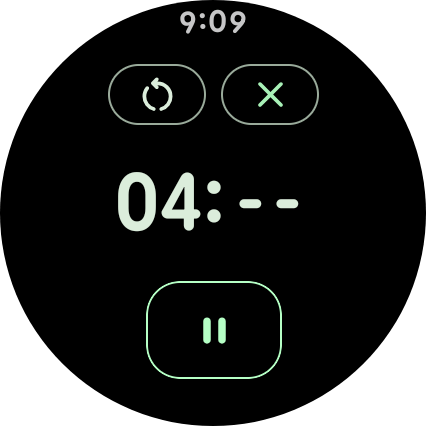
On the Stopwatch, the ring and increment markers also disappear. The buttons are hollowed out, while you lose milliseconds.
Advertisement – scroll for more content
This is rolling out with Google Clock 6.11, which is not yet widely available.
Meanwhile, as previously teased, some users now have always-on display media controls where all buttons switch to the outline style. We’re seeing this on one device (as seen above), but not a second Pixel Watch 4 today. Make sure the Media Controls app is up-to-date in the Play Store.
This joins existing AOD experiences in Google apps like Keep and Maps navigation.


FTC: We use income earning auto affiliate links. More.