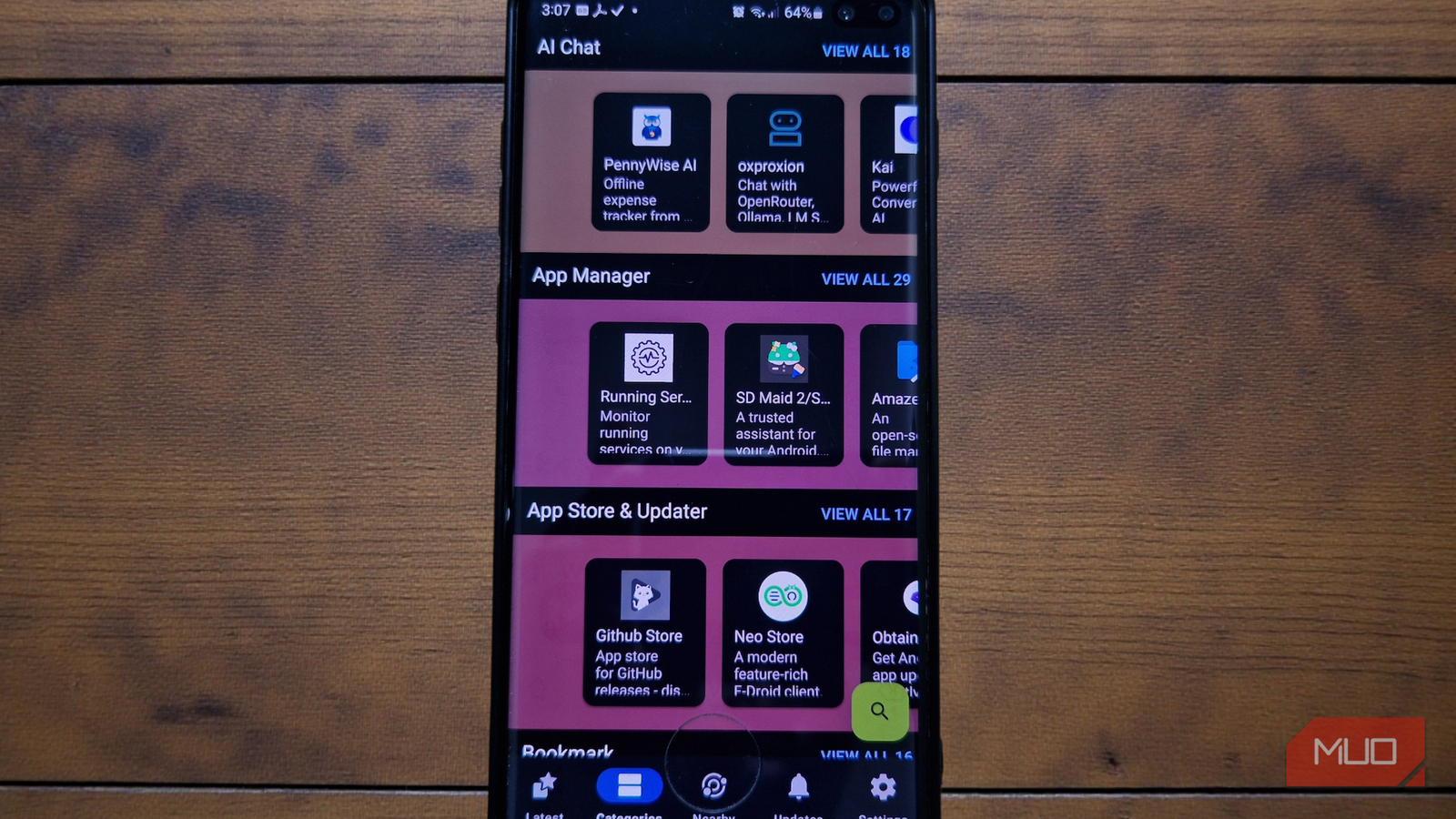
We have been conditioned to believe that the Google Play Store is the beginning and end of the Android experience. It is the default, the ubiquitous marketplace where we trade our data for convenience. But for those willing to step just slightly off the beaten path and explore Google Play Store alternatives, a different paradigm exists. That is F-Droid.
F-Droid is a repository that hosts a suite of free, open-source Android apps that prioritize function over profit. Unlike the proprietary “black boxes” found on the Play Store, these apps are transparent, typically ad-free, and respectful of your digital autonomy. While some open-source alternatives are rough around the edges, others have matured into powerhouses. In fact, finding a polished open-source alternative for every Google app is now entirely possible, offering tools that don’t just mimic their mainstream rivals but actively outperform them.
NewPipe (vs. YouTube)
“Premium” streaming experience without subscription or surveillance
If you watch videos on Android, you probably have a complicated relationship with the official YouTube app. You put up with the double pre-roll ads, the mid-video interruptions, and the fact that locking your screen instantly kills playback unless you’re paying for Premium. NewPipe blows that whole arrangement up.
- OS
-
Android
- Price model
-
Free (open-source)
Discover free and open-source apps with F-Droid for Android. It offers privacy-friendly software without ads, trackers, or hidden costs.
NewPipe is a lightweight, privacy-focused YouTube client that pulls content directly from the YouTube website, without requiring the proprietary Google API or a Google account. And blissfully, you don’t have to deal with ads, pre-rolls, mid-rolls, and sponsored noise sneaking in where it doesn’t belong. In other words, it gives you the YouTube Premium experience for free. You get background playback (perfect for turning video essays into podcasts while you lock your phone) and picture-in-picture mode right out of the box. You can even download video or audio files directly to your storage for offline access.
It’s YouTube, but calmer, and on your terms.

- OS
-
Android
- Price model
-
Free (open-source)
Watch and download videos with NewPipe, a lightweight YouTube alternative for Android. Enjoy ad-free playback, background listening, and privacy-focused features.
OsmAnd~ (vs. Google Maps)
Maps the world in incredible detail without needing a signal
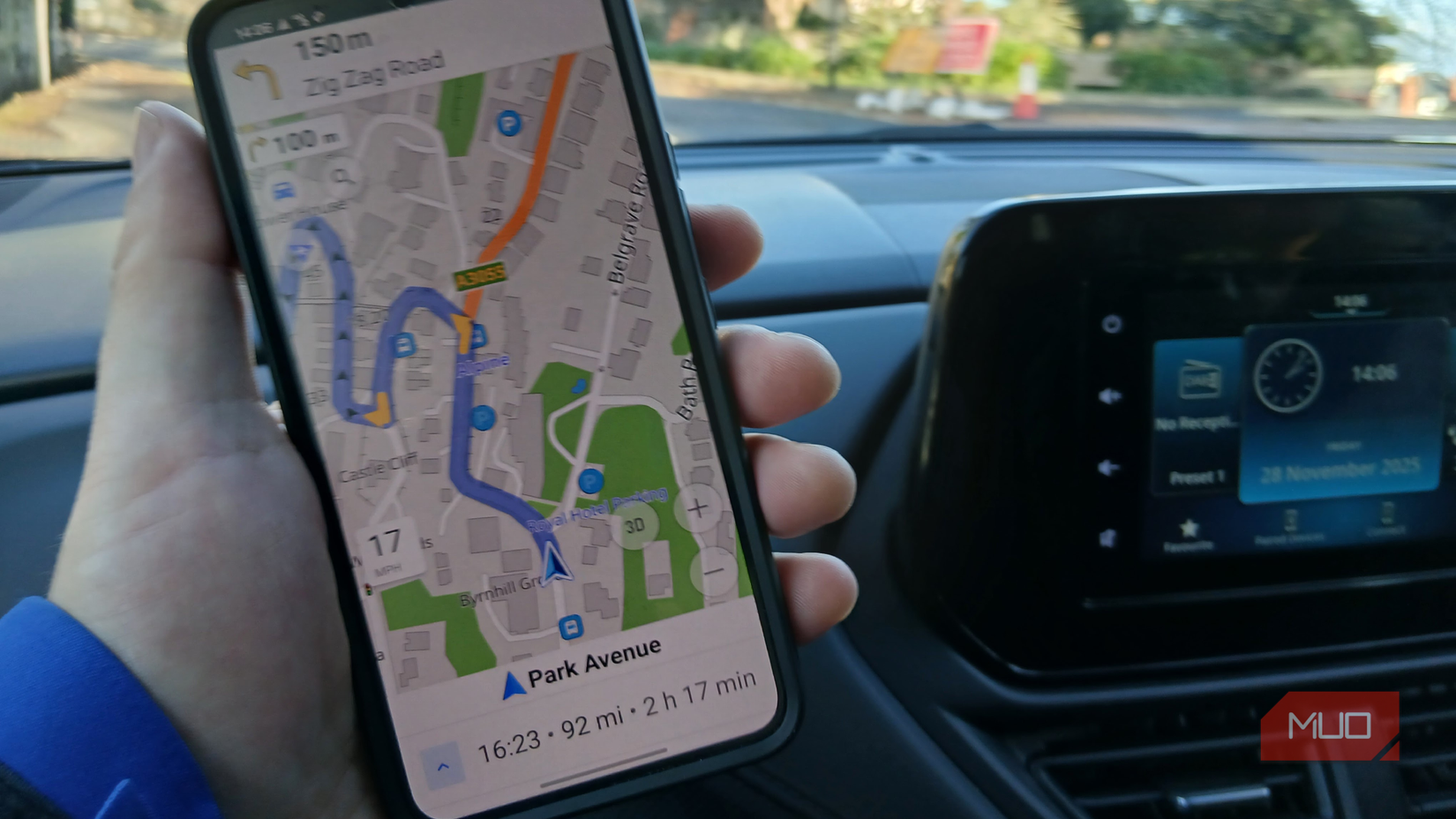
Google Maps is less of a map and more of a business directory that tracks your movements to serve location-based ads. The traffic data is excellent, I’ll give it that. However, its offline capabilities are quite brittle, often expiring or limiting the size of the area you can save.
OsmAnd~ (the tilde denotes the F-Droid version, which unlocks the “Unlimited” features for free) takes a different approach. It utilizes OpenStreetMap (OSM) data to offer true, vector-based offline navigation. You download entire countries or regions once, including Wikipedia data, hill shading, and contour lines, and they reside permanently on your device. This makes OsmAnd especially valuable for hikers, travelers, and anyone spot-scoped in areas with spotty reception.

no attribution – https://www.pexels.com/photo/people-walking-in-the-middle-of-the-road-3604879/
Related
6 Reasons You Should Use OpenStreetMap Instead of Google Maps
OpenStreetMap is a popular community-driven map tool. But does it offer enough over Google Maps? Here are the top reasons you should use it instead.
It has a steeper learning curve than Google Maps, but once you configure the map layers to your liking, it becomes clear how much depth and detail you have been missing all along.
Aegis Authenticator (vs. Google Authenticator / Authy)
Secures your keys without locking the door
Credit: Gavin Phillips / MakeUseOf
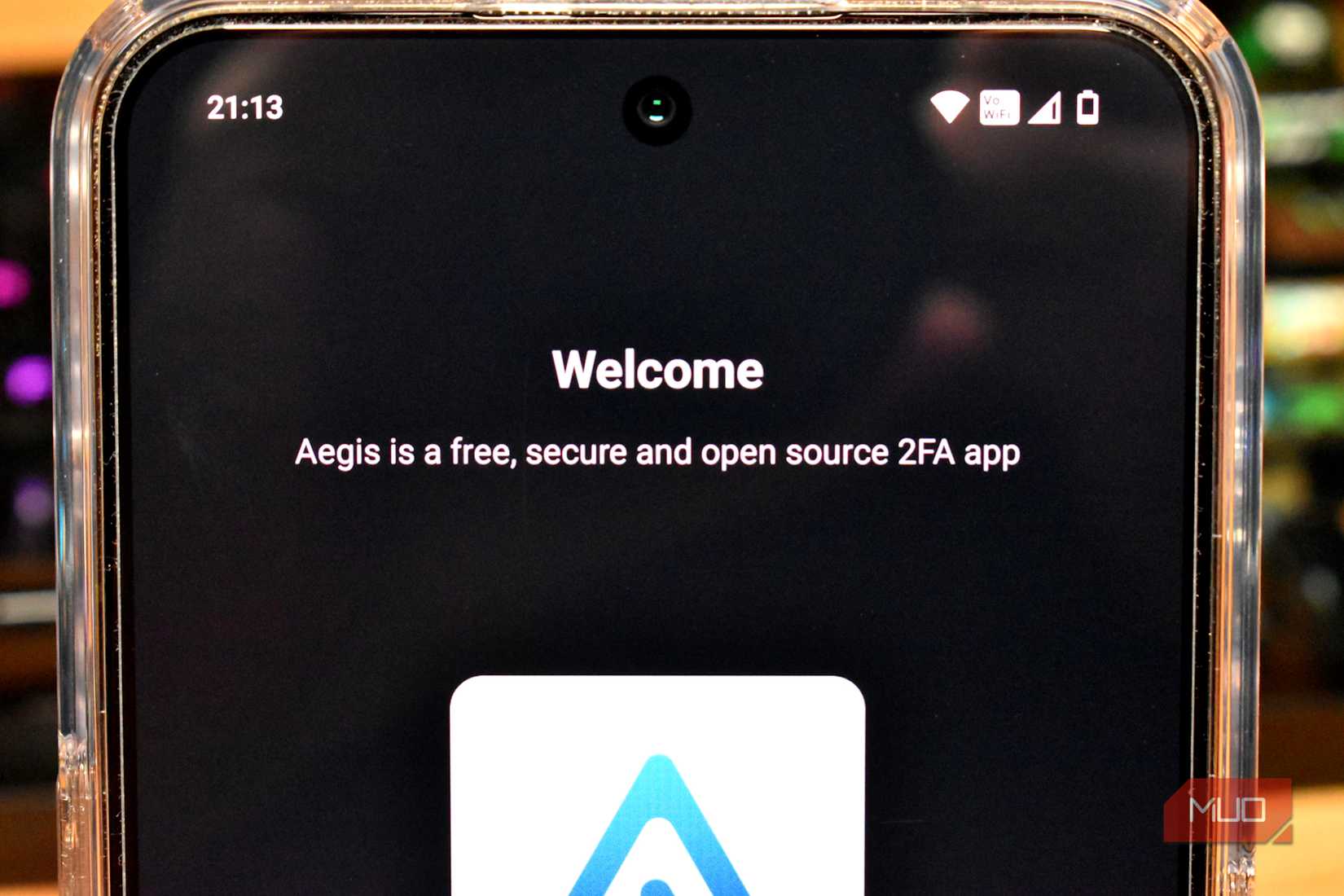
Two-factor authentication (2FA) is essential, but apps like Google Authenticator and Authy have a major flaw: they often lock you into their ecosystems. If you lose access to your Google account or if Authy decides to sunset its desktop app (as it recently did), you could be in trouble.
Aegis Authenticator treats your security codes as you would your data. It is a strictly offline, encrypted vault for your 2FA tokens. The interface is clean and modern, supports biometric unlock, but its superpower is the backup system. Aegis allows you to export your entire token vault as an encrypted file that you can store wherever you choose, whether that is a PC, a USB drive, or your own cloud storage.
This prevents “vendor lock-in.” You are free to move your keys to another app whenever you want, since Aegis provides the raw data. Compared to Google Authenticator, which only recently introduced cloud syncing and still lacks end-to-end encryption by default, Aegis offers a level of security sovereignty vital to the keys to your digital life.
- OS
-
Android
- Price model
-
Free
- Platform
-
Mobile
Aegis Authenticator is a secure and open source app for Android to manage 2-step verification tokens for online services. It allows you to export or import from a wide variety of 2FA apps and has support for automatic backups.
K-9 Mail / Thunderbird for Android (vs. Gmail)
Bring desktop-class dominion to your mobile inbox
For years, the open-source email situation on Android was fragmented, with K-9 Mail carrying the torch almost single-handedly. Now that K-9 has officially transformed into Thunderbird for Android, mobile email has a flagship contender that rivals Gmail’s dominance.
Gmail tends to run your inbox through its algorithms, scanning and sorting messages into buckets like Promotions or Primary. It works, but it often comes at the expense of privacy. K-9 Mail goes in the opposite direction. Everything is chronological and under your control. Its killer feature is the Unified Inbox, which pulls emails from all your accounts into one clean, color-coded list, without routing your credentials through some mysterious middleman server.
What really gets me is how much control it gives you without feeling overwhelming. You get push email via IMAP IDLE, built-in support for OpenPGP encryption, and fine-grained sync options that let you decide how much data your phone should pull down. While it lacks the AI-generated “smart replies” of modern proprietary clients, it makes up for it with speed, battery efficiency, and the peace of mind that your email client isn’t reading your mail over your shoulder.
- OS
-
Android
- Price model
-
Free (open-source)
Manage your emails securely with K-9 Mail, the powerful open-source email client. It supports multiple accounts, encryption, and fast, reliable message syncing.
Heliboard (vs. Gboard)
Smart typing features without the privacy invasion
Tashreef Shareef / MakeUseOfCredit: Tashreef Shareef / MakeUseOf
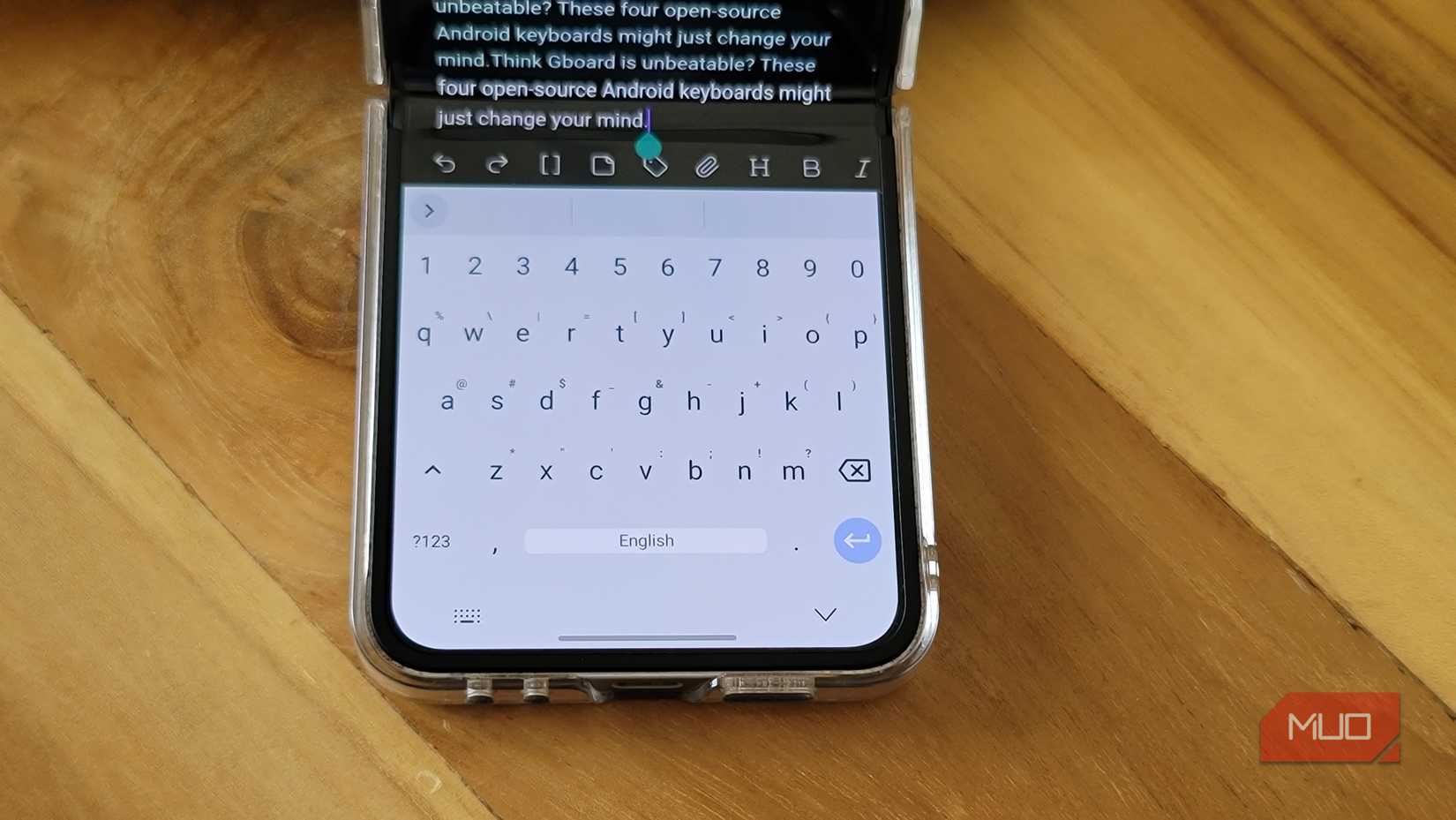
Your keyboard is arguably the most sensitive piece of software on your phone. It sees every password, private message, and search query you type. Handing that level of access to a proprietary app like Gboard requires a lot of trust, especially when it routinely sends usage statistics and learning data back to Google’s servers. Heliboard exists as a good alternative. It is a fork of the open-source OpenBoard, itself rooted in AOSP, built to deliver a modern typing experience without surveillance baked in.
Heliboard operates entirely offline. It does not even request internet permission from Android, which means it is technically incapable of transmitting keystrokes to the cloud. Despite that hard boundary, the look and layout closely echo Gboard. You still get themes, a configurable toolbar, and solid multi-language support, making it one of the best open-source Gboard alternatives without sacrificing privacy.
Another good thing about Heliboard is that it brings back the customization that Gboard has slowly removed. You can adjust the keyboard’s exact height, tweak the duration of a “long press,” and micromanage your clipboard history.
If you rely on glide typing, Heliboard does support it, but you will need to load a language library manually in the settings.

HeliBoard Keyboard Logo tashreef shareef
- OS
-
Android
- Price model
-
Free
HeliBoard is an Android keyboard app that combines customizable themes, advanced gesture controls, clipboard management, and powerful shortcuts, enabling you to enhance typing speed, efficiency, and personalization on mobile devices.
Take back control, one app at a time
The beauty of the Android ecosystem is that you aren’t stuck with the defaults. While big tech designs apps to funnel you deeper into its ecosystems and quietly monetize your behavior, the open-source community is busy building tools with a simpler mandate: to work for you.
You don’t have to “de-Google” your entire digital life overnight, but swapping out these five daily drivers is a good way to start reclaiming ownership of your device.