Millions of iPhone users now have a critical fix.
AFP via Getty Images
Apple has just surprised hundreds of millions of iPhone owners, pushing all users to ditch iOS 18 for iOS 26.2 if they own an eligible device — any iPhone 11 or newer. This protects you against current spyware attacks, which Apple warns are ongoing. But it also can defend you against the airport hacking threat flagged by TSA this year.
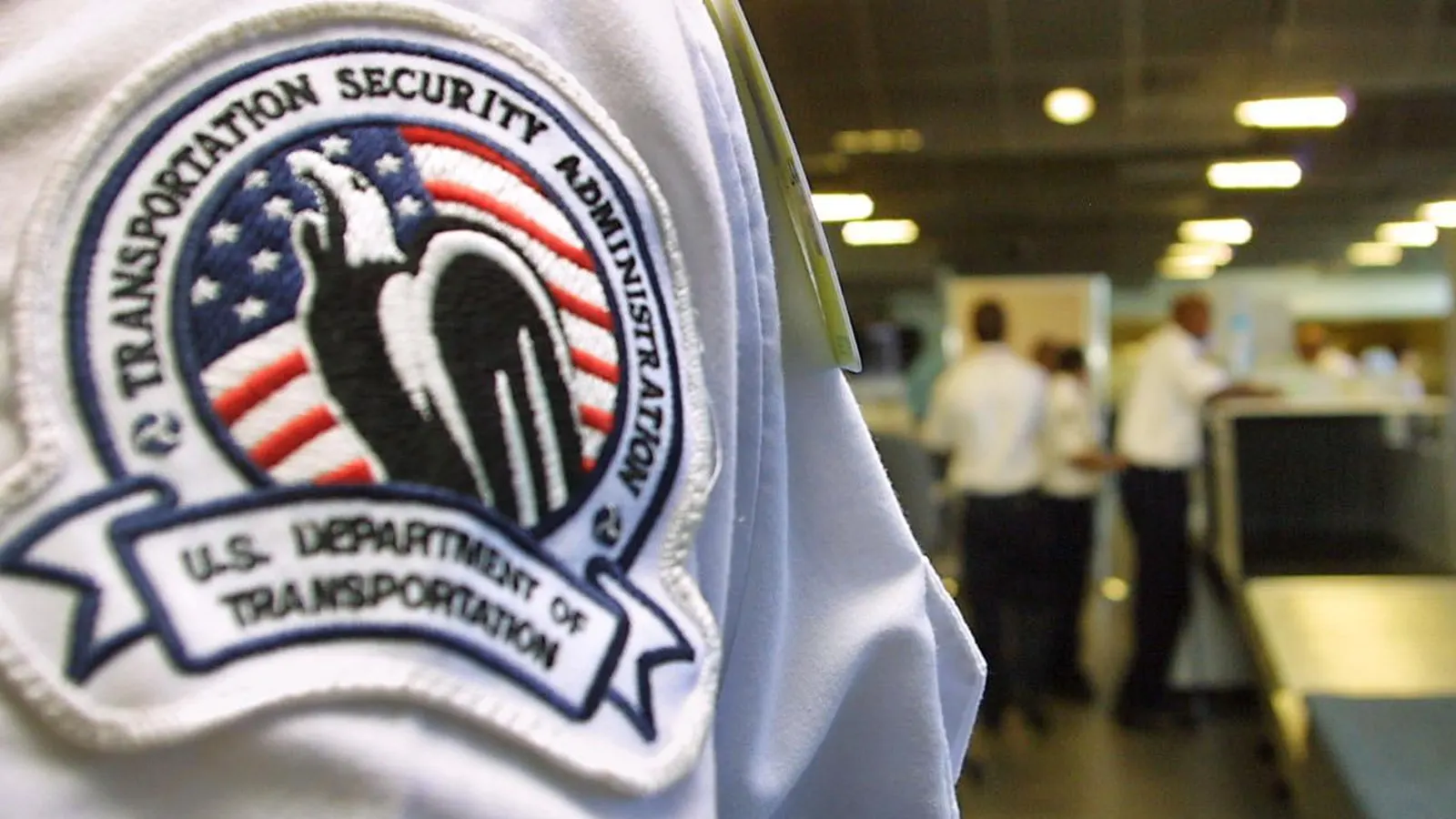
“When you’re at an airport,” TSA says, “do not plug your phone directly into a USB port,” because, it warns, “hackers can install malware at USB ports.”
ForbesHow To Check If Your iPhone Has Apple’s Critical New UpdateBy Zak Doffman
Fortunately, Apple has addressed this in iOS 26 — which means iPhone users upgrading now from iOS 18 per Apple’s mandate can protect their phones. This only applies to phones with USB-C ports — iPhone 15 and iPhone 16, with iPhone 17 already on iOS 26.
Per TSA’s warning, upgrade your iPhone before you fly to ensure this hacking threat doesn’t catch you out. Apple doesn’t enable the protection by default. You need to change your settings. Here’s what you do:
Go to Settings > Privacy & Security > Wired Accessories.
iOS 26: Wired Accessories
Apple / @UKZak
Enable either “Always Ask” or “Ask for New Accessories.” The other two options, “Automatically Allow When Unlocked,” which is the default, and “Always Allow” do not protect you against this threat, unless your iPhone is always locked when charging.
Hijacking charging connections to connect to phones is known as “juice jacking.” It’s highly controversial, with more warnings than proven attacks. But Apple, Google and Samsung are all now tightening device defenses against malicious data connections. Take that as a good sign you need to enable the setting and do the same.
With hundreds of millions of iPhone users now installing iOS 26 for the first time, there are two other critical security changes to note. First, Safari now adds fingerprinting protection to Safari for all browsing, not just private browsing. This follows Google’s controversial decision this year to unban this secretive user tracking.
ForbesPorn Hack—Pornhub Warns Users ‘May Receive Emails’ From HackersBy Zak Doffman
And second, you can filter scam calls from your Phone settings, with the option top have iPhone screen unknown callers in real-time for their name and reason for calling. And in your Messages settings, you can filter spam into its own folder. This should catch most scam texts as well. Both these features mirror Google’s recent Android updates.
There has been a known issue for some users, with these settings greyed out. There is no workaround, other than a hard reset. We’re told this will be fixed imminently.