Ever wondered why your phone’s display turns off when you’re on a call or bring it close to your face? That’s the proximity sensor detecting if you are using the earpiece to talk, thus turning off the display to prevent accidental touches and save battery. Sensors on your phone do a lot more than you realize, and some are hidden so well that you’ll never realize they exist.
Other sensors in your phone include a magnetometer, a barometer, an accelerometer, a gyroscope, and even a temperature sensor on some devices. Most of these work silently in the background, but with the right apps, you can put them to use in ways you probably haven’t considered.
Ambient light sensor
Detects the brightness level of a room
Tashreef Shareef / MakeUseOfCredit: Tashreef Shareef / MakeUseOf
The reason your phone adjusts its display brightness based on the room’s lighting is the ambient light sensor. It sits near the front camera, constantly measuring how bright or dim your surroundings are so your phone can adjust screen brightness accordingly. It’s a small but clever bit of hardware doing the work behind the scenes.
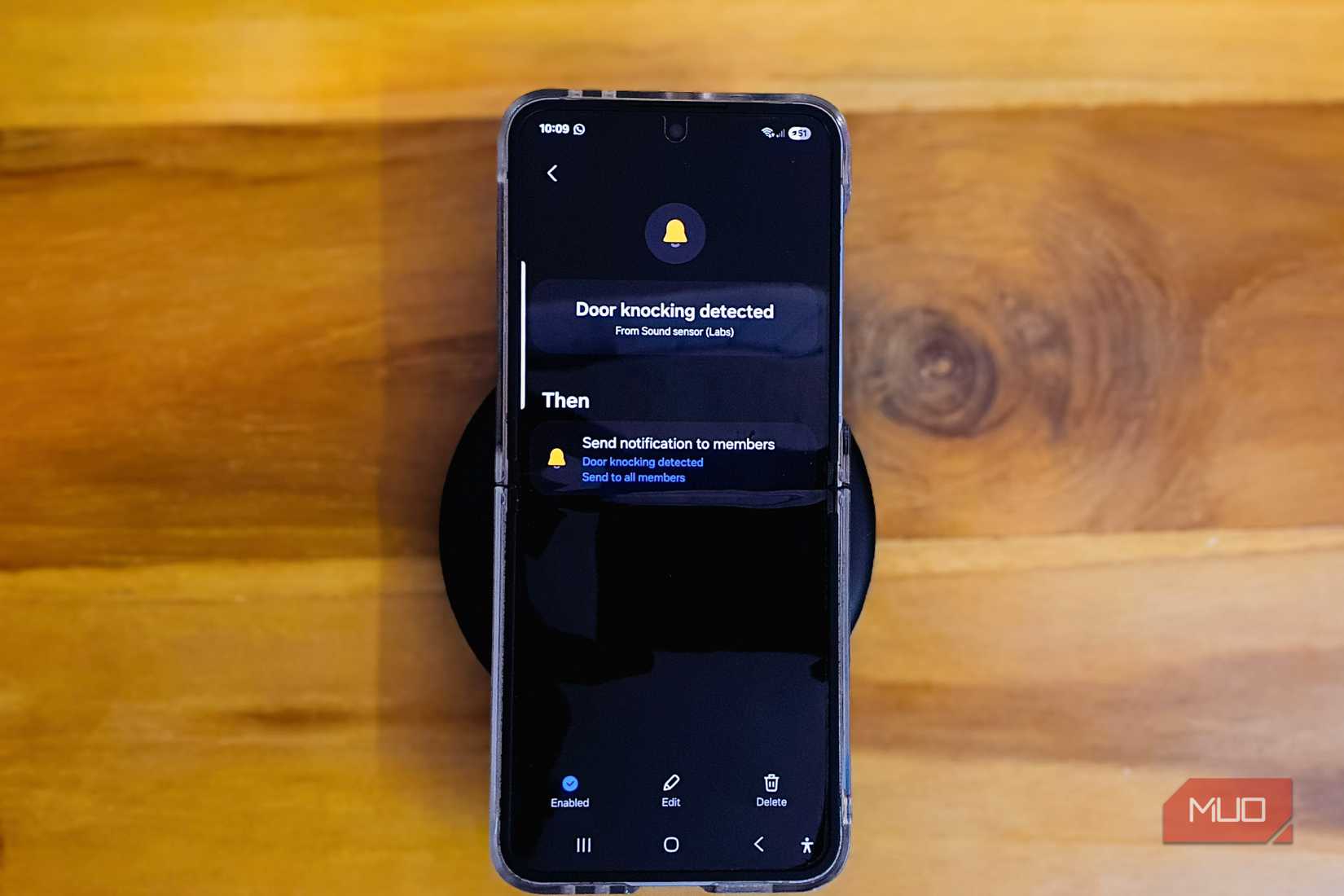
Beyond automatic brightness, this sensor has some interesting uses. If you own an old Samsung Galaxy phone, you can turn it into a smart home sensor using Samsung’s Upcycling program. The light sensor measures room luminance on a scale of 1 to 7, which you can use to trigger automations in SmartThings. For instance, when your home gets dim during cloudy afternoons, you can configure the sensor to trigger the desk lamp automatically based on the current brightness level rather than sunset times.
Temperature sensor
Measures real-world temperatures on Pixel Pro devices
Hannah Stryker / MakeUseOfCredit: Hannah Stryker / MakeUseOf
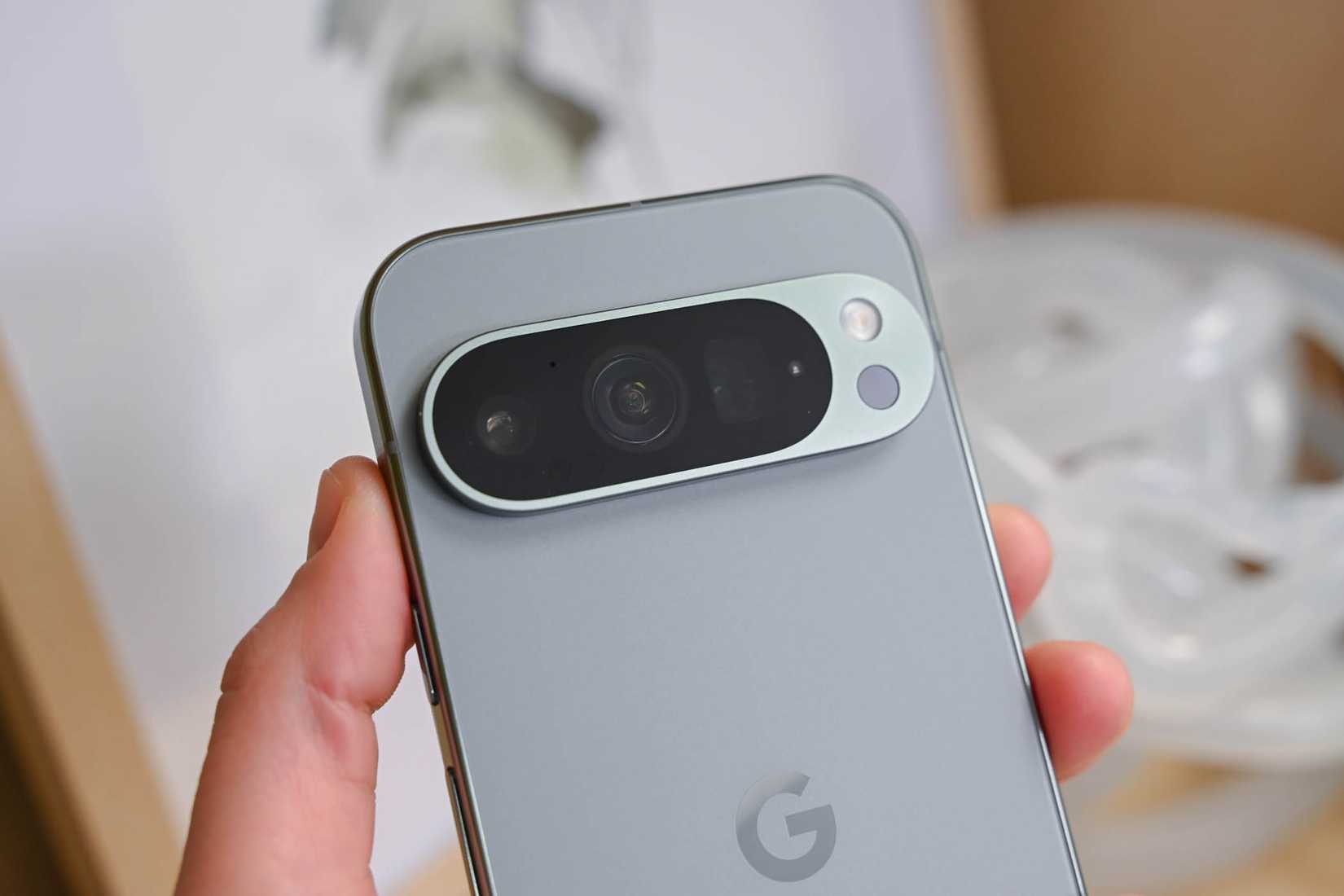
If you have a Pixel 8 Pro or newer Pro model, there’s another small circle on the camera bar next to the flash. That’s an infrared temperature sensor, and it does exactly what you’d expect, which is to measure the temperature of objects you point it at.
You can use it to check if a pan is hot enough before adding oil, or check if the food has cooled down, or measure liquid temperatures. Around the house, it helps detect drafts near windows or compare wall temperatures between rooms.
However, this sensor only exists on Pixel Pro models like the Pixel 8 Pro, 9 Pro XL, and 10 Pro. Standard Pixel devices and other Android phones don’t have it. It would’ve been nice to see this on more devices, but for now, it remains a Pixel Pro exclusive.
3-axis accelerometer
Tracks motion and orientation in three dimensions
Tashreef Shareef / MakeUseOfCredit: Tashreef Shareef / MakeUseOf
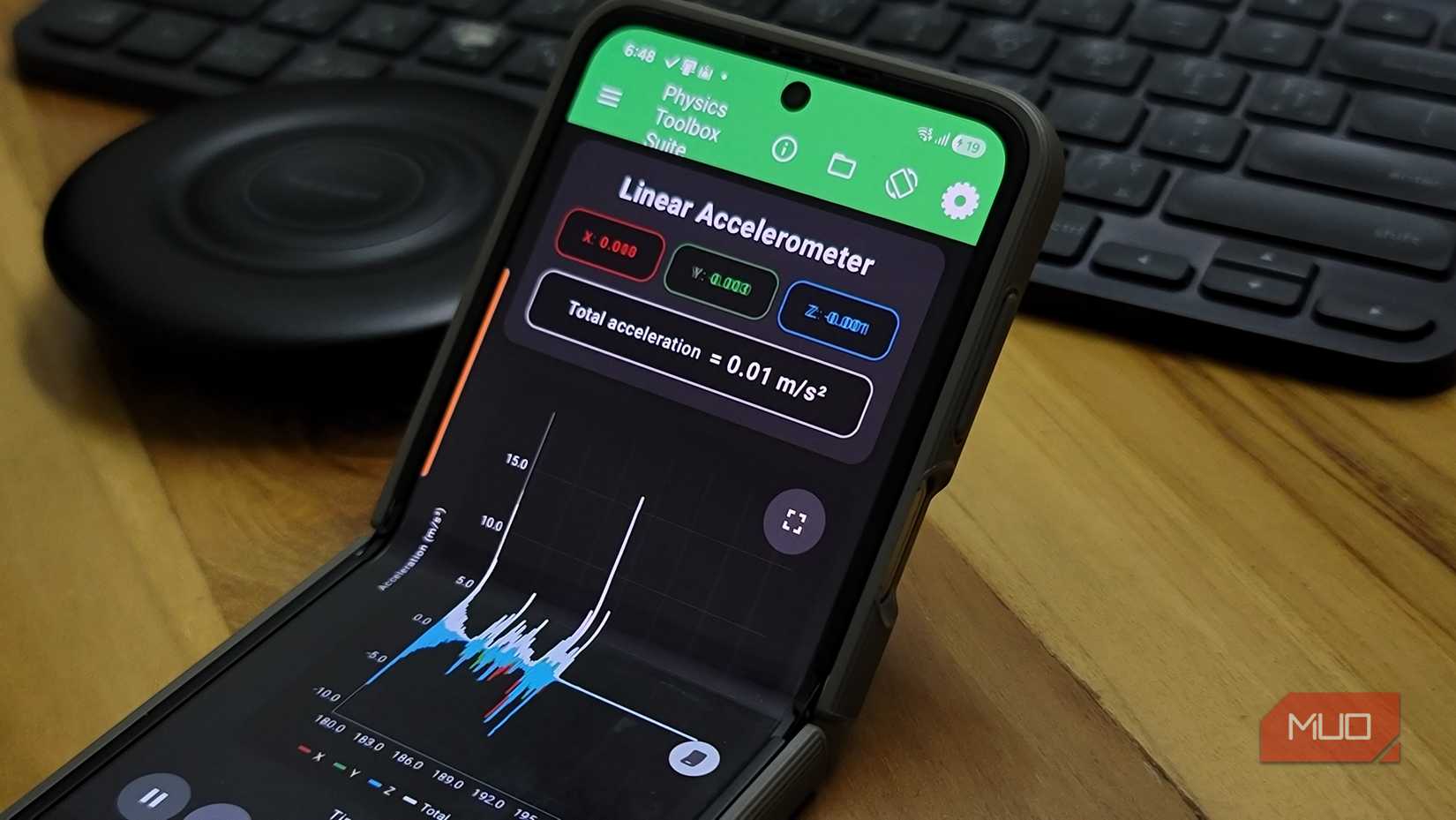
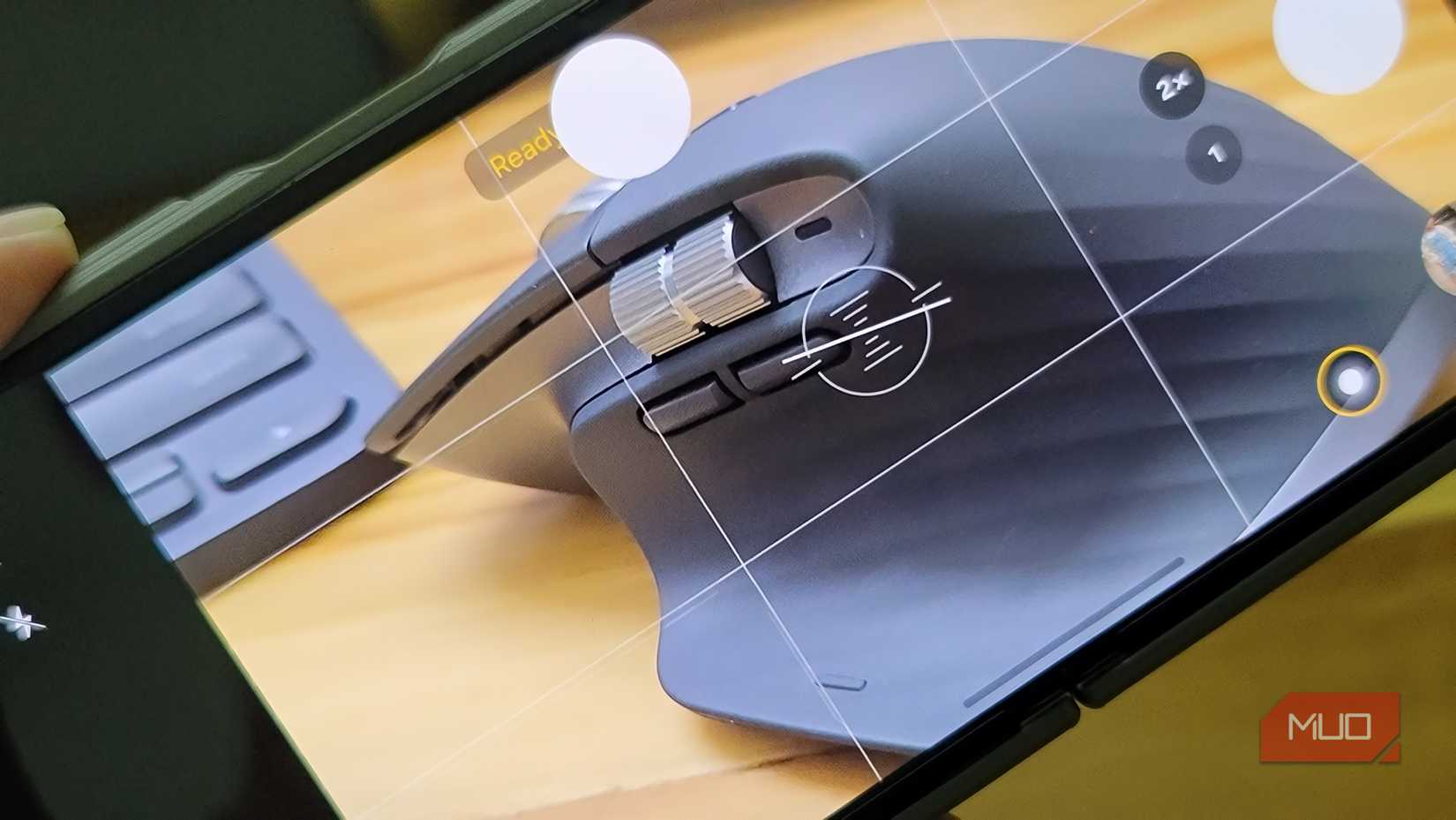
While the temperature sensor is a Pixel Pro exclusive, the accelerometer is something every phone has, and you’re already using it every day. The accelerometer sensor is what powers the motion controls in games, lift-to-wake features, image stabilization, and that level tool in your camera app. All of them use the same sensor measuring movement in three dimensions: up/down, side-to-side, and forward/backward.
Fitness apps like Fitbit use the accelerometer to count your steps by detecting the specific rhythmic bounce of walking or running. The algorithms filter out random movements to focus on actual steps. The accuracy won’t match a dedicated fitness tracker or smartwatch, but it’s surprisingly usable for casual tracking.
Tashreef Shareef / MakeUseOfCredit: Tashreef Shareef / MakeUseOf
This sensor also powers some security features. If you turn on theft detection on Android, your phone uses the accelerometer to detect sudden motion that mimics someone snatching your device and running away. It automatically locks your phone when it senses a potential theft attempt.
More importantly, Android’s Earthquake Alerts System uses accelerometers across millions of phones to detect seismic waves. The sensor is sensitive enough to pick up specific vibrations caused by earthquakes. This means almost every Android phone becomes part of a global network of mini-seismometers, providing early warnings to people in affected areas.
Magnetometer
Detects magnetic fields around your device
Tashreef Shareef / MakeUseOfCredit: Tashreef Shareef / MakeUseOf
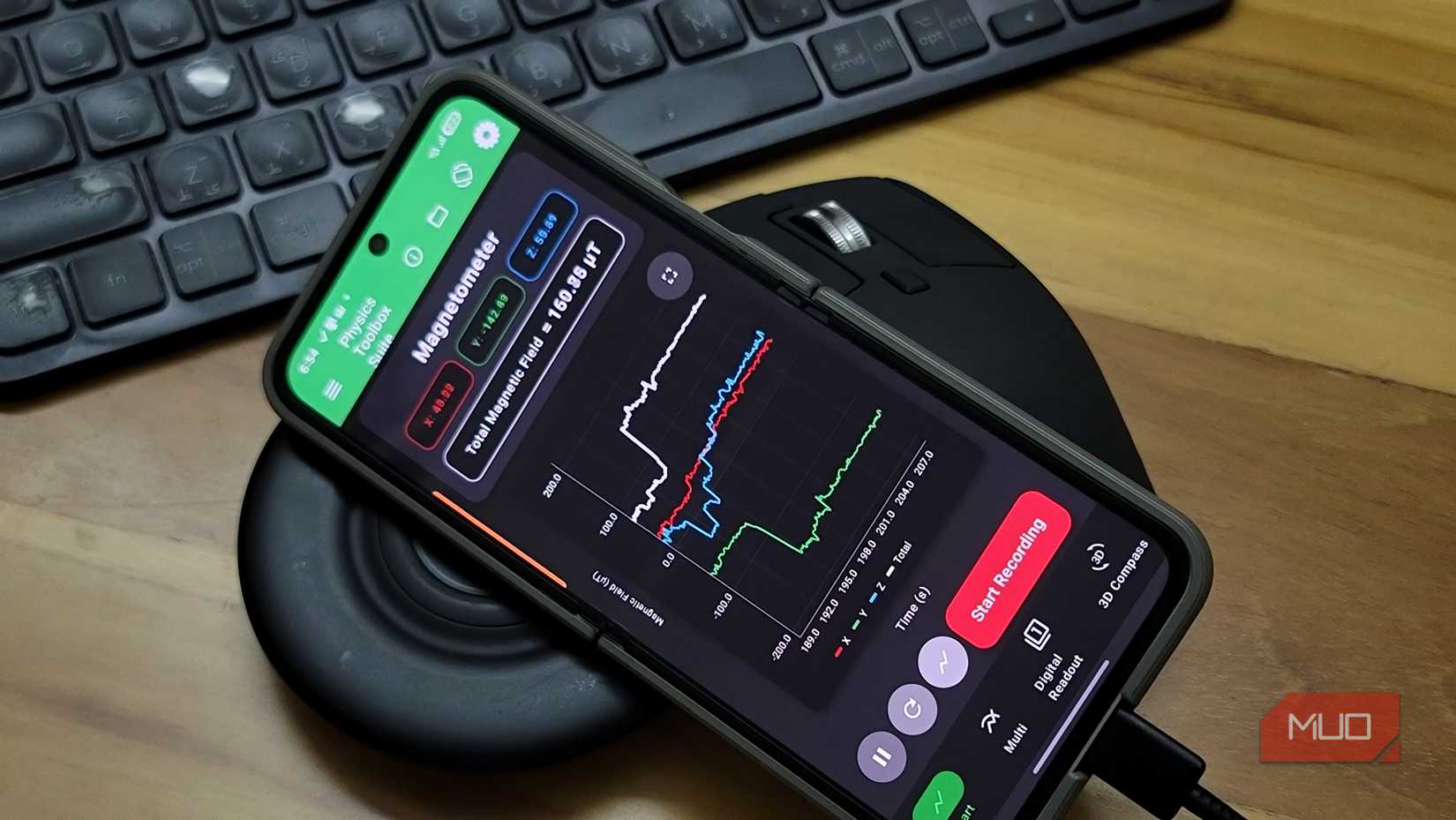
The magnetometer exists primarily to make navigation apps work properly. When you open Google Maps, and the screen rotates as you turn your body, that’s the magnetometer detecting Earth’s magnetic field and orienting the map accordingly. It’s also what powers compass apps if you’ve ever needed one.
But a cool use case I found for the magnetometer is metal detection. Since the magnetometer is sensitive to magnetic flux, it can detect iron-based metals. To see it in action, download an app like Smart Tools and choose the Metal Detector option. Move your phone near a metal object, maybe a keyboard with a metal frame or a tablet, and watch the EMF value climb as your phone starts vibrating.
This works for practical purposes, too. You can use it to find electrical wires or metal pipes behind walls before drilling. I’ve also used it to check stainless steel quality in stores. High-grade stainless steel (304, 316) is often non-magnetic, so if a “stainless steel” object triggers strong readings, you might be looking at lower-grade material.
Recording raw data from built-in sensors
Turn your phone into a portable science lab
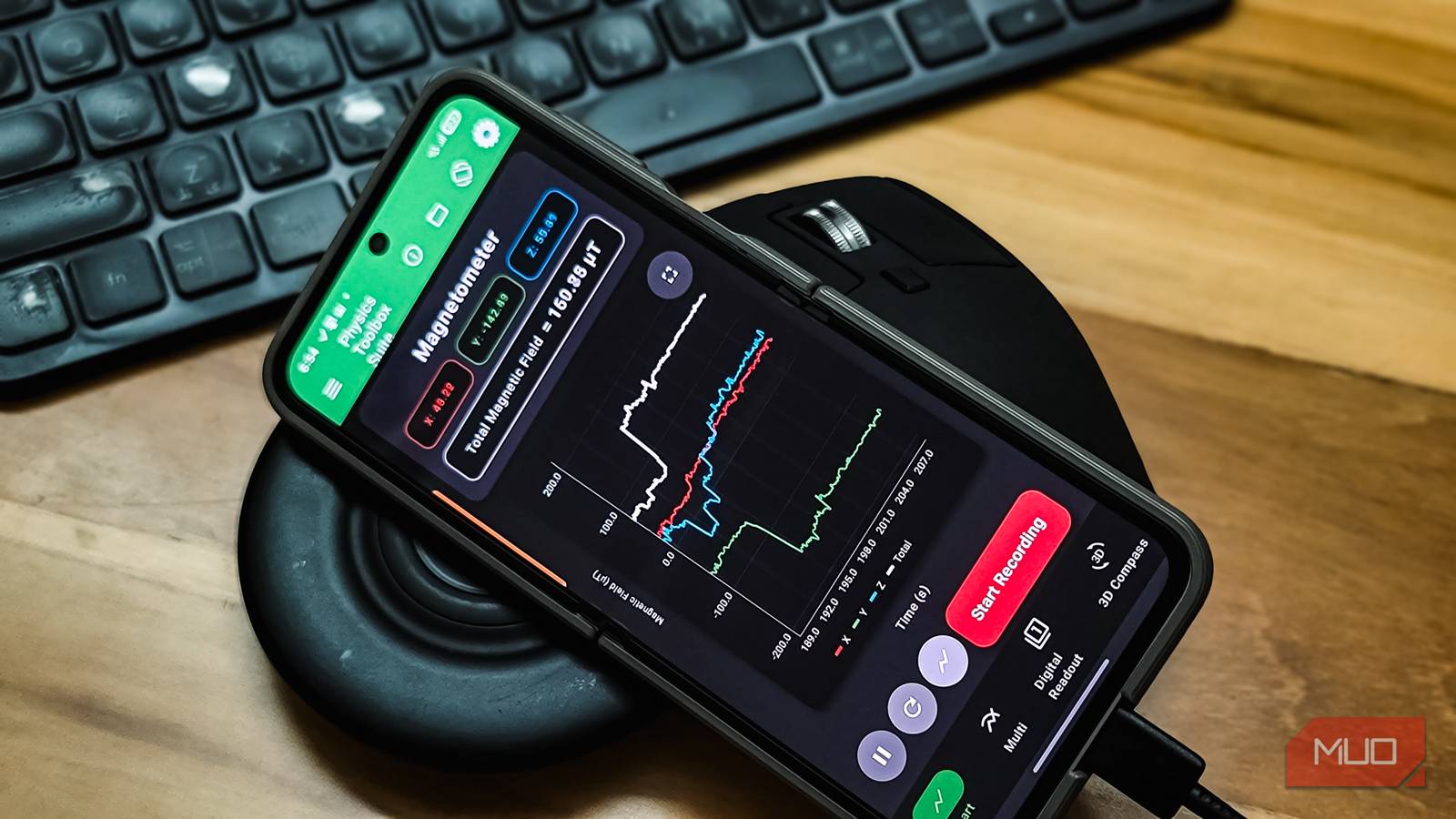
If you want to explore what your phone’s sensors can actually detect, try Physics Toolbox Sensor Suite. This free app reads data from virtually every sensor on your phone and lets you export measurements as CSV files for analysis.
You can use the app to read data from your phone’s accelerometer, gyroscope, magnetometer, barometer, microphone, GPS, and more. You get real-time graphs, vector displays, and digital readouts. There’s even a Roller Coaster mode that combines multiple sensors for complex motion studies.
You can adjust sample rates, apply filters to smooth noisy data, and record from multiple sensors simultaneously. The sensor info panel shows each sensor’s vendor, precision, and operating principle, which is handy for figuring out exactly what hardware your phone has.
Your phone has many sensors, but for good reasons
Android phones pack an incredible number of sensors that you’ll probably never use beyond their built-in functions. Some are essential for apps like navigation, while others work quietly in the background. Temperature sensors detect overheating and close demanding apps until things cool down, and moisture sensors near the USB port warn you before water damage or short-circuiting can occur.
But with the right apps, they become tools for everything from home automation to metal detection to earthquake warnings. The sensors are already there, quietly doing their jobs in the background. You might as well put them to work.