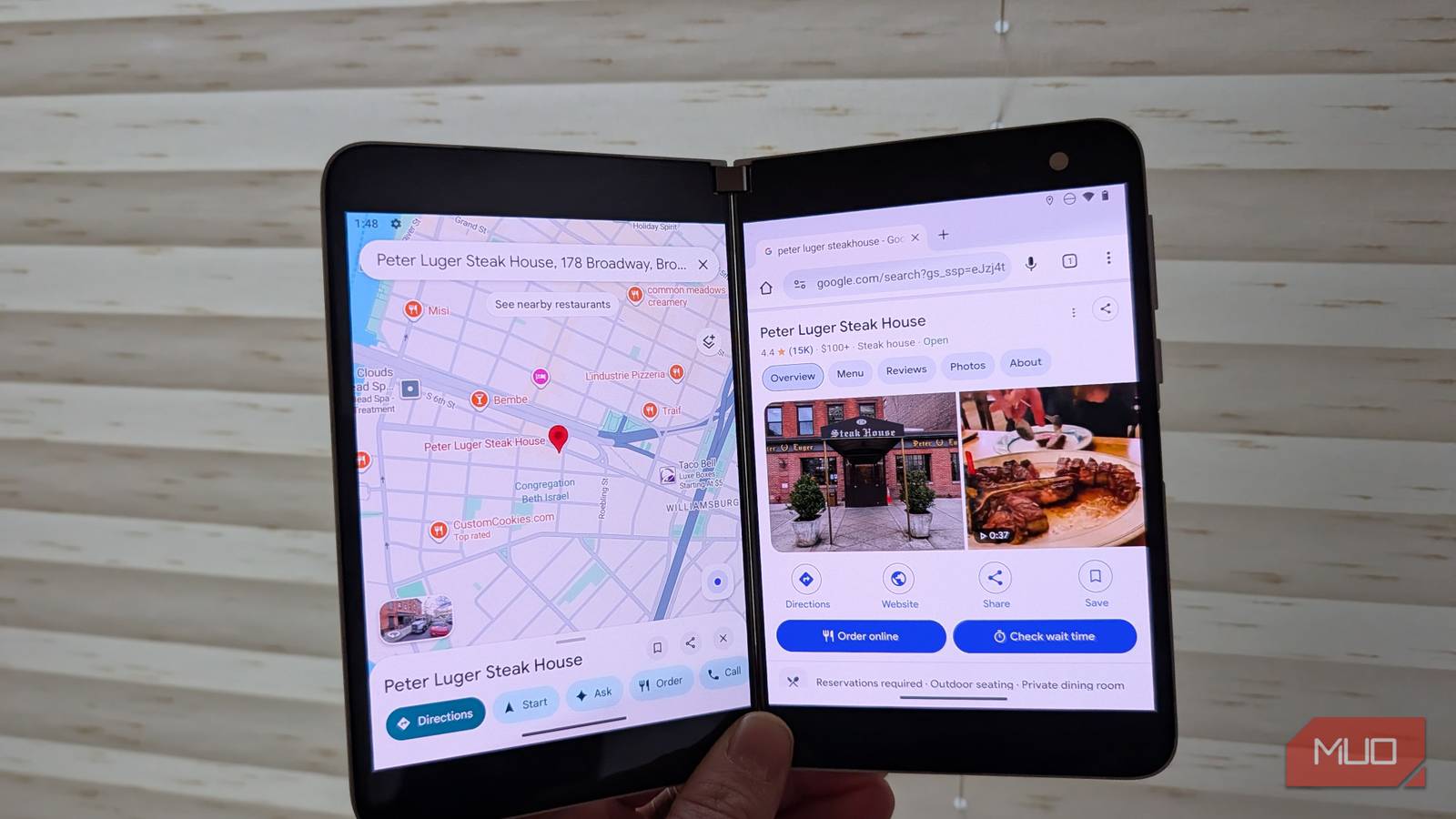
I’m very productive on my PC because I have two screens, which almost require me to keep multiple things visible at once. However, this model doesn’t translate well to mobile. On a PC, I can dedicate one screen to my active work — writing, researching, communicating — while using the second screen for reference material like websites, documents, or photo galleries. This kind of intentional multitasking lets me “see” far more than working from a single screen alone.
Most phones give you either a single screen or a foldable display that just enlarges one app. The Microsoft Surface Duo was different. It encouraged true multitasking by giving you two distinct screens, more like having dual monitors in your pocket. Its gesture-based UI made it easy to split attention between apps or span one across both displays. But because Samsung had already defined what foldables were “supposed” to be, and because the Duo had real flaws, it was never taken seriously—even when it dropped to $240 from its original $1,399 price (though I still bought one).
Why it was amazing
Intentional multitasking
Imagine the possibilities when you have two discreet 5.6″ screens on your phone at 1800×1350 resolution and a 4:3 aspect ratio with the ability to easily “fling” an app from one side to another, or to have a single app stretch across both screens. Yes — it was annoying and distracting to do the both-screens mode, as the black divider in the middle creates a break in the screen, but where the Duo shined was having two apps on the screen at once. I would often use this to watch a YouTube video (in nearly full resolution) while taking notes or browsing the web. Or, I’d use one screen to reference a Slack conversation while browsing my projects in Asana on the other display. You could read a book on one side while having full access to Spotify on the other.
How was the performance? With a Snapdragon 855 CPU with 6GB of RAM, and 60Hz screens, the Duo wasn’t a performance champ, but surprisingly would stay snappy no matter what two apps would be running at the same time. It was actually really good.
Great for reading
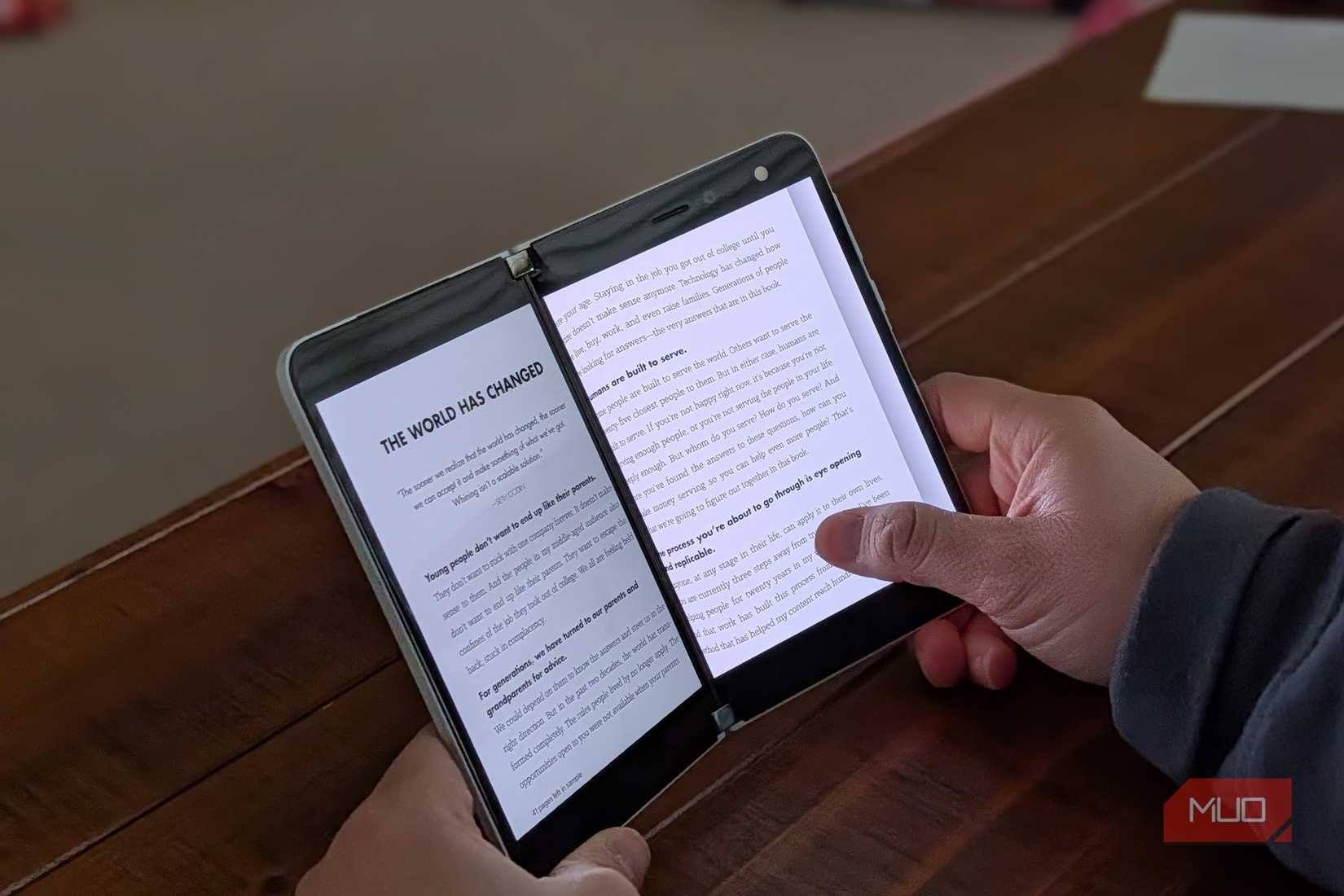
Credit: Brandon Miniman / MakeUseOf
The Surface Duo was a great reading machine because you could see two pages at a time, whether reading via the Kindle app or Google Play Books.
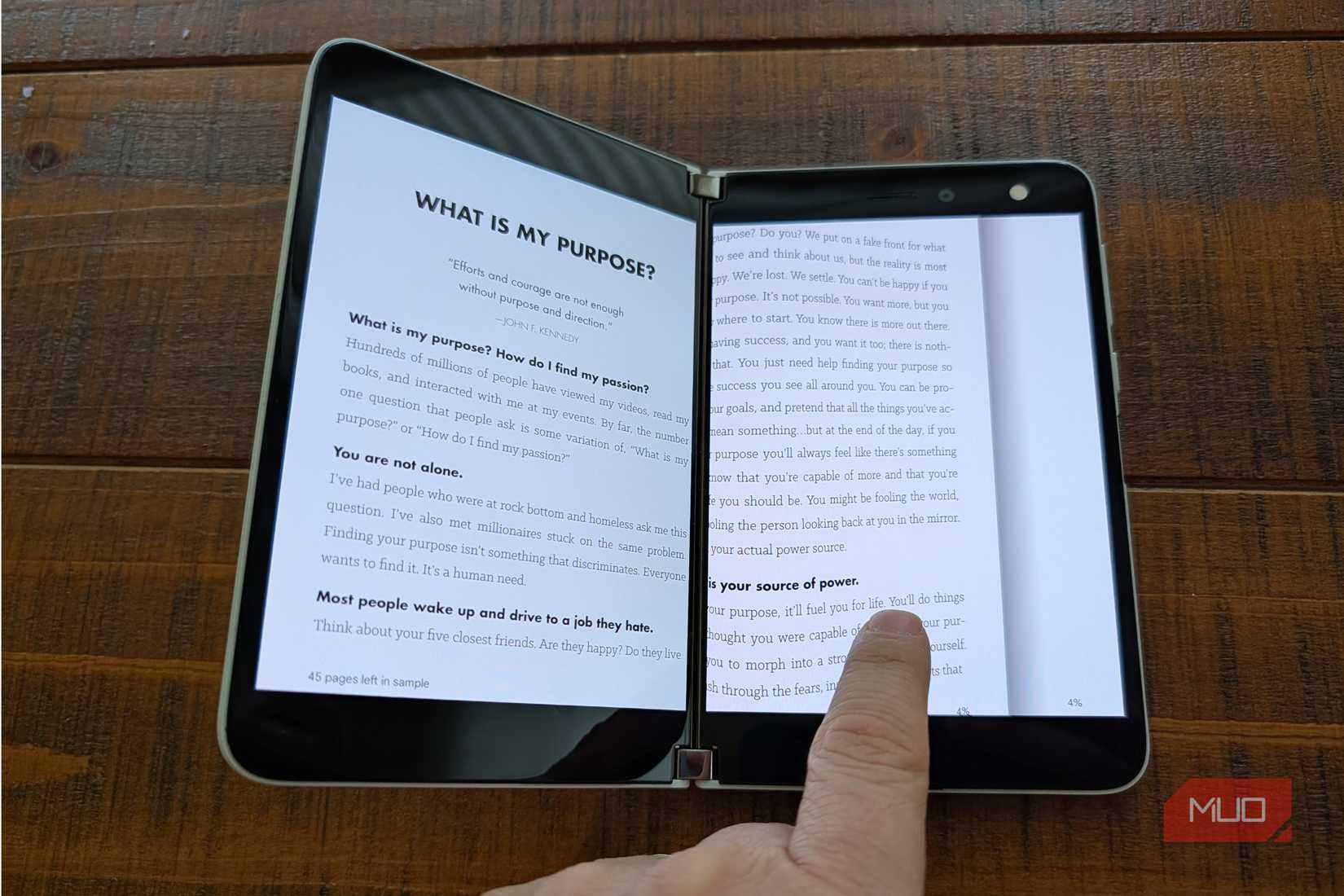
Credit: Brandon Miniman / MakeUseOf
At just 4.8mm thick open (that’s thinner than the iPhone Air) and 250 grams, the Surface Duo was light and thin when open, again making it an ideal reading device.
Why it failed
No cover screen
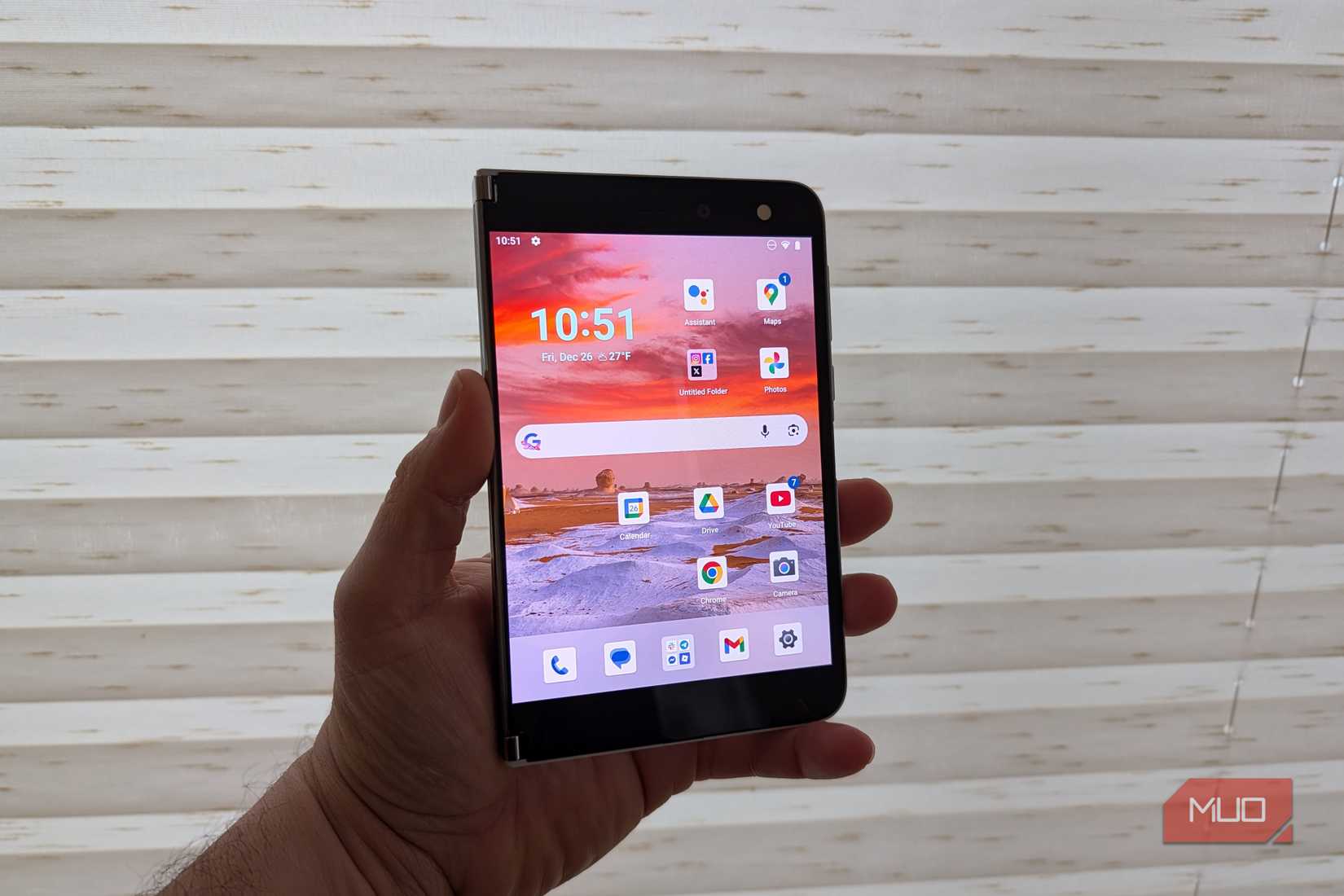
Credit: Brandon Miniman / MakeUseOf
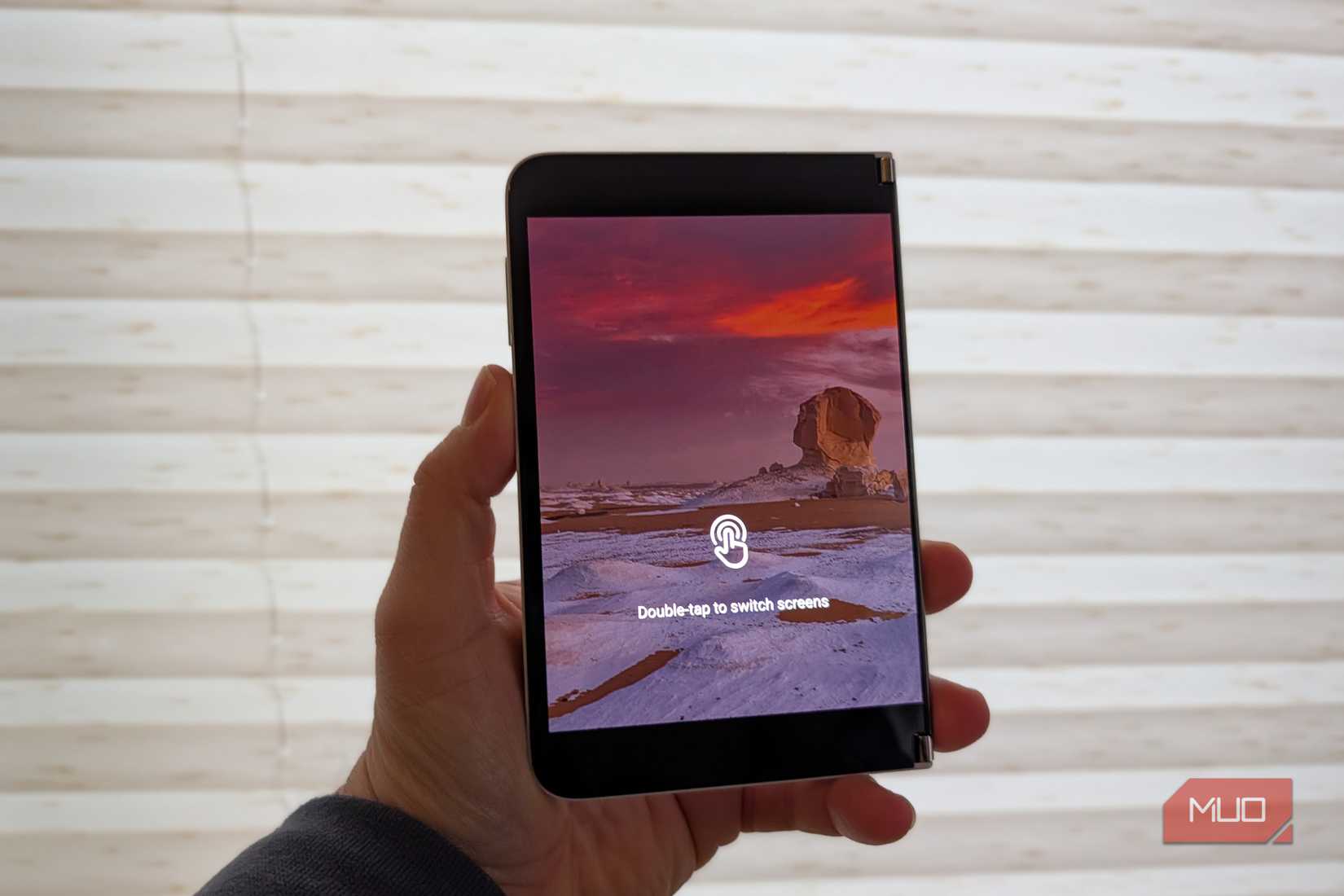
The best part of the Surface Duo 2 was also its main problem: it forced you to use it in an open state, since it technically didn’t have a “cover screen” like most foldables. If you think about it, most foldables have three screens: two inside that combine to make a larger screen for more intentional interactions, and one outside screen (the “cover display” used for quicker interactions. The Surface Duo had no such cover display, but could be used in a strange inverted mode where you could use half the phone while the other display stayed off (but could be “awakened” with a double-tap).
Using one screen was weird
Credit: Brandon Miniman / MakeUseOf
When you tried to use the Surface Duo one screen at a time, the inactive screen would have this message on it. You could then double-tap the inactive screen to make it active, which felt wasteful (why do both screens need to turn on when you want to use just one?) and forced you to use it open most of the time. And using it open most of the time is fine, but anyone with a foldable will tell you that the primary versatility is being able to use one cover screen for short interactions, which is 80% of the use cases. It was just so weird and awkward to use it with one screen.
It was just so weird and awkward to use it with one screen
The software was fine and actually pretty smart
Microsoft shows its software prowess by offering a lightweight Android 11 experience with minimal Microsoft integrations, like the SwiftKey keyboard installed by default, and the inclusion of multiple Microsoft Android apps, such as OneDrive, Office, and so forth. But overall, Microsoft kept the experience very close to stock Android, which was nice.
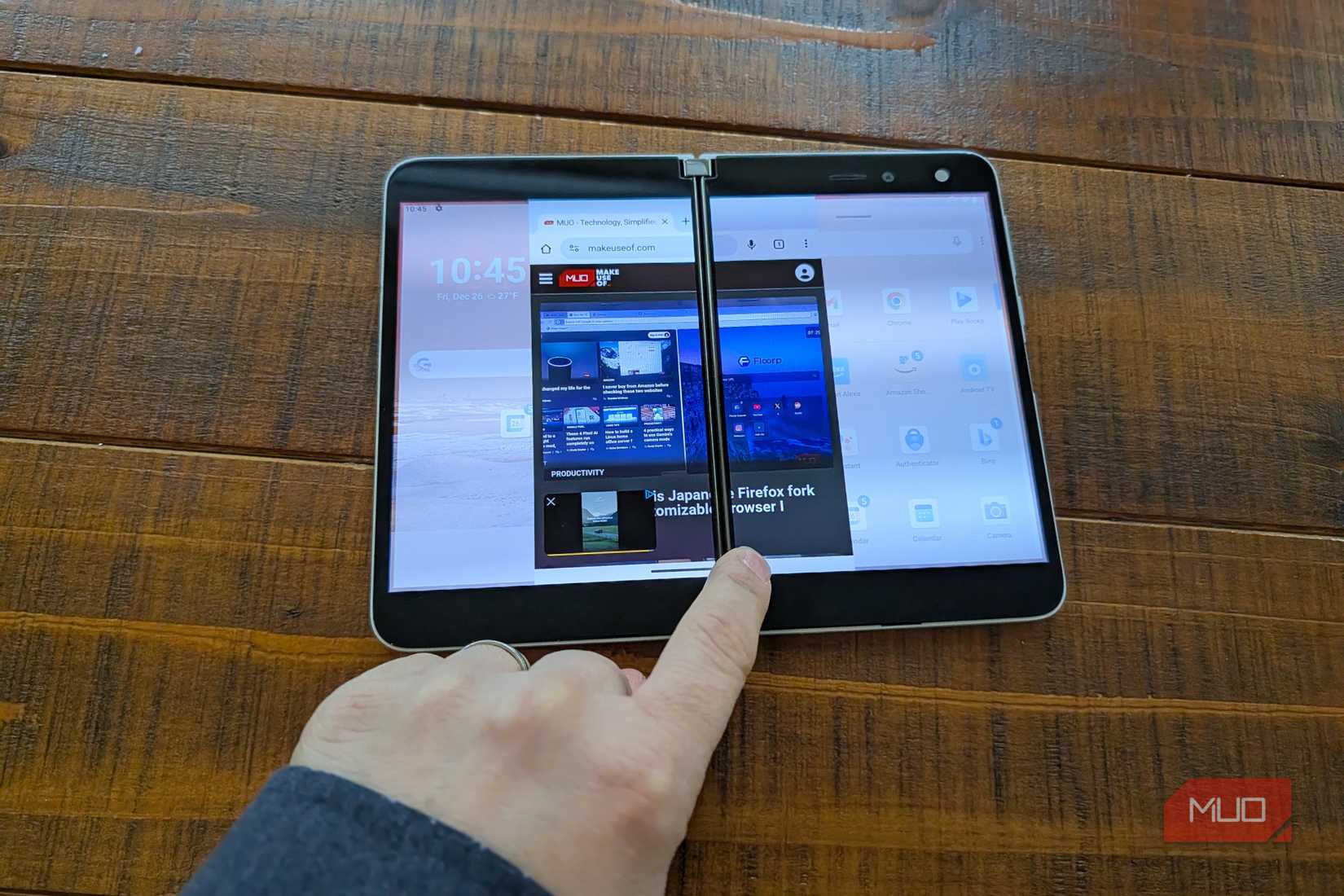
Again, the Duo was built from the ground up to make it easy to multitask with two things at once. It had this brilliant UI paradigm (that is difficult to show in screenshots) where you could use the gesture bar beneath any app to either fling the app from one screen to another.
Credit: Brandon Miniman / MakeUseOf
Or you could slowly drag the gesture bar to the center, where the app would adjust to fill both screens — and again, this is where things got weird, because there’s such a huge gap between each screen that it was very distracting.
Related
I made my second monitor twice as useful by adjusting these 5 settings
Open source or built-in software, and everything in between
Microsoft has a history of being too early, and the Surface Duo didn’t succeed
The original Surface Duo from 2020 had a successor in 2021, the Surface Duo 2, which included 90hz refresh screens, Android 12L support (which had many tablet-focused improvements like a two-column notification shade and improved taskbar), and improvements to the CPU, but a $1499 started price put it out of reach of most people and again people looking to buy a foldable had already bought into the Samsung paradigm. Today, you can buy a Surface Duo 2 used on various marketplaces for $500-800, but clearly, Microsoft was a bit early with this experimental (but brilliant) form factor, and we’re unlikely to see a future iteration of this idea.
Which is too bad, because the Surface Duo form factor was just a better folding form factor that was the closest we’ve ever come to a dual PC monitor-like experience.