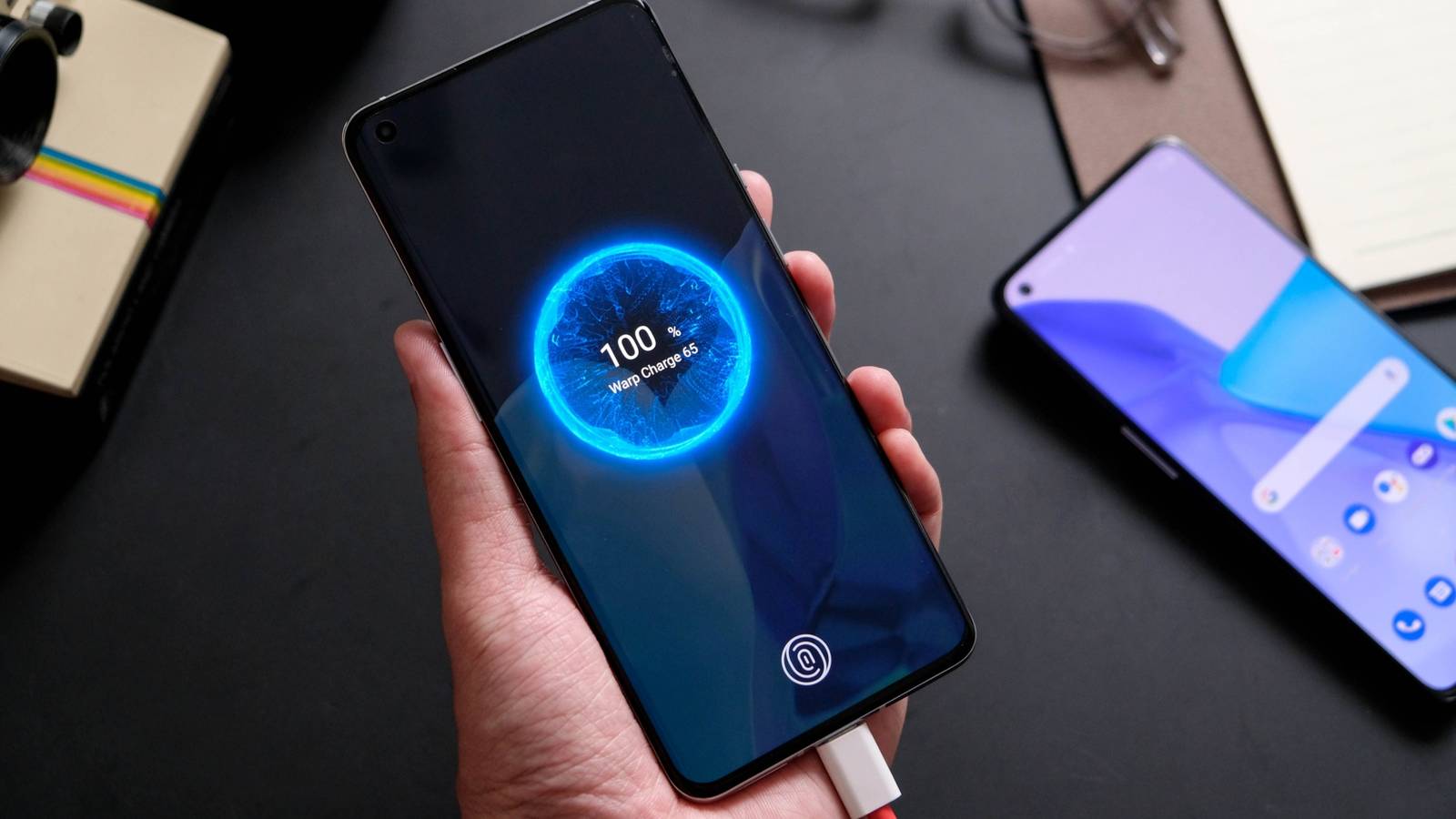
So, you bought an Android phone that promised a rapid charging time up to some amount like 80%, but when you plug it into a charger you see a message like “slow charging” or “fully charged in two hours.” That’s not what you signed up for, so what gives?

HTG Wrapped: Our favorite tech in 2025
24 days of our favorite hardware, gadgets, and tech
Why your Android phone isn’t charging as fast as you expect
The world of Android hardware has a lot in common with the world of PCs running Linux or Windows. There’s an incredible diversity of hardware, which means lots of different approaches to charging.
In order for a phone charge to happen at maximum speed, the phone, cable, and charger all have to perform an intricate dance. If they don’t all support the same charging solution, your phone will default to the lowest charging rate everyone can agree on. Now, a few years ago, Google mandated that (as reported in The Verge) any phones running the latest Android versions had to support USB-C PD, which can support more wattage than you’d ever need to charge a phone at ridiculous speeds. However, complying with this requirement simply means having some sort of USB-C PD support for interoperability. It doesn’t mean a phone has to support USB-C PD charging at the same rate as its proprietary solution.
Your charger doesn’t match your phone’s fast-charging protocol

Credit: Ismar Hrnjicevic / How-To Geek
Android phone makers love to come up with their own proprietary fast-charging standards. Their phones will include that basic USB-C PD support, but then offer blistering speeds like 45W and 65W. There are even crazy 100W or 320W experimental models.
There are standards like USB-C PPS (Programmable Power Supply which is part of USB-C PD), VOOC, SuperVOOC, Warp, Samsung’s Super Fast Charging, and the list goes on. If you connect a phone that charges fast using SuperVOOC to another company’s charger or just a standard USB-C PD charger, then it will charge at whatever the charger and phone can agree on, which is not necessarily the fastest speeds the phone is capable of.
So, in this case, the fix is to use a charger that matches your phone’s technology. This is sometimes easier said than done, since these proprietary chargers aren’t always readily sold by themselves, and even when they are the prices can be more than you expect. Carrying around the official charger that came with your phone can be annoying, but in the end, the only way to get the charging speeds you paid for is to use the right charger.
Related
5 weird things that’ll charge your Android phone
You probably won’t get a fast charge, but it’s better than nothing
Your cable is limiting power delivery
Credit: Setyotuhu/Shutterstock.com
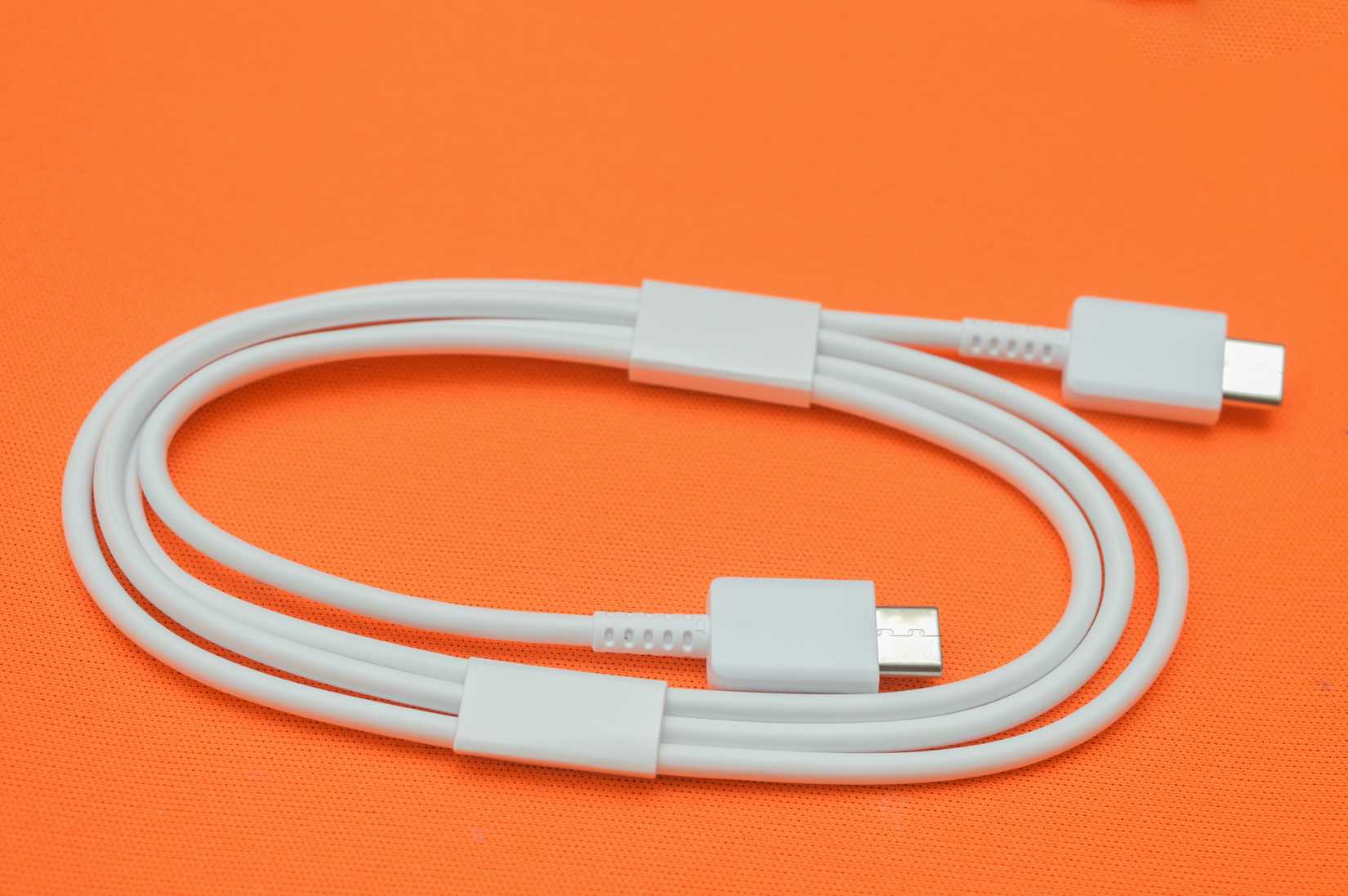
USB cables are deceptive because, from the outside, two cables can seem pretty much identical. Except, one cable won’t charge your phone at all, while the other will charge it in a jiffy. A lot of (often older) proprietary fast chargers use special USB-A to USB-C chargers, and have custom wiring to allow for those high-speed standards. So you can’t just grab any cable with the right connectors and call it a day.
The same goes for true USB-C to USB-C cables. The cable has to be USB-C PD certified, and then also rated for a specific amperage to handle the required wattage. If the charger or phone detects that the cable can’t handle the higher power levels needed for fast charging, it will default to whatever the cable can safely handle.
The only way to tell is to check the packaging of the cable or to try it. Sometimes a cable might be marked with its power rating, but most of the fast-charging USB-C cables I’ve encountered didn’t say anything on the cable itself, which is why some people have taken to labeling their USB cables to avoid the maddening dance of trying dozens of cables from your collection before finding the one that does what you need it to do.
Related
Extremely Fast Charging Doesn’t Ruin Your Battery (But This Does)
As it turns out, charging speed isn’t the enemy.
Your phone is actively slowing the charge to protect itself
Credit: Lucas Gouveia / Hannah Stryker / How-To Geek
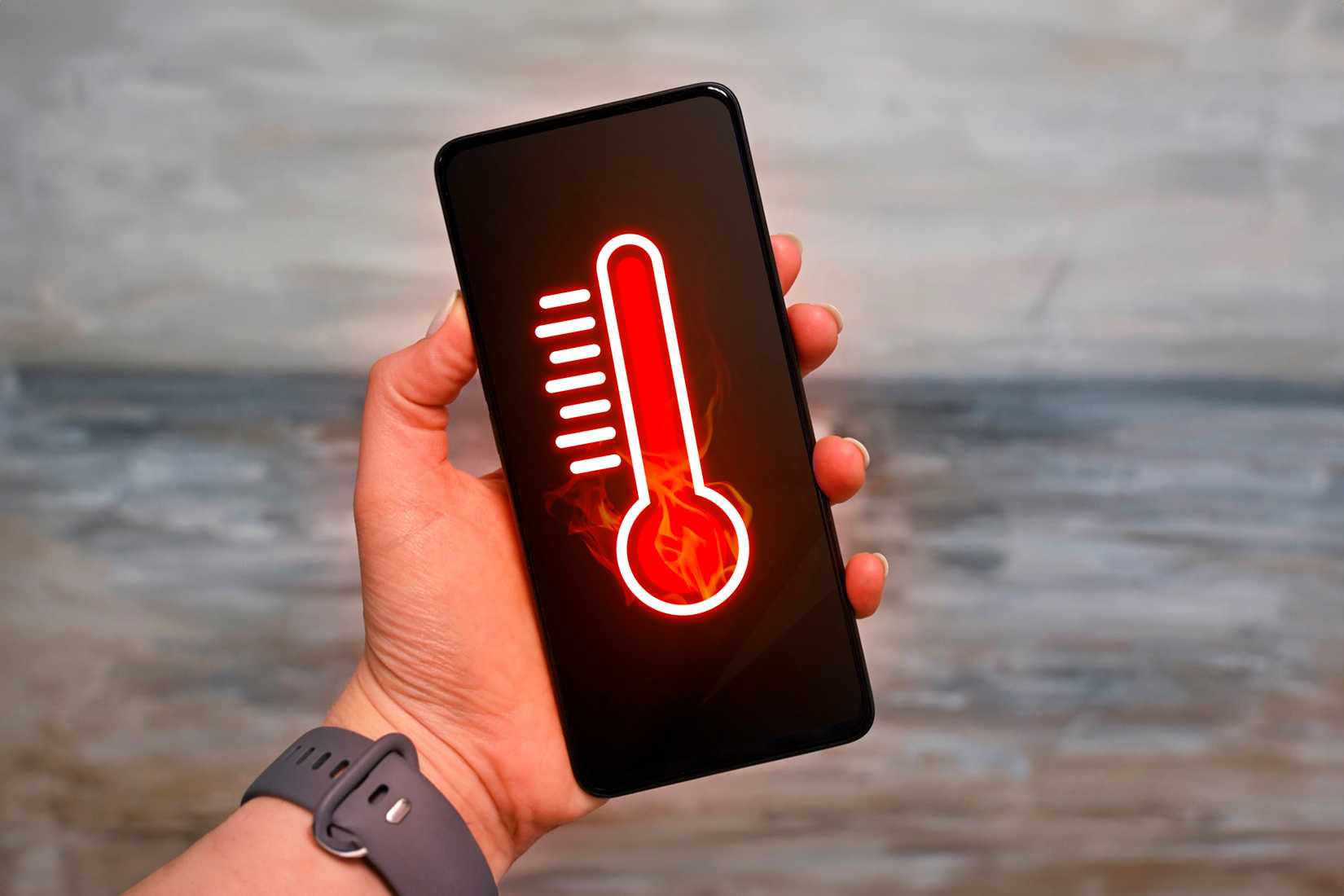
Even if your phone, cable, and charger are all good to go for maximum charging speed, there are situations where your phone will tell the charger to take its foot off the gas. Specifically, if the phone or battery are getting too hot, then charging has to slow down. The more power you push down the wire, the more resistance you face. That resistance is a source of inefficiency which results in more waste heat. Also, lithium batteries have to be managed more carefully as they approach full charge. This is why fast-charging phones can race to 80% charge in no time and then have to crawl to the finish line at 100%.
To avoid this issue, don’t use your phone for anything while you fast-charge it, and you might even want to turn it off if you’re in a hot environment and want it to charge as quickly as possible. You need a cool environment, and not a hot car or a hot and humid room. Most phones do not have active cooling, so if the environment is hot, it makes it harder to dump heat into the surrounding air.
Personally, I prefer to only fast-charge my phones when I have a specific need for speed. These days, with so many ways to charge at home, on the go, and in your car, I rarely have that need. There’s a good chance you probably don’t really need to charge your phone in 15 minutes either—but it is nice to have the option when the time comes!