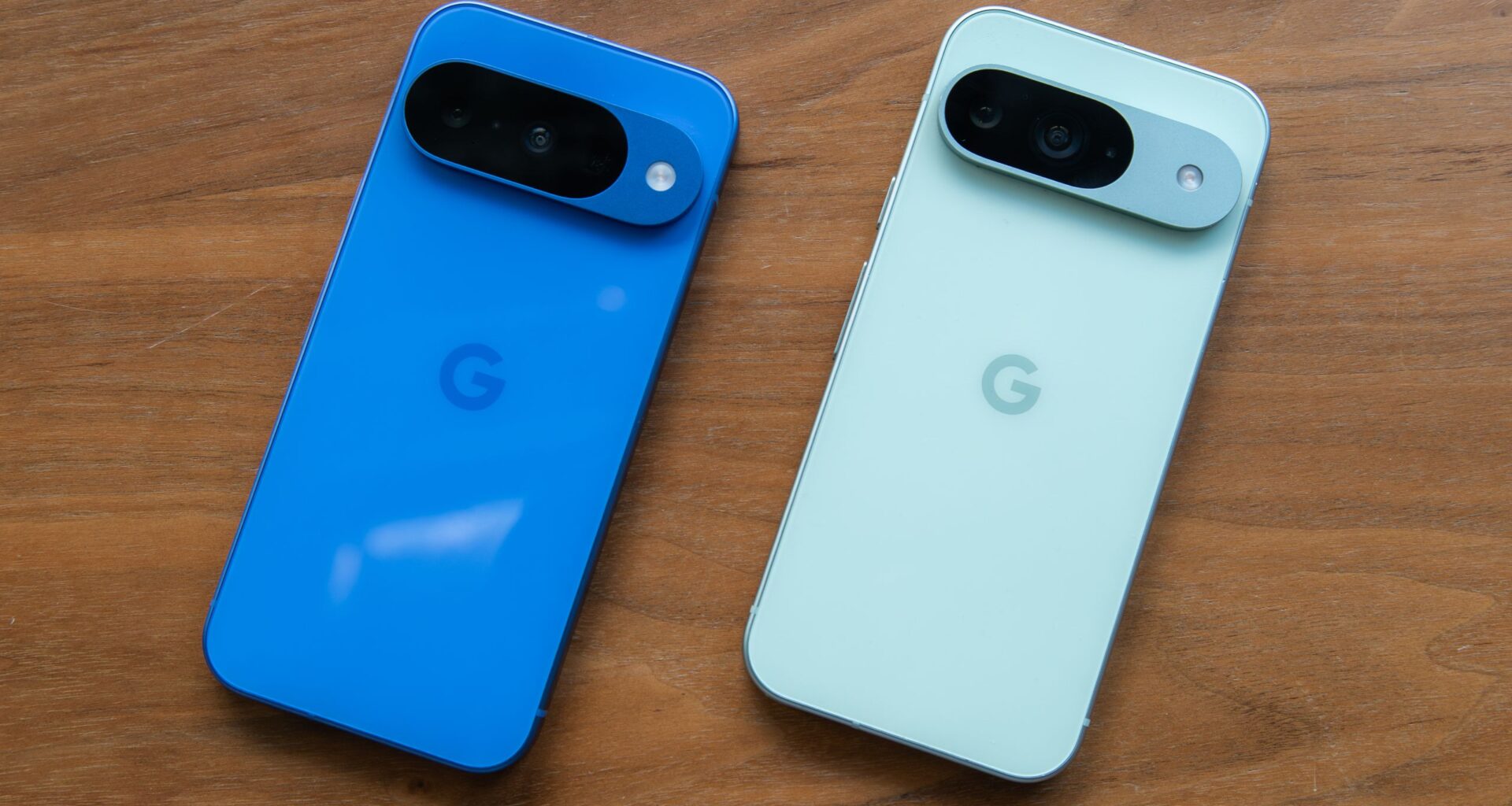
One of the main advantages of using a Pixel phone is that you’re usually first to get any new software feature that Google is working on. The last December 2025 feature drop added new ways of tackling your notifications. Notification summaries use AI to recap a long message or missed conversations in a group chat. We also got a new option called Notification organizer for automatically grouping and silencing low-priority notifications.
These features are currently only available on Google Pixel 9 and 10 series phones, and in limited regions, for now anyway. Once you’ve updated your Pixel phone, Notification organizer should be enabled by default. Here’s how to access it and customize it if needed.
How to use Android AI notification organizer on a Pixel
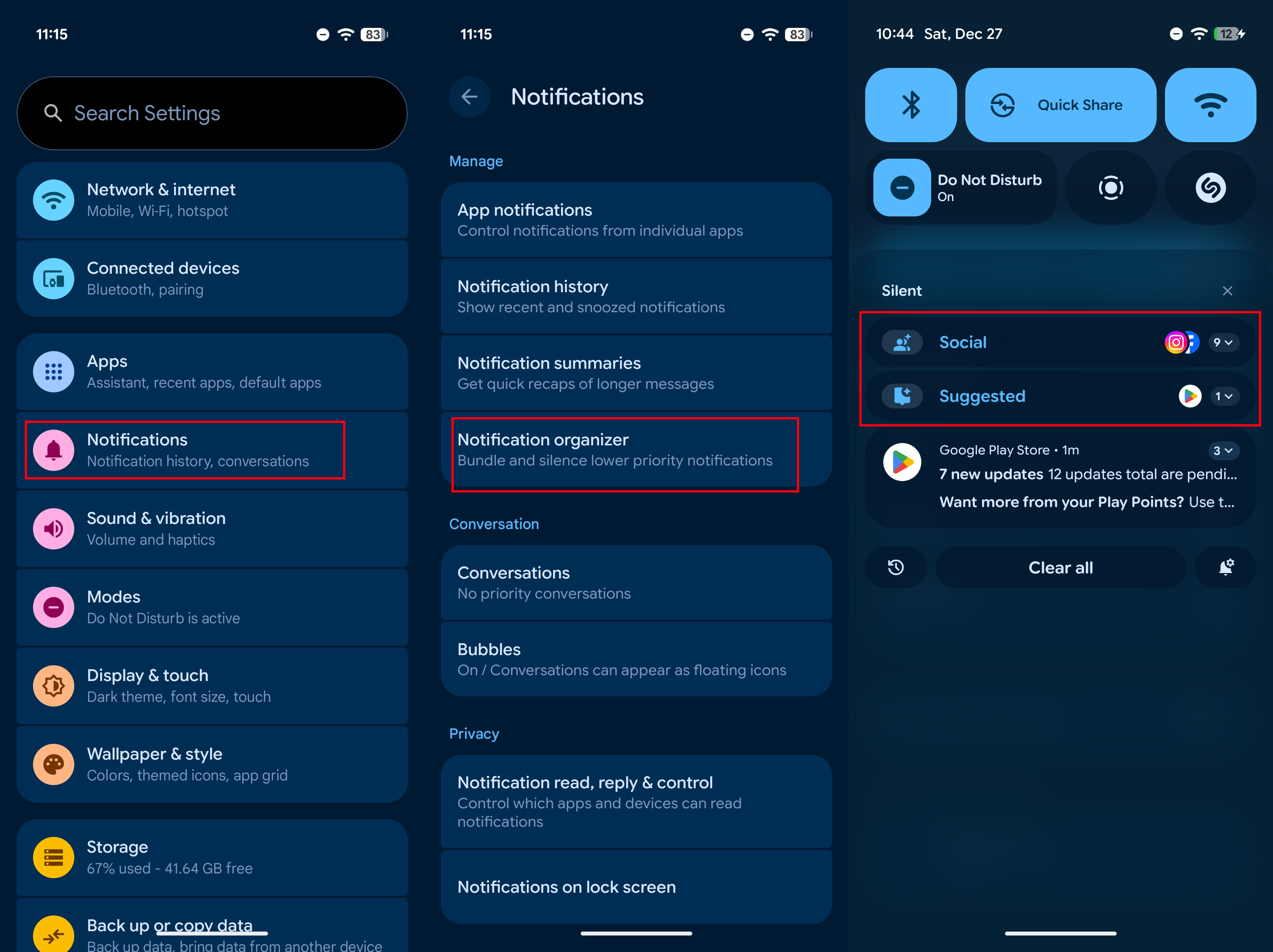
1. Open the Settings app by tapping the shortcut on your homescreen or swipe the notification shade downward twice to find the gear icon at the bottom right.
You may like
2. Tap Notifications from the list of options.
3. Under the Manage menu, you should see Notification organizer.
4. The third screenshot below is what it will look like when it’s working.
(Image credit: Derrek Lee / Android Central)
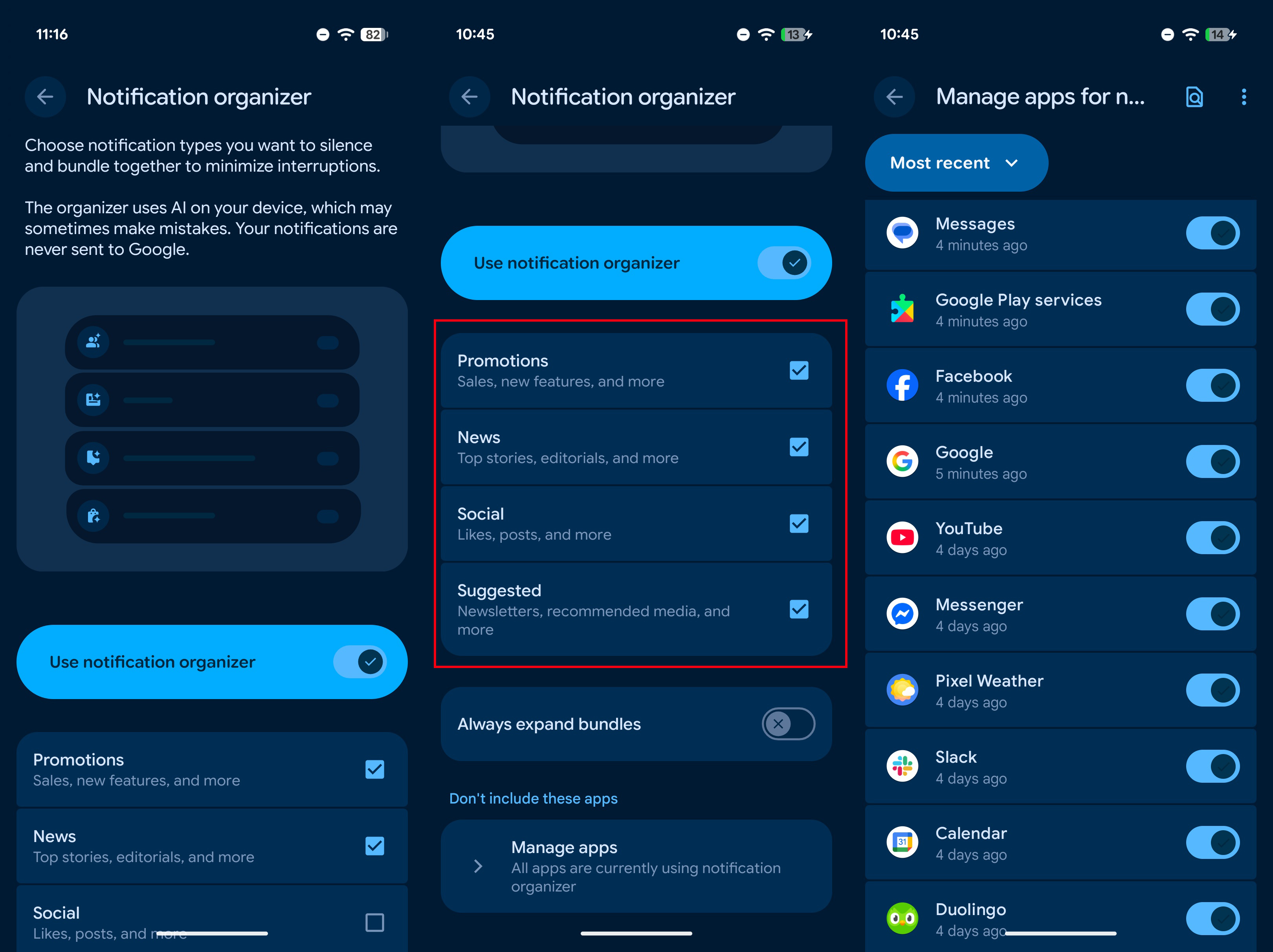
5. You can customize the type of notifications you wish to group and even the apps that will use this feature.
6. Jump back to step no. 3, and here, you can uncheck certain groupings like notifications from social apps, news, etc.
7. Tapping the last menu item called Manage apps will let you select apps that you wish to exclude from Notification organizer. You might want to do this for apps that deliver critical notifications like banking apps.
(Image credit: Derrek Lee / Android Central)
Note: In order to use Notification organizer, Google suggests that the following things need to be in order:
- Primary system language needs to be English.
- You phone’s region needs to be one of these countries only: Australia, Canada, Germany, Japan, United Kingdom, or United States.
Tame the notification surge with this very handy feature, only on Pixel phones
(Image credit: Nicholas Sutrich / Android Central)
As the number of apps on your phone keeps growing, it’s high time we got an intelligent way to manage various notifications from each app. Even without Notification organizer, you can still silence certain types of notifications for each app like news, promotions, etc. However, this involves going to the settings page of each app and managing the various notifications, which is a tedious and time-consuming process. The new Notfication organizer feature is a smarter way of doing the same thing.
The update began rolling out on December 2, 2025, in a phased manner, so if you haven’t recieved this yet, be patient. Hopefully, we will see this feature roll out to more phones as well in 2026.
If you have a Pixel 9 or 10 series device, keep checking for the update if you didn’t already get it.
Keeps getting better
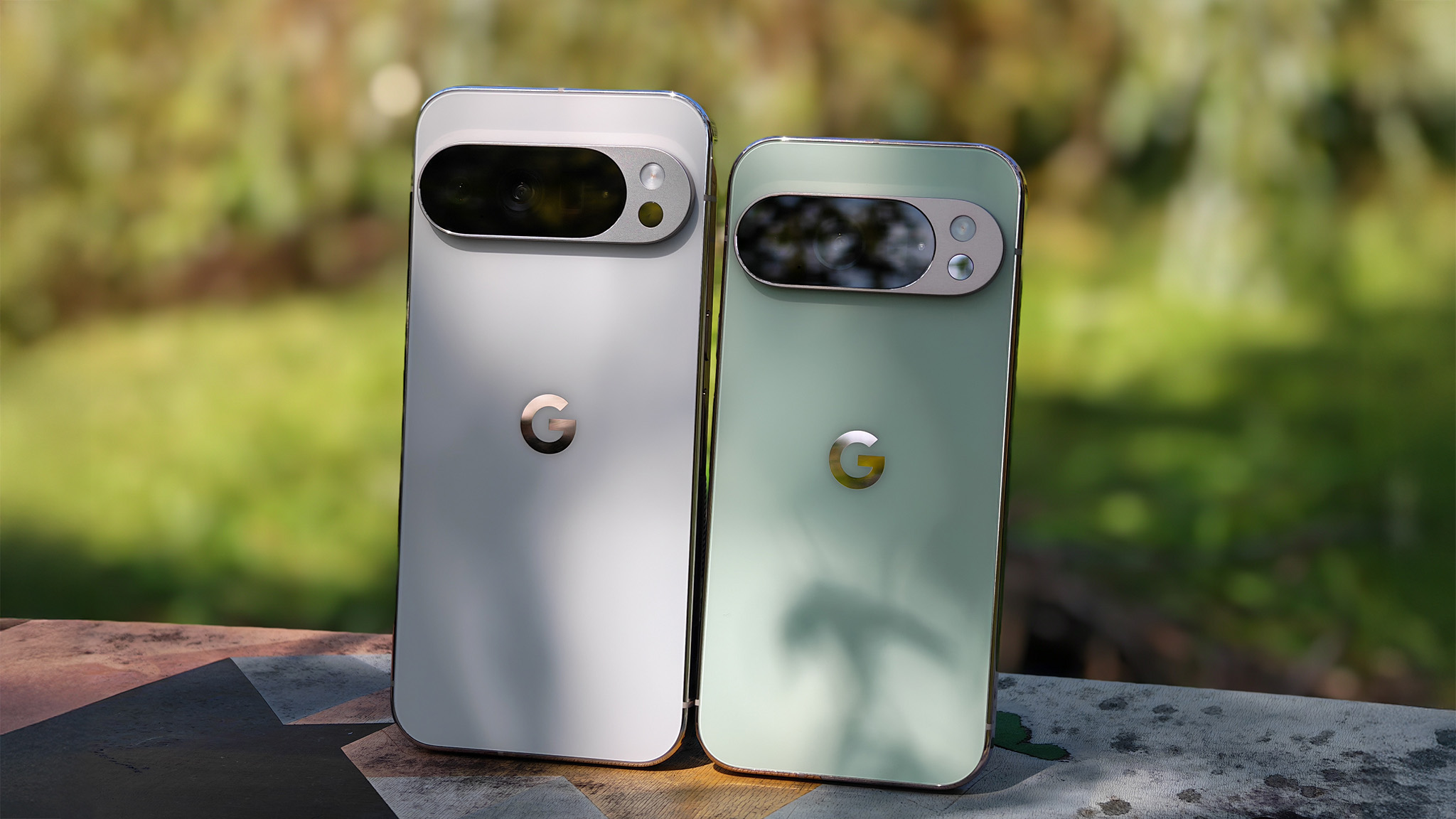
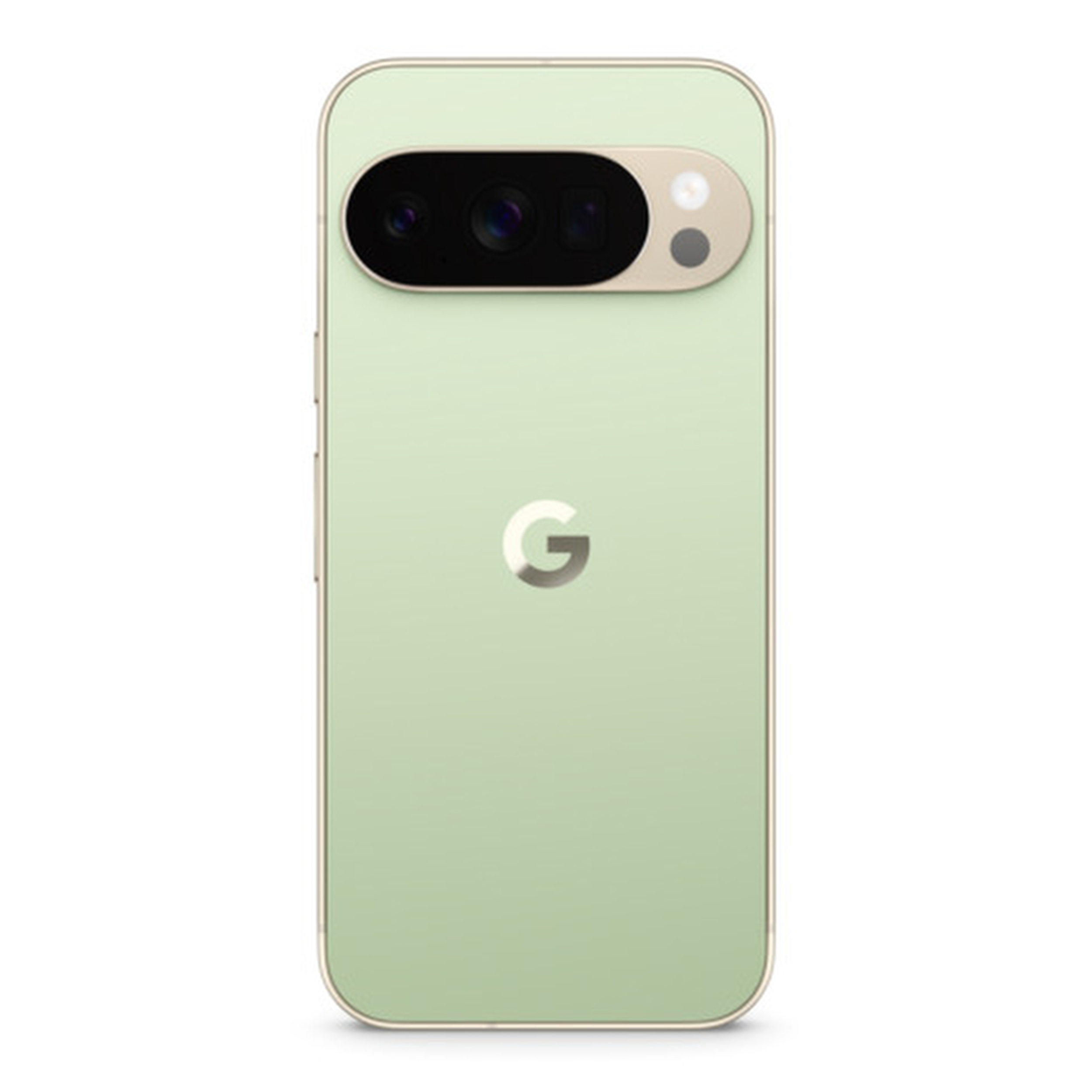
The Google Pixel 10 Pro is the best attempt by Google yet, and these quarterly updates keep improving its functionality. It is one of the best Pixel phones you can buy today and will continue to get better as the months go on.