If an old Samsung Galaxy phone is collecting dust in your drawer, or you have just switched to a new phone and don’t know what to do with your old faithful Galaxy, here are eight ways to repurpose it.
1
Turn it into a webcam
Credit: Lucas Gouveia / How-To Geek | fizkes / Shutterstock
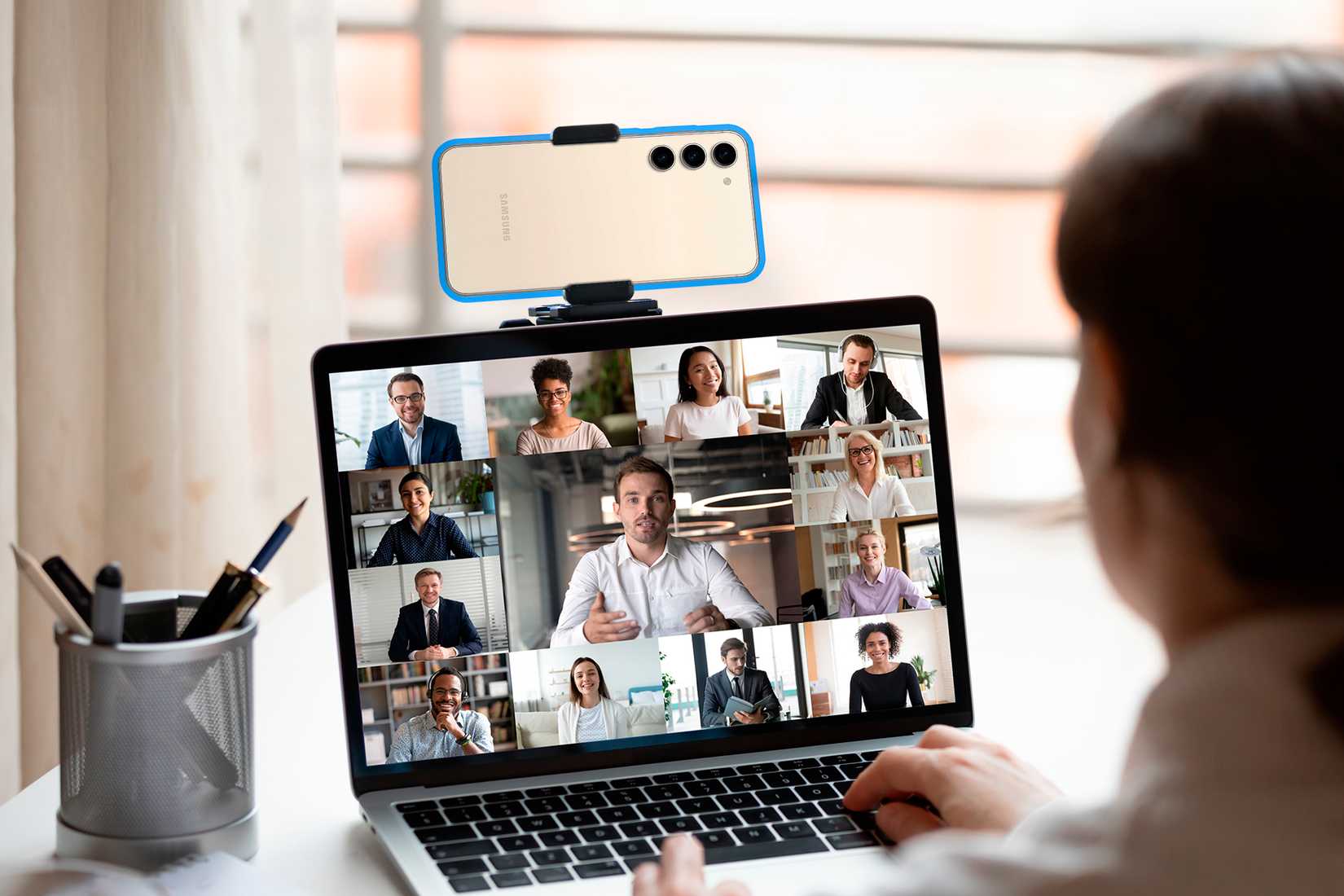
There’s a good reason to use your old Galaxy phone as a webcam. Even ancient, low-end Galaxy phones have much better cameras than most webcams you can buy. Now, there are a couple of ways to transform the phone into a webcam.
The first includes installing an app such as DroidCam (the app’s free, but you need to pay $5 for HD video quality) along with OBS, and then connecting your phone to your PC via the DroidCam OBS plugin. Alternatively, you can use the classic version of the DroidCam app that comes with a separate PC client. This method works on Windows and Linux.
If you’ve got a Galaxy with Android 9 or later, you can transform it into a webcam with the Phone Link app that comes preinstalled on Windows 11. If you don’t have it on your PC, download it from the Microsoft Store. You’ll also need to install the Link to Windows app on your phone. The setup process is painless and only takes a few minutes to complete.
In addition to serving as a webcam, your old Galaxy phone can also function as a high-end microphone.
2
Use it as a wireless touchpad or keyboard
Credit: Lucas Gouveia/How-To Geek | Mongta Studio/Shutterstock
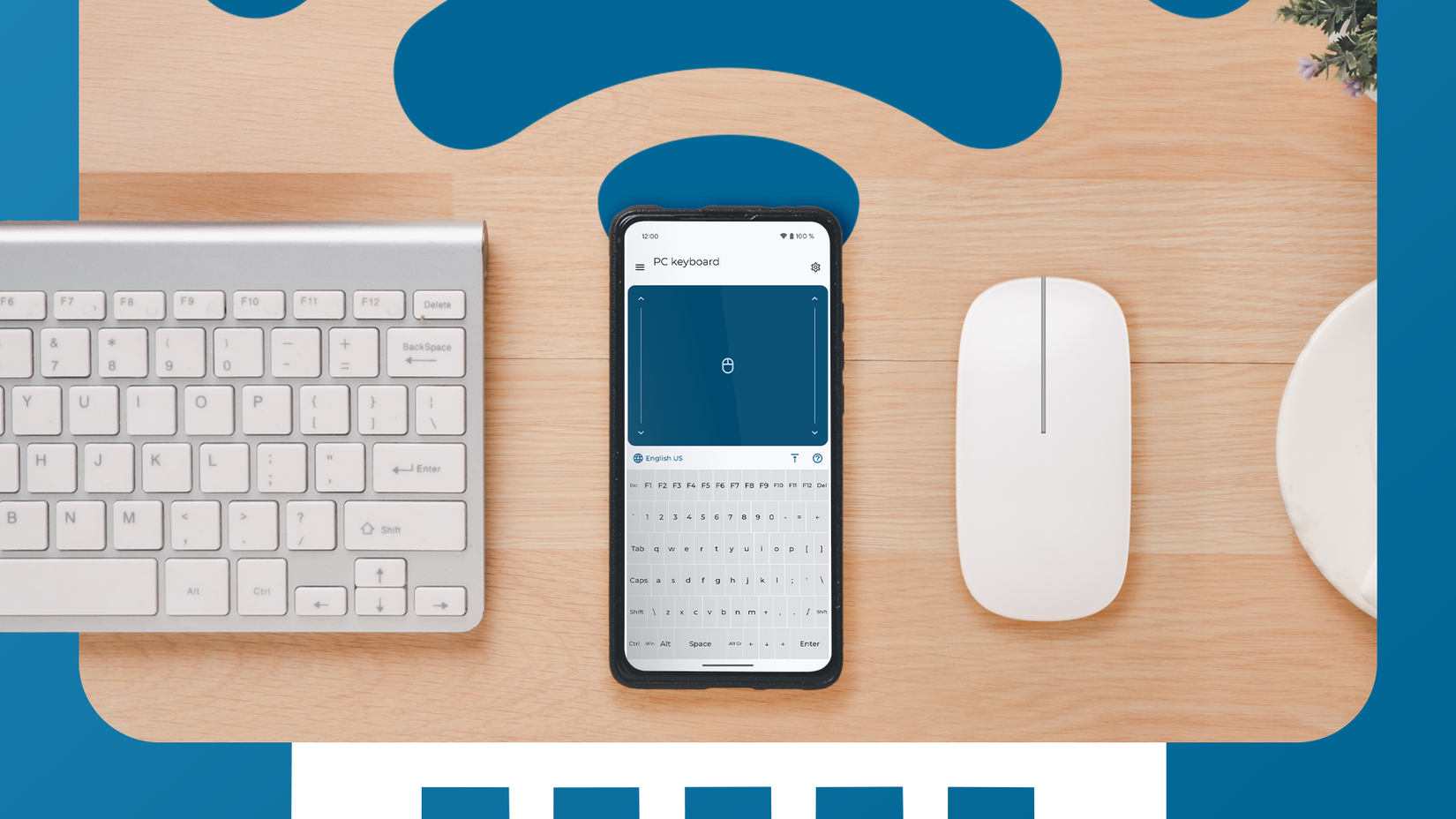
The KDE Connect app is a powerhouse that lets you connect any Samsung Galaxy phone to a Windows or Linux PC, or a MacBook, via your local network. KDE Connect is bursting at the seams with useful features, including the ability to use your phone as a touchpad or keyboard on your PC.
This is super handy if your PC is connected to a TV, since you can turn that old Galaxy phone into a dedicated mouse and keyboard when using the PC on the TV.
To make this work, you need to download KDE Connect on both your phone and your computer. All that’s left is completing the pairing process and activating the necessary plugins on your PC and your phone.
Aside from KDE Connect, you can also use the Bluetooth Keyboard & Mouse Android app to connect your Galaxy phone to your PC via Bluetooth.
Related
How to sync your Android and Windows devices seamlessly
How to link your phone to your PC to share files, answer texts, and cut distractions while you work.
3
Turn it into a gaming handheld
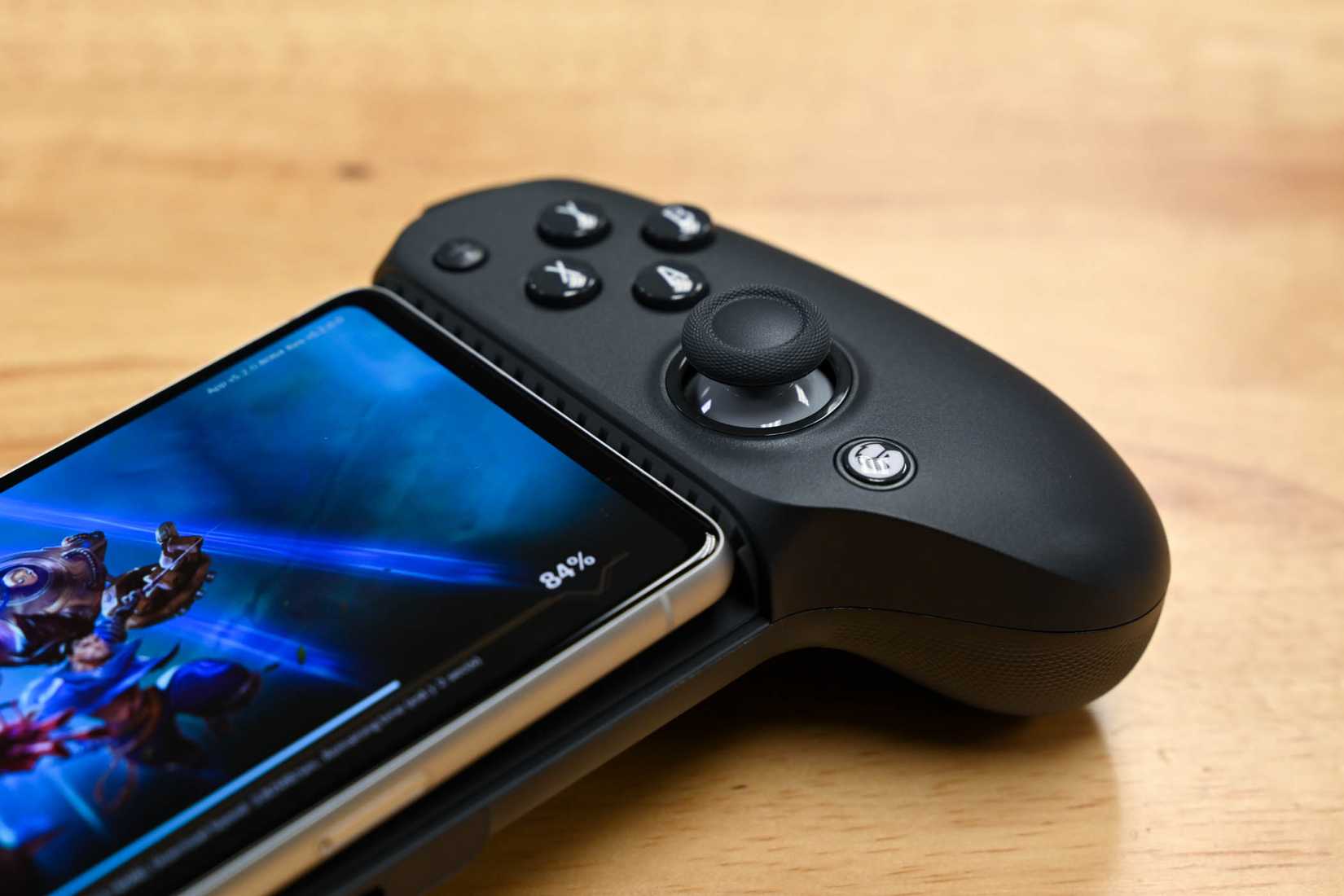
Credit: Hannah Stryker / How-To Geek
Even an old, banged-up Galaxy device can be a great game streaming handheld. All you need is a mobile game controller and a few apps.
You can stream games from your PC with the Sunshine and Moonlight combo or with the Steam Link app.
Cloud streaming options include GeForce Now, which has a dedicated Android app, and Xbox Cloud Gaming, which you can use via Google Chrome or Microsoft Edge.

- Brand
-
GameSir
- Platform
-
Android/iPhone 15
GameSir’s G8 Galileo takes the best parts of console gaming and condenses it into mobile form with a comfortable controller build that works with virtually all type USB-C smartphones and game cloud and streaming apps.
4
Repurpose it into a backup PC or phone
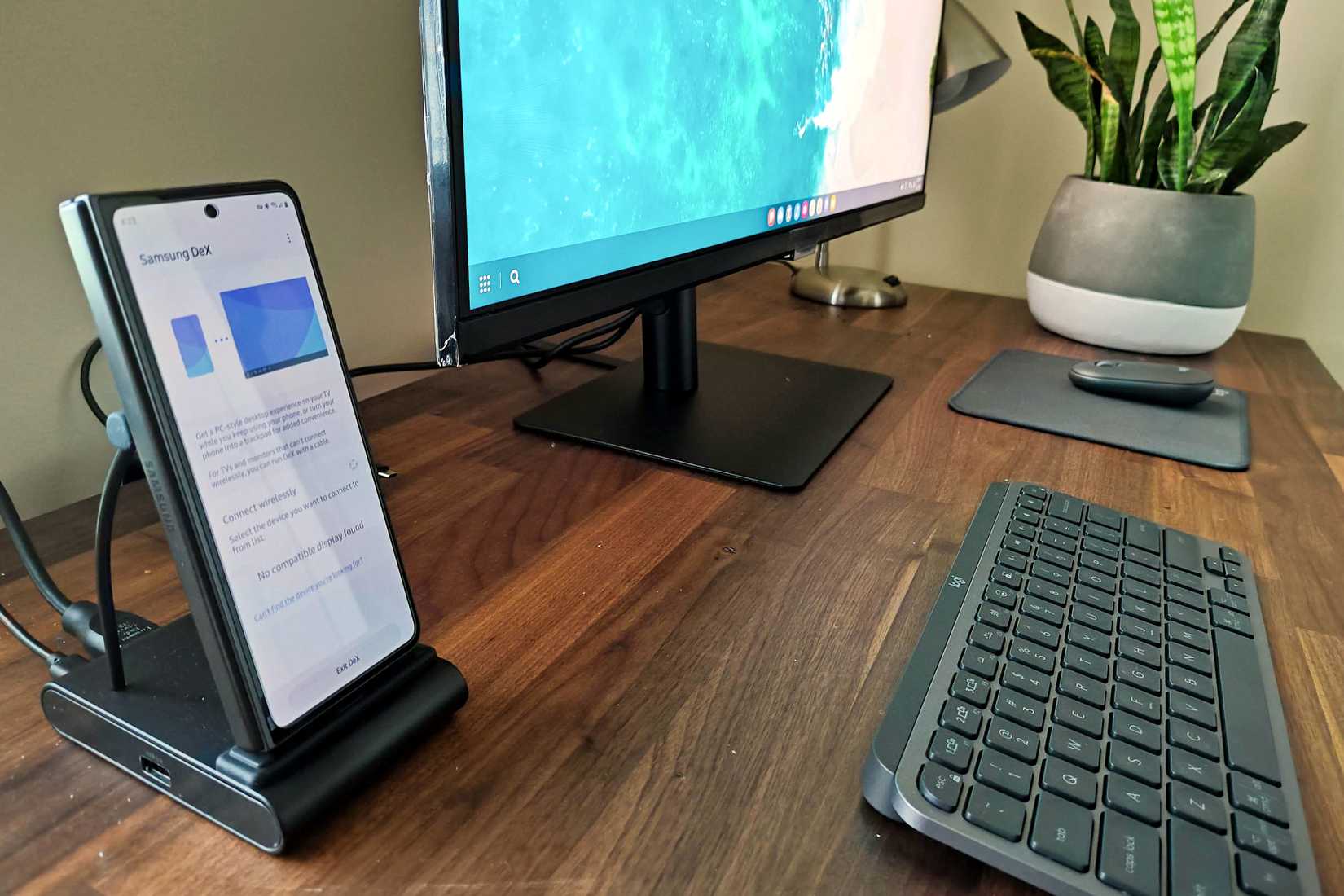
Credit: Bertel King / How-To Geek
If your old Galaxy phone supports Samsung DeX, you can use it as a backup PC in case your primary PC goes down. Alternatively, you can take it to your cabin, summer house, or garage, and use it there.
Aside from a monitor, you’ll need an appropriate cable to connect the phone to it, along with a Bluetooth mouse and keyboard.
You don’t even need peripherals; you can use the phone as both a touchpad and a keyboard. To show the keyboard on the phone, go to the keyboard settings while Dex is activated, enable the software keyboard option, and set it to display on the phone.
That said, I recommend using a USB dock, since you can charge the phone and use multiple peripherals while it’s connected to the monitor, including external storage or a pair of wired headphones.
If the phone doesn’t support DeX, you can keep it as your backup phone and switch to it when camping, catching some rays on the beach, or going somewhere where there’s a good chance you’ll lose your phone or have it stolen, like music festivals. I’d used my first Android phone, a HTC Tattoo, for years as my “music festival phone.”
Related
Why I Ditched Linux for Samsung DeX
I forgot how big a difference hardware can make.
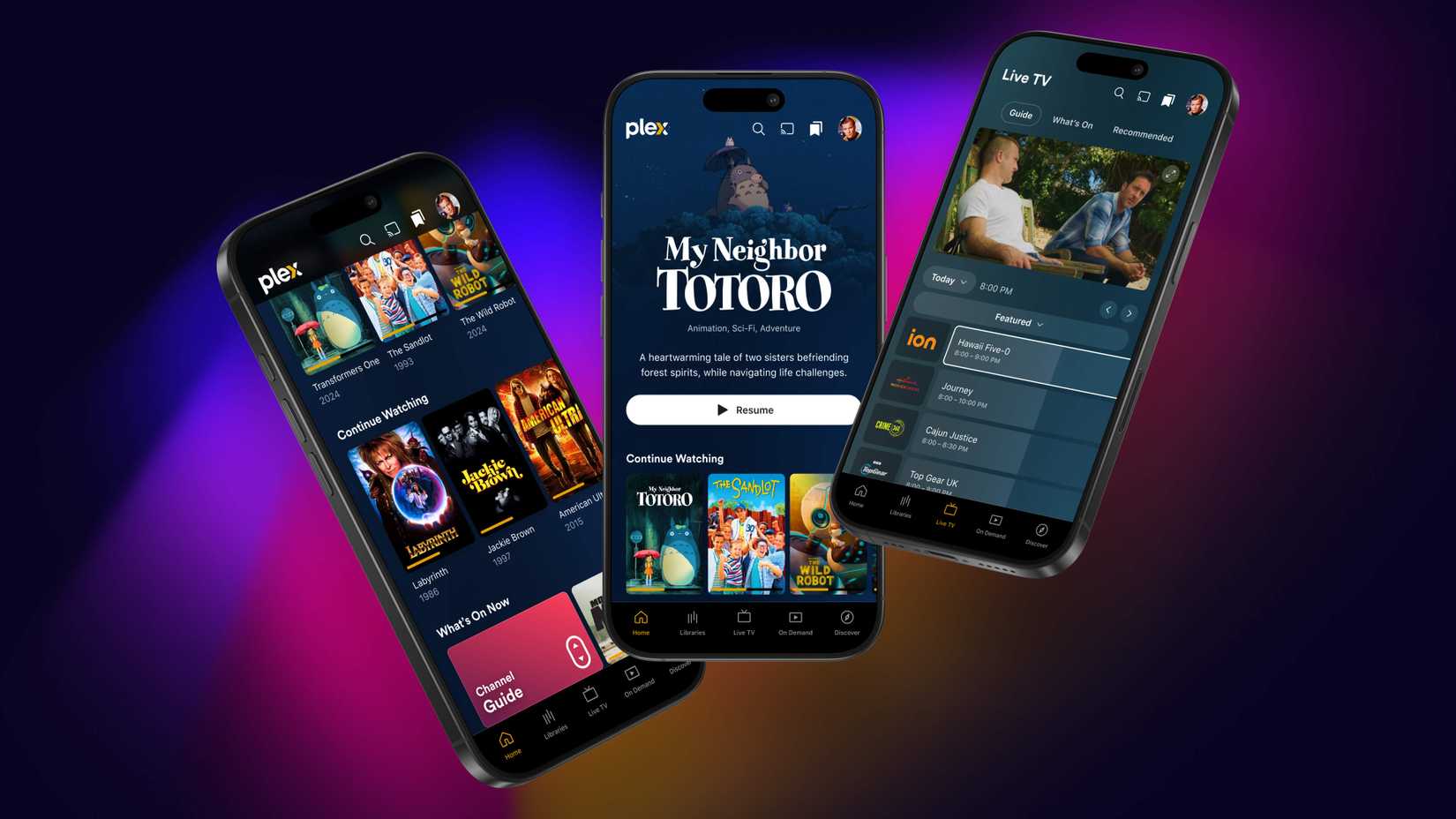
Credit: Plex
You can recast your old Samsung Galaxy phone to the role of a dedicated media player. One option is to use it as a streaming player, streaming content via apps or your own remote media server. However, if you have enough storage space, or an SD card slot, you can fill the phone with songs and videos and enjoy them all locally.
6
Turn it into a home server
Credit: Jordan Gloor / How-To Geek
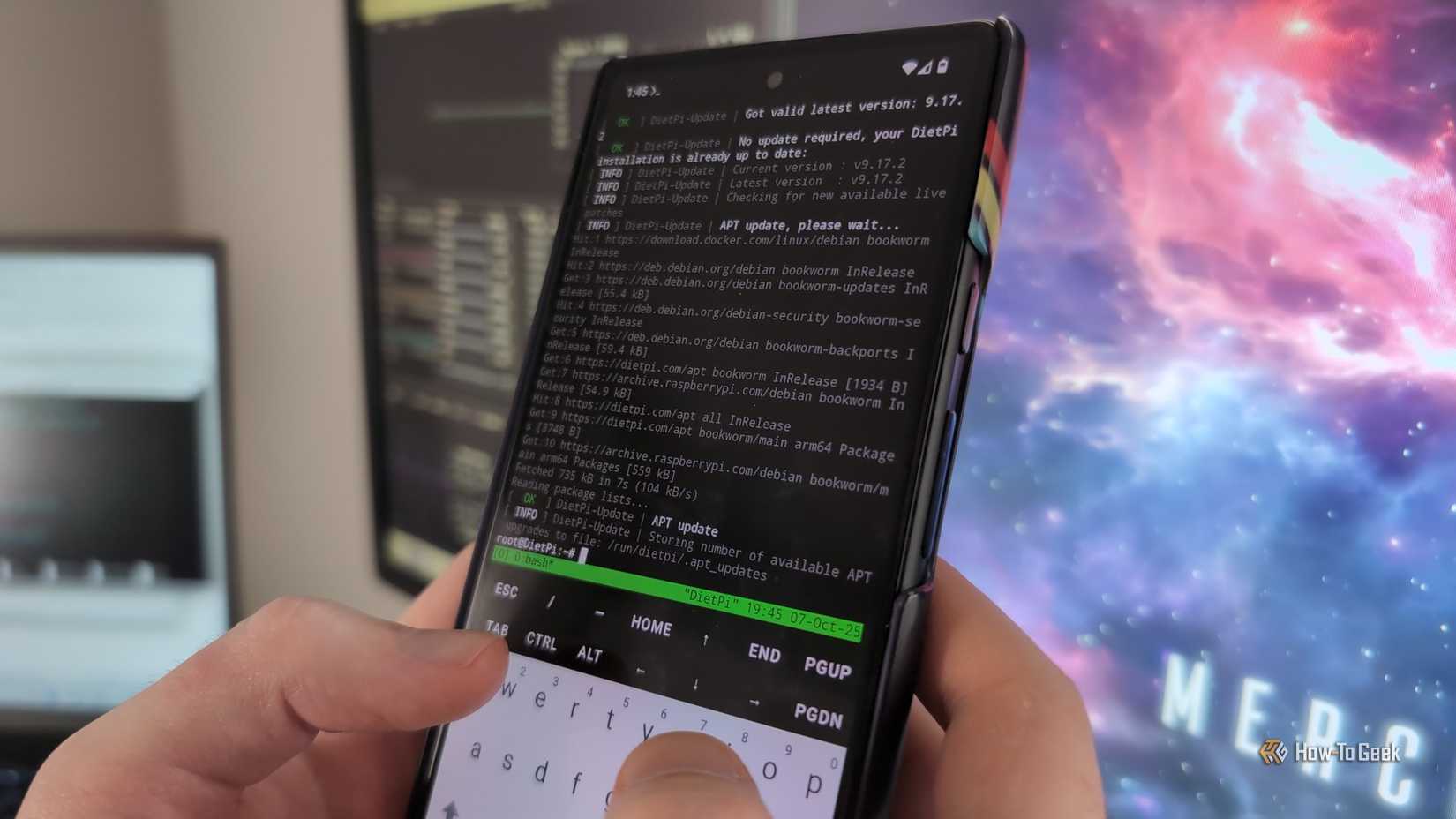
You can turn any Android phone, including Samsung Galaxy phones, into a home server. The process can be relatively straightforward, or highly involved, depending on the path you take.
If you’d just like to play around for a bit without having to tinker too much, you can do it all with just a few Android apps, such as Termux, offline version of Tiny File Manager, and a separate file manager app you can use to view external drive names, such as MiXplorer. The SjslTech YouTube channel has a great, in-depth yet easy-to-follow video guiding you through the entire setup process, which you can watch below.
If you’re ready to get your hands dirty, you can try installing postmarketOS on your Galaxy phone. While postmarketOS fully works on only a select few Galaxy phones, it’s quite usable on a wide range of older Galaxy phones and tablets. Below is a video from the Hardware Haven YouTube channel that covers the process.
If you aren’t interested in a phone-based server but use Home Assistant, you can convert the phone into a Home Assistant dashboard.
7
Repurpose it as a smart doorbell
Credit: Patrick Campanale / How-To Geek
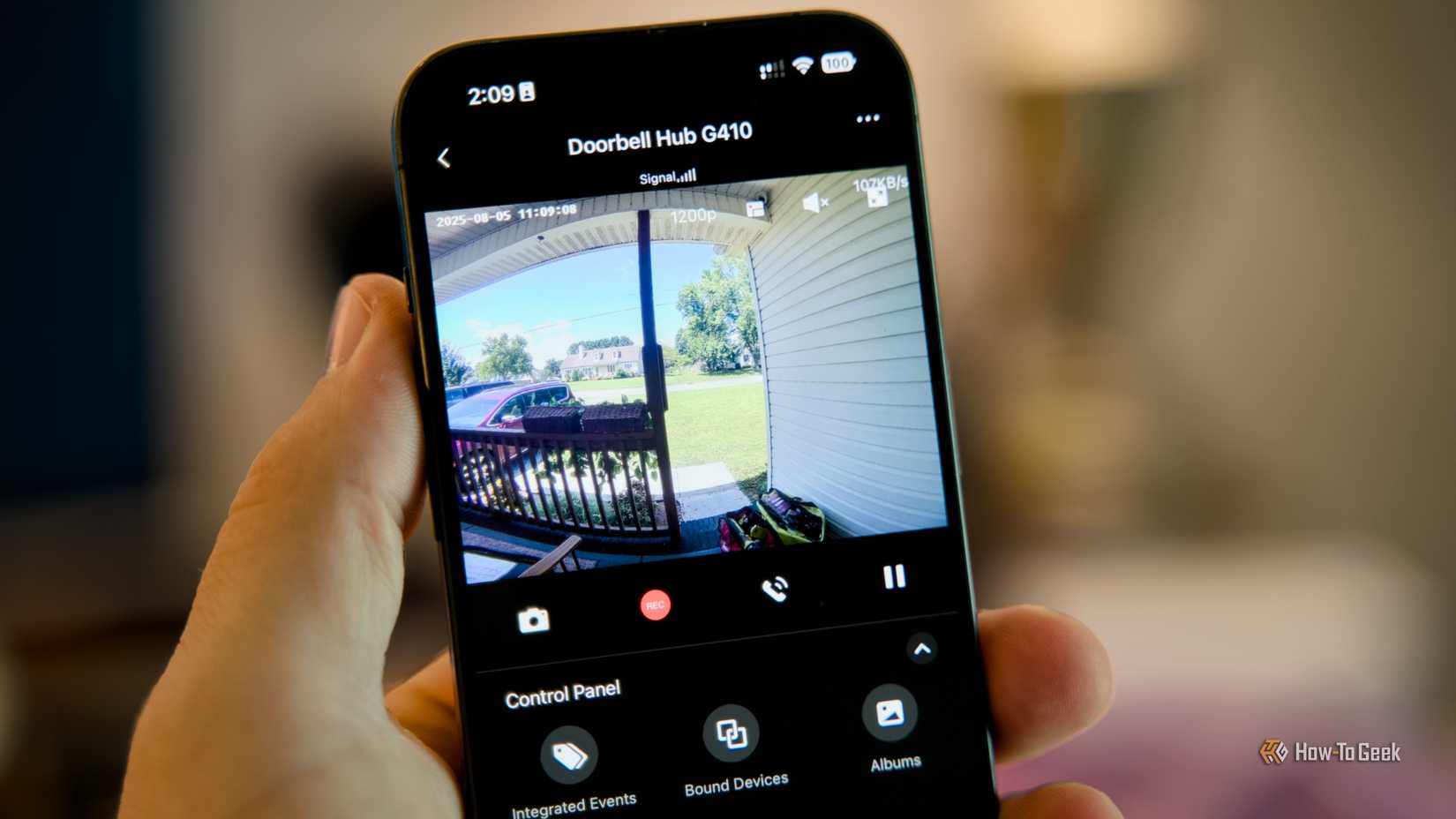
Why pay for a smart doorbell when you can build your own with your smartphone and Home Assistant? Aside from those two, you’ll also need a bit of YAML (YAML Ain’t Markup Language) know-how, the ability to run Docker containers, along with Facebox and MotionEye.
There’s a detailed step-by-step guide over at Instructables you can follow.
An old Galaxy phone can also be an excellent makeshift security camera. The setup process is nowhere near as involved as transforming the phone into a smart doorbell; all it takes is the phone and a single Android app, Alfred Home Security Camera. You’ve got a handy guide over at XDA Developers that can walk you through the entire setup process.
8
Install it in your car and use it as a dedicated GPS dashboard
Credit: Vlad Ispas/Shutterstock
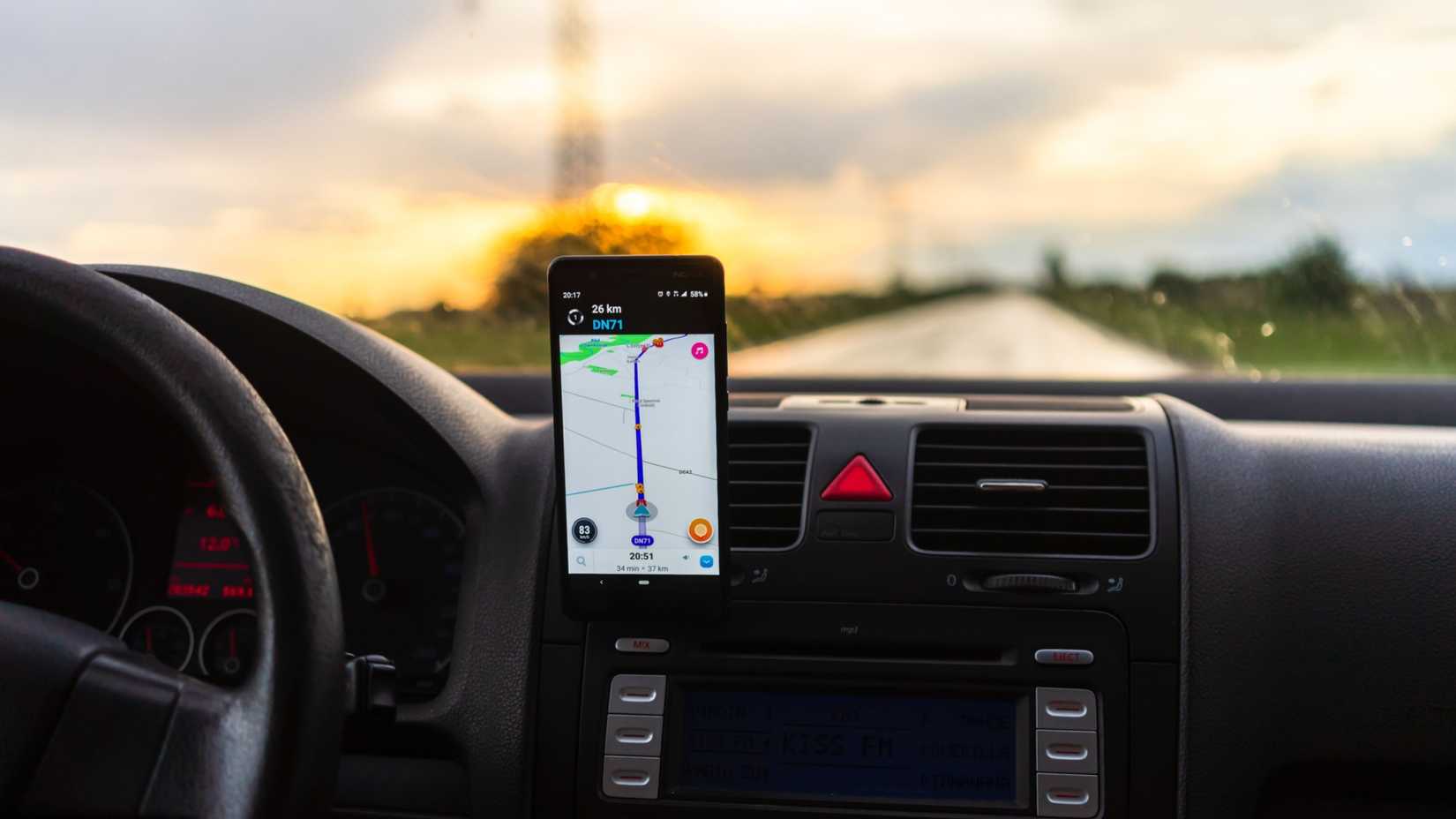
This one’s pretty simple and one of the most practical ways to reuse your old Galaxy smartphone. Given how battery-hungry GPS navigation can be, repurposing your old phone as a dedicated GPS device can help preserve your main phone’s battery.
Aside from the phone, you’ll need a phone car holder and a car charger. All that needs doing is secure the phone to the holder and install your favorite GPS solution on it.
You could keep the charger plugged into the phone all the time, but since GPS uses a lot of power and heats the phone up, it’s best to charge it when it’s idle to avoid damaging the battery, since it has likely already lost a good chunk of its capacity by the time you repurpose it as a GPS dashboard.
- Brand
-
UGREEN
- Output
-
24 Volts
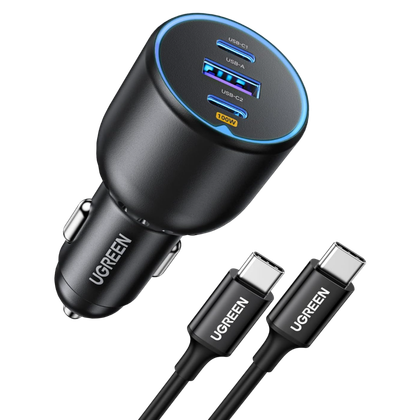
With 100W power delivery via one of its USB-C ports, the UGREEN 130W Car Charger can juice up most mobile devices, including laptops, at their top speed.
There are other things you can do with an old Galaxy phone. It can be a great little universal remote once you equip it with the Universal Remote Control app, you can use it as a time-lapse camera, or perhaps as a car dashcam. The possibilities are nigh-unlimited.