The default settings on your phone are great for getting you started, but that doesn’t necessarily mean they are the best ones. DNS is a great example of this. By default, your phone relies on whatever DNS service your ISP provides. It works, but it’s not something you should blindly stick with.
I recently changed to a private DNS on my phone, and it noticeably improved my internet speed. Beyond performance, changing the DNS also provides other meaningful benefits, such as better privacy and stronger security. All of this makes switching DNS a no-brainer, and honestly, my only regret is not doing it sooner.
Why changing the DNS is helpful
Faster speeds and more privacy
Credit: Brady Snyder / MakeUseOf
You can think of DNS as the internet’s address book. When you type a website name into your phone, like makeuseof.com, the job of your DNS provider is to translate that name into a numerical address. These numbers are what devices actually use to find the site. And since the default DNS on your phone is provided by your ISP, your browsing activities can be logged, analyzed, and in some cases even monetized.
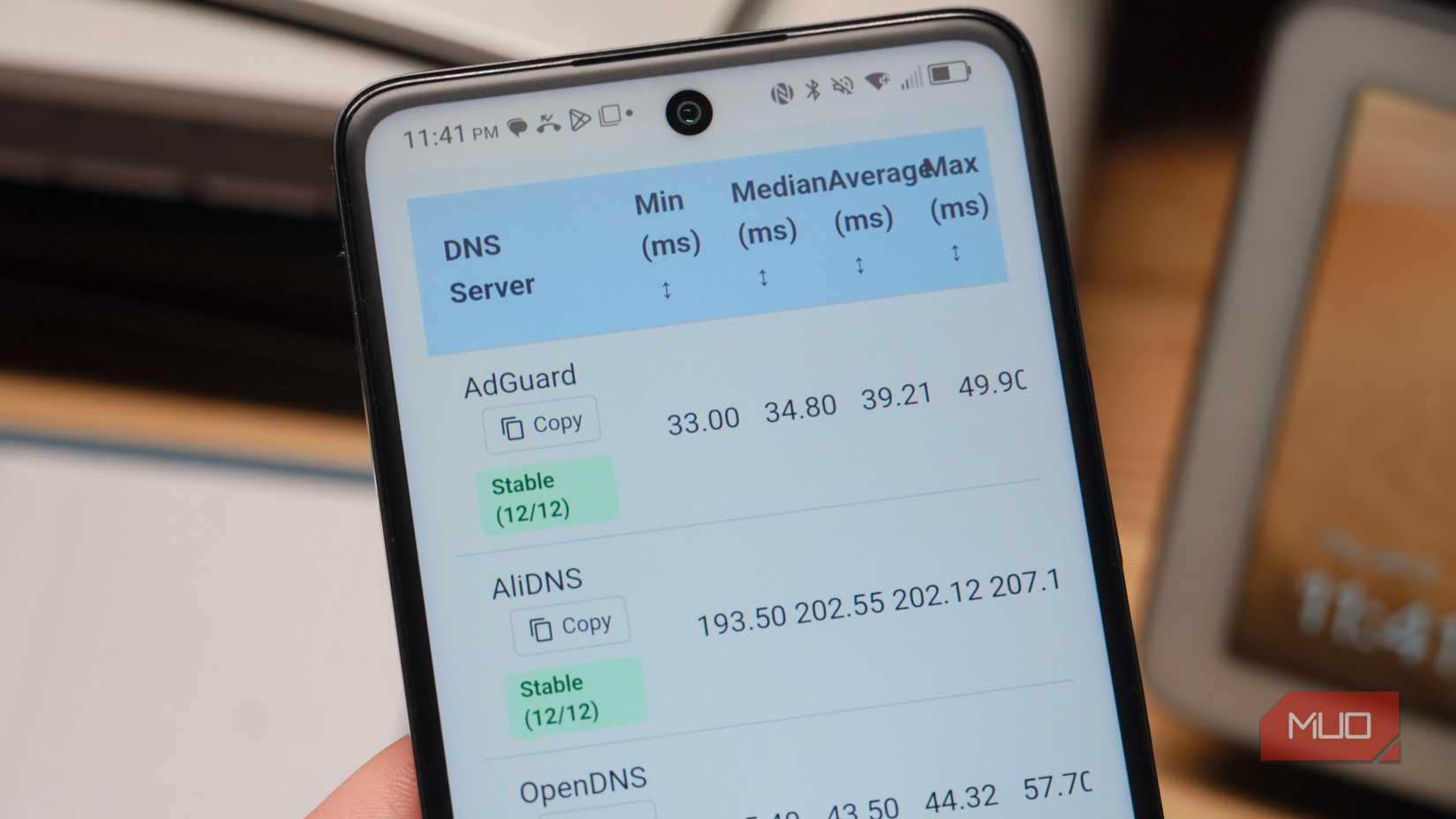
Another issue with ISP-provided DNS is that they are not optimized for performance. Most of the time, they exist to function, not to impress. Public DNS providers, however, run massive, globally distributed systems designed to respond in milliseconds. Because of this, the time it takes to find each website can reduce enough to make everything feel snappier. So yes, speed is another benefit of ditching the default DNS server set on your phone.
Changing the DNS is also helpful if you often use public Wi-Fi. Those free networks you get at a coffee shop, airport, or hotel often use poorly configured DNS servers. This is why you often see slow page loads, random errors, and websites that fail to load altogether.
Security is another issue. If the public network uses unencrypted DNS, anyone with the right skills could see your search queries and the exact URLs you visit. Changing the DNS is a simple tweak that fixes all of these problems.
Choosing the right DNS provider matters
There’s no one right answer
Credit: Brady Snyder / MakeUseOf
Switching DNS is great, but choosing the right provider is important. There are dozens of free and paid options out there, and some of them can be no better, or even worse, than your default one. Location also plays a big role. A DNS provider that feels fast in one region could be noticeably slower in another if the servers are far away from you.
Different providers also have different strengths. Some focus almost entirely on speed, with servers built to resolve addresses as quickly as possible. If your main goal is performance, Google DNS (8.8.8.8) and Cloudflare (1.1.1.1) are both quite popular for fast response times.
Others put privacy first. They don’t track your activity, store your queries, or build profiles about what you do online. Privacy-focused choices include Quad9 (9.9.9.9), which blocks malicious domains by default, and NextDNS, which lets you customize what is filtered and logged.
There are also DNS services designed with families in mind. By default, these DNS providers block adult content, malicious sites, or known phishing domains. If you’re looking for a DNS that does this, CleanBrowsing and OpenDNS FamilyShield are both popular choices.
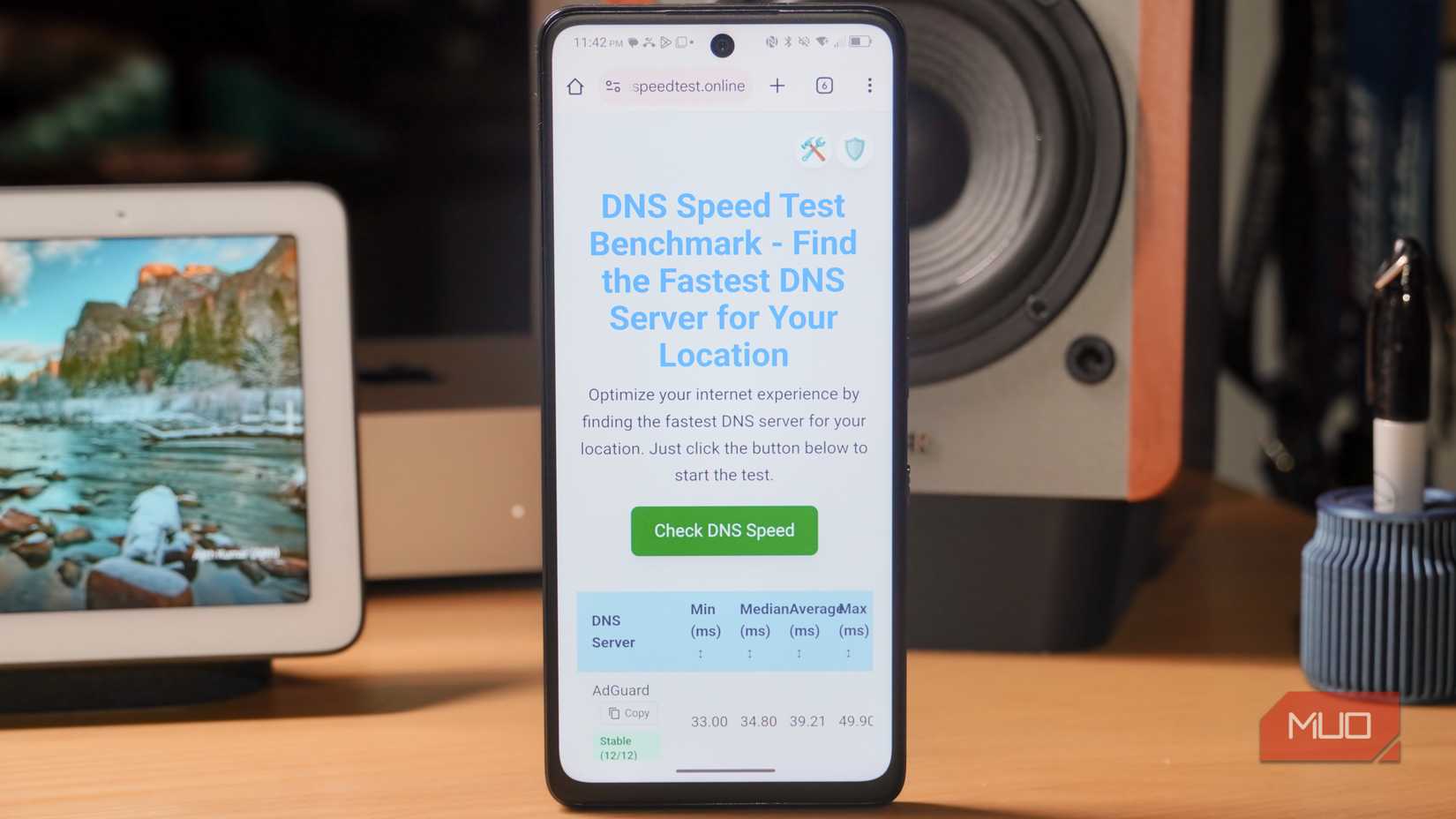
All of this means there’s no single DNS that’s best for everyone. The right choice depends on what you value most and where you live. In other words, changing DNS is easy. Choosing the right one is what actually makes the difference. And the best way to figure that out is by running a DNS benchmark.
Related
Router vs. Computer DNS Settings: Here’s What Was Faster
Comparing DNS at the router versus PC level led to real improvements in my network’s speed and performance.
Switching to a private DNS is quick and easy
And it’s a one-time thing
Once you’ve decided which DNS server you want to use, changing it is quite simple. On Android, DNS is a system-wide option that applies to every Wi-Fi network you connect to, so you only have to set it once. On an iPhone, though, you need to configure it separately for each network.
What’s important is that changing the DNS doesn’t affect mobile data in the same way. That’s because your carrier still controls how DNS is handled when you’re on mobile data. This is true even if your phone is not carrier-locked. The only real workarounds are rooting your Android phone and using a VPN connection.
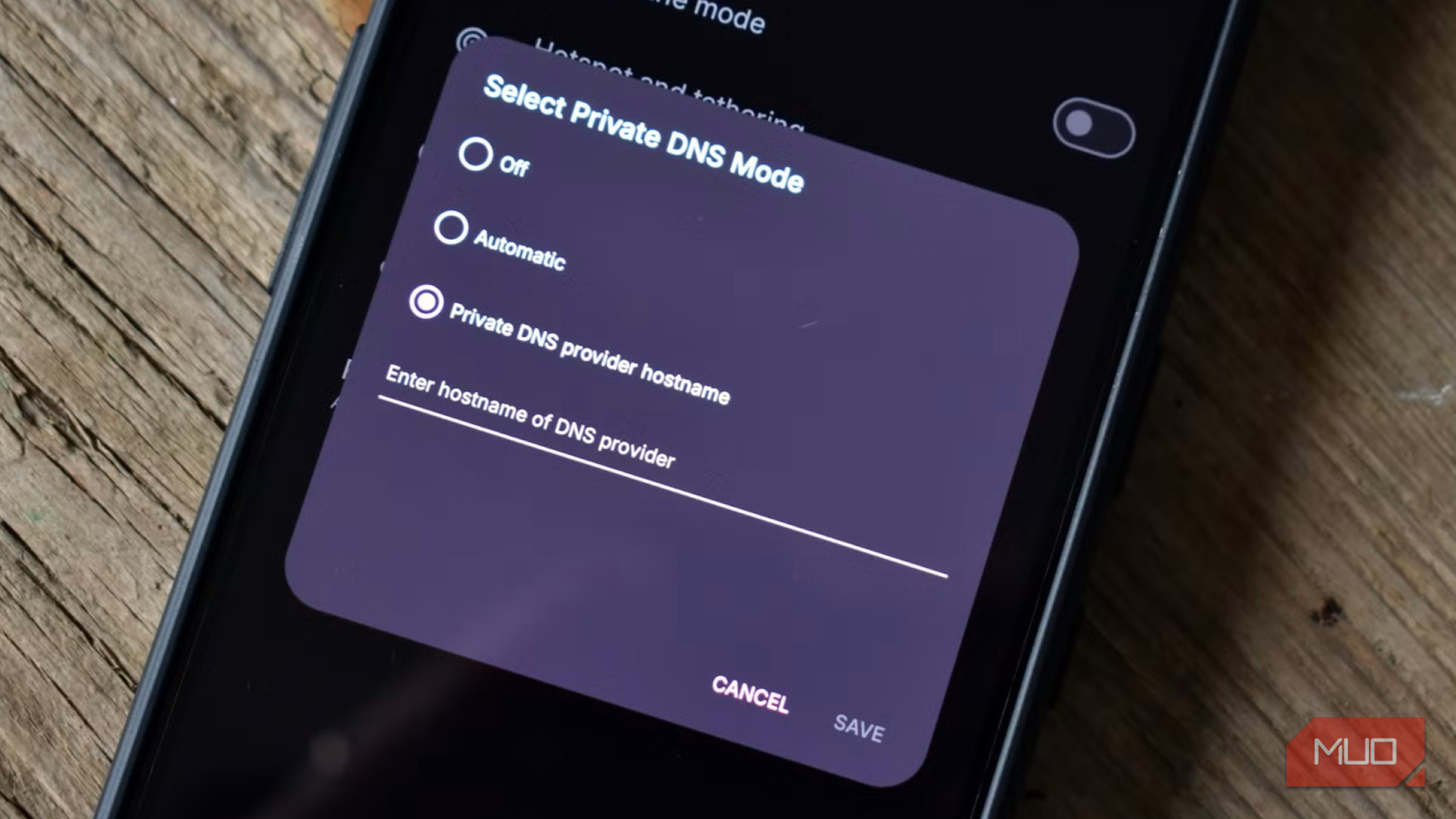
Even with that limitation, changing the DNS for Wi-Fi is still absolutely worth doing. For that, head to Settings > Network & Internet > Private DNS. On Samsung phones, go to Settings > Connections > More connection settings > Private DNS. From there, all that’s left to do is enter the address of your preferred DNS provider.
Android doesn’t accept simple IP addresses like 1.1.1.1 or 8.8.8.8 in this field. Instead, you’ll need to enter the DNS provider’s hostname. If you’re trying to use Google DNS, for instance, enter dns.google instead of 8.8.8.8. Similarly, for Cloudflare, you need to type 1dot1dot1dot1.cloudflare-dns.com here.
Changing my phone’s DNS turned out to be one of those rare tweaks that actually delivered on its promise. It took less than a minute, cost me nothing, and boosted my internet speeds and privacy. It’s actually unfortunate that most people never touch this, simply because they don’t know it exists.