Edgar Cervantes / Android Authority
TL;DR
- Google is working on bringing emoji reactions to the Wear OS version of the Messages app.
- A new “Mark as read” button is also expected for Wear OS notifications, mirroring the Android phone experience.
Google Messages is the primary texting app on Android, and Google keeps working to improve the core experience. This extends to both the experience on Android phones and the secondary experience on connected devices like Wear OS smartwatches. We’ve now spotted Google working on bringing the ability to react with emojis and mark messages as read from the notification, straight from your Wear OS smartwatch.
The Google Messages app on Android phones allows users to react with Emojis and Photomojis, but the functionality doesn’t extend to the Wear OS app. On Wear OS smartwatches, users can see all emoji reactions in messages, but they cannot react to messages themselves. This could soon change, as we’ve spotted a new MessageReactionsActivity on the Wear OS version of Google Messages:
There are also new strings related to message reactions:
Code
Copy TextReact with %1$s
Remove %1$s reaction
So far, the clues don’t suggest that users will be able to react with Photomojis on their Wear OS smartwatch, but they should still be able to see them on their watch when someone reacts with Photomojis.
Don’t want to miss the best from Android Authority?
Similarly, Google Messages on Android allows users to mark messages as read from their phone’s notification panel, through the “Mark as read” button shown below:
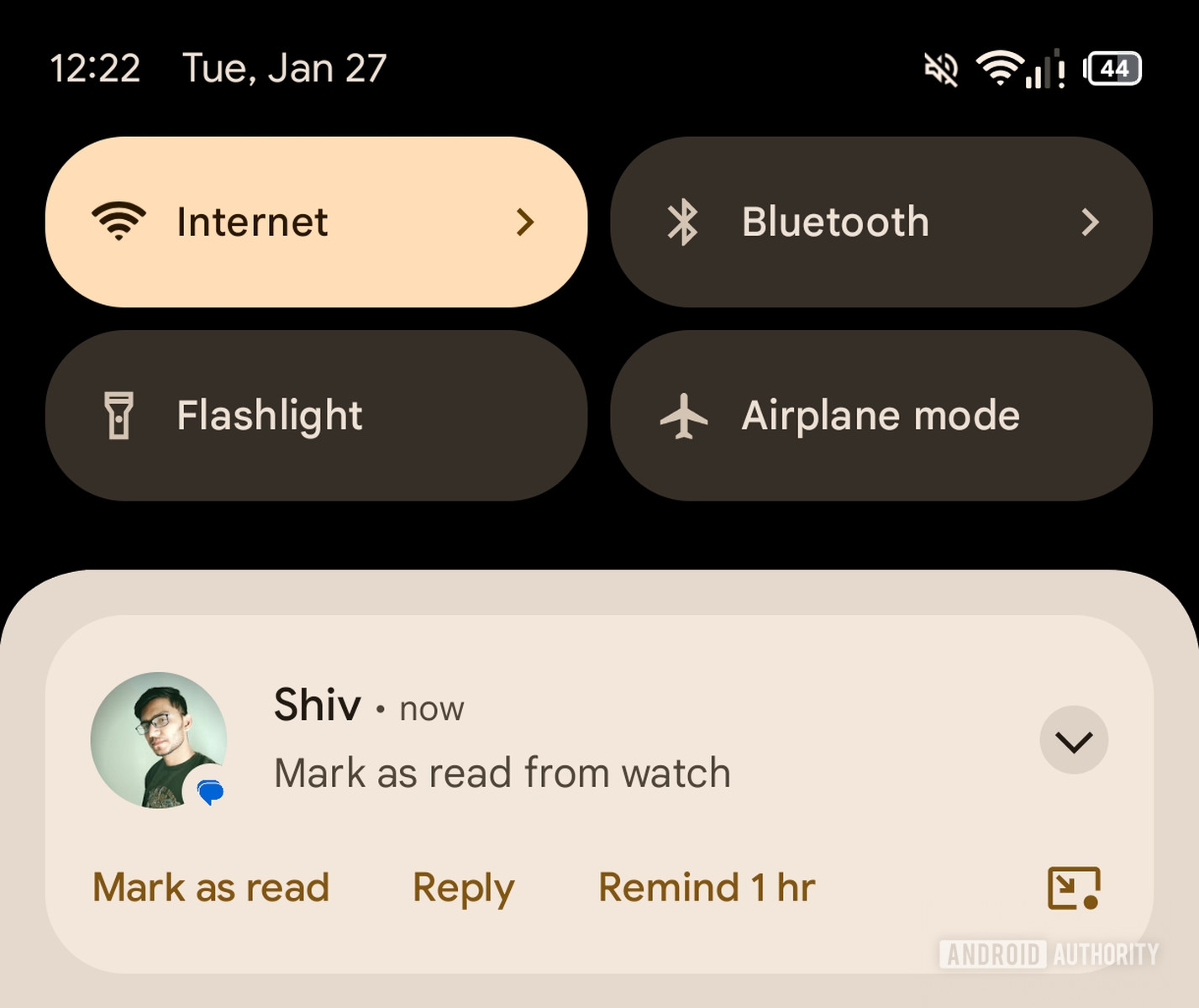
AssembleDebug / Android Authority
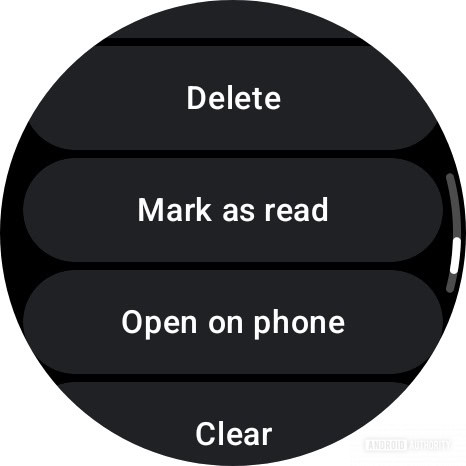
However, Google Messages on Wear OS does not come with a similar “Mark as read” button, even though other Google apps like Gmail do come with it on Wear OS, as seen in the screenshot below:
AssembleDebug / Android Authority
We’ve now spotted strings that suggest that Google Messages on Wear OS will soon get a “Mark as read” button:
Code
Copy Textenable_mark_as_read_on_wear_notification
When the button rolls out, it will help keep your unread counter under control, letting you mark unimportant messages as read directly from the notification on your Wear OS smartwatch, so you don’t unnecessarily see them again on your phone.
⚠️ An APK teardown helps predict features that may arrive on a service in the future based on work-in-progress code. However, it is possible that such predicted features may not make it to a public release.
Thank you for being part of our community. Read our Comment Policy before posting.