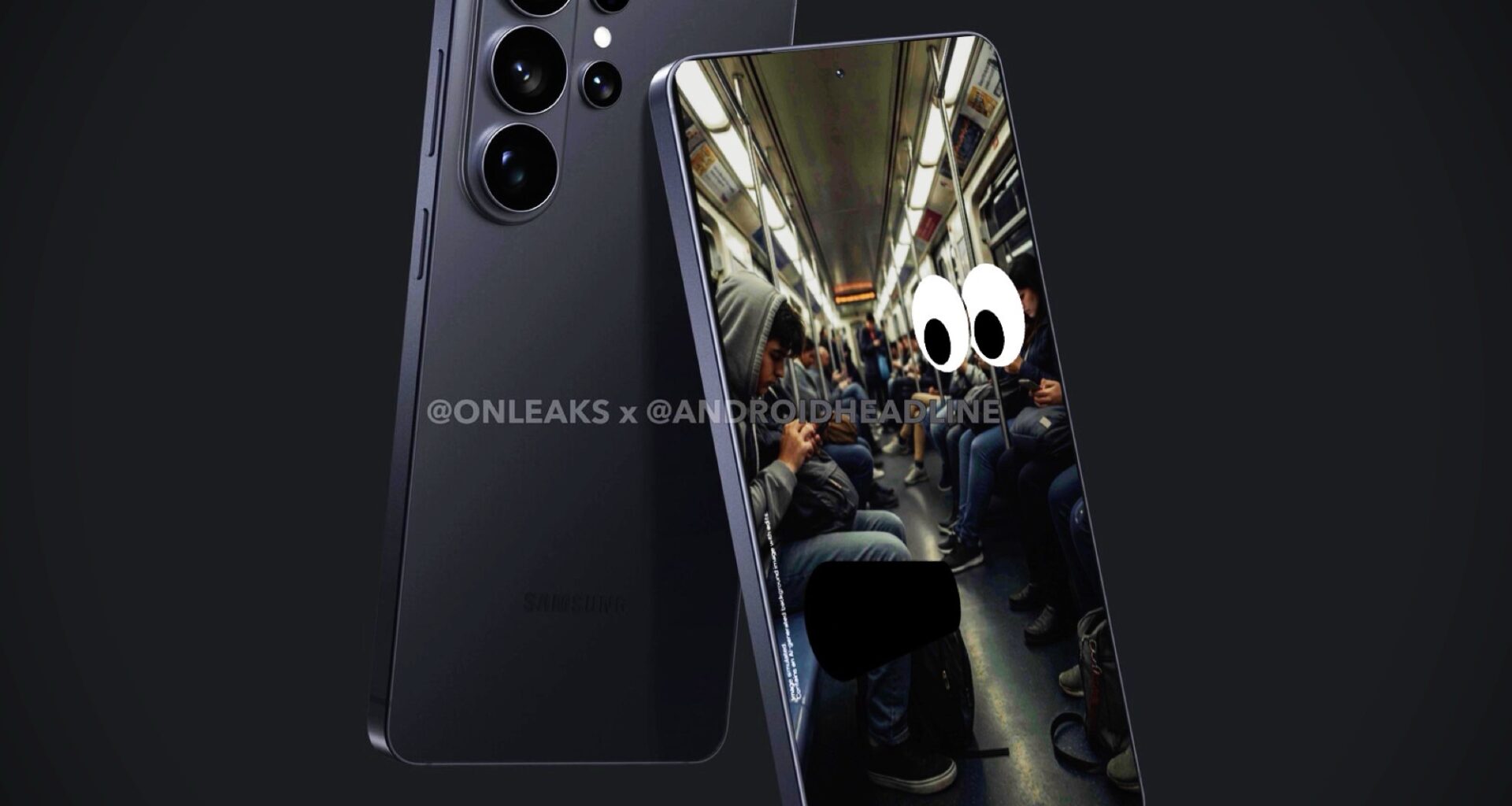
For example, it’s possible to automatically enable the privacy display when sensitive data such as passwords are entered, and then deactivate the feature in order to benefit from the wide viewing angles of OLED panels. Samsung allows users to temporarily and automatically active the privacy display when using certain apps or for incoming notifications.
Samsung showcases three specific situations during which the privacy display can be useful: unlocking the smartphone in a crowded elevator, reading a personal message on a bus, and entering a password on the subway. According to Samsung, the development of the privacy display took five years.