I used to think that if you cared about privacy or customization, you were supposed to ditch the defaults.
My phone was a revolving door of third-party apps that were meant to be more feature-rich and focused on privacy. Some of them were genuinely good.
However, over time, I noticed that I was spending more effort managing my setup than actually benefiting from it.
After years of being a launcher-hopper, app tester, and bespoke setup builder, I’ve ended up with something unusual: a mostly Google-default stack that I don’t feel compelled to replace anymore.
Here’s why.
Related
These Google Calendar features quietly fixed my work–life balance
These small changes subtly reshaped how I plan my days
The hidden cost of mixing third-party apps
For a long time, swapping out Google’s default apps felt more like a rule. If you used Android “properly,” you didn’t stick with whatever came preinstalled. You upgraded.
Gmail was too cluttered, so I tried cleaner email clients. Google Keep was “basic,” so I bounced between half a dozen note-taking apps that promised structure or deep organization. Maps? Surely there had to be something better than Google’s all-seeing behemoth.
Every third-party app solved a few specific annoyances, but also introduced a handful of smaller ones in return. Extra logins. Inconsistent design. Notifications that didn’t line up. Features hidden behind subscriptions.
My workflow became a patchwork. Notes were in one app, tasks in another, emails somewhere else, and I was just constantly translating information from one place to another.
What finally made me pause wasn’t Google catching up feature-wise. It was realizing that the defaults had become good enough, and more importantly, cohesive.
Google’s apps finally behave like one system
Credit: Lucas Gouveia / Android Police | yourphotopie / Shutterstock
Here is the part that changed everything for me: Google’s apps don’t feel isolated. They work together almost seamlessly.
An email in Gmail isn’t just an email now.
Information such as dates, times, addresses, and attachments integrate into Calendar, Tasks, and Maps without the need for manual copying.
A flight confirmation turns into a calendar event. A meeting address opens directly in Maps. A random email becomes a task with one tap.
Google Calendar is the hub for everything. Events from Gmail get automatically imported, and when I create a task in Google Tasks, it appears alongside my schedule instead of in a separate productivity silo.
The best part is that none of this requires tinkering. It works because Google owns the whole stack.
The Gmail and Calendar integration you might not know about
Most people know that Gmail automatically adds flights or hotel bookings to Google Calendar. But few realize you can also use it to schedule work without leaving the inbox.
Emails containing meeting details, webinars, interviews, or even vague scheduling language often surface as suggested calendar events.
You’ll see an Add to calendar chip at the top of the email. Tap it, and Gemini fills in the title, time, and participants without asking you to copy anything manually.
If you don’t see an option to add to Calendar, you can open an email, click the three-dot menu icon at the top, and select Create event.
Calendar also uses Gmail data after the event is created.
If the time changes in a follow-up email, Calendar often updates it automatically. I’ve noticed rescheduled meetings this way without rereading long threads or relying on someone to send a fresh invite.
Another underrated feature is how Calendar surfaces email-based events at the right moment.
When a meeting is coming up, the notification often includes quick actions. If there’s a Meet link buried in the email, Calendar pulls it forward so you can join instantly.
On the desktop, this integration performs even better.
Opening Calendar from Gmail’s side panel lets you add or edit events without leaving your inbox. You can quickly check availability, drop in a reminder, or confirm a time while reading an email, without switching tabs.
Google Messages stopped needing replacements
Credit: Lucas Gouveia / Android Police | Luis Molinero / Shutterstock
Messaging used to be the one area where Google’s default app always felt like a placeholder. That is no longer true.
Google Messages has become reliable enough that I stopped searching for alternatives.
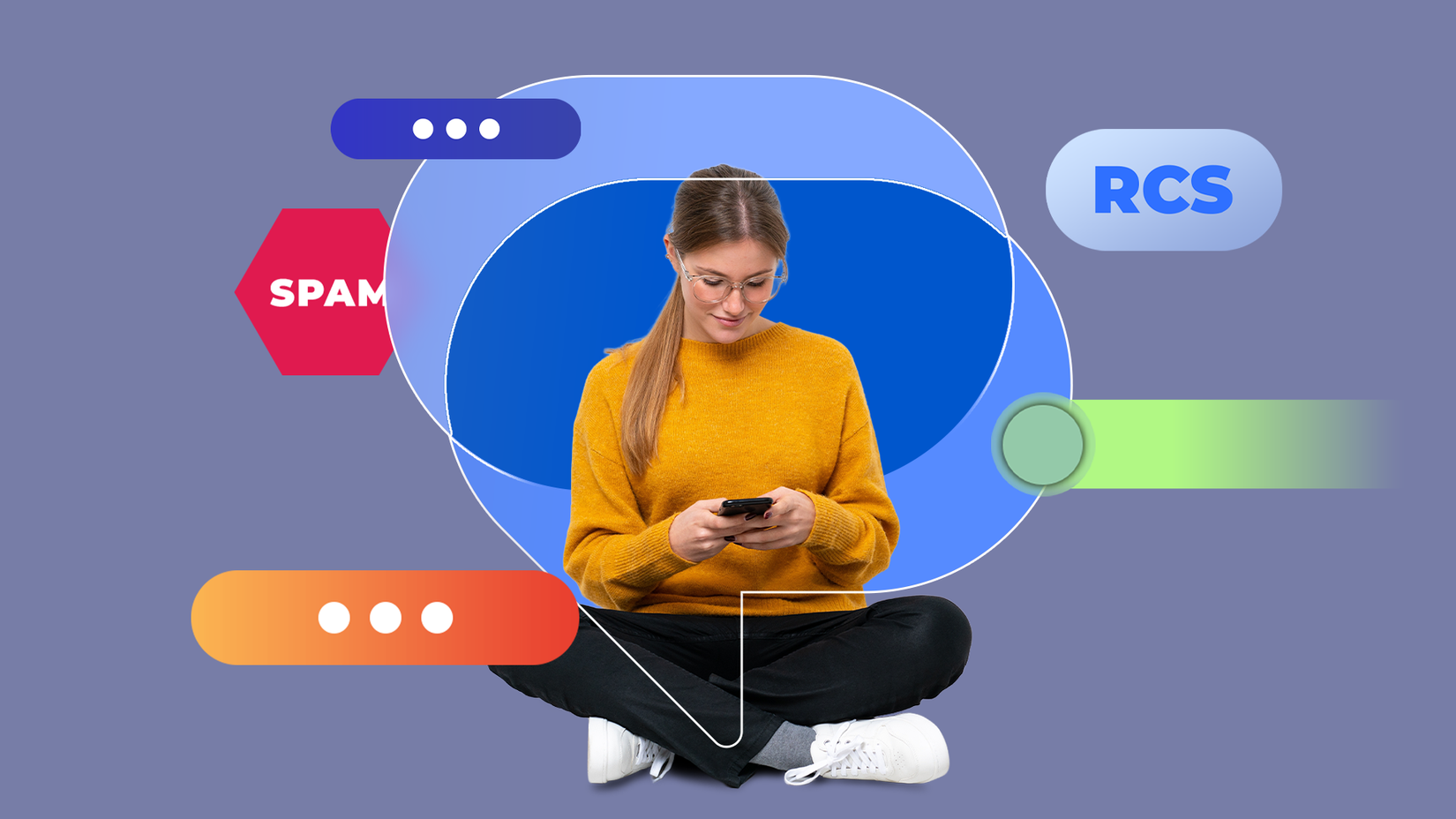
RCS finally feels like an improvement, with features like typing indicators, read receipts, reactions, and high-quality media sharing. Conversations sync cleanly across my phone and the web.
What really sealed the deal for me is how well Messages fits into Android itself. Delivery updates appear as rich cards instead of spammy texts, and junk messages are filtered aggressively by default.
I no longer need another SMS app to keep my inbox usable.
Third-party messengers still have their place, but for everyday communication, Google Messages does not feel like a compromise.
I stopped juggling files when these three apps clicked
Credit: Lucas Gouveia / Android Police | Perfect Wave / Shutterstock
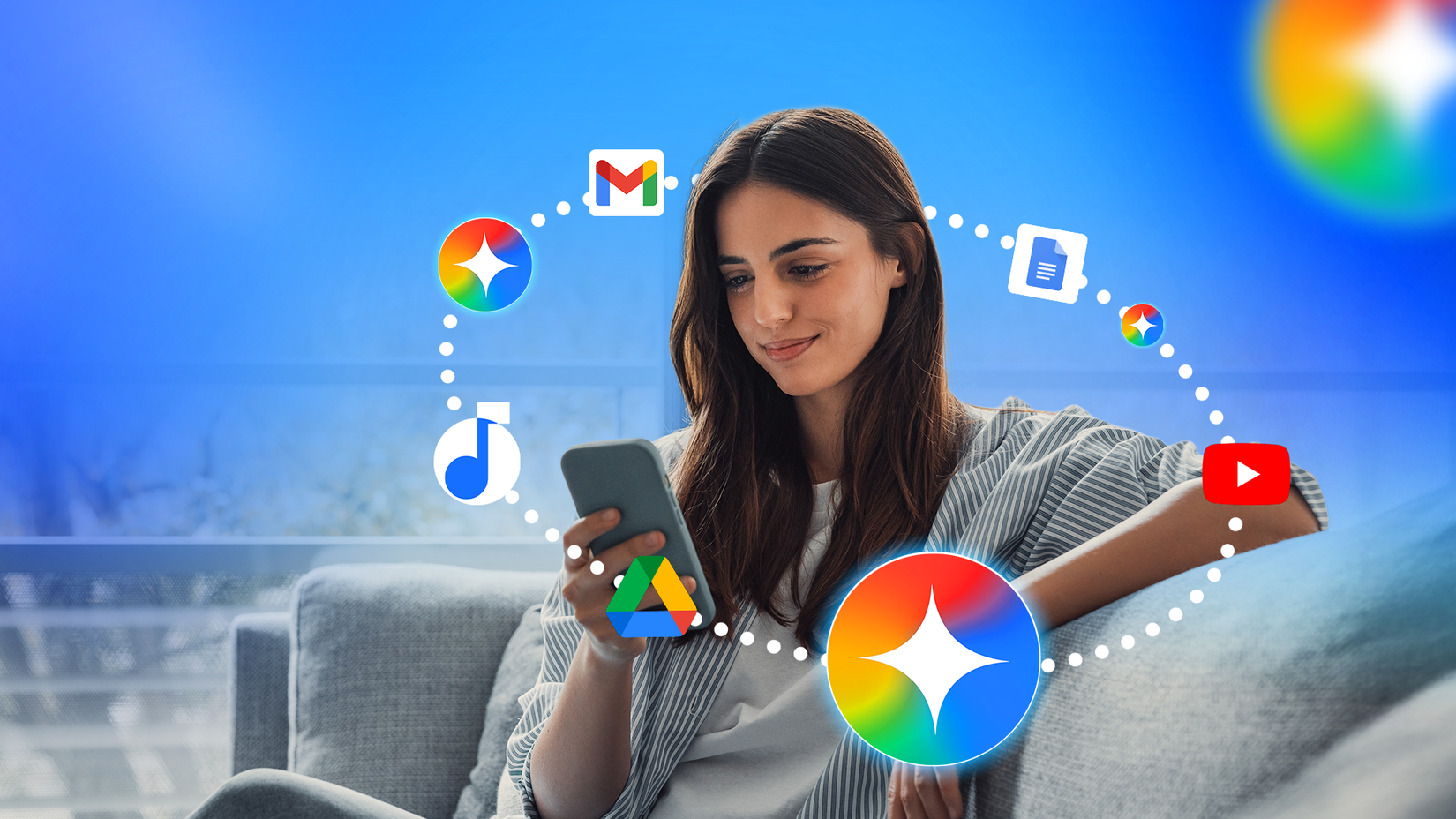
Where third-party alternatives often require manual export/import or separate file systems, Google’s apps share a cloud layer. Gmail, Drive, and Docs behave like parts of the same system.
That means when someone emails me a document, I can save it to Drive with a single click.
Jumping from an email to an editable Docs file also takes a click. Comment notifications in Docs land in Gmail with direct links back to the exact paragraph that needs attention.
The underrated part is how invisible this workflow has become. There’s no setup, no rules to maintain, and no third-party service gluing things together.
Related
4 quiet Calendar upgrades that changed how I manage my time
Google Calendar’s lesser known features can dramatically improve time management
I simplified my phone setup by relying on Google apps
Somewhere along the way, the constant app swapping stopped paying off.
Gmail, Calendar, Drive, Docs, and Messages began doing the unglamorous work well enough that replacing them felt like effort without a clear reward.
Third-party apps still have their place, especially if you want maximum control or niche features. But for day-to-day work, Google’s defaults stopped being something I tolerated and became something I rely on.