GSMArena Team,
30 January 2026.
1. Introduction and unboxing2. Design and build3. Lab tests – display, battery life, charging speed, speakers4. Software and performance5. Camera, photo and video quality6. Alternatives, pros and cons, verdictZTE nubia RedMagic 11 Air specificationUser opinions and reviewsReview comments (21)
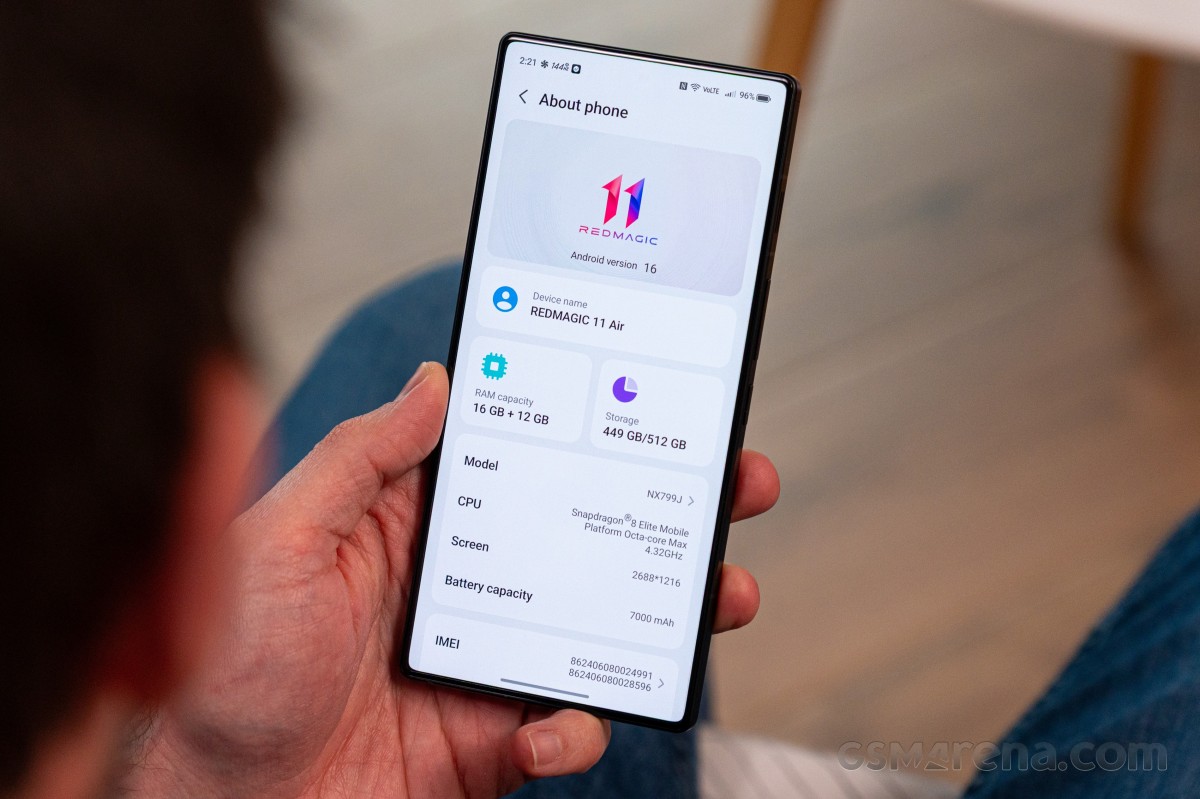
Redmagic OS 11 and Android 16
The RedMagic 11 Air runs on a familiar RedMagic OS 11 software, based on Android 16. We’ve already seen it in action on the RedMagic 11 Pro, so we suggest you head over to our written review and check out all the cool features.
As far as software support goes, the handset is expected to receive 5 years of software support for users in the European Union and the UK. That includes regular security patches and major OS upgrades. The rest of the regions get 3 years of software support. To us, however, this sounds a bit ambiguous as nubia doesn’t specify how many major OS updates one should expect in that period.
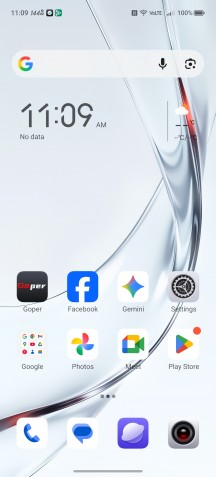
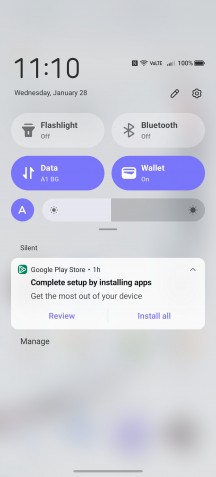
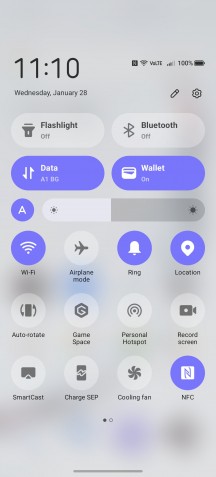
Home screen • Notification shade • Quick toggles
From a visual standpoint, RedMagic OS 11 doesn’t differ too much from the previous iterations. It looks the same as the older versions, and there aren’t any new AI features either.
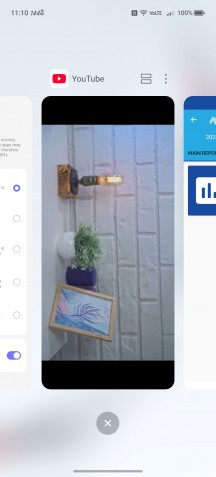
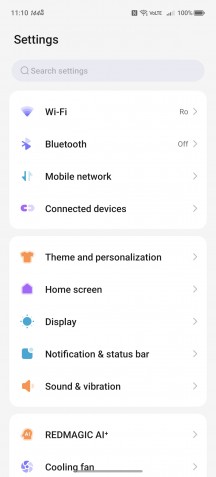
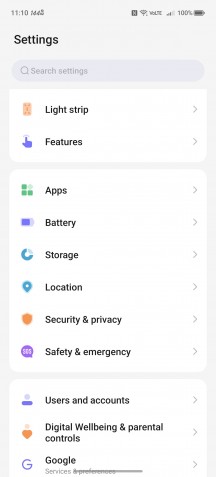
Recent apps • Settings menu • Settings menu
You can still use Google’s Gemini and also use RedMagic’s virtual assistant Mora.
Game Space and other gaming features
The Game Space is an in-game overlay and a set of tools designed to enhance the gaming experience and has been a staple of the RedMagic gaming phones since their inception. It hasn’t changed much over the past couple of generations, but this one adds a few extra features. But first, let’s go through the most notable functionalities.
Naturally, there’s an in-game overlay that lets you track certain stats, including in-game fps, as well as CPU and GPU frequency and quick access to features. There are some quick access shortcuts for supported messenger apps as well, for more convenient window-based chatting while in the game.

In-game Game Space overlay
The more powerful settings are in their own sub-menu within the overlay. You can adjust CPU and GPU performance profiles, screen sensitivity, and sampling rate, and you can enable a particular visual profile for the display to make certain game elements more easily visible.
Plugins are a relatively new addition to the RedMagic Game Space. Unfortunately, like other parts of the UI, these suffer from poor and incomplete translations, and it could be difficult to figure out what each one does.

Plugins
Gravity X is the system nubia uses to map external devices like a controller, keyboard and mouse to on-screen controls. This is something that the RedMagic 11 Pro lets you easily do out of the box, which could give you an unfair competitive advantage when gaming. You can also use the system here to turn the phone into a controller when playing games on an external screen.
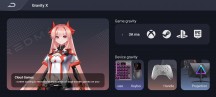
Gravity X
The phone itself offers several convenient ways to connect to peripherals. First off, there is USB alt mode. Using a supported dongle, you can easily get an HDMI or DP output from the Red Magic 11 Pro and USB inputs back into the phone. This is a great way to connect it directly to a monitor or TV.
If that seems too cumbersome for you and you would rather just use a PC to play your mobile games, then there is Redmagic studio – a Windows app that lets you screencast over Wi-Fi or a USB cable connected directly to the PC. It works at a refresh rate of up to 120Hz. The whole pairing process with the desktop app is seamless and extremely easy. You can set up different mapping profiles for all the games you play, and the keyboard/mouse input is pretty solid.
The streaming feature works in all phone menus and apps, not just games, so it may be useful for more than just gaming. The gestures and keyboard typing feel native. You can even use the phone itself as a trackpad for touch input, or alternatively opt to have it entirely autonomously functional so you can cast one app to a TV or monitor while using your phone for something entirely different. The whole system is extremely flexible and works surprisingly well. Props to nubia for that.
While all of these features are not brand-new, there’s a host of new ones, all AI-related. However, except for the in-game conversations with Mora, the virtual assistant, during gameplay, the rest are set to be released with a future update this December. For instance, a personal AI coach offers real-time strategy advice and tips during gameplay. Win rate predictions will also be available in select games like MLBB, Free Fire and PUBG. Moreover, Game Space will enable voice command mapping, meaning you can use keywords to use certain in-game controls.
Benchmark performance
The nubia Red Magic 11 Air runs on the previous generation flagship chipset, the Snapdragon 8 Elite. The same chipset is also found in the previous RedMagic 10 series generation. The chip is based on the 3nm node with in-house cores and super-high CPU frequencies.
The Elite uses Oryon cores, two versions of them – two Prime cores and six Performance cores. These aren’t Cortex cores like in MediaTek and Samsung chipsets, but a Qualcomm design. The two Prime Oryon V2 Phoenix L cores run at up to 4.32GHz, which is an insane speed for a pocketable device and are joined by by 6x Oryon V2 Phoenix M, ticking at 3.53 GHz.
On the GPU front, there’s the Adreno 830, built on a new architecture using a sliced design with dedicated memory for each slice. The 830 has three of these slices clocked at up to 1.1GHz.
As far as storage is concerned, the device ships with either 12GB/256GB memory or 16GB/512GB. Both versions use UFS 4.1 storage chips.
As expected, the handset utilizes the Snapdragon 8 Elite to the fullest and performs equally well compared to its peers and competitors running on the same SoC. In fact, some of the benchmark results are slightly above average even.
Sustained performance
We ran the usual CPU and GPU stress tests with and without the cooling fan, and to our surprise, it didn’t make any difference. Most of the previous RedMagic phones made at least a little bit of difference, whereas the 11 Air’s cooling fan feels more like a gimmick.
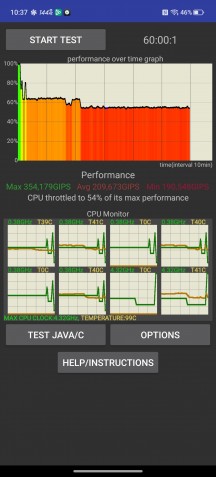
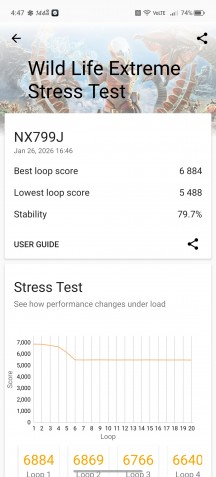
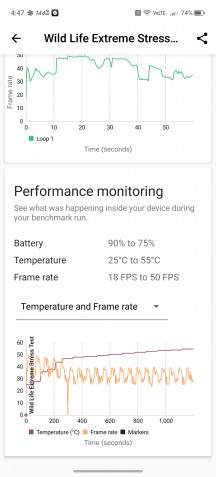
CPU and GPU stress tests with cooling fan
Additionally, the sustained performance of the CPU is quite underwhelming. The CPU quickly throttled down to about 50% after less than five minutes into the test.
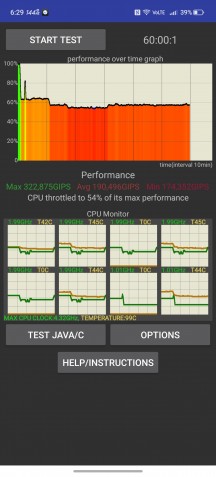
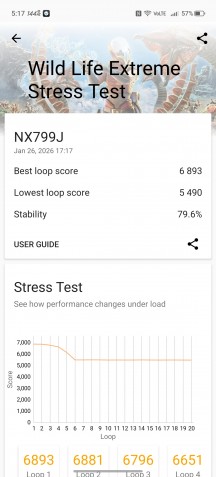
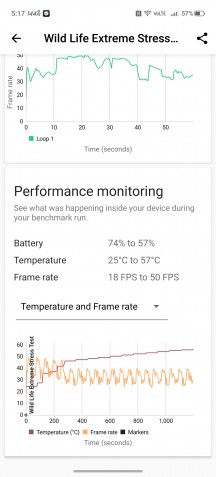
CPU and GPU stress tests without cooling fan
On the other hand, the 3DMark Wild Life Extreme Stress Test scenario returned impressive results. After 20 minutes of intense, GPU-heavy workload, the chip maintained relatively high performance for a flagship SoC.
Gaming performance
High-refresh rate gaming on Android still has a long way to go, but nubia is making steps toward improving that on its own RedMagic phones. Even though the handset doesn’t offer as wide a support for high refresh rate gaming as Asus ROG phones do, the list of supported games at 144Hz has grown a bit.
- Real Racing 3
- PUBG MOBILE
- Brawl Stars
- League of Legends: Wild Rift
- Vainglory
- Free Fire
- Minecraft
- Legends – Wrath of the Duchy
In addition to the natively supported games in 144Hz, the RedMagic 11 Air supports some titles at 144Hz in 2K resolution using forced upscaling and frame interpolation.
- Genshin Impact
- PUBG Mobile
- Call of Duty: Warzone Mobile
- Fortnite
- Honkai: Star Rail
- Wuthering Waves
- League of Legends: Wild Rift
- GODDESS OF VICTORY: NIKKE
However, frame interpolation in-game is hard to recommend, especially in competitive games. It may give you the sense of smoothness, but it introduces latency and smearing since the additional frames generated between the real ones are entirely black.