

Canon released firmware updates today for the EOS R1, R5 Mark II, R3, R6 Mark II, R10, R8, R100, R50 V, and PowerShot V1, a nine-body coordinated rollout dominated by autofocus and connectivity additions. The headline items are American Football subject detection and False Color With HDR/C.Log View Assist arriving on both flagships, the return of DPRAW shooting to the R5 Mark II, and Pre-continuous Shooting becoming assignable to a custom button on the R1 and R5 Mark II.
All nine firmware files are available from the corresponding firmware notice pages within the Canon U.S.A. Product Advisories section. The release lands alongside Canon’s announcement of the EOS R6 V, and several items recur across multiple bodies: a Wi-Fi frequency band selector for the Bluetooth-to-Wi-Fi handoff, fixes for the Err49 loop during SFTP communication, a smartphone USB recognition fix, EDSDK or CCAPI developer kit support on bodies that did not previously expose it, and the ability to switch a receiver camera’s group settings from the sender body when using the EOS Multi-Remote app.
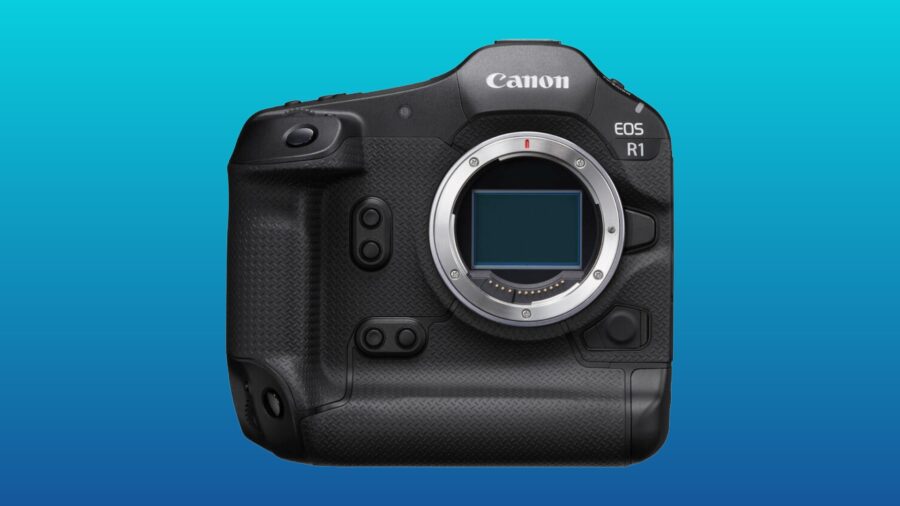 Canon EOS R1. Credit: B&HEOS R1 firmware 1.3.0 brings False Color with View Assist, Pre-continuous button binding, and Night Display
The EOS R1 gets the deepest feature set in the rollout. Canon adds American Football as a new subject under Action Priority, tuned for humans wearing helmets and shoulder pads, and retrains Register People priority to perform better with profile views, partially obscured faces, smaller subjects, and children, with improved behaviour even when set to Off.
For video shooters, three additions stand out. False Color Settings can now be enabled while HDR/C.Log View Assist is selected, a combination Canon’s Cinema EOS bodies have offered for some time, but which had not previously been possible on the EOS R1. Pre-continuous Shooting becomes assignable to Customize buttons for shooting, so it can be enabled and disabled on the fly rather than through the menu. The White Balance settings menu can hold up to four Color Temperature presets, with a Switch Color Temperature function assignable to custom buttons. Electronic level and grid display can now be enabled during movie recording, and the AF-related settings menu gains Save to Card and Load from Card options so a configured AF profile can be transferred between EOS R1 bodies.
On the connectivity side, the EOS R1 gains the Wi-Fi frequency band selector under Communication Settings and a No. of Connections control inside FTP transfer settings to select the transfer thread count. Playback and menu screens can be shown when outputting to two screens via HDMI Display During Connection. The EOS Multi-Remote group setting switching is included, along with a new Night Display Mode menu option. Canon’s fix list addresses an Err70 in live view during multi-exposure capture in dark environments, the Err49 SFTP communication loop, an interval timer interruption when auto power-off activates, a camera restart when the shutter is pressed while deleting images, and the smartphone USB recognition fault.
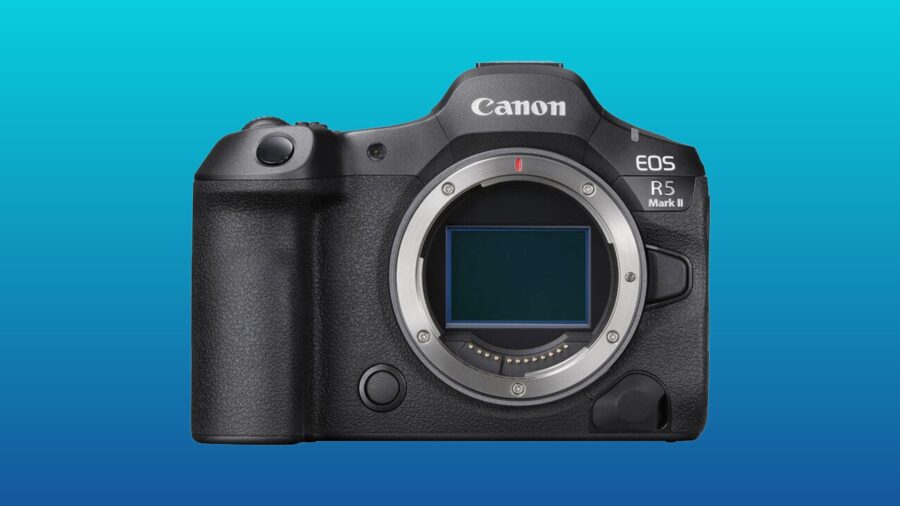 EOS R5 Mark II. Credit: B&HEOS R5 Mark II firmware 1.3.0 brings DPRAW back, adds AF for close-up demos, and the SDK
The EOS R5 Mark II v1.3.0 mirrors most of the EOS R1 update and adds several items of its own. Canon brings Dual Pixel RAW shooting back to the camera, and introduces an AF for close-up demos mode that becomes available during movie recording in Movie Manual Exposure, Movie Auto Exposure, and other Creative Zone modes, working alongside existing exposure and AF area settings. EDSDK and CCAPI developer kit support is added.
The R5 EOS Mark II shares the R1’s full feature roster otherwise: American Football priority, Register People retraining, False Color with HDR/C.Log View Assist, Pre-continuous Shooting button binding, up to four Color Temperature values with Switch Color Temperature assignment, AF settings save and load to card, electronic level and grid display during movie recording, two-screen HDMI output for playback and menu screens, Wi-Fi frequency band selection, FTP transfer thread count, and EOS Multi-Remote group switching. The fix list covers the Err49 SFTP loop, the auto power-off interruption during interval timer shooting, the camera restart when pressing the shutter while deleting images, and the smartphone USB recognition fault.
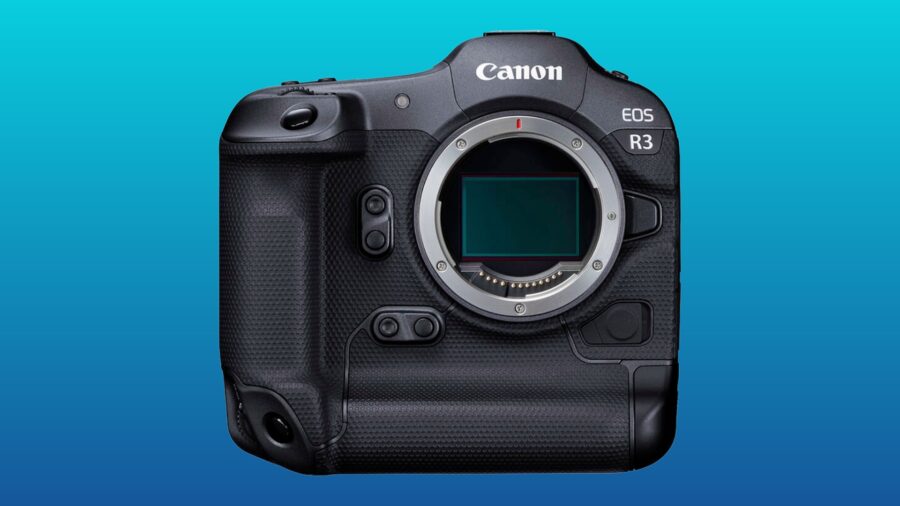 EOS R3. Credit: B&HEOS R3 jumps to 2.1.0 with connectivity additions
The EOS R3 firmware version 2.1.0 is a focused release. Canon adds the Wi-Fi frequency band selector and the EOS Multi-Remote receiver group switching capability, fixes the Err49 SFTP communication issue, and includes other system stability improvements. EOS R3 owners coming from prior firmware can expect the connectivity additions, but none of the AF or video feature work landing on the newer flagships.
 EOS R6 Mark II. Credit: B&HEOS R6 Mark II firmware 1.7.0 fixes the viewfinder line and FTP transfer failures
The EOS R6 Mark II firmware version 1.7.0 brings the Wi-Fi frequency band selector and CCAPI developer kit support, alongside several substantive fixes. Canon addresses FTP image transfer failures that resulted in Err41 being displayed, the Err49 SFTP loop, the smartphone USB recognition fault, and, notably, a momentary horizontal line that could appear in the viewfinder. General stability is also improved. The viewfinder line fix is the long-awaited resolution to a complaint that has surfaced in EOS R6 Mark II owner communities for some time.
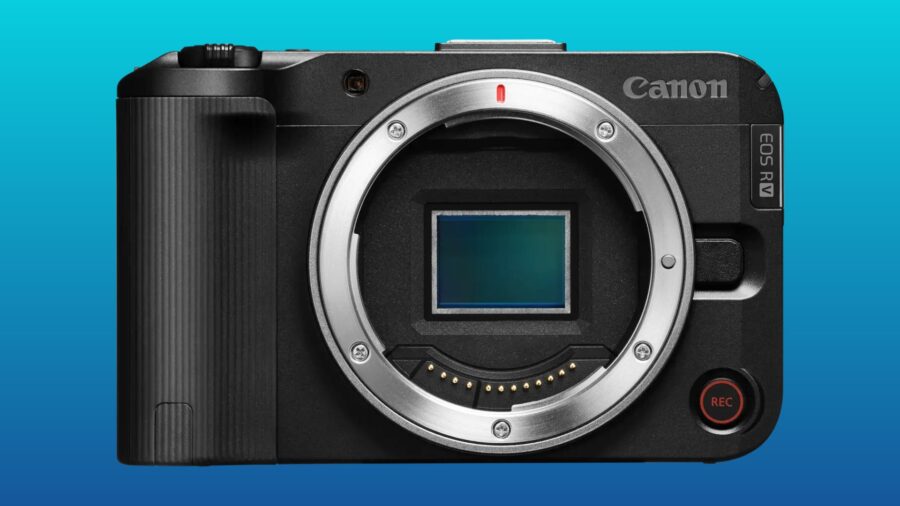 EOS R50 V. Credit: B&HEOS R50 V firmware 1.2.0 adds False Color with View Assist, BR-E2 support, and dual-lens improvements
The EOS R50 V firmware version 1.2.0 picks up several items aligned with the flagship rollout. Canon adds the AF for close-up demos mode across Movie Manual Exposure, Movie Auto Exposure, and other Creative Zone modes, enables False Color Settings to remain On when HDR/C.Log View Assist is selected, and adds a grid display option during movie recording. Wi-Fi frequency band selection comes to Communication Settings, EDSDK and CCAPI developer kit support is added, and Wireless Remote Controller BR-E2 support is enabled.
Canon also improves display behaviour when the RF-S7.8mm F4 STM Dual lens is mounted, and adds 3:2 and 1:1 to the selectable options for Still Image Aspect Ratio. Fixes cover touch shutter operation in extremely dark environments and the smartphone USB recognition fault.
 PowerShot V1. Credit: B&HPowerShot V1 firmware 1.2.0 adds Live Switcher Mobile Streaming
The PowerShot V1 firmware version 1.2.0 brings several creator-oriented additions. Canon adds the AF for close-up demos mode in the same exposure modes as the EOS R50 V, support for the Wireless Remote Controller BR-E2, and a new Live Switcher Mobile Streaming option under Communication Settings. Fixes cover an issue affecting touch shutter operation in extremely dark environments and the smartphone USB recognition fault. The Live Switcher Mobile Streaming addition is unique to the PowerShot V1 in this rollout, in line with its content creator positioning.
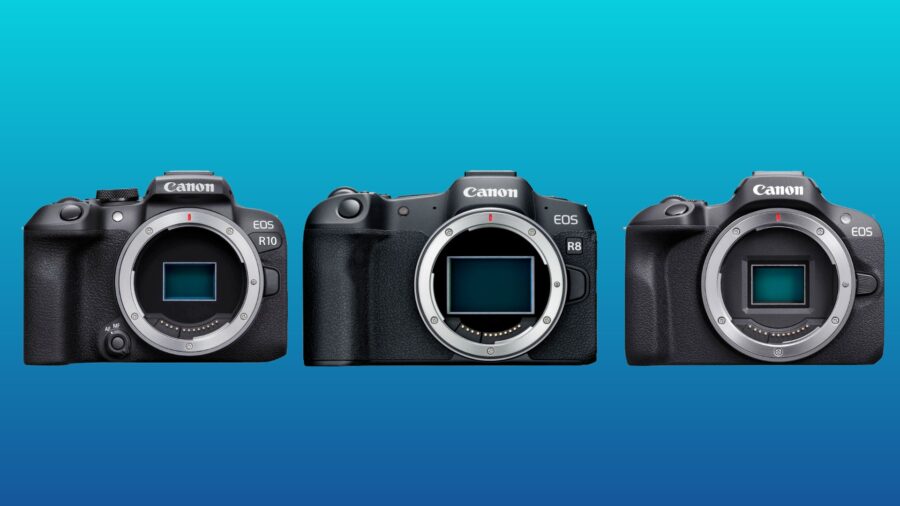 EOS R8, R10, R100. Credit: B&HEOS R8, R10, and R100 receive maintenance and SDK updates
The three remaining bodies see smaller updates. The EOS R8 firmware version 1.6.0 addresses the smartphone USB recognition issue and improves operational stability. The EOS R10 firmware version 1.8.0 adds EDSDK developer kit support and fixes three error conditions: an Err70 caused by Bluetooth interference from nearby devices, an Err70 that could appear during repeated bursts in High-speed Continuous Shooting Plus mode, and the same smartphone USB recognition fault. The EOS R100 firmware version 1.3.0 adds EDSDK support and other system stability improvements.
Taken together, this is the largest single coordinated Canon firmware release in some time, and it does the substantive feature work where it counts. The EOS R1 and EOS R5 Mark II become noticeably more capable on the video side with False Color usable under View Assist and Pre-continuous Shooting promotable to a custom button, the EOS R5 Mark II regains DPRAW, the EOS R6 Mark II’s persistent viewfinder horizontal line issue is finally addressed, and the smaller EOS R50 V and PowerShot V1 receive video usability features that meaningfully expand their workflows. Across the board, the Err49 SFTP fix appearing on the EOS R1, R5 Mark II, R3, and R6 Mark II suggests this was a widespread issue Canon was prioritising.
For additional information and download pages, please head to the Canon U.S site, here.
Which of these firmware additions matters most for your work? Will the EOS R5 Mark II’s DPRAW return change how you shoot? Don’t hesitate to let us know in the comments below!