FilmConvert has released new camera packs for the Apple iPhone 17 Pro, adding full compatibility with FilmConvert Nitrate and CineMatch. The update allows filmmakers to apply film stock emulations and color-match iPhone footage with professional cinema cameras.
After using the iPhone 17 Pro as a C camera/gimbal cam alongside my RED Komodo recently, I was impressed by how easy it was to match the footage in post. The color, dynamic range, and workflow of the ProRes RAW video are outstanding for a mobile device. In my view, the iPhone 17 Pro opens real professional filmmaking workflows to everyday creators and is the most impressive, accessible camera for low-budget independent filmmaking I’ve seen in my lifetime so far.
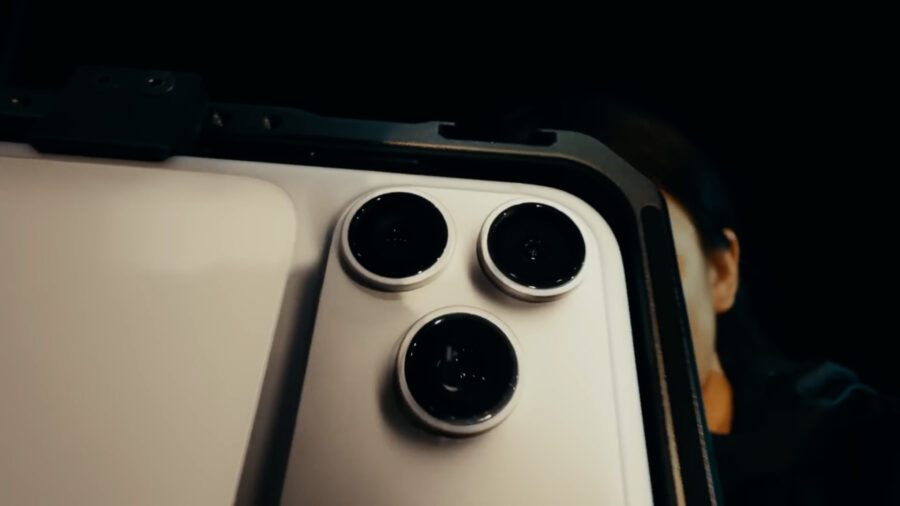 Image credit: AppleFilmConvert iPhone 17 Pro profile
Apple’s iPhone 17 Pro and iPhone 17 Pro Max launched in September 2025 with a clear focus on professional video. The biggest leap this year is ProRes RAW and open-gate recording support when capturing to an external SSD via USB-C. This feature provides access to the sensor’s full image data and allows for a more flexible grading workflow. Read more about that capability here.
FilmConvert developed the new camera packs to support all three of the iPhone 17 Pro’s lenses: the ultra-wide, wide, and new 4x telephoto (100 mm equivalent) camera. These profiles accurately represent the phone’s color response and dynamic range, allowing users to apply FilmConvert’s film stock looks or use CineMatch to align iPhone footage with cameras from RED, ARRI, Sony, or Blackmagic.
Expanding support for new cameras
FilmConvert continues to expand its list of supported devices. The Blackmagic PYXIS 6K was added in the spring, followed by the Panasonic S1 II (Lab Test and review) and S1R II (Lab Test and interview) last month. FilmConvert has supported the iPhone since the 12 Pro was released. The iPhone 16 Pro was introduced as a supported camera last year, which you can read up on here, in case you missed it.
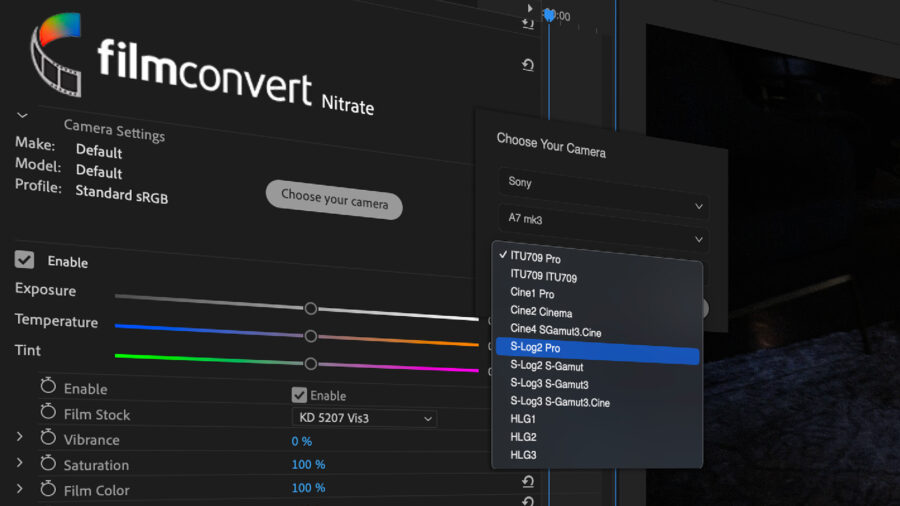
The iPhone 17 Pro joins a lineup that now includes more than 70 camera models, which you can view on FilmConvert’s website.
Whether used as a main camera, a B camera, or a lightweight gimbal option, the iPhone 17 Pro now fits naturally into color-managed workflows. Paired with FilmConvert Nitrate or CineMatch, it delivers a cinematic, cohesive image that blends easily with professional camera systems.
How to get the update
You can download the camera pack by heading to your camera list (Nitrate of CineMatch), selecting “iPhone 17 Pro”, and clicking “Download profile”. Make sure your plugins are updated to the latest version and restart your NLE afterward.
FilmConvert Nitrate works with Premiere Pro, After Effects, DaVinci Resolve, and Final Cut Pro. CineMatch supports Premiere Pro, After Effects, and Final Cut Pro. FilmConvert’s newer tools, Hazy and Halation, are also available across these same platforms.
FilmConvert Nitrate remains one of the most popular ways to create a cinematic image using real film stock emulation, grain, and halation effects. CineMatch simplifies color matching between cameras, keeping multi-camera projects consistent and saving time in post-production.
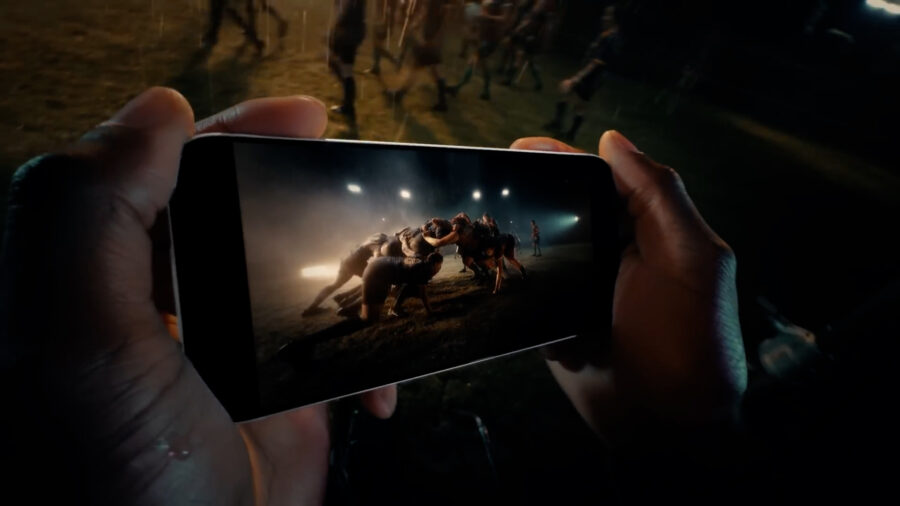 Image credit: ApplePrice and availability
The iPhone 17 Pro camera pack is included with both FilmConvert Nitrate and CineMatch. Both plugins retail for $149, but you can get 10% off through CineD using this link.
Visit FilmConvert’s official announcement for full details.
The iPhone 17 Pro has made it possible for anyone to create professional-quality work with tools they already own. I can’t wait to see how filmmakers use the iPhone and ProRes RAW to tell new stories.
Have you used the iPhone 17 Pro on any professional shoots yet? Do you use FilmConvert or CineMatch in your own color workflow? Let us know in the comments below.