
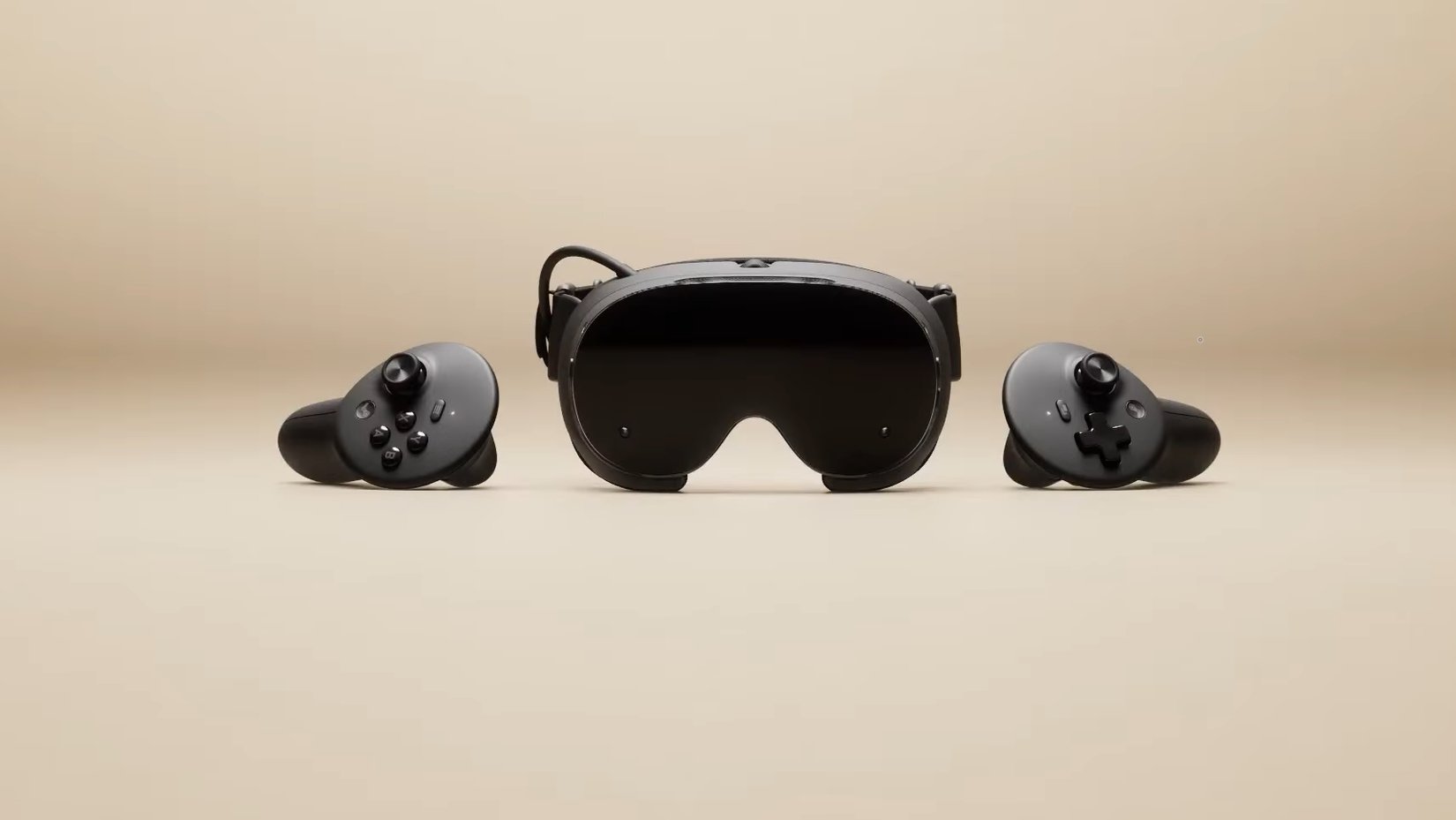
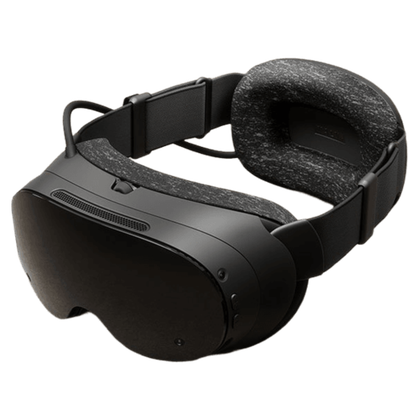
Valve recently announced some new hardware, which is perhaps more surprising than the actual hardware, because the company is known for taking its sweet time at releasing anything. One of those devices is the Steam Frame, a new Virtual Reality (VR) headset that was likely the “Deckard” device for all these years of leaks.
Sure, the Steam Machine might be getting most of the attention, but the VR headset is neat. It’s powered by a Qualcomm Snapdragon SoC, just like the Meta Quest range, so you might be thinking that it’ll only be able to play your Steam library when plugged into a PC — but that’s not the case at all. Valve has ported SteamOS to Arm, and uses an x86 translation layer to enable your Windows games to run on the non-native OS and architecture.
If, like me, you had a lightbulb moment where you realized that’s how Proton makes SteamOS so good, you might be then wondering exactly what the Arm translation layer Valve is using consists of, how it might perform, and all that good stuff. I found out it’s called FEX, it’s been around for a while, and had to quickly spin up a VM to test it out.

Related
How to play Windows games on Linux using Proton
With Proton, Valve unleashed PC gaming on Linux
What is FEX, and why would you use it?
This translation layer changes everything
Credit: Valve
FEX is an emulation layer for Arm devices that translates x86 programs into Arm-compatible code, including forwarding API calls to host system libraries like OpenGL or Vulkan. If that sounds familiar, it’s because that’s (mostly) how Proton works, which is the compatibility layer for running x86 programs on Linux. You know, the one that’s made SteamOS such a success since the launch of the Steam Deck.
Now, FEX isn’t a new thing, and Valve has been contributing to the project for years, which shows how long they can bide their time when pesky shareholders aren’t around. It looks like there are a couple of hundred games already tested to work with it. That’s not as many as the Steam Deck’s Verified program had at launch, but maybe this doesn’t represent all games that will work.
Now, Valve’s engineers say that FEX adds a 10-20% overhead to running x86 games on the Steam Frame. That’s similar to the overhead that Proton adds when running x86 games on the Steam Deck. The Snapdragon 8 Gen 3 that the Steam Frame is going to use is powerful, so it should perform well enough with most titles. There’s another trick with the Steam Frame: it’ll bring Android games to the Linux desktop for the first time, which is almost as exciting as x86 games running on Linux on Arm cores (Windows on Arm already does this with the Prism translation layer).
It’s also worth noting that the main developers for FEX also created Dolphin, the Wii and GameCube emulator that’s the go-to for the emulation community (or at least was the go-to the last time I did any emulation). I mention this because emulating games consoles and their hardware quirks is part science, part artistry, and if anyone could get x86 running smoothly on Arm hardware, they’d be the type of person I’d expect to do it.
I had to try it for myself
A little bit of virtualization later…
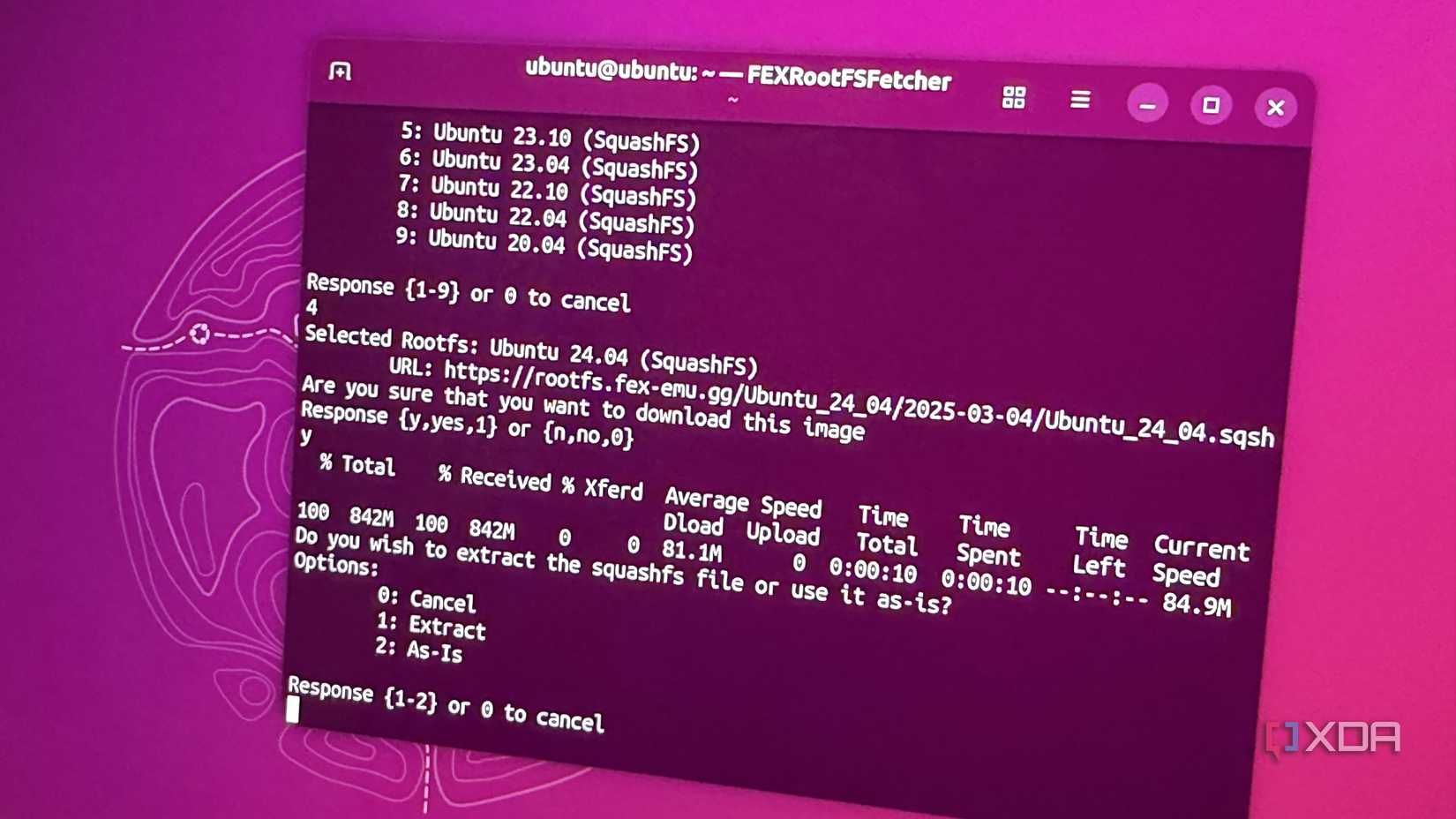
Okay, this took a lot longer than expected to run, because getting Linux to run on Arm is painful. Even when using QEMU to try and virtualize things, I couldn’t get a graphical desktop environment to work on hardware significantly more powerful than the Snapdragon 8 Gen 3 that’s in the Steam Frame.
I could get things working on a Snapdragon X Elite laptop, but even Hollow Knight ran at very low FPS, with screen tearing and so much lag that it was unplayable. That’s slightly disappointing, but that’s what happens when you’re playing with emulators on hardware that might not support them properly. I expect the Snapdragon 8 Gen 3 will be fully supported by now if Valve’s not that far away from release, and the news reports from the recent hands-on event would back that up.
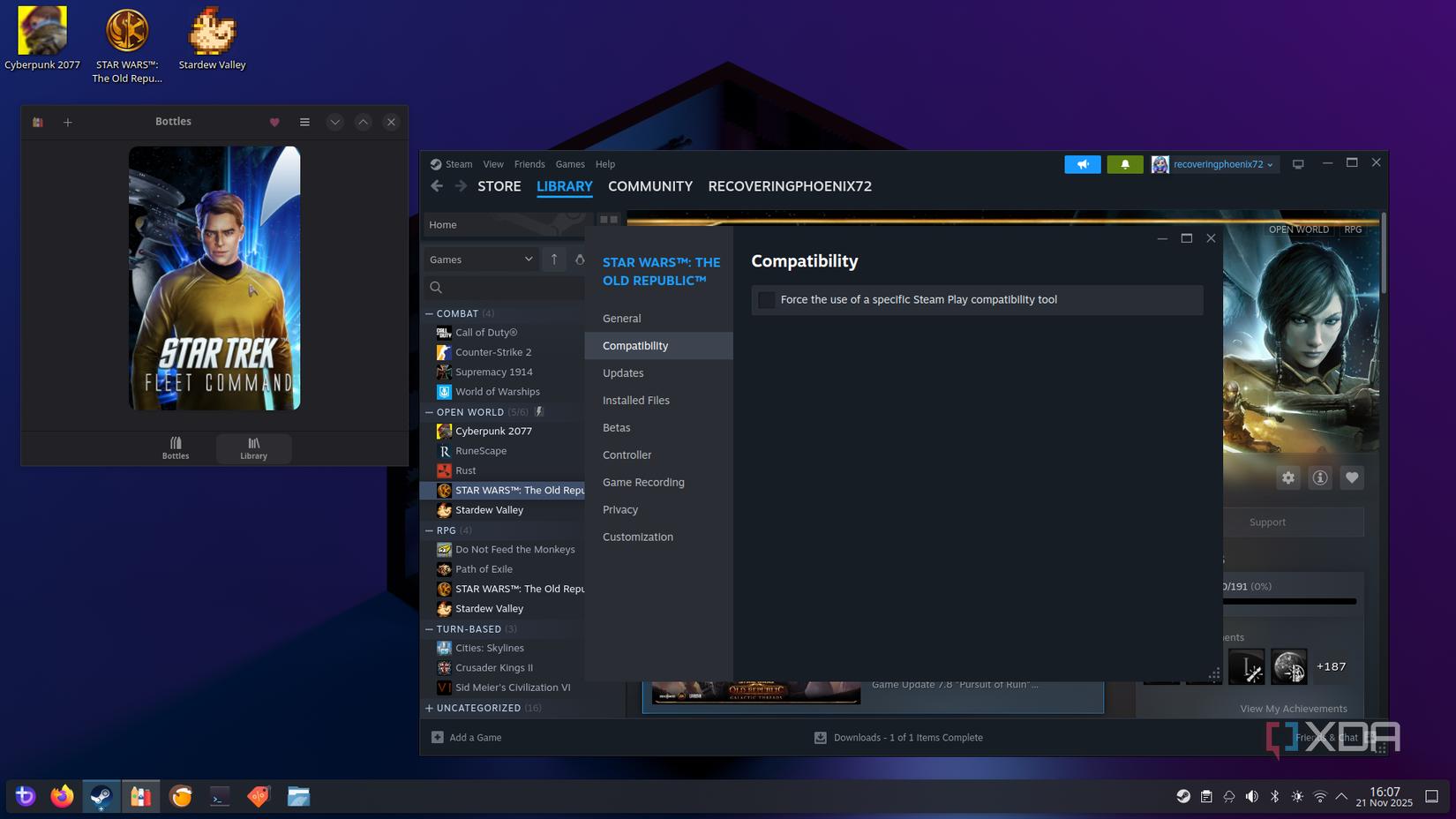
But just because I didn’t manage things, doesn’t mean that FEX won’t work. I found a blog post on Interfacing Linux that used FEX on a Radxa Orion O6 with an AMD RX570 attached, and they had significantly more success than me. DOOM 2016 running at 60 FPS at 1080p medium, Portal 2 at over 100 FPS, even The Witcher 3 managed low 40s.
The other interesting thing is that FEX only really handles things on the CPU side, it will pass API calls to the GPU using Vulkan or OpenGL, which could mean an Arm-based Steam Machine in the future if AMD manages to get its GPU cores working with Arm.
And the picture gets better, because the Radxa board isn’t as powerful as the Snapdragon 8 Gen 3 used in the Steam Frame. Plus, these are all with publicly available software packages, and I have to imagine the versions Valve are testing internally are better, because Proton also had a similar boost when the Steam Deck arrived.
Credit: Source: Valve
- Brand
-
Valve
- Resolution (per eye)
-
2160 x 2160 LCD
- Display Type
-
LCD
- Storage
-
256GB / 1TB UFS storage options, microSD card slot
- Connectivity
-
Wi-Fi 7, 2×2, dual radio for 5GHz Wi-Fi and 6GHz VR streaming, Bluetooth 5.3, 2.4GHz link for Steam Frame Controllers
- Battery Life
-
21.6 Wh Li-ion
Steam hardware is always exciting
Until we get hands-on in the new year, anything we think the Steam Frame will manage is only speculation. I can’t wait to see how much of my Steam backlog I’ll be able to play in VR, and how the experience is. The only thing I know for sure is that Valve wouldn’t release the Steam Frame without it meeting certain levels of user experience, and I’m excited to see how that plays out, given that the Steam Index is still one of the best VR headsets even after so many years.