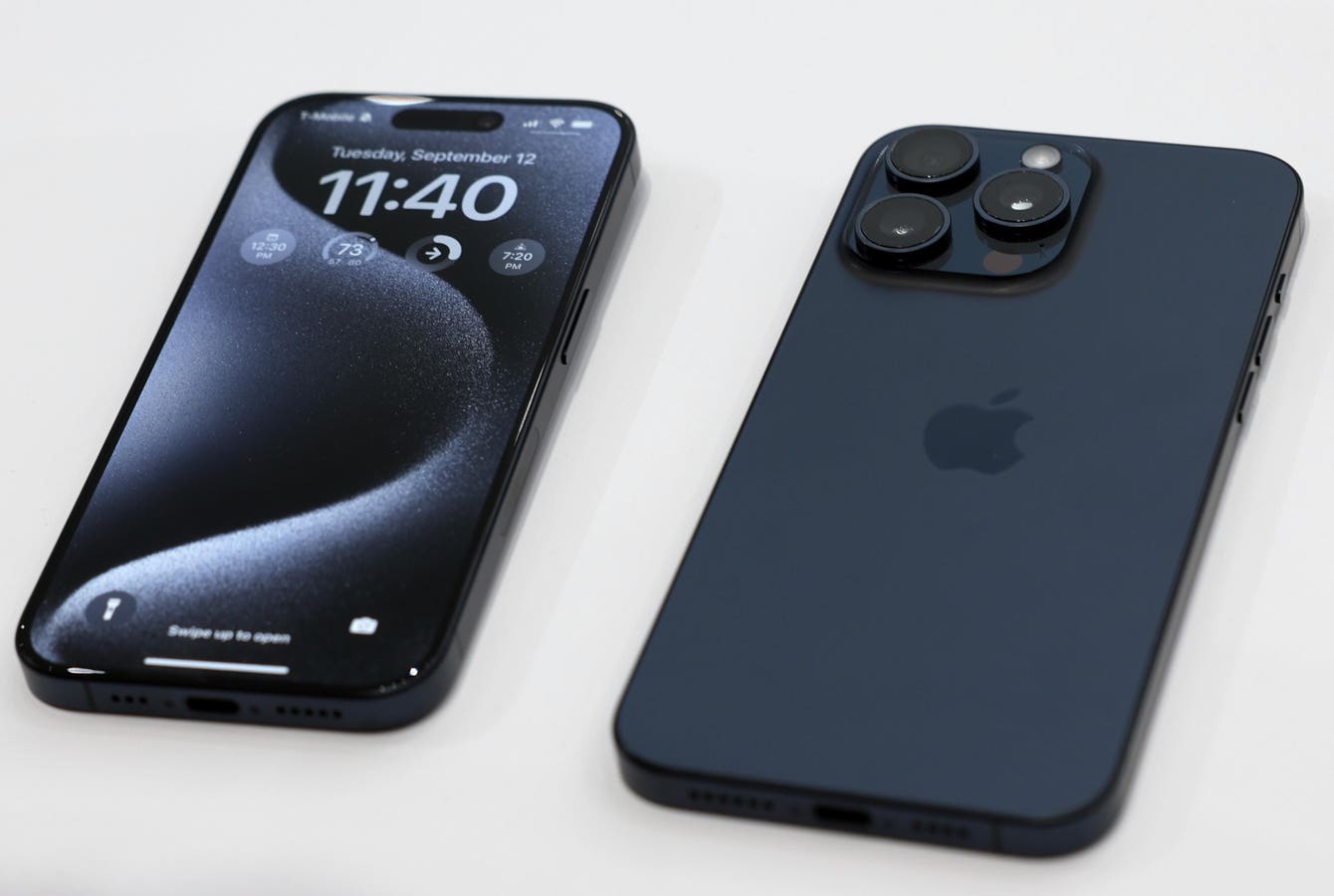
Apple has just released its new list of obsolete devices on its support page.
Getty Images
Update Dec. 5 at 09:15 a.m. EST: This article, originally published on Dec. 4, has been updated to include obsolete and vintage iPads, as well as detailing which iPhones can run iOS 26.
Apple has issued a new warning, which means you need to check your iPhone now. That’s because the iPhone maker has just released its new list of obsolete devices on its support page.
When an iPhone becomes obsolete, Apple will no longer support it with repairs or iOS security updates. This is a major issue, as if you can’t receive security updates, your iPhone will no longer be secure.
If you can’t update your iPhone, attackers can take advantage of security holes to install malware on your device. In some cases, adversaries can take full control of your iPhone, accessing your bank details, Amazon account and more.
At the same time, your iPhone will stop working well, becoming slower and glitchy, with no option of getting it repaired by Apple.
Apple Updates Obsolete iPhones List
Apple has added the much loved iPhone SE, as well as the iPhone 6s range to its obsolete list. Here are the devices no longer supported by Apple:
- iPhone
- iPhone 3G (China mainland) 8GB
- iPhone 3G 8GB, 16GB
- iPhone 3GS (China mainland) 16GB, 32GB
- iPhone 3GS (8GB)
- iPhone 3GS 16GB, 32GB
- iPhone 4 CDMA
- iPhone 4 CDMA (8GB)
- iPhone 4 16GB, 32GB
- iPhone 4 GSM (8GB), Black
- iPhone 4S
- iPhone 4S (8GB)
- iPhone 5C
- iPhone 5S
- iPhone 6
- iPhone 6 Plus
- iPhone 6s (32GB)
- iPhone 6s Plus (32GB)
- iPhone SE
Apple Updates Vintage iPhones List
Apple has also updated its vintage iPhones list, so called because these devices are partially supported and occasionally receive security updates for major holes. They can be repaired, but the parts are difficult to source. The latest additions are iPhone X, iPhone XS, iPhone XS Max and iPhone 11 Pro Max.
- iPhone 4 (8GB)
- iPhone 5
- iPhone 6s (16GB, 64GB, 128GB)
- iPhone 6s Plus
- iPhone 7
- iPhone 7 Plus
- iPhone 7 (PRODUCT)RED™
- iPhone 8 (64GB, 128GB, 256GB)
- iPhone 8 (PRODUCT)RED™
- iPhone 8 Plus (64GB, 256GB)
- iPhone 8 Plus (PRODUCT)RED™
- iPhone X
- iPhone XS
- iPhone XS Max
- iPhone 11 Pro Max
Obsolete Apple iPads
Apple has also updated its obsolete iPads list as follows:
- iPad Air Wi-Fi
- iPad Air Wi-Fi + Cellular
- iPad Air Wi-Fi + Cellular (TD LTE)
- iPad Air 2 Wi-Fi
- iPad Air 2 Wi-Fi + Cellular
- iPad mini Wi-Fi, 16GB, Gray
- iPad mini Wi-Fi + Cellular, 16GB, Gray
- iPad mini Wi-Fi + Cellular, MM, 16GB, Gray
- iPad mini Wi-Fi
- iPad mini Wi-Fi + Cellular
- iPad mini Wi-Fi + Cellular (MM)
- iPad mini 2 Wi-Fi
- iPad mini 2 Wi-Fi + 4G, GSM + CDMA
- iPad mini 3 Wi-Fi
- iPad mini 3 Wi-Fi + Cellular
- iPad mini 3 Wi-Fi + Cellular (TD-LTE)
- iPad [original]
- iPad 3G
- iPad (3rd generation) Wi-Fi
- iPad (3rd generation) Wi-Fi + Cellular
- iPad (3rd generation) Wi-Fi + Cellular (VZ)
- iPad (4th generation) Wi-Fi
- iPad (4th generation) Wi-Fi + Cellular
- iPad (4th generation) Wi-Fi + Cellular (MM)
- iPad (5th generation) Wi-Fi
- iPad (5th generation) Wi-Fi + Cellular
- iPad Wi-Fi
- iPad Wi-Fi + 3G
- iPad Wi-Fi + 4G
- iPad Wi-Fi + 4G (Verizon)
- iPad 2 Wi-Fi
- iPad 2 Wi-Fi + 3G
- iPad 2 Wi-Fi + 3G (Verizon)
- iPad Pro 9.7-inch Wi-Fi
- iPad Pro 9.7-inch Wi-Fi + Cellular
- iPad Pro 12.9-inch Wi-Fi
- iPad Pro 12.9-inch Wi-Fi + Cellular
- iPad Pro 12.9-inch (2nd generation) Wi-Fi
- iPad Pro 12.9-inch (2nd generation) Wi-Fi + Cellular
Vintage Apple iPads
Apple has updated its vintage iPads list as follows:
- iPad Air Cellular
- iPad Air Cellular (TD LTE)
- iPad mini 4 Wi-Fi
- iPad mini 4 Wi-Fi + Cellular
- iPad Pro 10.5-inch Wi-Fi
- iPad Pro 10.5-inch, Wi-Fi + Cellular
- iPad Pro 11-inch Wi-Fi
- iPad Pro 11-inch Wi-Fi + Cellular
- iPad Pro 12.9-inch (3rd Generation) Wi-Fi
- iPad Pro 12.9 inch (3rd Generation) Wi-Fi + Cellular
- iPad Wi-Fi + 4G, CDMA
- iPad Wi-Fi + 4G, GSM
- iPad (6th generation) Wi-Fi
- iPad (6th generation) Wi-Fi + Cellular
Which iPhones Can Run iOS 26?
The latest version of Apple’s operating system is iOS 26, but this doesn’t run on all devices. If your iPhone doesn’t run iOS 26, Apple is continuing to update iOS 18 for older devices. That means there is no reason to upgrade your iPhone.
However, if you do want to update to iOS 26, you will need an eligible device. Note that there are notable devices missing from the list. These include the iPhone X, XS, XR and XS Max.
All other iPhones released before this date also can’t run iOS 26.
Here is the list below:
- iPhone 16e
- iPhone 16
- iPhone 16 Plus
- iPhone 16 Pro
- iPhone 16 Pro Max
- iPhone 15
- iPhone 15 Plus
- iPhone 15 Pro
- iPhone 15 Pro Max
- iPhone 14
- iPhone 14 Plus
- iPhone 14 Pro
- iPhone 14 Pro Max
- iPhone 13
- iPhone 13 mini
- iPhone 13 Pro
- iPhone 13 Pro Max
- iPhone 12
- iPhone 12 mini
- iPhone 12 Pro
- iPhone 12 Pro Max
- iPhone 11
- iPhone 11 Pro
- iPhone 11 Pro Max
- iPhone SE (2nd generation and later)
Obsolete iPhone? Here’s What To Do
The first thing to do is to check if your iPhone is on the updated obsolete list. If it is, you should consider buying a new device. Those on the vintage list have a little longer to receive security updates, but note that your iPhone will need to be replaced within the next year or so.
Obsolete devices see their free updates come to a halt, which puts them at risk of any future vulnerabilities, says Jake Moore, global cybersecurity advisor at ESET.
He concedes that older devices are not as targeted as newer iPhones but warns that “once a vulnerability is found by attackers, it can be rapidly exploited.”
It is vital that iPhones are always kept up to date with the latest security updates, says Moore. “While it may be frustrating for people using iPhones that are no longer offered updates, they should consider replacing them with a newer, more secure device.”
Make sure you check family members’ iPhones too — especially grandparents or kids who you might pass your iPhone on to, or who might not check their own devices.
In these tough economic times, replacing an iPhone is no small task. But you don’t have to buy the latest model. Look out for refurbished and second hand iPhones, which will be cheaper but should still receive updates for years to come