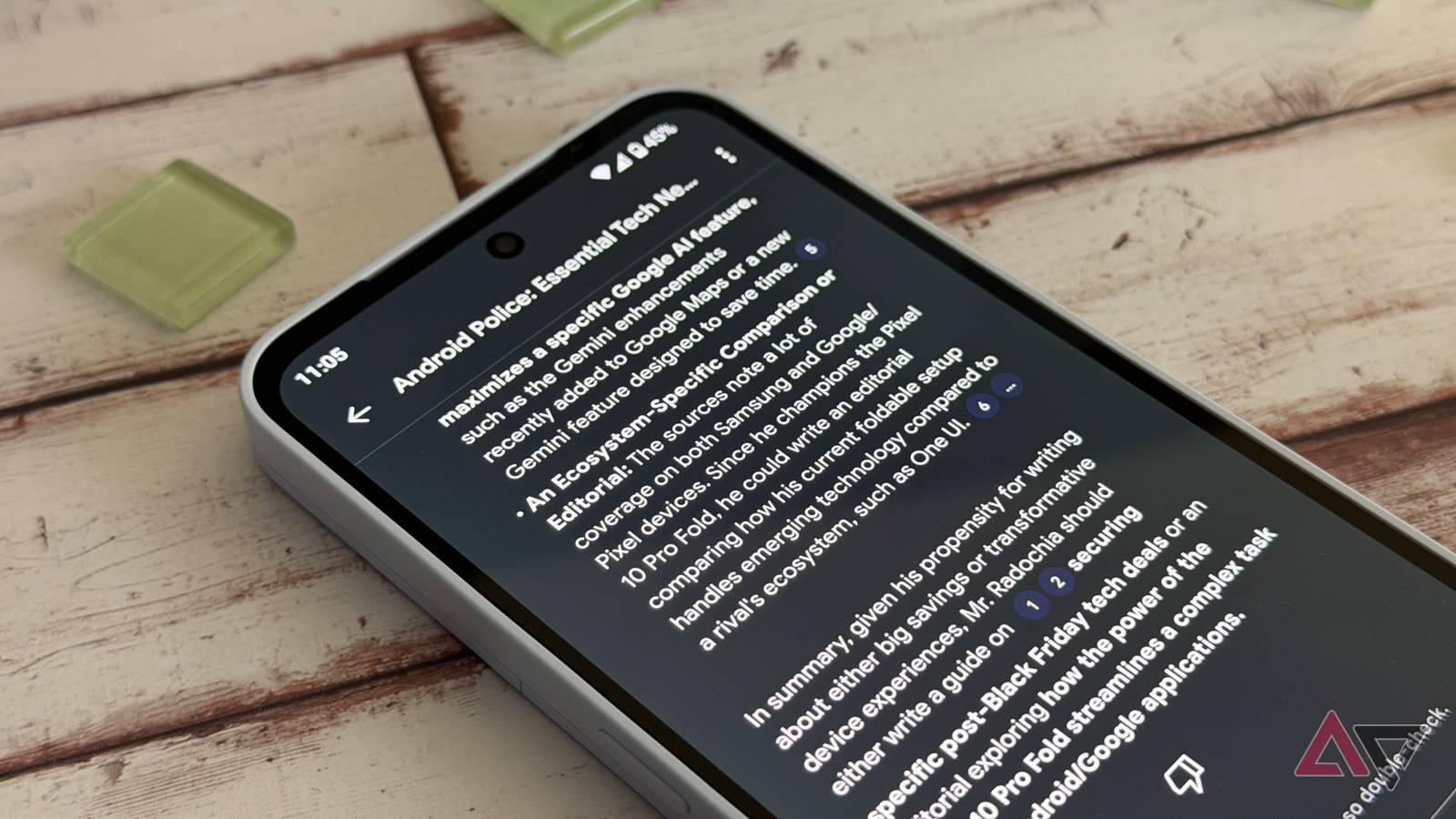
NotebookLM made its debut as an “AI-first Notebook” a couple of years ago, and over the years, it has gotten stronger and better with Google adding several new features and improvements. After seeing its success on the web platform, Google launched NotebookLM as an app a few months ago.
As exciting as it was for mobile users, the NotebookLM app at launch wasn’t as powerful as its web client. It’s gotten closer to feature parity with its web client since the launch, thanks to support for flashcards, quizzes, and more. Now, the NotebookLM app is getting more powerful and nearly as good as its web client with the latest update.
The NotebookLM app gets seriously powerful with new features
Credit: Lucas Gouveia / Android Police | Yalcin Sonat / Shutterstock
As highlighted by NotebookLM’s official X handle, the mobile app now has a new camera icon that lets users take a live picture of whiteboards, textbooks, handouts, etc., and upload it as a source. You can also select an existing photo saved on your phone if you want to use that as a source.
After uploading a source, you can use the useful NotebookLM features like audio and video overviews to learn more quickly. You’ll also be able to create flashcards and a quiz. And now, after the latest update, in addition to these features, NotebookLM on mobile also has Infographics and Slide Decks, which Google first introduced to the NotebookLM web client a couple of weeks ago.
Moreover, NotebookLM also allows you to save the progress on your audio overviews. This means when you stop listening to them halfway, the app remembers it. So, you can close the app and reopen to start listening from exactly where you left off. It’ll also tell you which ones you’ve finished. This is now available across mobile and the web, as per Google.
These are all the new features Google has added to the NotebookLM mobile app. But the company is planning more handy features in future updates, including support for Google Sheets. The Mountain View tech giant previously confirmed that support for Google Sheets is coming soon to NotebookLM, but didn’t specifically mention whether it’ll be available for the app users.
Whatever the case may be, the NotebookLM is available as an app on both Android and iOS, so you can get it from both the Google Play Store and App Store. These new features are available on both Android and iOS versions of the NotebookLM app. If you have the app installed on your phone but aren’t seeing the changes, update the NotebookLM app to the latest version.