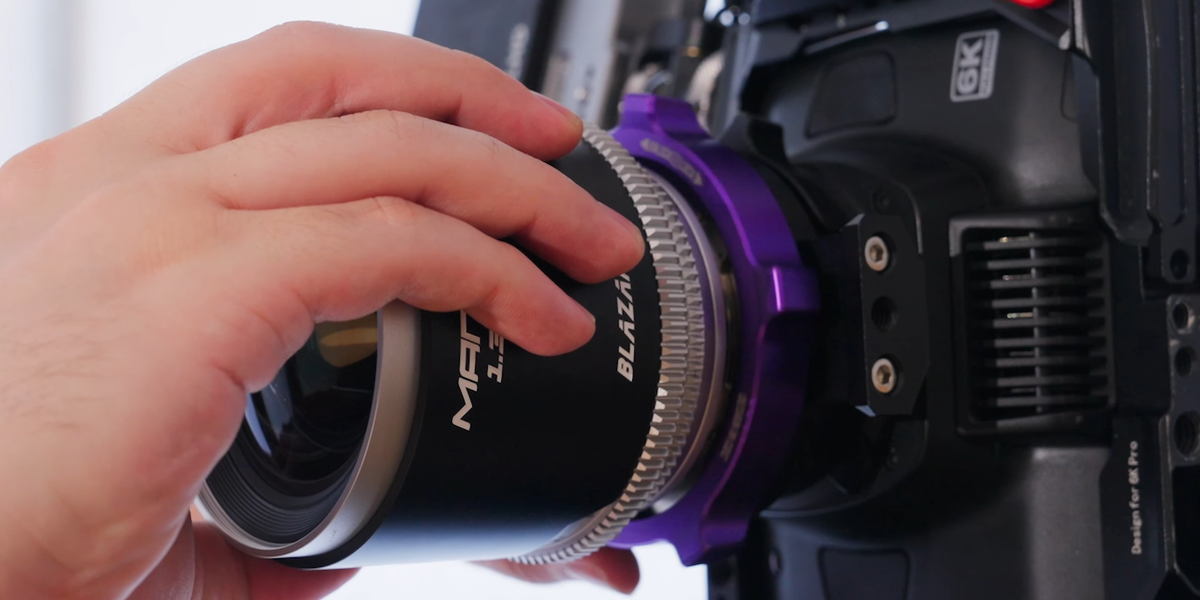
We know, this is a sacrilegious topic for most cinematographers, but love it or hate it, vertical format video is here. It’s popular, it’s social, and it can help pay the bills. Or maybe you’re just a psycho, and you love shooting vertical—who knows!
Regardless of how you feel about the format and the concept of vertical anamorphic (aka Vertiscope), we do have a really cool and helpful guide to share with y’all that covers everything you need to know about shooting Vertiscope on any mirrorless or PL-mount camera.
So, flip your camera 90 degrees and dive in below.
How to Shoot Vertiscope
Shared with us by the team at Blazar, the company’s YouTube channel, Blazar Anamorphic Lenses, put out a new tutorial that goes over everything you need to know about shooting vertical anamorphic.
In the video, the team goes over everything you need to know to capture cinematic vertical frames using Blazar lenses, from setup and squeeze factors to framing, composition, and real-world examples.
Here’s the full breakdown of the topics covered in the video with timestamps:
- 0:10 Introducing Vertiscope with the Blazar Beetle
- 1:17 How to Desqueeze with the Blazar App
- 1:56 Unlocking Four New Aspect Ratios with the Blazar Beetle
- 2:42 How to Shoot Vertiscope on Any Mirrorless or PL-Mount Camera
- 3:34 Understanding Vertiscope Aspect Ratios
- 4:58 Using the Blazar Anamorphic Calculator
- 5:46 Solutions for On-Camera Anamorphic Desqueeze
- 6:45 How to Calculate Squeeze Factor for Monitoring Vertiscope
- 7:09 How to Desqueeze on a Hardware Level
- 7:43 How to Desqueeze in Post-Production
- 9:09 Final Thoughts: Why Shoot Vertiscope?
Overall, the video does a great job of explaining how Vertiscope works as well as addressing questions you might have about which squeeze factors to choose, how to frame and monitor anamorphic in a vertical workflow, and how to handle post-production desqueeze and mastering.
You can find more info on Blazar’s anamorphic lenses, which range across PL, E, RF, and other mounts, as well as check out some of their other resources, like an Anamorphic Calculator on the company’s website here.