I never thought I’d head out for a trip and leave my laptop behind, but after spending a year with my pocketable mini PC and AR glasses setup, I finally did.
Don’t get me wrong, one of the best laptops is a much better fit for most people, but then again, I’m not most people. While I love my trusty ThinkPad, I rarely use it. It’s a great machine, but I’ve been spoiled by my home office desk setup.
You may like
I tried everything to recreate that experience on the road — including using a dual-screen portable monitor — but it wasn’t until I first put on a pair of AR glasses that things finally clicked. Then it just came down to finding one of the best mini PCs that was small enough and could be powered by USB-C to bring the whole setup together.
I did just that at the beginning of this year. At that time, it was just a proof of concept. However, in the months since, I’ve put it to the test while traveling and now, it’s found a permanent place in my carry-on. Here’s how this unconventional combo went from a wild experiment to my biggest surprise of the year.
From my pocket to the plane
(Image credit: Tom’s Guide)
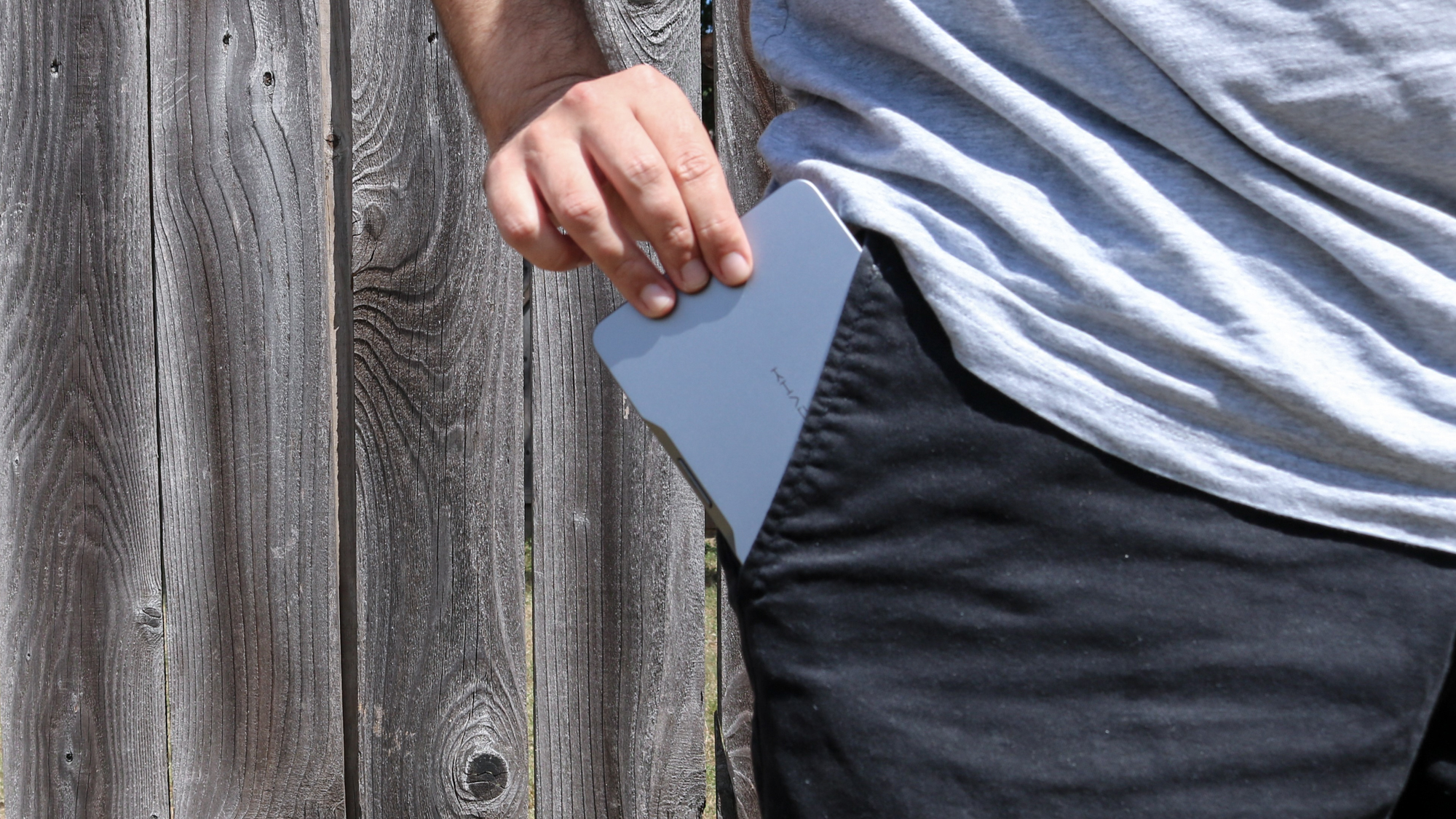
Back in 2024, I reviewed the Khadas Mind mini PC. Unlike the Mac mini M4 or the Geekom A9 Max though, the Khadas Mind mini PC looks more like a portable hard drive and is small enough to slip into a pocket.
While the original was impressive, I used the newer, more powerful Khadas Mind 2S for this project. My favorite feature is that it offers full-sized ports — including Thunderbolt 4, USB4, HDMI, and two USB-A ports — so I don’t have to lug around separate dongles.
(Image credit: Tom’s Guide)
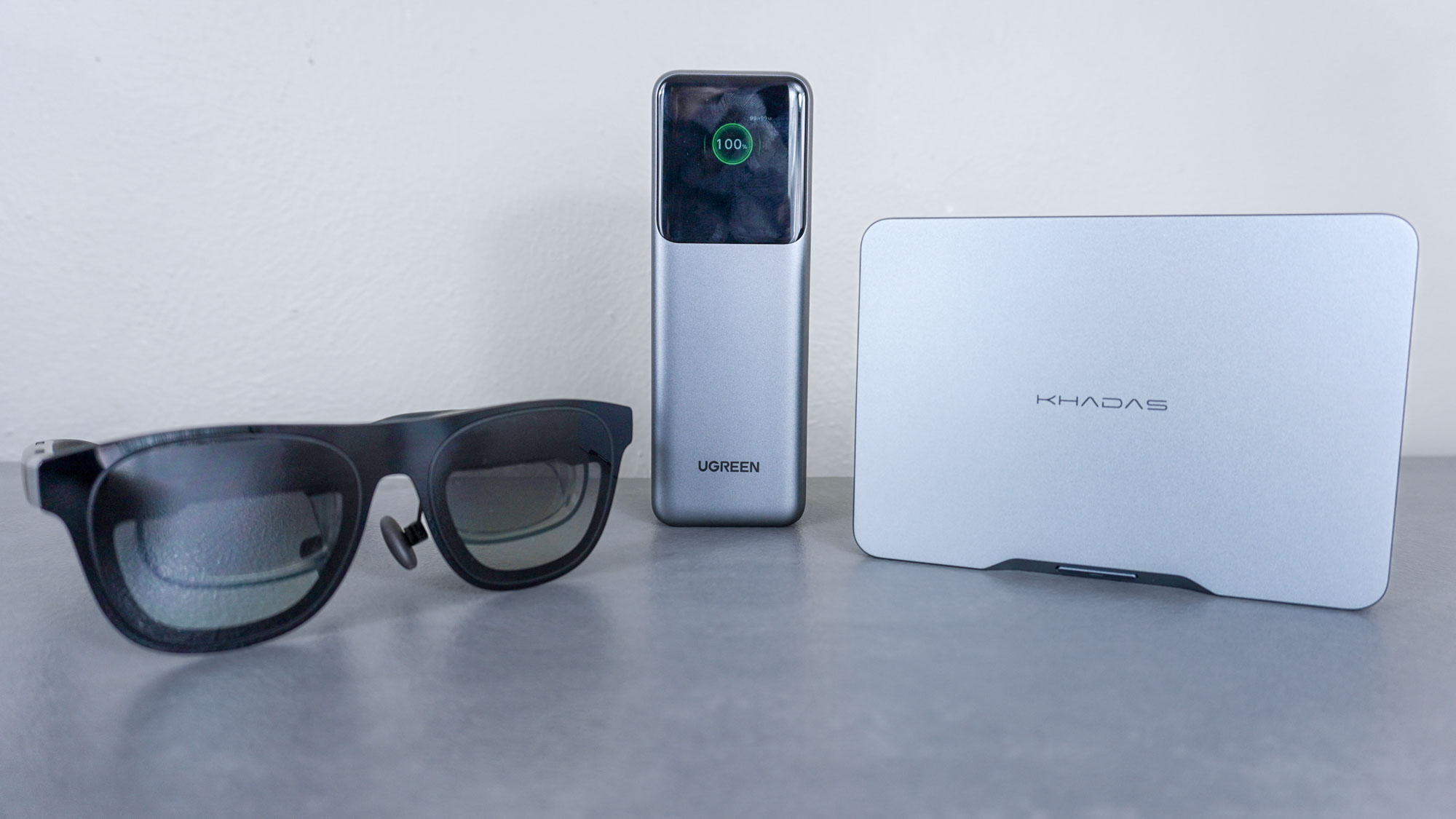
Since the Mind 2S (and the Mind) can be powered via USB-C, I’m not tethered to a wall outlet. I can use a standard GaN charger or even a high-capacity power bank for a truly mobile workstation. For my display, I use a pair of Xreal One AR glasses. They have built-in speakers and an ultrawide mode that recreates the side-by-side window experience I love so much with my ultrawide monitor at home.
After testing this unique setup out around my home, it was time for my first real test: a trip to NYC for the unveiling of the Nintendo Switch 2. Much to my surprise, after going hands on with Nintendo’s latest console, I managed to write my entire hands-on review with this mini PC and AR glasses combo.
(Image credit: Tom’s Guide)
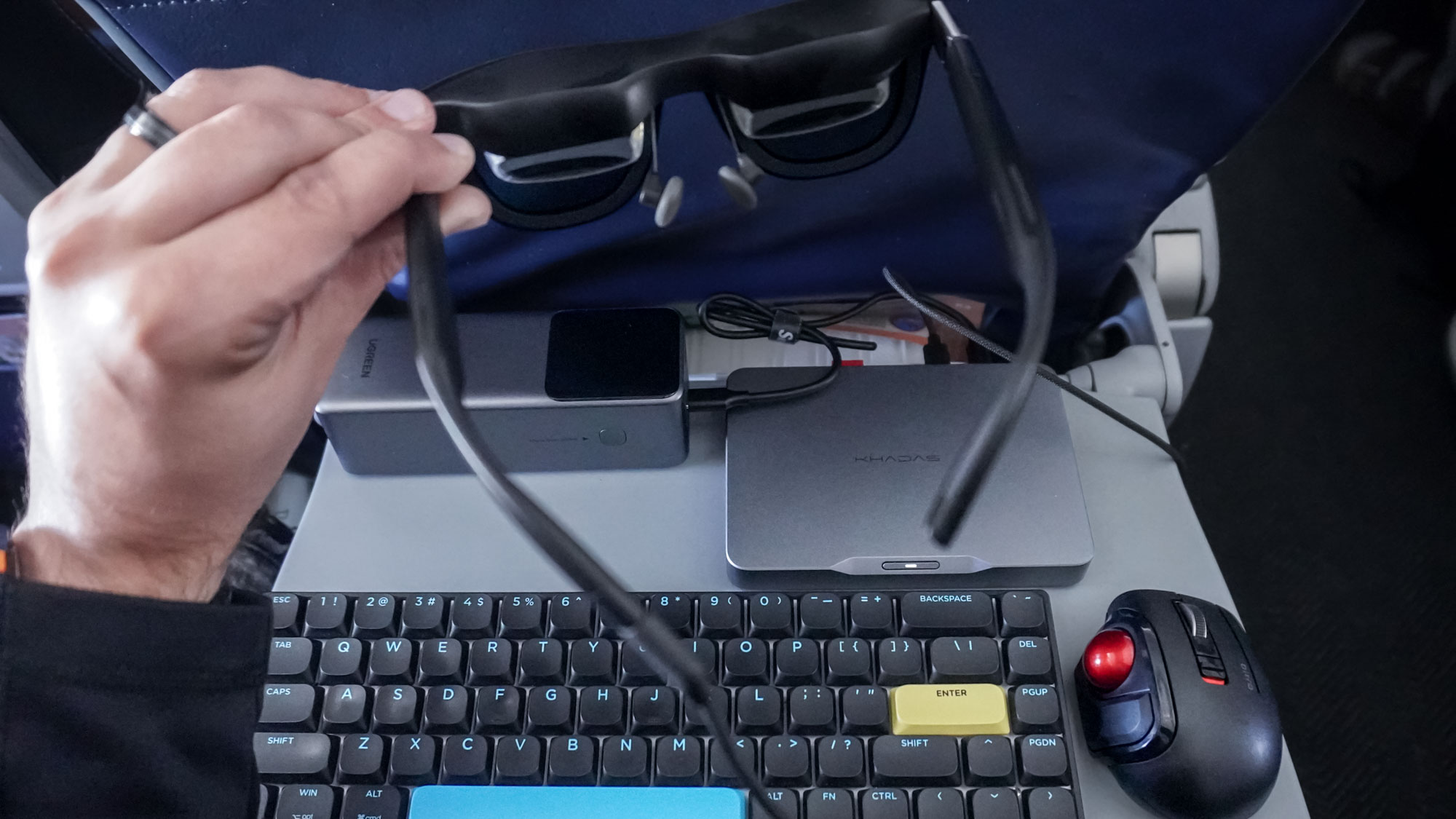
Even more surprisingly, I was able to fit my wireless mechanical keyboard, mini trackball mouse, and the rest of this setup on an airplane tray table with everything powered by my Ugreen Nexode Power Bank. Since I managed to pull that off and loved working from my hotel with this mini PC and AR glasses combo, I decided to put my setup to the true test by bringing it with me on an international trip.
You may like
Ready for prime time
(Image credit: Future)
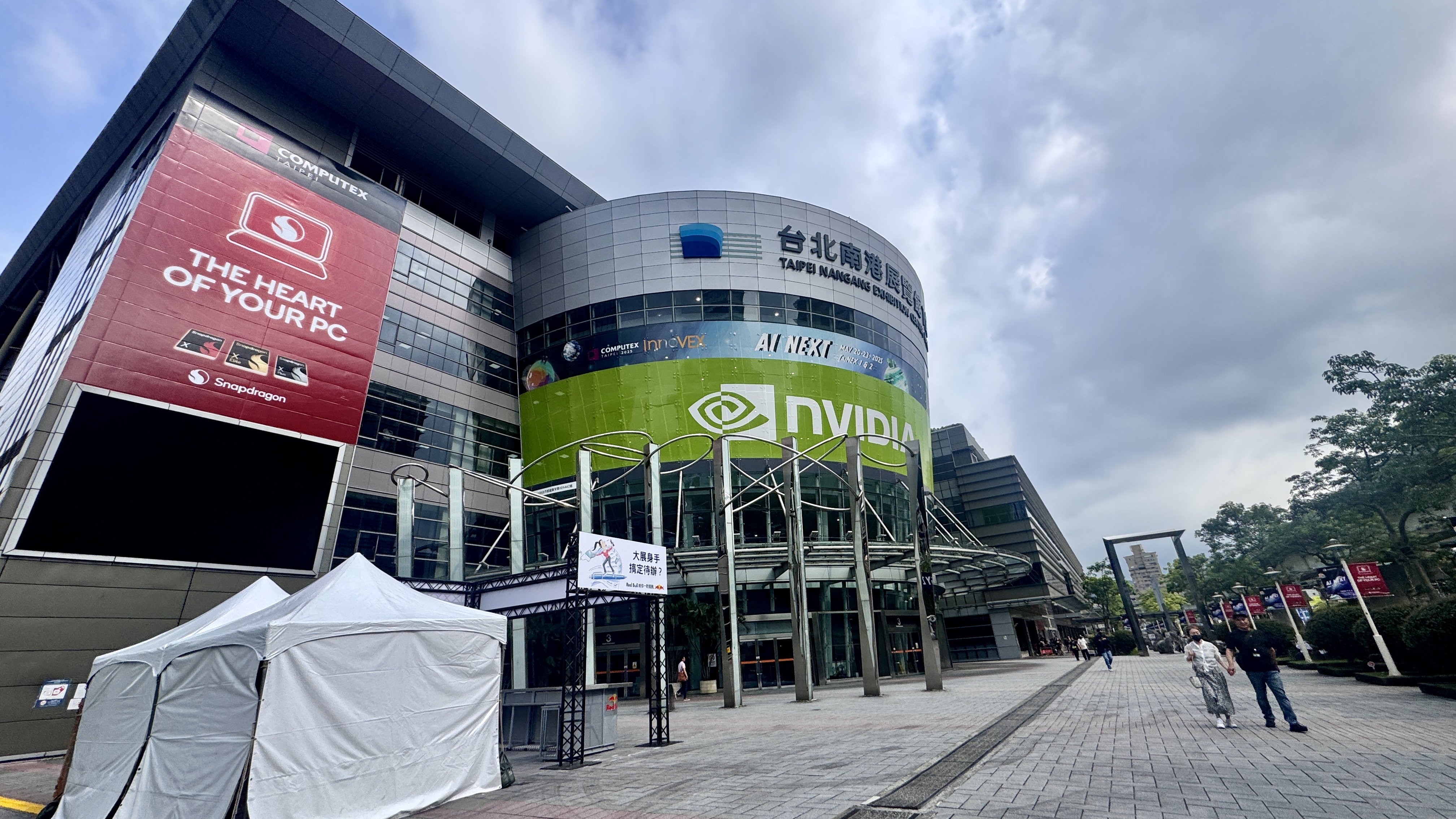
Although CES in Las Vegas is the go-to show for new tech and futuristic concepts every year, Computex in Taiwan is just as impressive. Instead of being in the city of lights with all that glitz, you’re at the heart of where your favorite laptops, monitors, and gadgets actually get made. For that reason, myself and the rest of the Tom’s Guide computing team have been traveling halfway across the world to see the action in person for the last few years.
This year, in addition to my laptop (just in case), I also decided to bring my mini PC and AR glasses setup, and I’m glad I did. When I’m out on the show floor, I like to travel light as there’s plenty of walking between the two exhibition halls — TaiNEX 1 and TaiNEX 2 — that make up the Taipei Nangang Exhibition Center. Lugging around a laptop means I need a larger bag, but with the Khadas Mind 2S and the rest of the accessories in my setup, I was able to fit everything plus my camera into a much smaller bag.
(Image credit: Tom’s Guide)
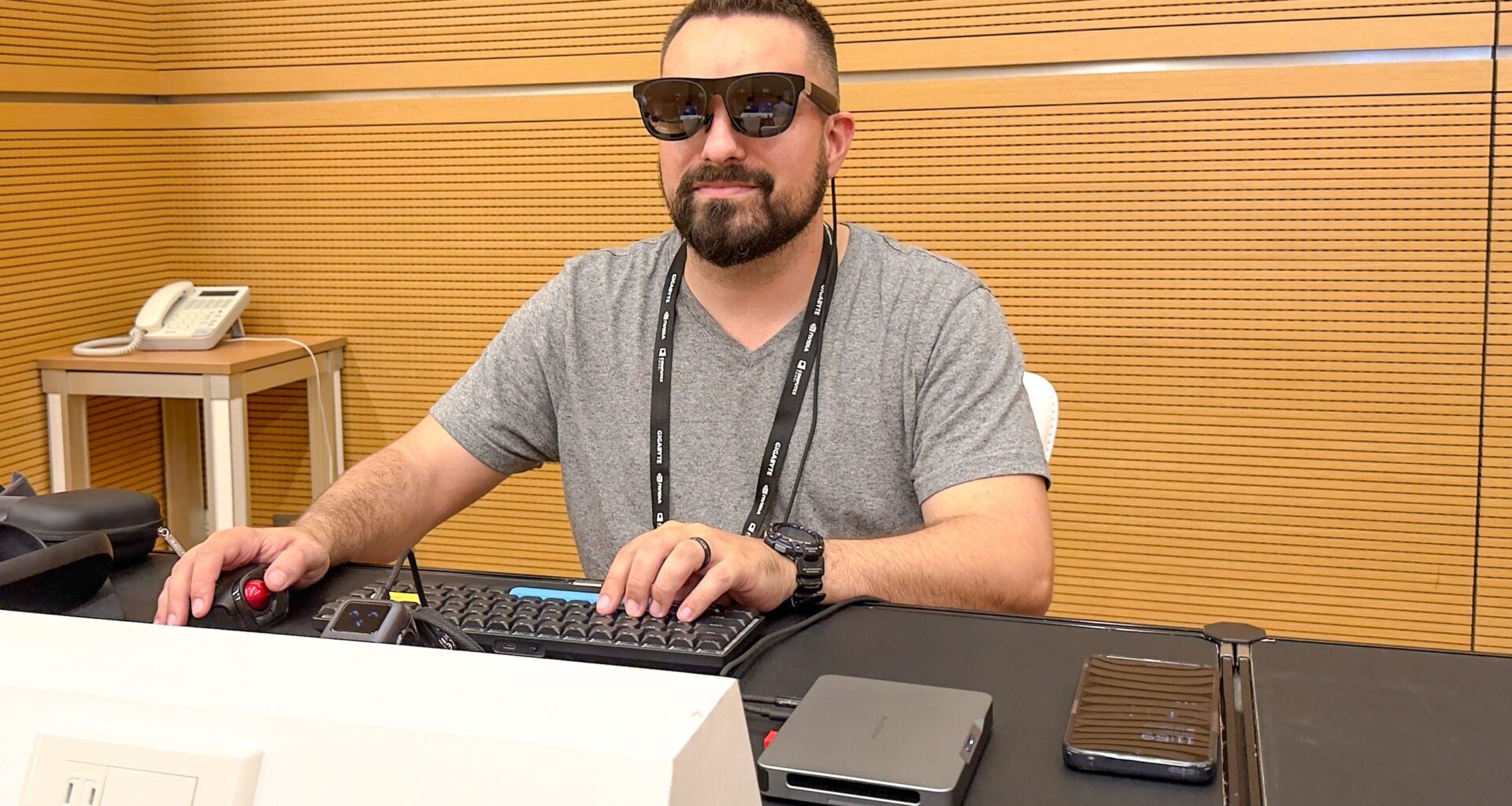
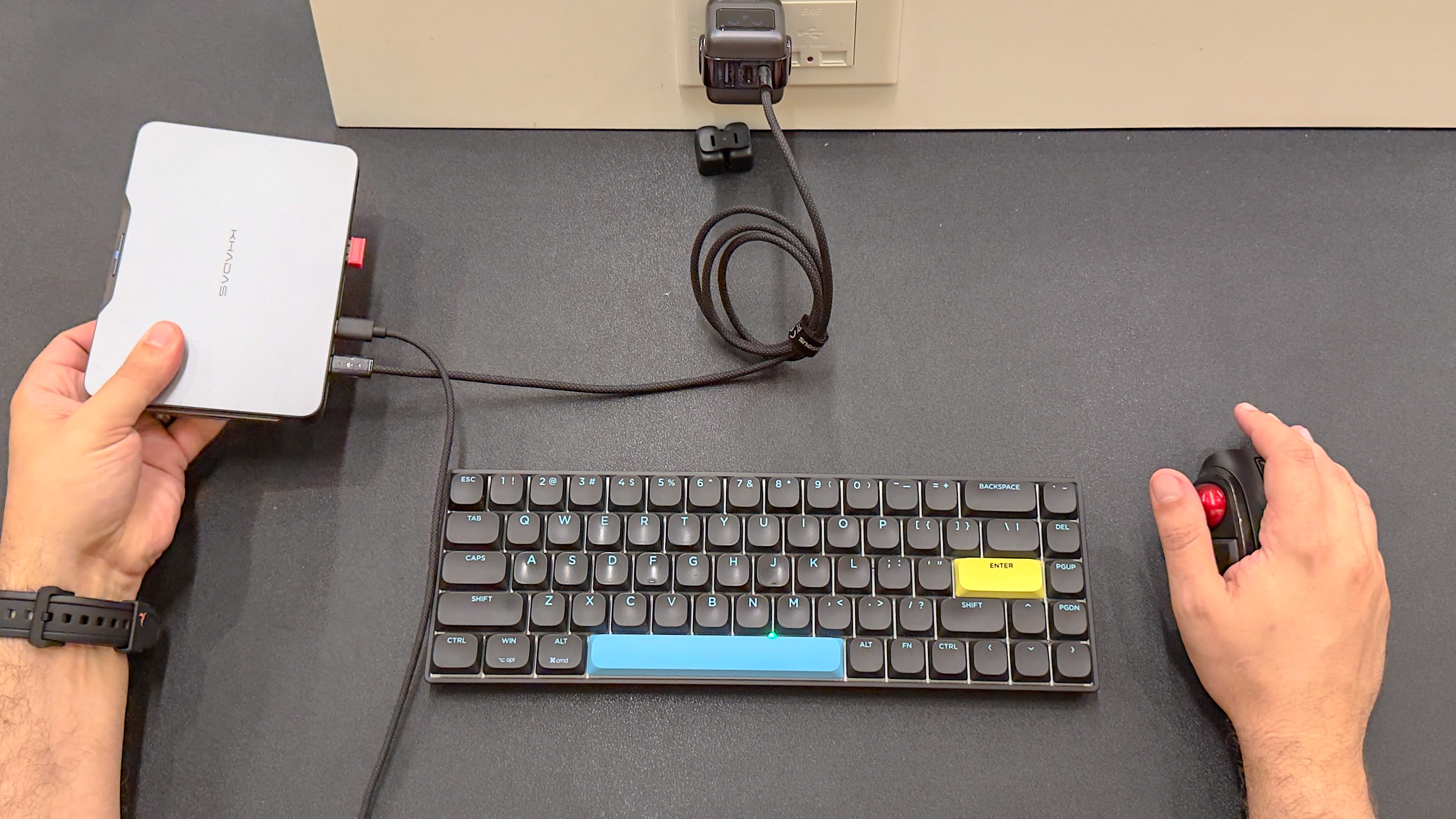
When it was time to update the live blog or work on a story, I headed to the press room and got to work. As you can see in the picture above, I have the Mind 2S plugged into a Ugreen Nexode GaN charger, with the other USB-C port connected to my Xreal One AR glasses. On the table, I have plenty of room for my slim mechanical keyboard and my mini trackball mouse, the Elecom Bitra.
(Image credit: Tom’s Guide)
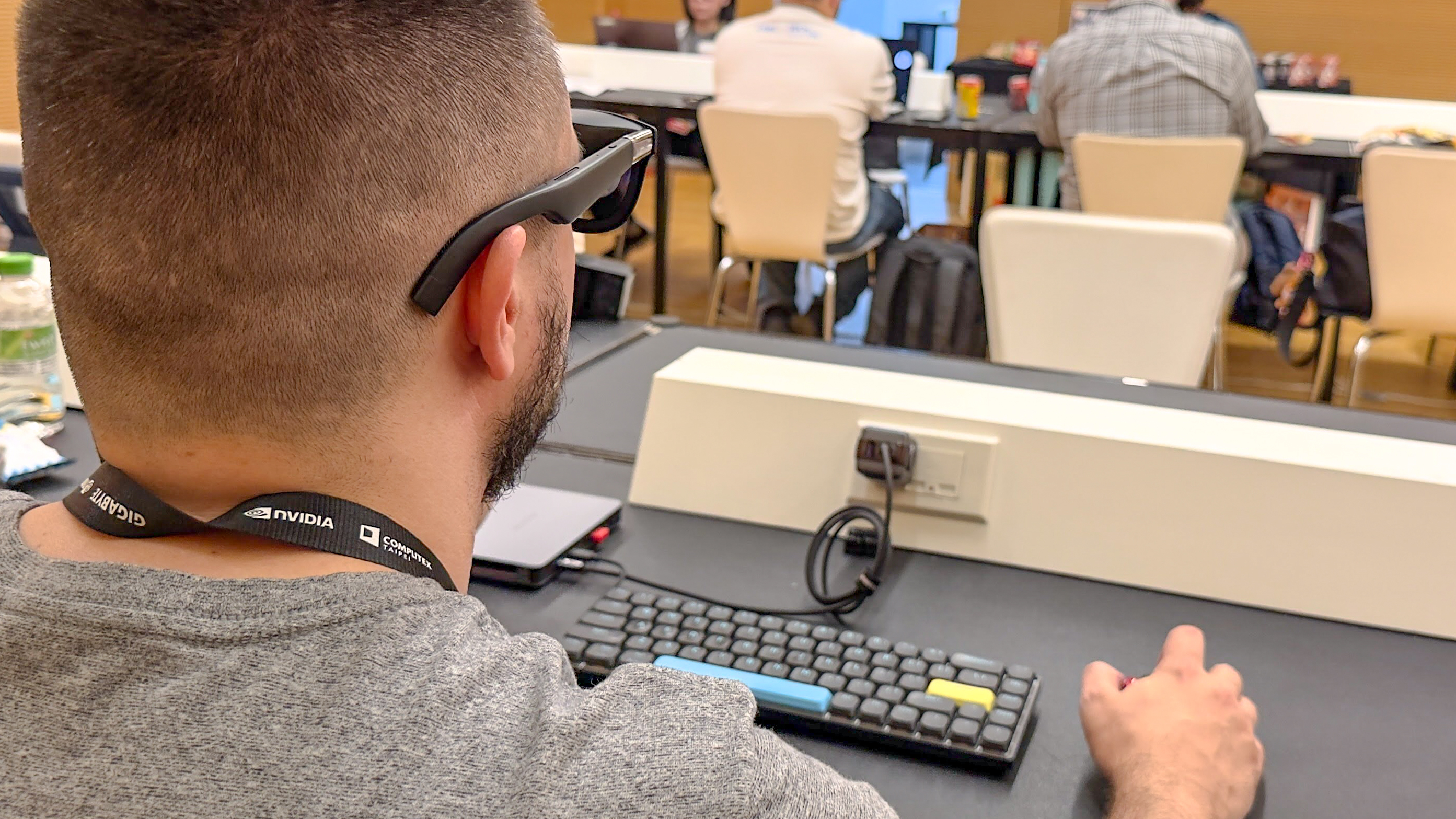
Given that my colleagues and I sometimes have to divide and conquer at a big show, I found the Adaptive-Transparency Mode on the Xreal One AR glasses incredibly useful. By default, the shortcut button on top of the right temple is set to switch to Transparency Mode, which turns off the display so I can see my surroundings. This let me keep working while remaining aware of my team, including if someone had just walked into the room.
Sure, I did get some looks in the press room at Computex, but they weren’t the typical ones I’d get when using a setup like this in public. Instead, everyone was curious about the gear, and I even had a local Taiwanese reporter come up and interview me about it on video. At the end of the day, I’m glad I brought it to Taiwan and plan on doing the same for CES 2026 next week.
Leaving my laptop behind
(Image credit: Future)
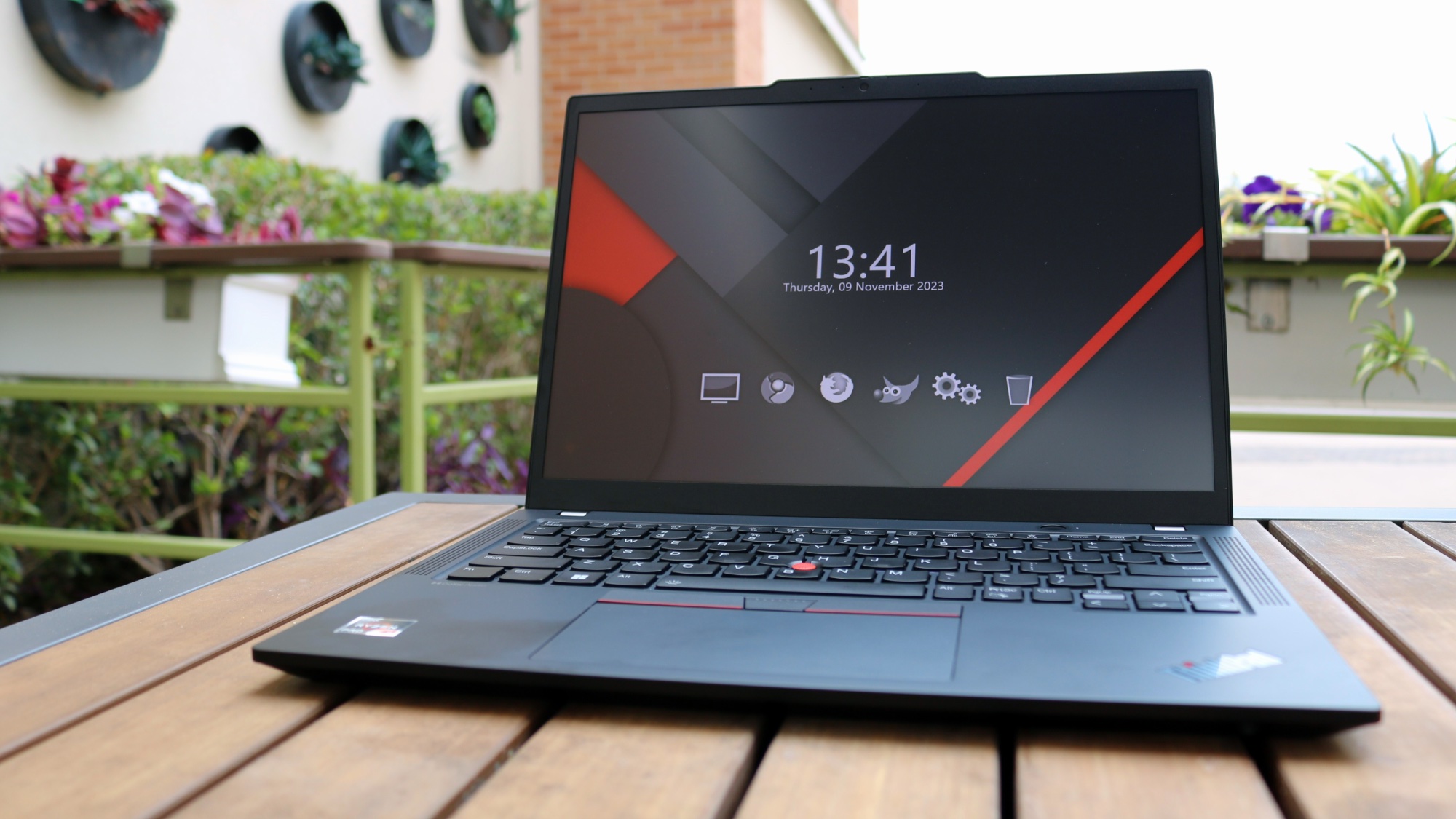
Shortly after I returned from Taiwan this summer, my family and I had a trip planned to the south of Texas. In the rush to pack, I still had a bit of unfinished work to attend to. For a moment, I thought about slipping my laptop into my backpack but then it hit me: I didn’t need to.
Instead, I packed the Khadas Mind 2S, the Xreal One AR glasses, my low-profile mechanical keyboard, and my mini trackball mouse. I only had to catch up on a few things before I could fully enjoy the trip, and I knew this setup would be more than enough. After checking into the hotel and putting my little one down for the night, I got everything set up and got to work.
While everyone else slept, I sat in the armchair in my hotel room and managed to clear every remaining item off my list. What I really loved about using AR glasses instead of a laptop is that there wasn’t a glow from a screen that might wake up my son. In fact, besides the moment I took the glasses off my face, the entire room remained completely dark.
In the end, what began as an experiment just to see if it was possible turned into one of my favorite setups of the year. If I hadn’t tried out the original Khadas Mind, I never would have thought of it.
I don’t know what next year will hold or what new setups I’ll have a chance to build, but I know this mini PC and AR glasses combo is a winner I plan on using for years to come.

Follow Tom’s Guide on Google News and add us as a preferred source to get our up-to-date news, analysis, and reviews in your feeds.
More from Tom’s Guide