Chris Stokel-Walker is a technology journalist and the author of How AI Ate the World (Canbury Press)
We’re three years into the ChatGPT AI revolution and this tech isn’t going anywhere so how do you use it properly?
ChatGPT uses artificial intelligence tech to generate new content from user queries. That’s why the tech is known as “generative AI”. But the “I” in AI is a bit of a misnomer: artificial intelligence isn’t actually intelligent. Like other similar apps, it looks for patterns in the training data on which it’s developed, then tries to output responses — whether text, audio, video or images — that best answer the user’s query.
What to use it for
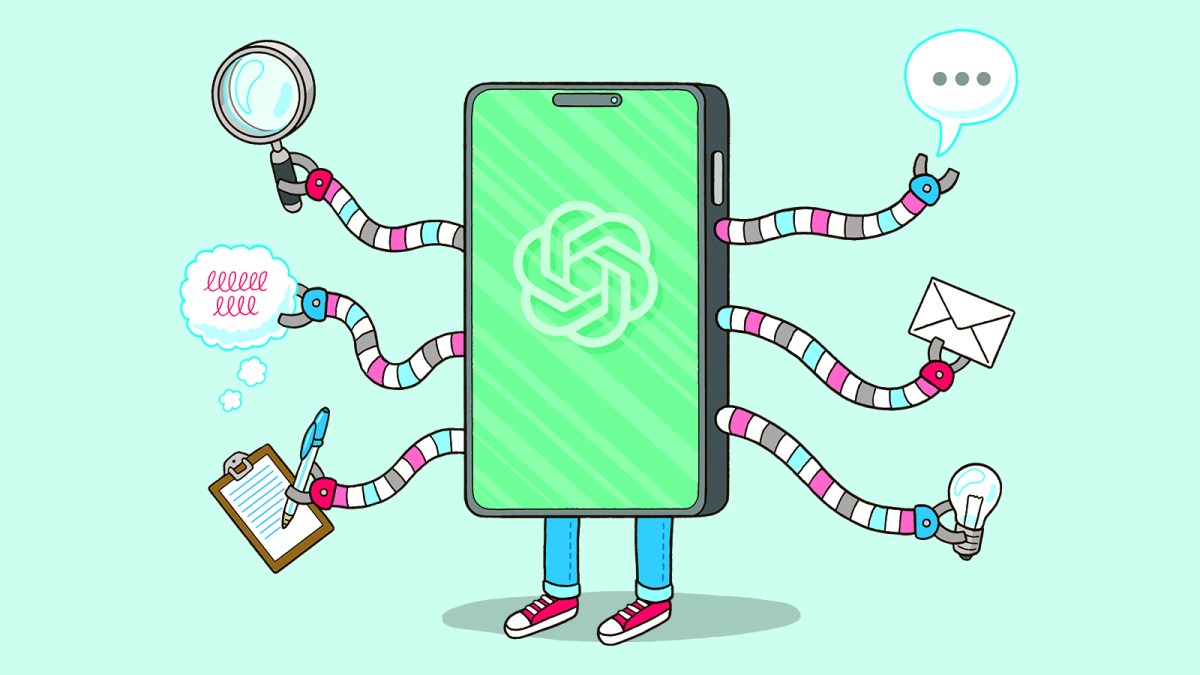
ChatGPT can do pretty much anything, from analysing data to planning meals. It can identify plants, suggest budget savings and ideas for work meetings. Children and university students have realised it’s quite handy at homework, much to the chagrin of teachers and lecturers, many of whom use AI to try to detect cheating.
It’s surprisingly nuanced at offering business advice, can power through mundane admin tasks, is good at “vibe coding” (building apps by describing a vision rather than writing traditional line-by-line code) and will work like the clappers without ever complaining.
Pick your model
ChatGPT is a good generalist and also has a variety of models. There’s the instant free model, which is fine for everyday tasks, and the “advanced” models, which are largely paid-for and better at deeper reasoning. You can also switch on “Thinking” mode, which takes longer but works through problems step-by-step for more layered answers.
Be clear about your needs
The key to unlocking what you want is giving it the right prompts. Asking it to adopt a persona (“You are a witty journalist who knows your stuff tasked with writing a breezy overview of ChatGPT for an audience, some of whom will have used it and some of whom absolutely will not”) often gets decent results.
The more detailed and specific the prompt, the better the response. Asking general questions is fine but that will get you run-of-the-mill answers. The people who get the most out of their AI chatbots — such as getting insights into vast spreadsheets of data — are those who guide the chatbot to provide answers for a specific audience, such as: “Provide an executive summary of the firm’s annual report for discussion at a board meeting.”
Be firm
AI chatbots are keen to please — to the extent that they’ll often stray from reality. Telling the chatbot it has to remain factual encourages it to tamp down one of its fatal flaws: hallucination, where it makes stuff up.
Be supportive and persistent
This sounds weird, but there’s a strong school of thought that encouraging AI chatbots to work through a problem step by step gets better answers. Such an instruction gives it the licence to ruminate carefully, rather than rushing to try to do everything at once. Sometimes the simplest tricks work too. Say “Think deeper” and it will ponder longer before answering — often with better results.
For example, in answer to the question “Will I ever need to speak to my GP/travel agent/financial adviser again?” AI writes: “Short answer: yes. Slightly longer answer: yes but you might talk to them differently.” ChatGPT is brilliant at preparing you for talking to a professional. Take medical issues. Got a letter from the hospital full of acronyms? You can paste it in and ask for a plain-English explanation. Wondering what questions to ask your GP at tomorrow’s appointment? It will help you make a list.
Humans will not be redundant
What AI must not become is your sole source of advice. Sticking with the medical example above, it can’t examine you, it doesn’t know your full history and it absolutely cannot handle emergencies.
ChatGPT isn’t your doctor, lawyer, therapist or financial adviser. It’s the nerdy friend who’s read everything, types at 200 words a minute and is always online — but still needs you to exercise judgment.
The rivals
If you’re a generative AI newbie it’s likely that you’re using ChatGPT. But it has rivals including Claude, developed by Anthropic, which was founded by former OpenAI employees, and Gemini, Google’s AI model.
They’re also good at different tasks. The Gemini AI chatbot has an alarmingly lifelike image generator, ideal for PowerPoint presentations. And if you want to pore over dense documents, Google’s NotebookLM is the best choice — it produces linked footnotes to show you its exact sources for the answers it has reached.