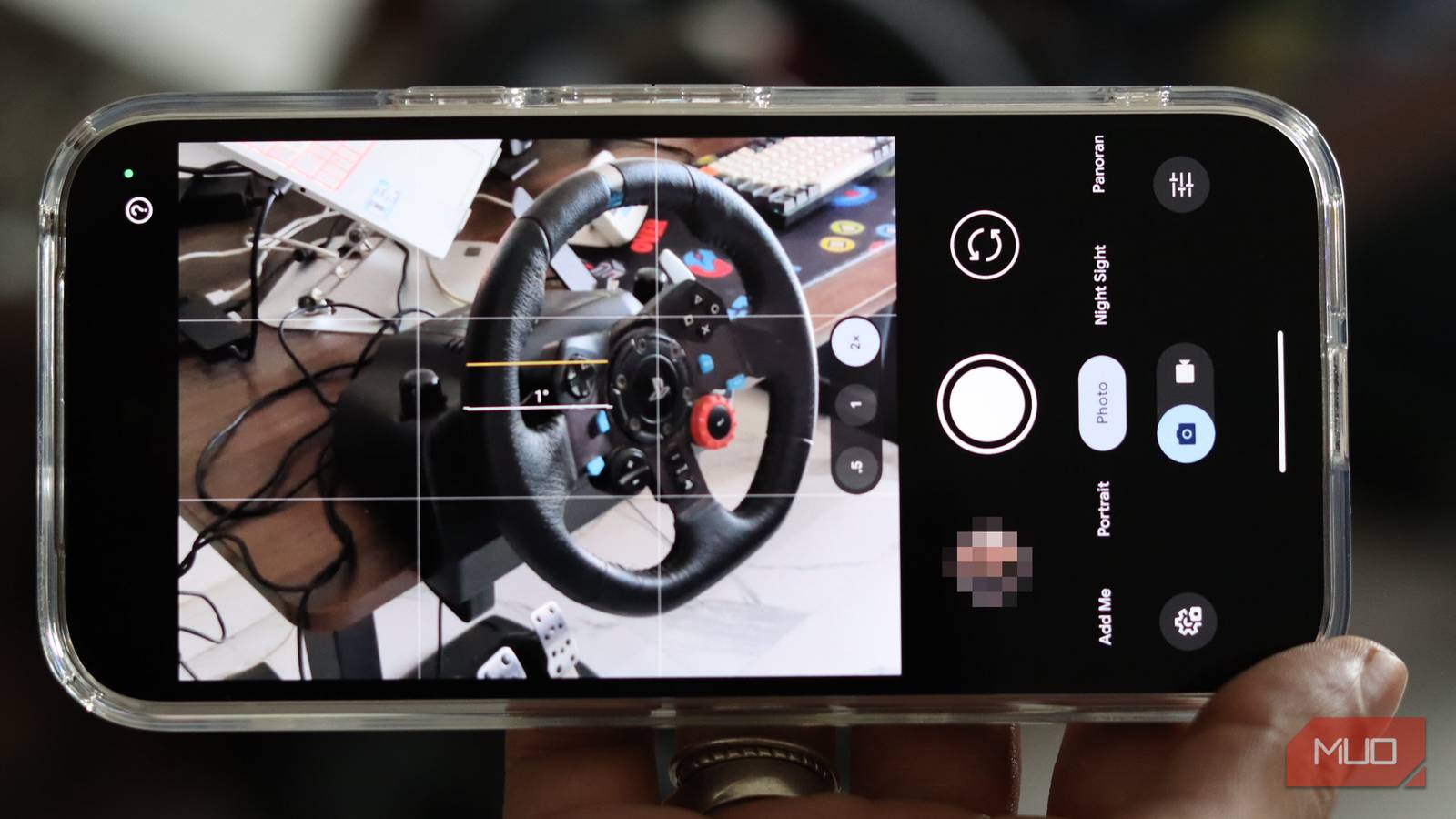
You might love photography, but most camera and photo editing apps come packed with ads, trackers, and subscriptions that drain your wallet faster than your phone’s battery. Your Pixel’s camera might be able to do other things besides taking photos, but when it comes to photos, you need the right apps to get the shots you need.
Thankfully, there are tons of free, open-source apps in the Android ecosystem that can handle anything from taking RAW photos to bringing out all their detail in post-processing. They’re completely free, respect your privacy, and won’t bombard you with ads.
Open Camera
Your Swiss army knife for photography
If there’s one app every photographer needs on their Android device, it’s Open Camera. This powerhouse has been around for years and continues to provide an excellent package with its feature-rich interface and solid performance regardless of your device.
What makes Open Camera special is its incredible depth. You get manual control over ISO, white balance, exposure compensation, and focus—practically everything you’d expect from a DSLR packed into your smartphone. It also supports RAW (DNG) capture on devices with Camera2 API enabled. That means you can capture uncompressed image data and edit it later with full flexibility, just like you would expect from a dedicated camera. You might think RAW on phones is pointless, but you need to try editing those photos before passing a verdict.
The app also includes an HDR mode with auto-alignment and ghost removal, panorama support, focus peaking, on-screen histogram, and even focus bracketing. You can trigger photos remotely using sound, set up auto-repeat mode for time-lapses, and even overlay grids for perfect composition. The interface might look a bit utilitarian at first, but everything will click into place once you start using the app.
- OS
-
Android
- Price model
-
Free, Open-source
Open Camera is a free, open-source Android camera app that gives you manual controls and pro features without ads or paywalls.
The ultimate open-source photo editor
While Open Camera handles capture, Image Toolbox takes care of everything that comes after. This is hands-down one of the most powerful image editing apps I’ve come across on Android, open-source or otherwise.
It’s an entire image manipulation suite with over 45 filters, batch processing capabilities, background removal (both manual and automatic), format conversion supporting HEIF, HEIC, AVIF, WebP, JPEG, PNG, and SVG, and even EXIF metadata editing and removal for privacy.
Image Toolbox also comes with a handful of practical features you won’t find anywhere else. Need to resize a hundred images to specific dimensions? Done. Want to compress photos to a specific file size in KB? No problem. You can even generate color palettes from images, stitch multiple photos together, and convert images to PDFs. The app uses AES-256 GCM encryption if you need to secure sensitive images.
The interface follows Material Design principles and feels modern and intuitive. For photographers managing large photo libraries or preparing images for web publishing, this app can make life a lot easier.
- OS
-
Android
- Price model
-
Free, Open-source
Image Toolbox is an open-source app that offers several tools for editing and manipulating images in bulk.
Fossify Gallery
Privacy-first photo management made easy
After Simple Gallery Pro got sold and filled with ads, the open-source community stepped up and came up with Fossify Gallery—a fork that preserves everything great about the original while remaining completely ad-free and community-driven.
Fossify Gallery gives you complete control over your photo library. You can organize photos and videos, apply basic edits (crop, resize, rotate, flip, draw, and filters), strip EXIF metadata to protect your privacy, and lock specific photos or the entire app with PIN, pattern, or fingerprint. The built-in recycle bin means you won’t panic if you accidentally delete a photo, either.
The app supports virtually every media format, including JPEG, PNG, MP4, MKV, RAW, SVG, and GIF, and offers over 1,800 theme combinations for personalization. It’s fast, lightweight, and respects your privacy by keeping everything local on your device. No cloud sync, no tracking, no data collection. The downside is that you also lose the convenience of AI search in photos and cloud backups that apps like Google Photos bring.
- OS
-
Android
- Price model
-
Free, Open-source
Fossify Gallery is a clean, open-source Android gallery app that lets you browse, organize, and manage photos offline with zero ads or tracking.
Photok
Encrypted vault for sensitive photos
Sometimes you need to keep certain photos completely private. Maybe they’re personal, maybe they’re work-related, or maybe you just value your privacy. Photok will handle it all.
The app creates an encrypted vault on your device using AES-256 encryption. You can import photos and videos from your gallery, organize them in albums, and they’re immediately encrypted and hidden from prying eyes. The app can even hide its own icon from your app drawer.
What sets Photok apart is its encryption approach. Files are encrypted on disk and only decrypted in memory when viewing. It’s not just hiding files in a folder somewhere; they’re actually secured with military-grade encryption. The app is completely free, open-source, and maintained by dedicated volunteers.
You might find it a bit lacking in features, though. Folders within vaults or pattern unlock options aren’t present yet, but the core functionality is solid and actively developed.

- OS
-
Android
- Price model
-
Free, Open-source
Photok is an open-source Android app that securely locks your private photos with strong encryption and no cloud dependency.
FreeDcam
Advanced RAW photography without spending a dime
For photographers who want absolute control over RAW capture, especially on older devices, FreeDCAM is worth exploring. This app was specifically designed to enable RAW image capture on devices that might not officially support it through standard camera apps.
FreeDcam works by accessing low-level camera APIs and extracting Bayer RAW data directly from the sensor. While it requires some technical knowledge to set up (you need to join the beta community and configure picture formats), the payoff is genuine RAW capture that you can process in desktop applications like Lightroom, RawTherapee, or Darktable.
The app has been tested on numerous Snapdragon devices and continues to support photographers who want DSLR-level control over their smartphone cameras. It’s particularly valuable if you’re using an older phone or device where the manufacturer has limited camera functionality in software, but the hardware is more capable.
- OS
-
Android
- Price model
-
Free, Open-source
FreeDcam is an open-source Android camera app built for enthusiasts, offering deep manual controls and maximum image quality.
Photography software doesn’t have to cost money
These apps prove that you don’t need proprietary software to get professional photography results on Android. The open-source community has built incredible tools that respect your privacy, don’t cost a penny, and often outperform their commercial counterparts.
Related
These Free Apps Will Instantly Improve Your Smartphone Photos
Edit like a pro, shoot like a pro—all for zero dollars.
Give these apps a try—you can find them all on the Google Play Store, F-Droid, or directly from their respective GitHub repositories. Your photography workflow, privacy, and wallet will all thank you.