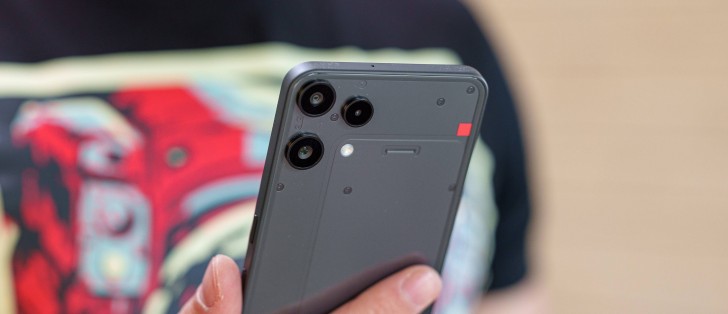
Android 15 with Nothing OS 3.5
The Nothing Phone (3a) Lite boots Android 15 with Nothing OS 3.5. Nothing commits to delivering up to three major Android updates to this phone. Nothing focuses heavily on style in Nothing OS, but it’s still more than just a skin for Android. There are also custom features and optimizations in place.
Nothing OS remains minimalist in terms of functionality and stays close to stock Android (AOSP), but it carries a distinct visual identity. The UI is heavily styled with Nothing’s characteristic dot matrix font and design language.
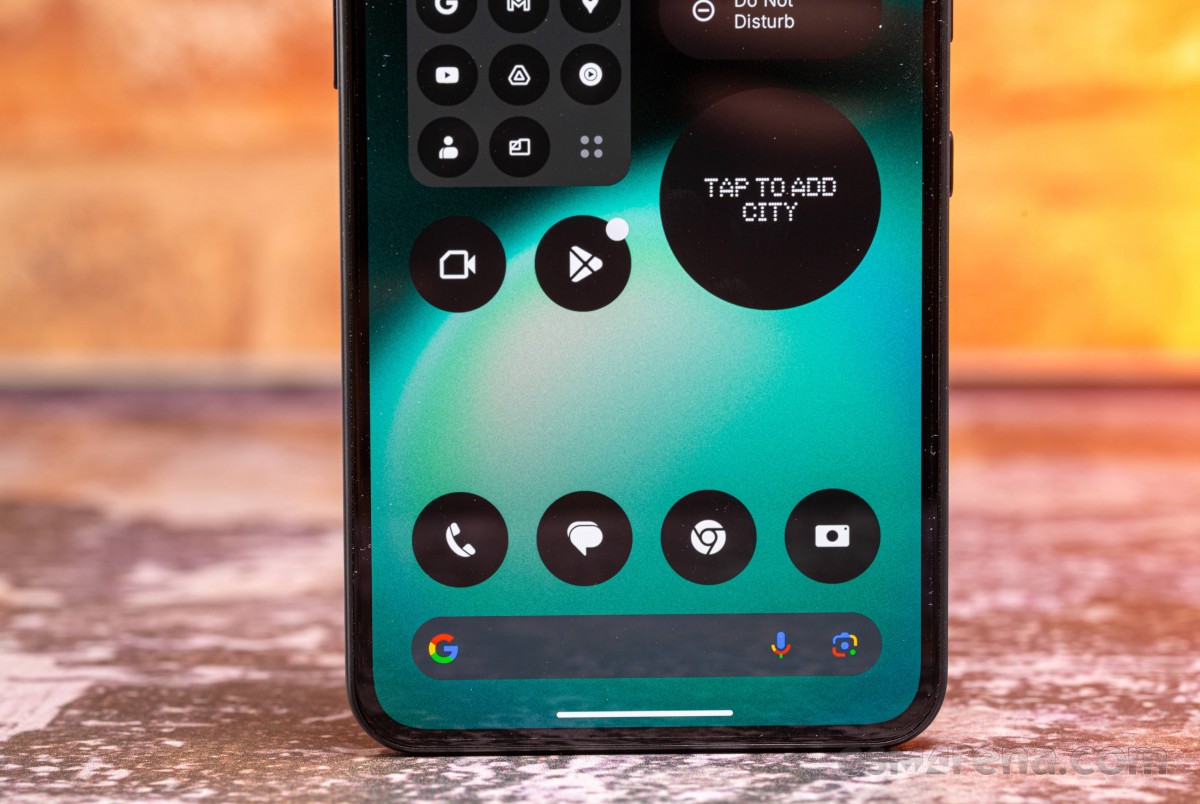
Users can access 18 custom widgets, covering essentials like clocks, calendars, contacts, and weather, all designed to maintain a cohesive aesthetic.
It is worth noting that the CMF Phone 2 Pro, by Nothing, had 24 custom widgets in its arsenal, so the number appears to be decreasing rather than increasing.
The notification shade and quick settings strike a balance between stock Android and Nothing’s customizations. Starting with Nothing OS 2.5, the top two large quick toggles switched from circular to rounded-square designs, a change retained in version 3.5.
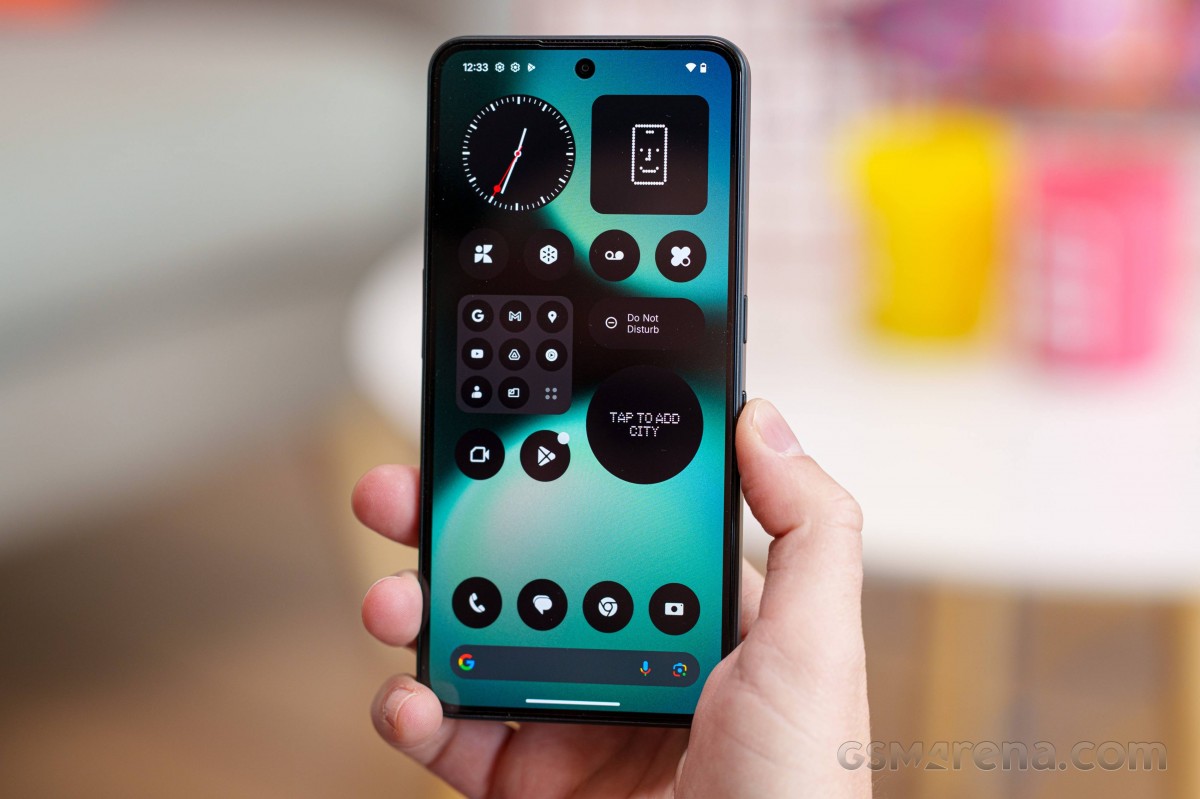
Another recent feature is the custom icon pack, which sticks to a uniform monochrome style, in line with Nothing’s design ethos.
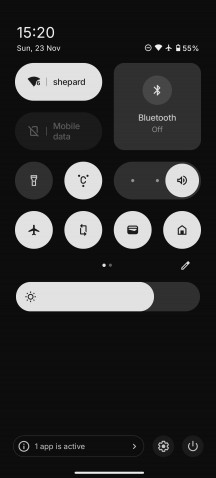
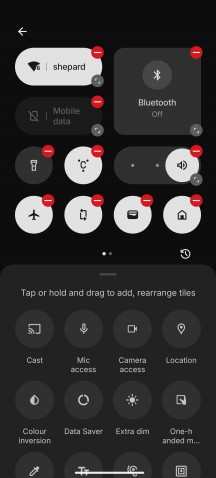
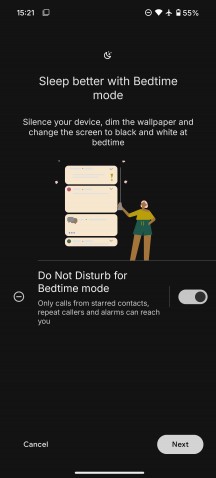
Nothing OS 3.5
The Nothing Phone (3a) Lite features an always-on display option, albeit a basic one with only a clock and a few notification icons, and no customization options.
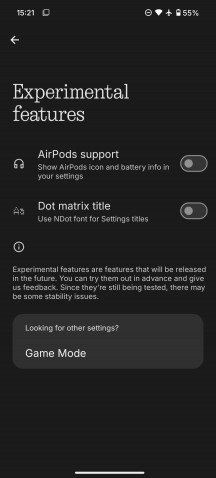
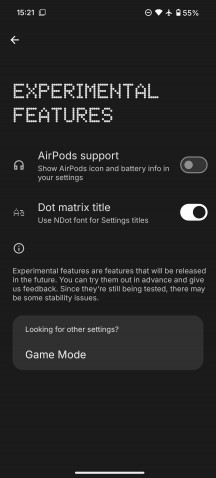
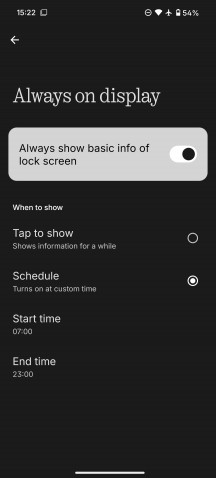
Special features and Always on display
Nothing OS includes a Monochrome UI mode for users seeking an even more distinctive interface. While it ties into features like Do Not Disturb and Bedtime, it can be configured independently. Importantly, this is a visual effect only – screenshots and photos will still appear in full color.
The Nothing X app provides seamless integration with several audio products, including the Ear (1), Ear (stick), Ear (2), CMF Buds, Neckband Pro, and Buds Pro.
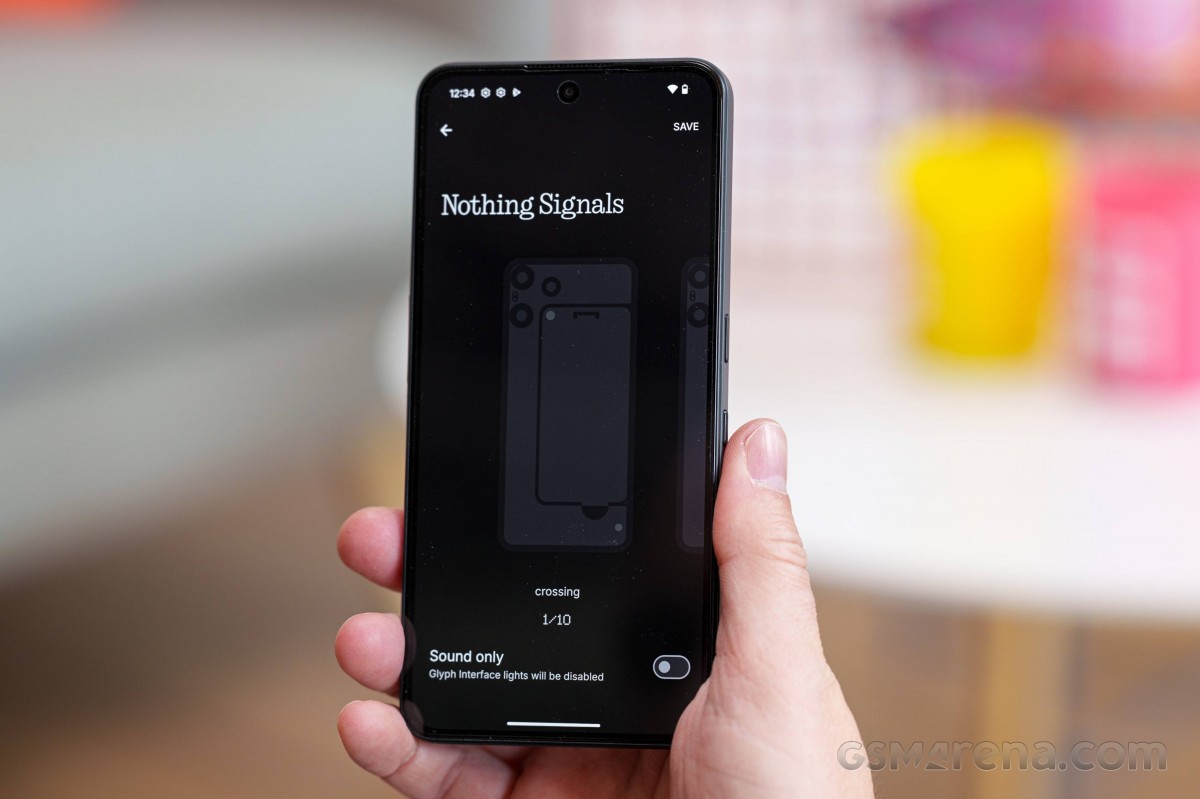
Probably the most interesting bit of customization on the Nothing Phone (3a) Lite is the new Glyph Interface, even if it’s very basic here. It gets its own dedicated menu in settings. You can choose between different LED patterns as well as different vibration patterns.
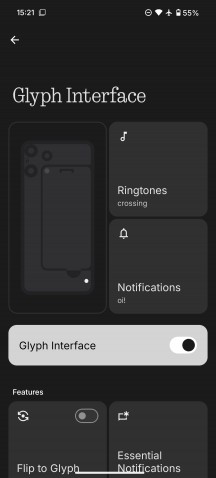
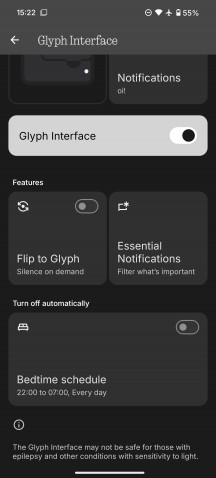
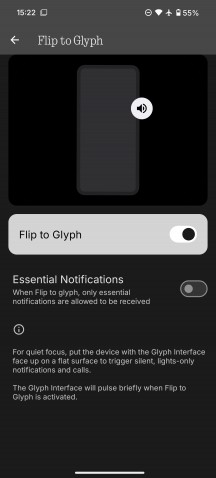
Glyph options
Flip to glyph is the default behavior for the display, but don’t expect it to be overly busy.
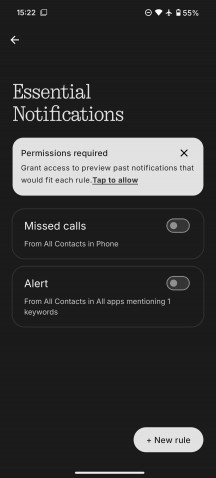
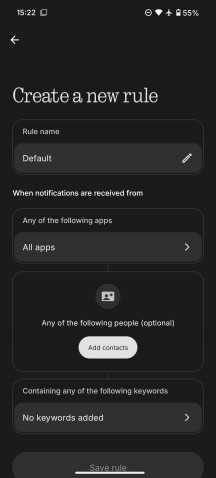
You can filter the notifications from the Essential Notifications menu.
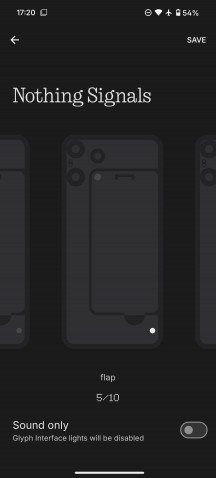
Glyph options
Each of the Nothing ringtones has a unique Glyph pattern associated with it, so this system can be used to identify callers with unique graphic and sound identifiers even when the ringer itself is muted.
There is plenty of AI on board the Nothing Phone (3a) Lite, as is the current trend. Most of it is neatly organized in a central location in settings called Essential Intelligence.
The Essential Space is an AI-powered hub designed to help you organize your daily tasks. As we understand it, you can send screenshots or photos to it with a single click of the Essential Key, located right underneath the power button, and annotate them as needed.
Alternatively, you can double-tap the key to record a voice memo, which is later automatically transcribed by AI.
You can also set reminders for yourself, and everything is organized intelligently.
While the concept seems interesting, it appears to be tailored toward users with specific note-taking habits. We’re not sure it will be one of the phone’s major selling points, and the prominent hardware key may not be the most user-friendly solution for everyone. We wish Nothing offered the option to map the key to a different function, just for the added versatility.
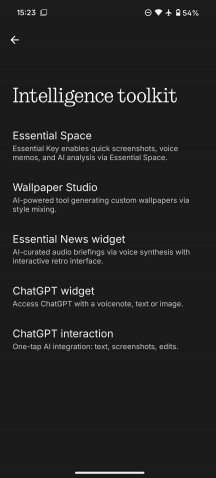
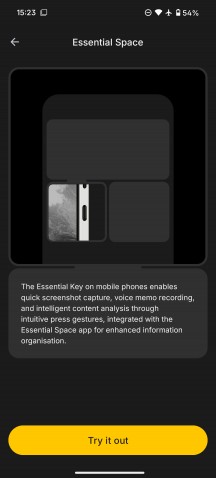
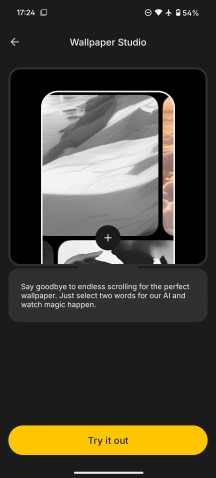
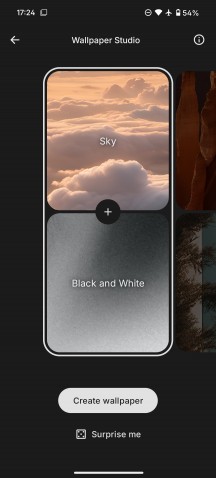
Essential Intelligence
Wallpaper studio is a nice bit of generative AI. It’s dead simple to operate; you select two words, and the AI does its job.
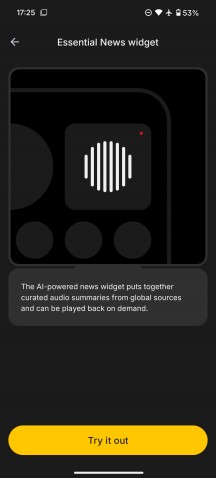
The Essential News widget is kind of cool. You can’t pick and choose sources, just news topics, but it still does a pretty good job of automatically selecting and summarizing news articles and reading them out loud. Honestly, we can’t quite be sure whether the feature is based on an AI narrator or actual audio news sources. Either way, it sounds and works well.
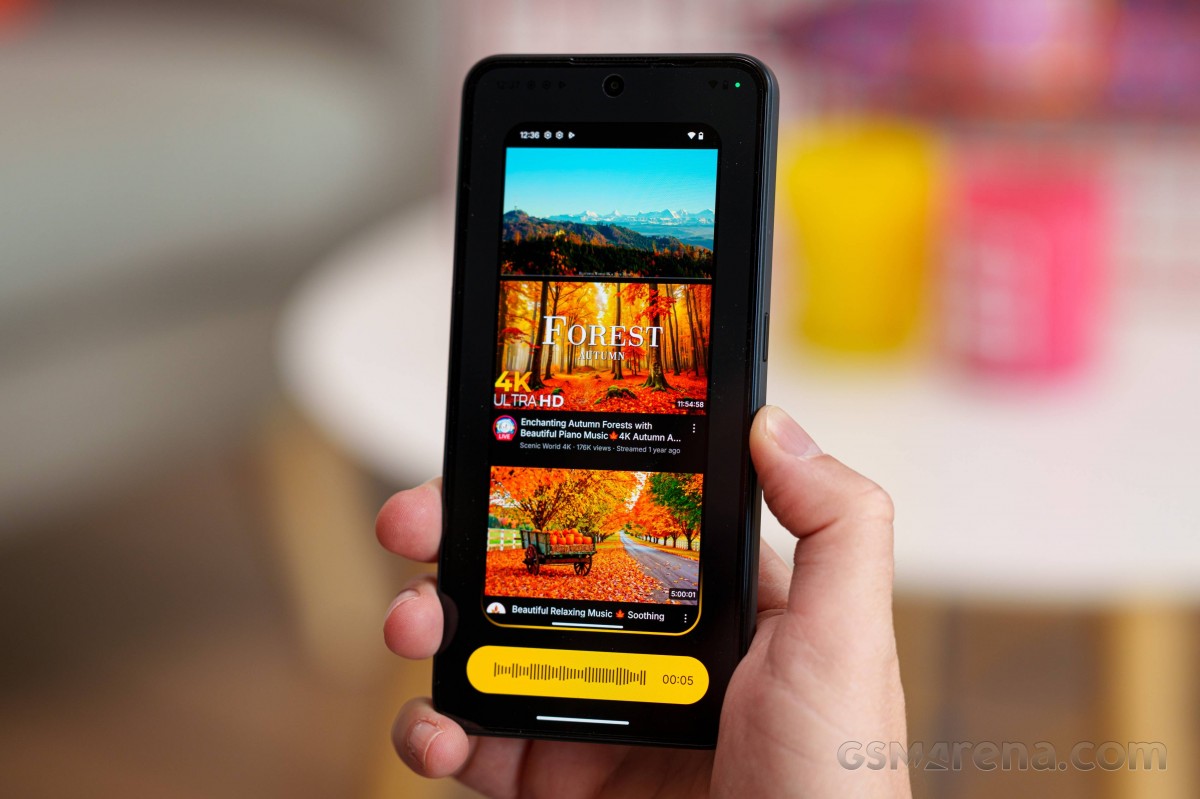
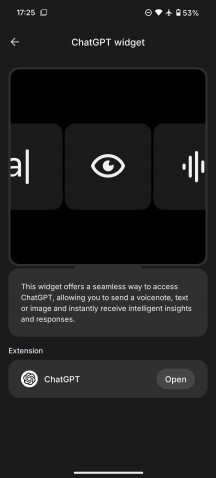
The ChatGPT integration features are quite convenient, especially the one that allows you to send a screenshot directly to ChatGPT for analysis. That is really convenient.
Performance and benchmarks
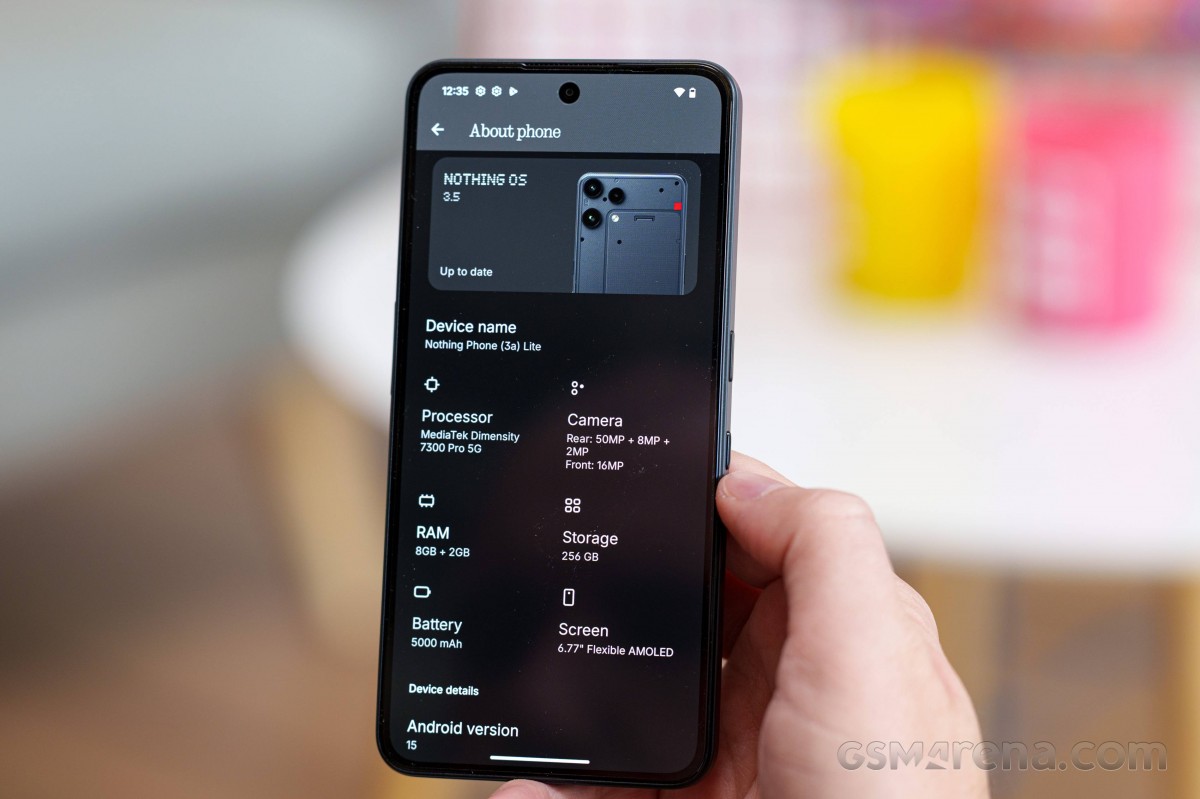
The Nothing Phone (3a) Lite is powered by the Dimensity 7300 Pro, the same one inside the CMF Phone 2 Pro.
The chip has an octa-core processor with four Cortex-A78 cores clocked at up to 2.5 GHz, and another four Cortex-A55 cores, working at up to 2.0 GHz. The GPU is a Mali-G615 MC2. There is 8GB of LPDDR4X RAM.
The Nothing Phone 3a Lite is available with 128GB and 256GB (ours) storage, and there is microSD expansion.
Let’s run some benchmarks now.
The Phone (3a) Lite is equipped more than adequately for the sub-€300 class. It offers up-to-par performance and will not disappoint, no matter the task – UI interactions, day-to-day operations, streaming, office apps, image editing, social media, and even gaming.
There is more good news – there is almost no throttling even after prolonged stress testing – 88% retained CPU performance, 99% – GPU. Yes, the phone does get a bit hot, but definitely not over the top.
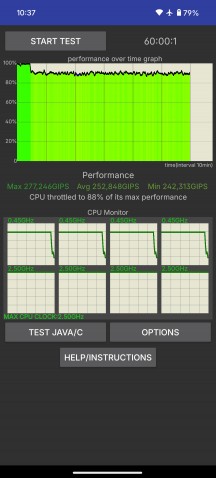
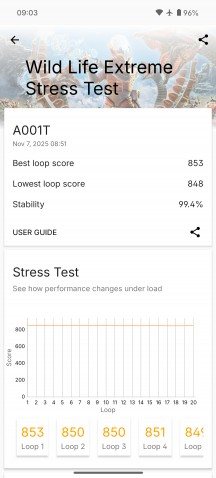
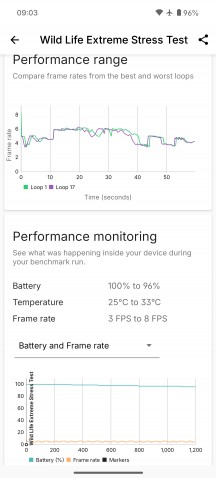
CPU test • GPU test
Overall, the Nothing Phone (3a) Lite is on par with its lower mid-range peers and runs smoothly most of the time, including in games. There is also a dedicated Game mode, where you can boost your experience. And for a phone on a budget, we’d say we got plenty.