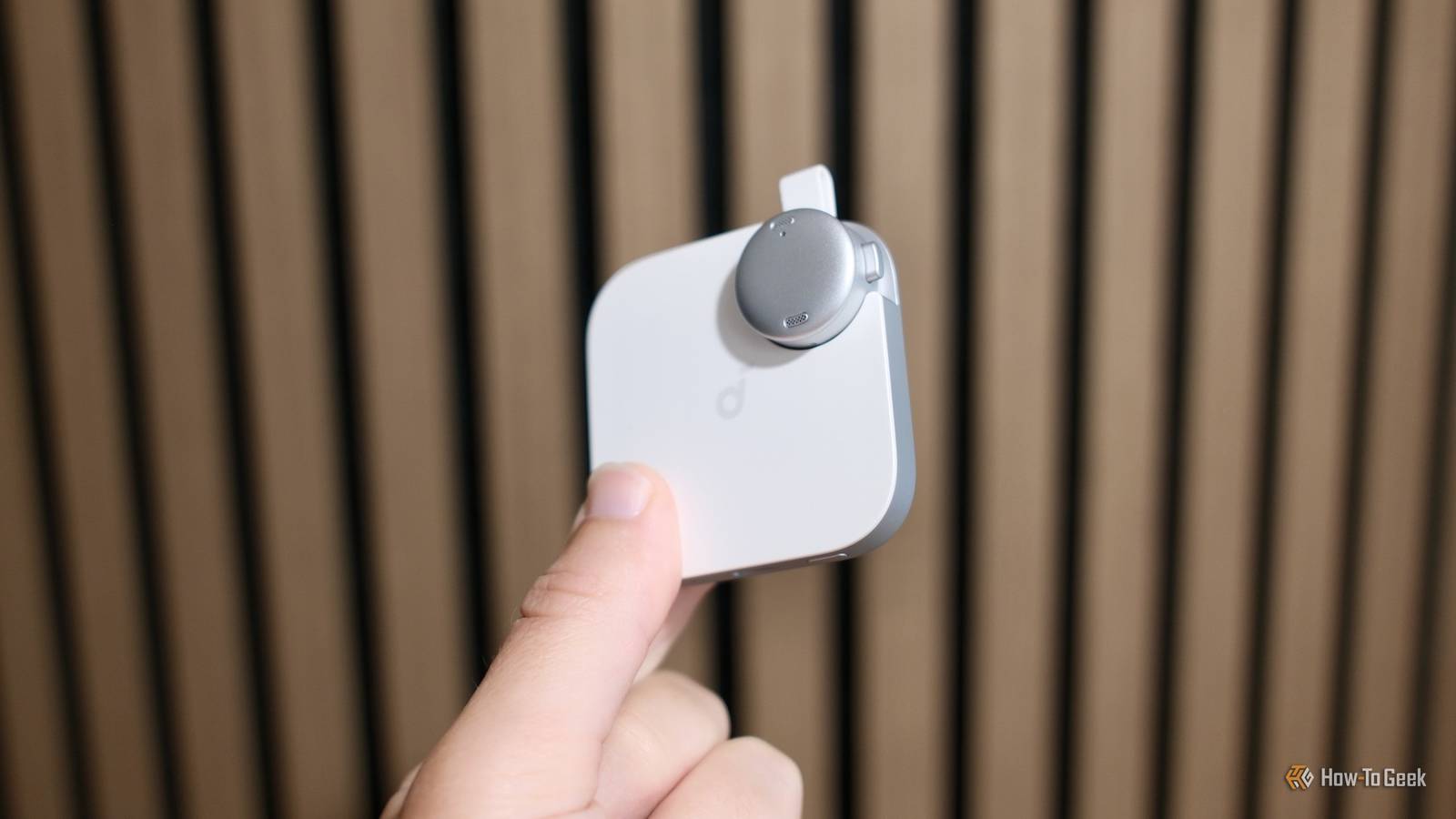
The Soundcore Work taps into one of artificial intelligence’s undeniable strengths: transcription. Instead of trying to write or type out notes, this device records audio and then turns it into useful information.
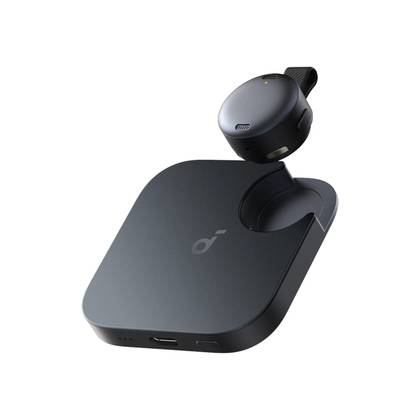

7/10
- Color
-
Black; white
- Battery
-
8H/32H
- Weight
-
1.69oz (48g)
- Capacity
-
8GB
Enjoy the best voice recordings. Capture, transcribe, and share crystal-clear audio instantly, wherever you are.
Pros & Cons
- Clear audio
- Compact size
- ChatGPT-powered transcription
- Simple operation
- Monthly fee for extra transcription
- Magnetic pin might have trouble sticking on thick jackets
- Not as many software features as PlaudAI
See Our Process
How We Test and Review Products at How-To Geek
We go hands-on with every product to ensure it’s worth your time and money.
Price and Availability
The Soundcore Work from Anker is available for purchase now. It retails for $159.99 and comes in black or white colors. The device features 8GB of on-board storage. The small circle piece and its square housing can get up to 32 hours of total battery life.
- Color
-
Black; white
- Battery
-
8H/32H
- Weight
-
1.69oz (48g)
- Capacity
-
8GB
- Mount
-
Magnetic
- Dimensions
-
60 x 60 x 14.95mm
- Wireless
-
5 meter range
- Input
-
USB-C
- Bluetooth
-
5.4
What is an AI note taker?
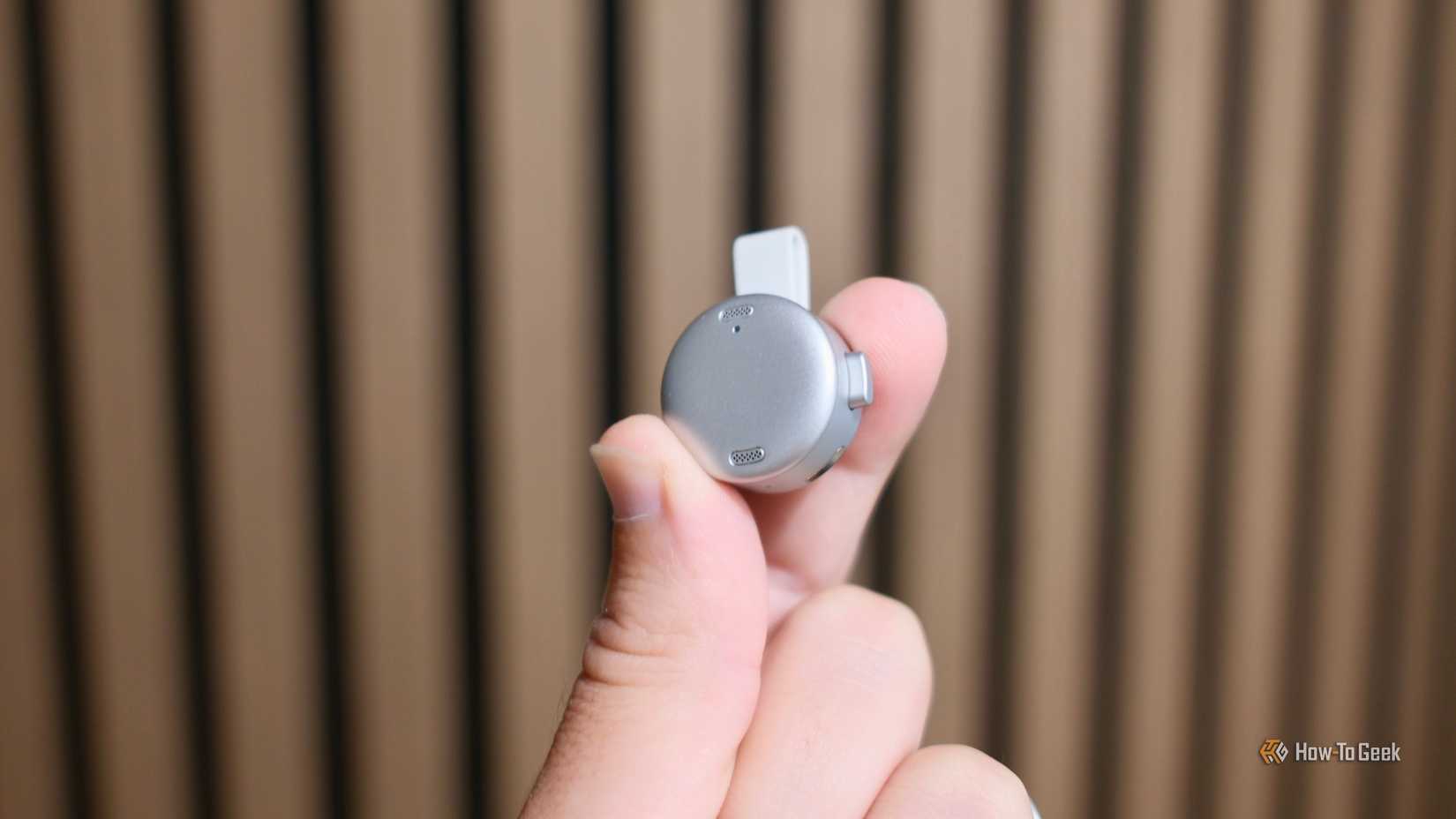
Credit: Tyler Hayes
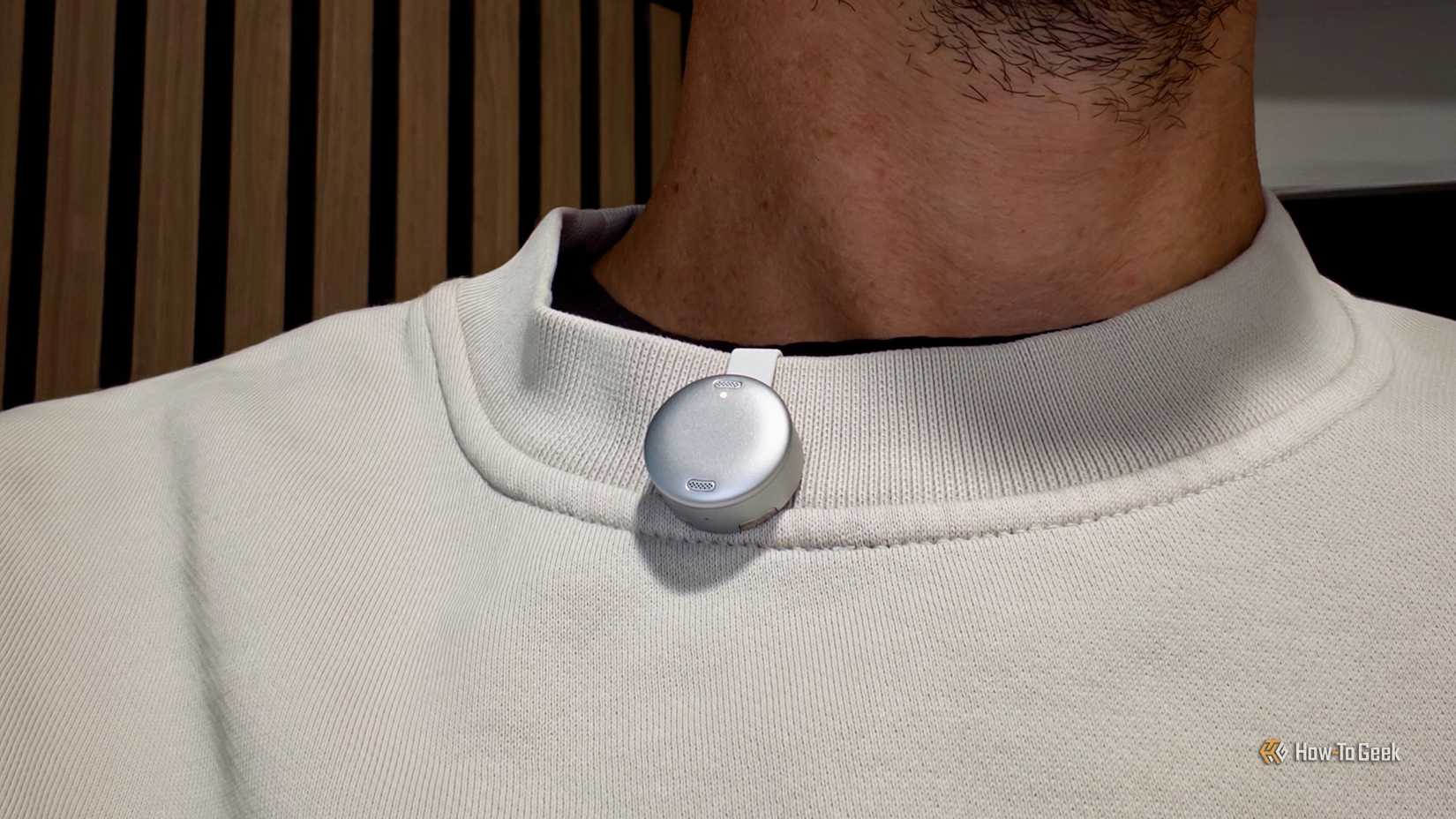
Lately, when I head out of the house, I’ll attach the circular Soundcore Work microphone to a piece of clothing in a discreet location. Then, if I encounter a situation where there’s some information that needs to be jotted down, I’ll just press the Work’s button and have it record the info for me to remember and have later on.
In the past, that would have been a nightmare to record lots of audio and then try to sort through it. But with the help of AI transcription, that’s not a problem anymore. A couple of minutes after tapping “Generate” in the Soundcore app, the complete ChatGPT-powered transcript and summary are available.
You can select from a collection of transcription templates, for example, if it was used for a meeting. Usually, I just let it decide what kind of information was recorded. You can also specify if other languages are being used for cross-language transcripts.
Results were a little better than I expected
Credit: Tyler Hayes
After using the Soundcore Work in various situations for over a month, my results were good, but a little uneven. When I was using it casually for meandering conversations over longer periods of time, it only worked okay. Some of the summaries were hilarious as it boiled down talk of homework or evening plans.
It was able to record the audio and produce faithful transcripts. The summaries were less helpful for unstructured conversations. When I used the small pin to record specific interactions like doctor’s visits or meetings, the summaries and results were much more meaningful.
In terms of recording quality, as long as people are in the same vicinity, like a 10-by-10-foot room, the tiny pin can hear well. Soundcore advertises a five-meter radius, roughly. More impressive is that even if some of the audio isn’t amazing, the AI is still able to figure out most of what was said.
There’s a service charge, kinda
So, while the device works well in a lot of circumstances, it can’t be used indefinitely. At least, it can’t transcribe all of your audio for free.
Out of the box, you’ll get 300 minutes, which works out to be about an hour and 15 minutes per week. Personally, that’s been enough for me. For students trying to capture multiple classes, workers with constant meetings, or people attending regular doctor’s appointments, it probably won’t be enough.
To handle that, you can subscribe for $16 per month, which gets you 1,200 minutes each month, aggregate summaries across multiple notes, and the ability to AskAI about things in your notes.
If that price is too steep, you can stay on the free plan and just buy extra buckets of minutes when needed. For example, $3 will get you 120 more minutes, or $10 will get you 600 minutes.
The hardware is simple but effective
Credit: Tyler Hayes
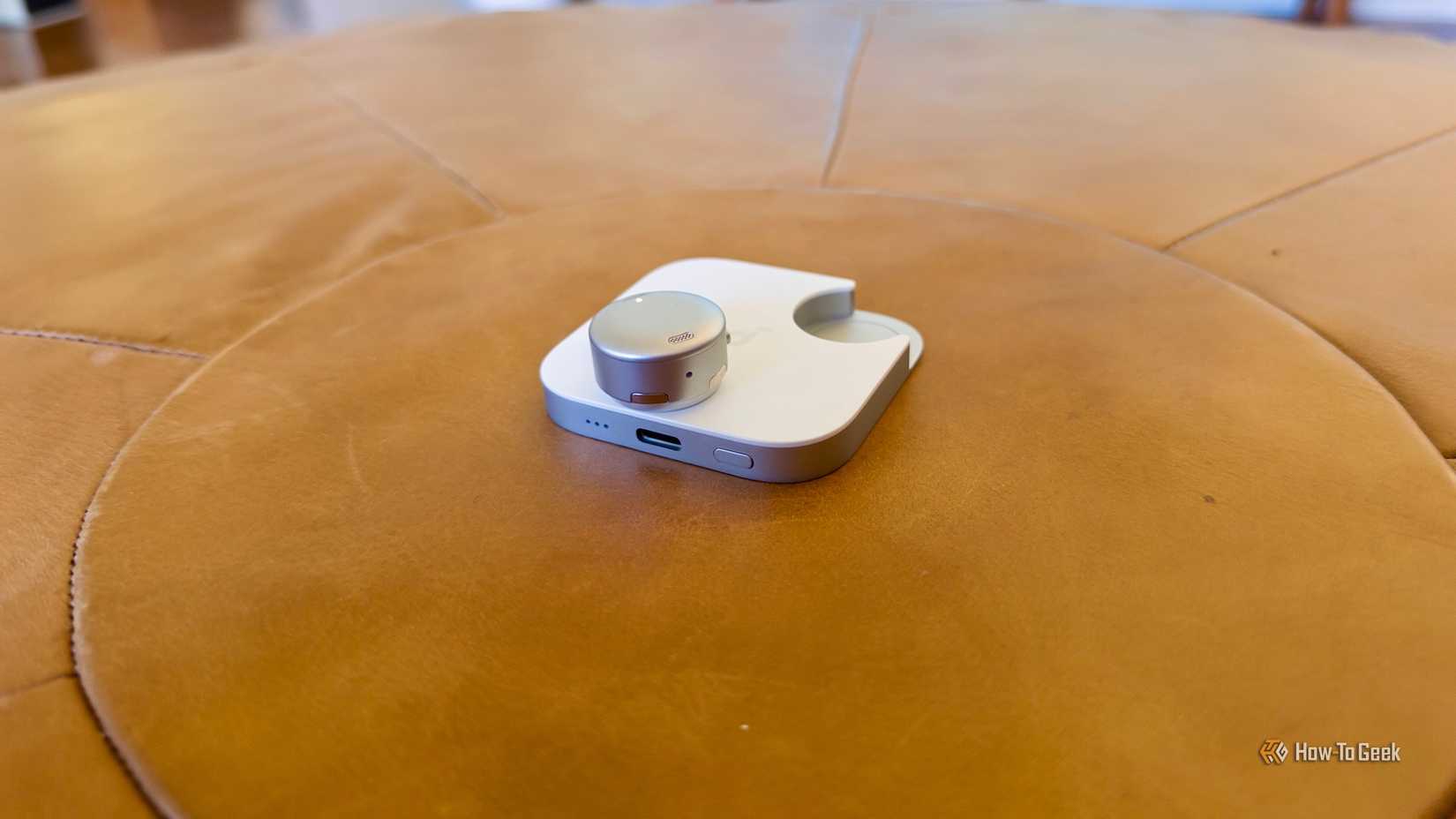
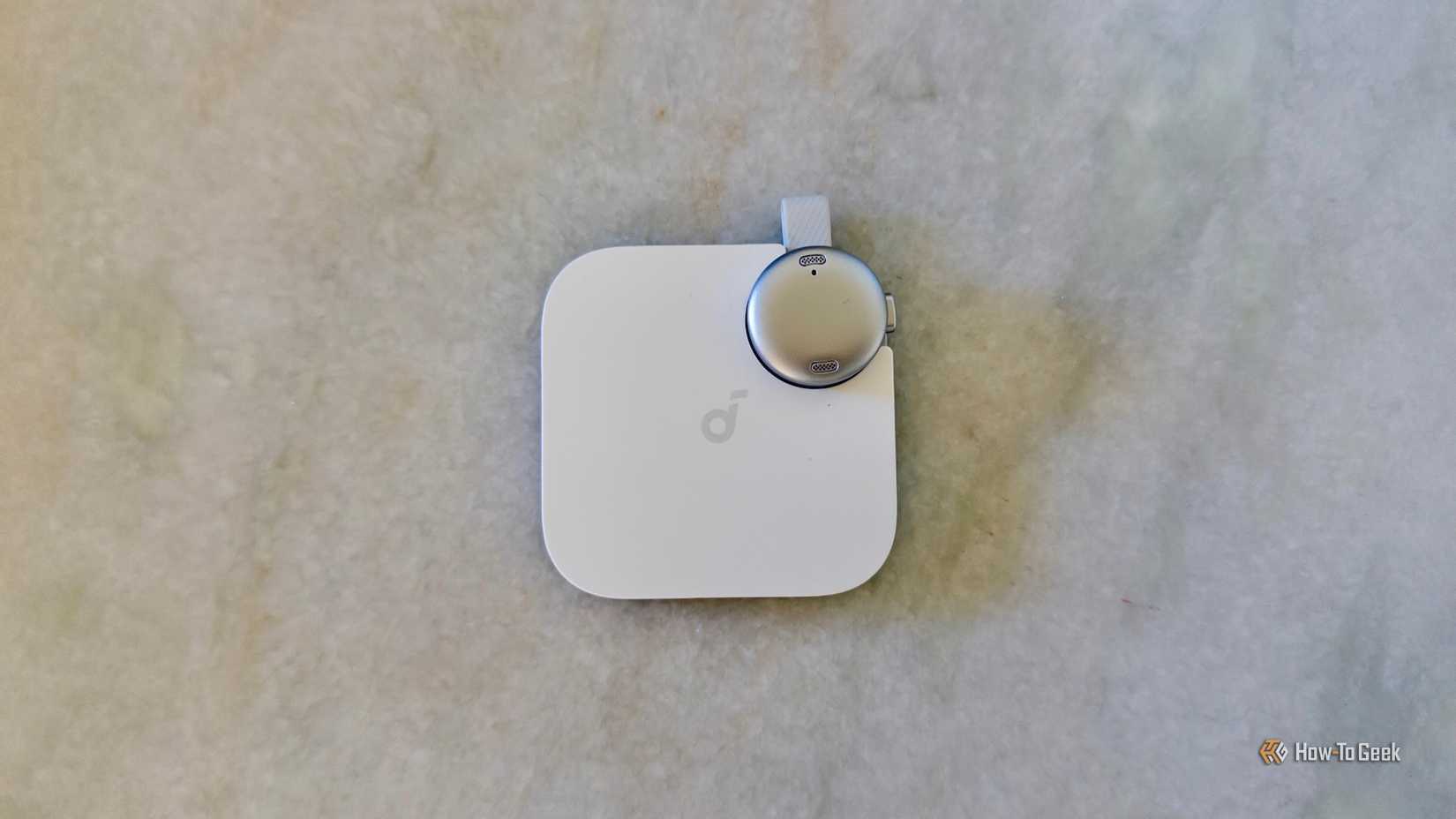
There are a few different audio recorders out there, but the Soundcore Work is one of the most interesting-looking ones. Its square design is mostly a battery housing where the little circular microphone can be recharged.
It’s not exclusively for that, however. There’s a magnet in the back that allows it to stick to the back of an iPhone. Of course, most people probably use it by sticking the small pin to a short pocket or jacket.
I like the small circular lapel pin. The button stays depressed when it’s on and comes back out when it’s off. You can even knock on the pin when it’s recording to set a marker for important details. The hardware is simpler than it appears, but overall it’s a good and clever design.
Should You Buy the Anker Soundcore Work?
Credit: Tyler Hayes
The Soundcore Work is a straightforward audio recorder with a new AI twist. It’s a purpose-built device that will serve people with a specific need the best. By that I mean, if you do have meetings, appointments, or classes that need to be transcribed and summarized, then the $160 retail price probably won’t seem so outrageous.
You can certainly use a mobile phone to record audio and then send it to an AI to transcribe it or summarize it. The Work, however, alleviates the need to keep your phone on and burn its battery life. It also keeps all of your notes organized and fully searchable inside the app.
I’ve been impressed by the hardware and overall performance of the Soundcore Work. If I ran into its limits, I would be less impressed with the number of transcription minutes. Just keep in mind that if you plan on using it more than an hour a week, then you’ll likely need to plan on an additional $16 per month in costs.
7/10
- Color
-
Black; white
- Battery
-
8H/32H
- Weight
-
1.69oz (48g)
- Capacity
-
8GB