
Google is continually improving the features and performance of its Pixel phones thanks to frequent Pixel Drops and QPR (Quarterly Performance Release) updates. The latest Android QPR2 update reportedly brought big performance improvements to the Pixel 10 series, in addition to new features. Among the new feature additions is Expanded dark mode, which has been introduced as a new accessibility feature.
Toggling this mode lets you force dark mode in apps that don’t natively support it. This is great news for fans of dark mode or for anyone that hates being blinded by light backgrounds when they fire up their apps at night.
You may like
How to enable Expanded dark mode on a Google Pixel phone
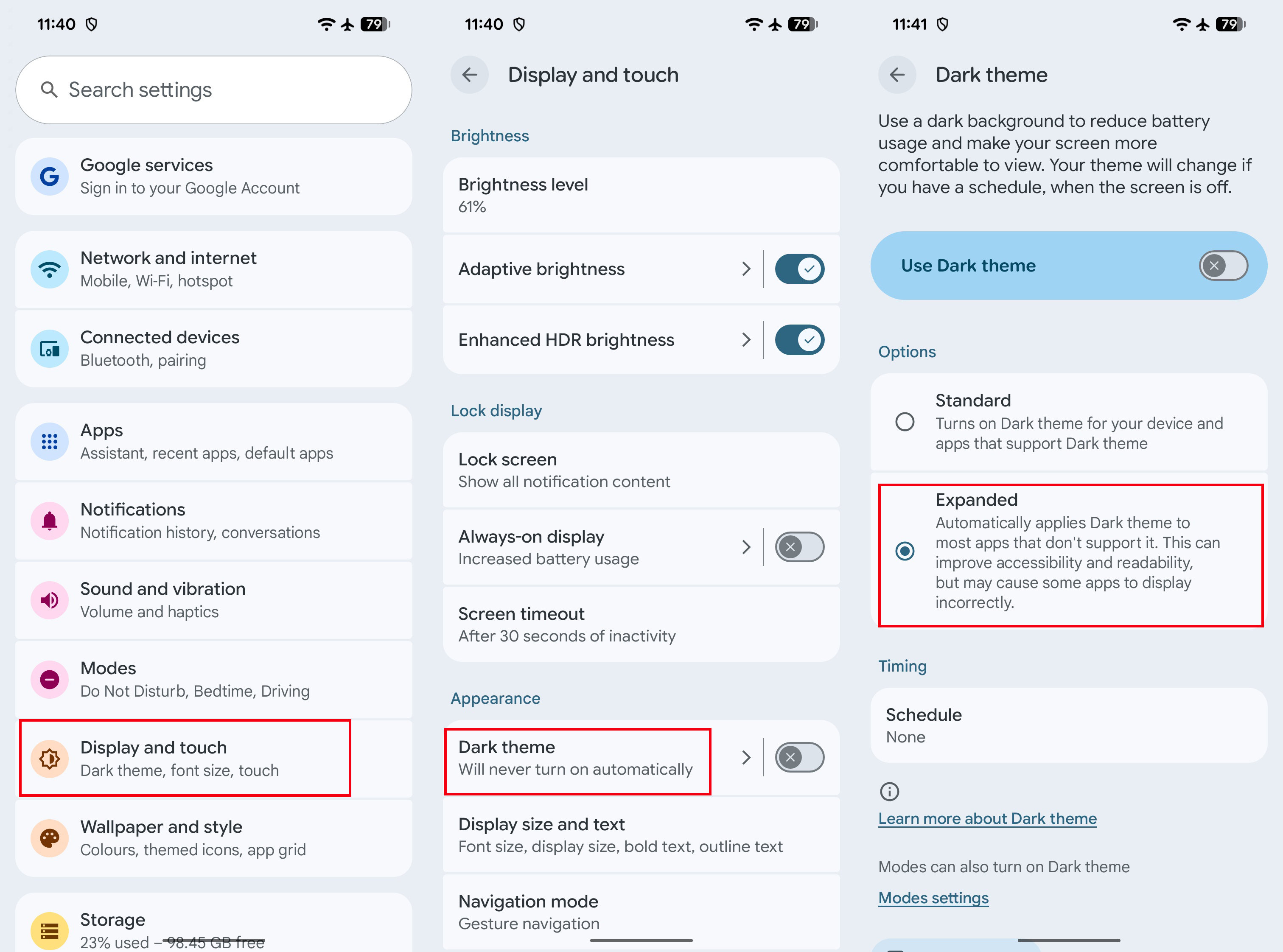
1. Open the Settings app by tapping the shortcut on your homescreen or swipe the notification shade downward twice to find the gear icon at the bottom right.
2. Head to Display and touch, and scroll down to Dark theme and tap the text.
3. You should see a new Options menu with two toggles called Standard and Expanded.
4. Simply choose the Expanded option and you’re all set.
(Image credit: Roydon Cerejo / Android Central)
Note: Google does warn you that not all apps are guaranteed to work properly by forcing dark mode. Stubborn apps like Amazon can now be forced to show a dark theme thanks to this setting, which is good news.
Expanded dark mode is a great temporary solution by Google to combat lazy devs
(Image credit: Apoorva Bhardwaj / Android Central)
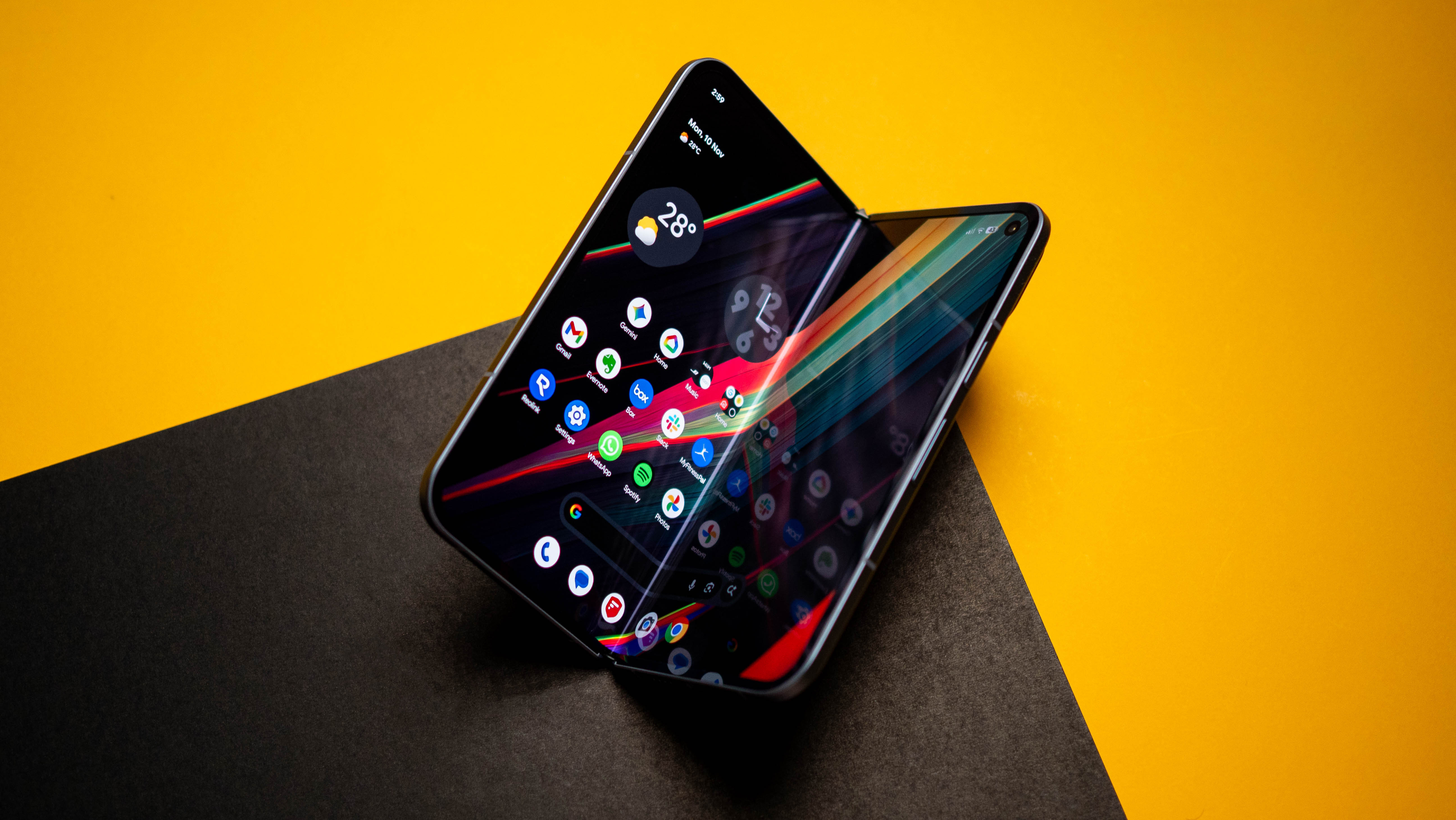
As I mentioned earlier, this new Expanded dark mode toggle on Pixel phones is meant primarily as an accessibility feature for users that have low vision, photosensitivity, or for anyone that just prefers a system-wide dark themed experience. In my experience, it seems to work decently well on apps that would otherwise not switch to a dark theme even if the system did. There could be instances though where forcing a dark theme could break the user experience and make navigation of an app worse.
While this is great as a temporary workaround, app developers should ideally plan on integrating a native dark theme for the best user experience, if they haven’t already. Until then, Google has come to the rescue once again with this neat little solution. If you have any of the best Google Pixel phones, make sure you grab the December 2025 update and give Expanded dark mode a try.
Keeps getting better
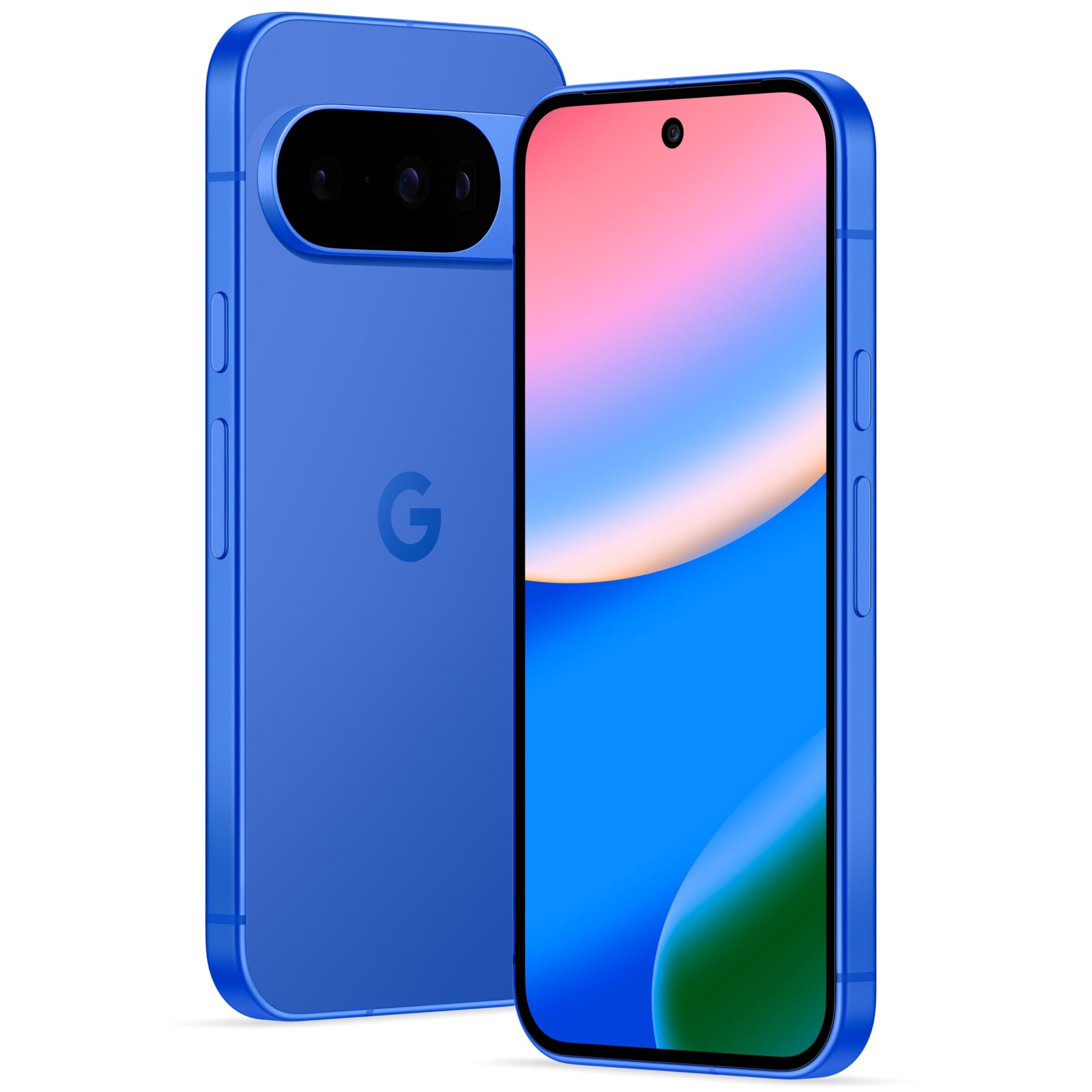
The Google Pixel 10 is the best attempt by Google yet, and these quarterly updates keep improving its functionality.