As great as VR/XR can be, there are a lot of things that just aren’t ideal. There’s the whole wearing a huge thing on your face for long periods part, or the bad battery life part, or the part where owning a headset with an OLED display is very, very expensive. In that laundry list of gripes, though, there is one inconvenience that gets lost in the mix: typing.
Typing in VR/XR is a tedious nightmare; it doesn’t matter how you’re doing it, either. Using hand tracking to pluck out each individual letter is bad, and so is using a controller. Alright, hand tracking is worse, but still, neither is ideal.
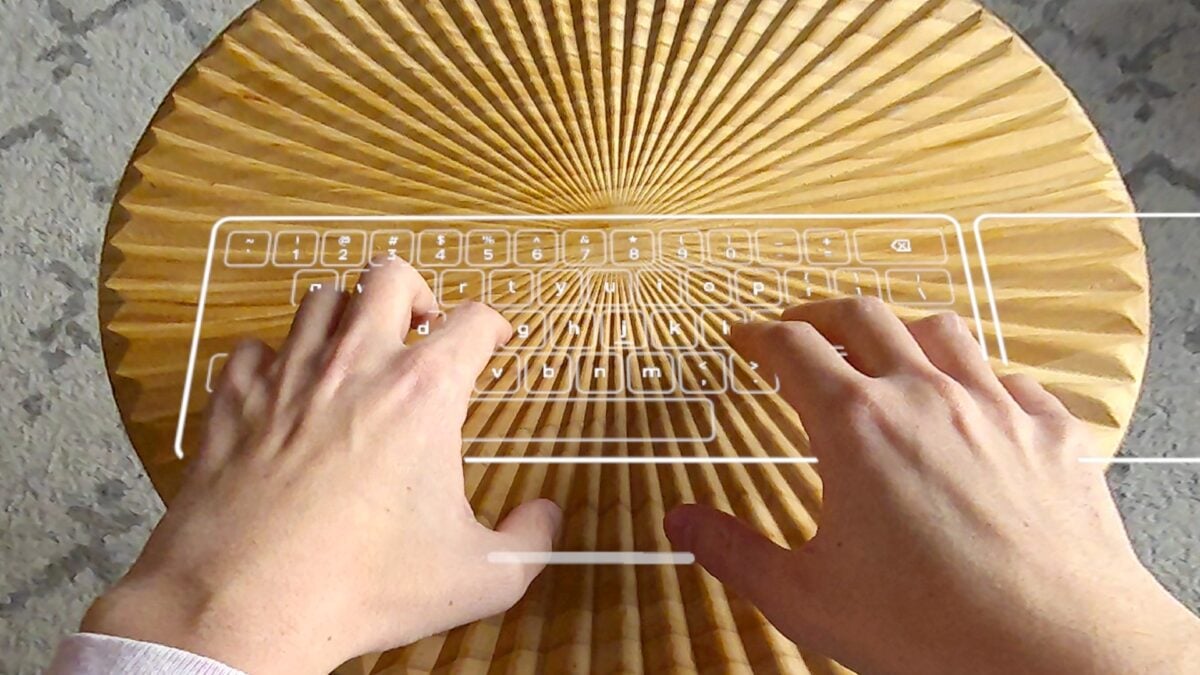
Overly tedious typing is just a simple fact of the XR/VR experience for anyone who’s spent enough time in a headset, which is why Meta’s new beta software for the Quest 3 is making some waves. In Horizon OS v85 PTC, Meta is toying with what they’re calling a Surface Keyboard. The Surface Keyboard feature is exactly what it sounds like: an XR keyboard that you can virtually pin to a surface and use to type stuff. There’s also a virtual trackpad attached to the right side for using a surface as if it’s touch-sensitive.
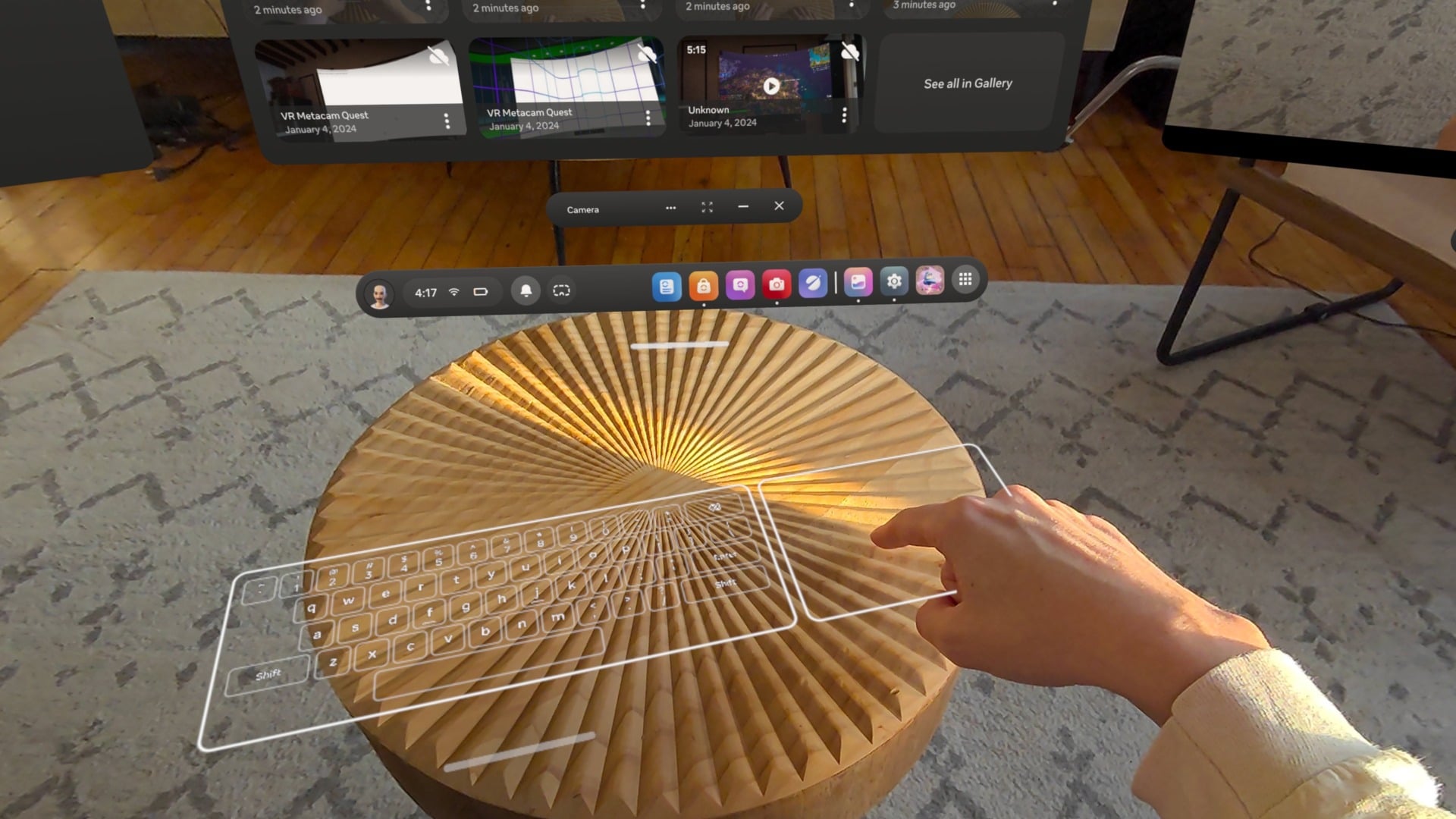 © James Pero / Gizmodo
Naturally, as someone who hates typing in XR, I gave the feature a try, and let me tell you—Meta might’ve actually cracked the code here.
To try the Surface Keyboard, you have to download the newest beta software and enable the feature in the experimental section of the Horizon OS settings. Once it’s on, the feature is really simple to use. The Surface Keyboard leverages the external cameras on the Quest 3 to create a virtual keyboard on a flat surface, and all you have to do to summon the keyboard (once it’s activated) is place your hands on the surface of your choice.
Having used the previous method of typing (painstakingly poking an XR keyboard, as though I’ve never used a keyboard in my life) and the Surface Keyboard back-to-back, the experience couldn’t be more disparate. I can actually use two hands to type stuff out on the Surface Keyboard like God intended, which makes the process of typing faster but also a lot more accurate. Don’t get me wrong, it’s nowhere near the words per minute that I’m getting on a real, physical keyboard, but it’s the closest thing to simulating the experience in XR that I’ve used yet. It doesn’t make me want to throw my headset in the nearest body of water, at the very least.
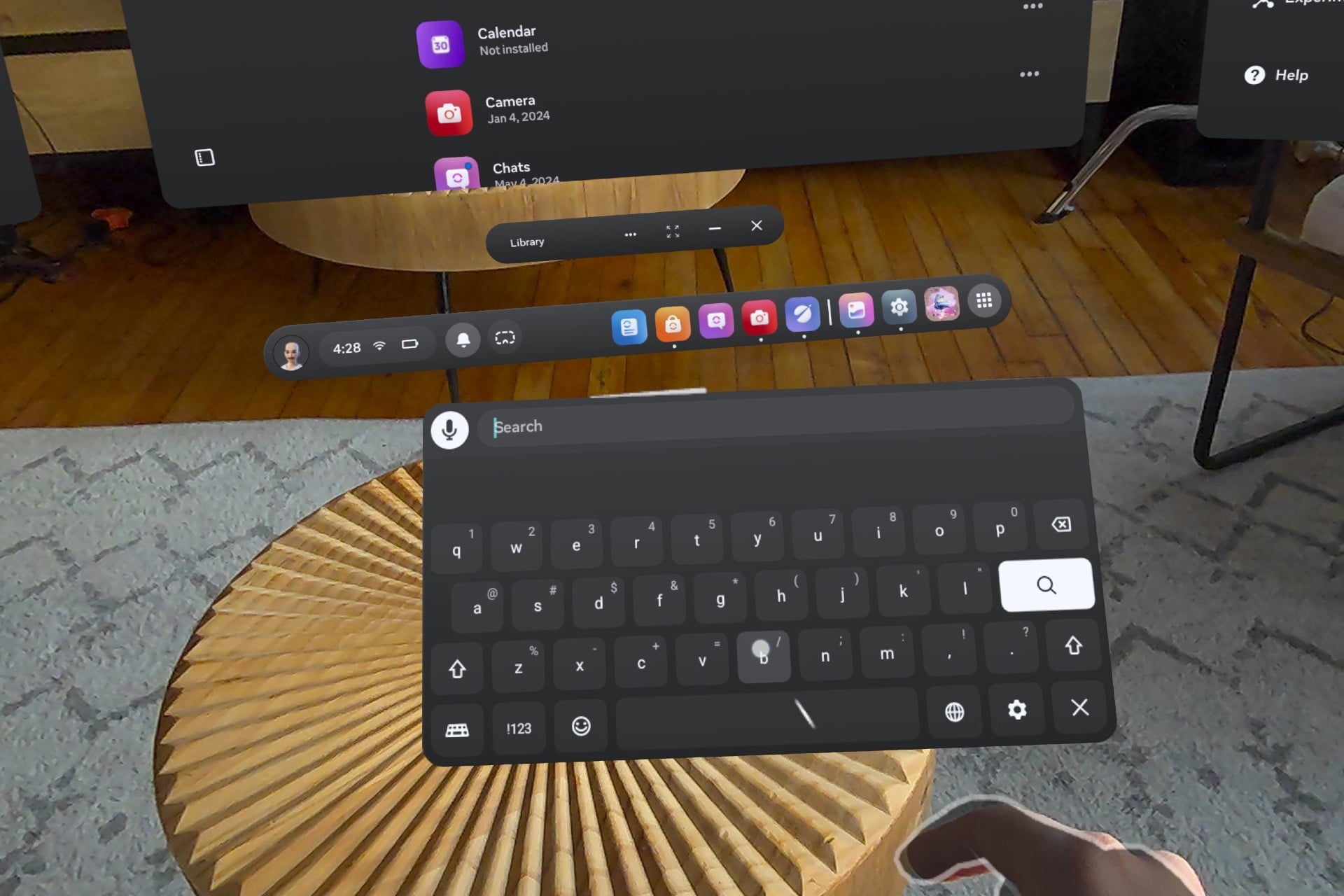 I never want to see this regular keyboard again. © James Pero / Gizmodo
Better typing might not sound like a mind-blowing addition, but the experience is night and day compared to other XR keyboards. Yes, it still requires a surface, which is slightly less convenient than just being able to summon a keyboard anywhere at any time, but if you need to do critical stuff like typing in a Wi-Fi password or searching something on the web, it’s well worth taking a second to move to a desk or a table where you can lay your hands flat.
There is one dim spot, though. As great as the Surface Keyboard is, the trackpad could definitely use some work. It registers my inputs correctly sometimes—about 40% of the time, maybe—but the rest of the time it overshoots or undershoots swipes or fails to register taps. Let’s just say there’s significant room for improvement here, which is fair since these are experimental features, after all.
Whether the Surface Keyboard will make its way to the next official version of Horizon OS is anyone’s guess, but given how useful and well-tuned the feature is already, I’d be surprised if it didn’t. Meta might be in a bad place with VR right now, but if I’m being honest, its keyboard is better than ever.