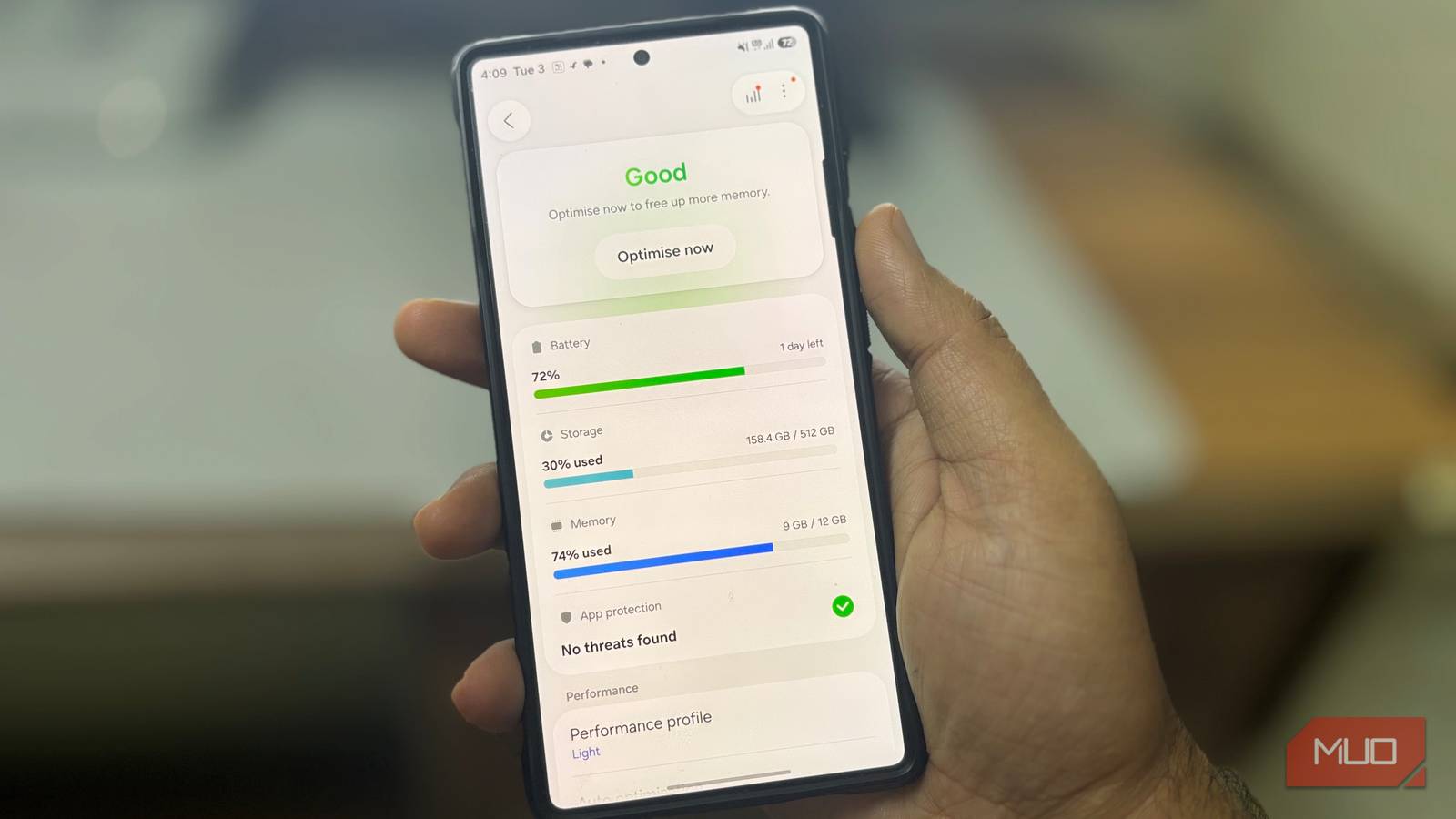
When storage runs low on an Android phone, most people assume something needs to be cleaned up. Cache starts to look like clutter, app data feels excessive, and the instinct is to clear space before the phone hits a real limit.
What often gets missed is that Android is designed to handle some storage pressure automatically, without constant manual cleanup. Much of what you see, especially app cache, is meant to be reclaimable only once space actually becomes constrained.
The problem isn’t always what’s taking up space. It’s how normal system behavior gets mistaken for something that needs fixing.
How Android storage quietly fills up
Doing nothing wrong, yet space keeps shrinking
Digvijay Kumar / MakeUseOfCredit: Digvijay Kumar / MakeUseOf
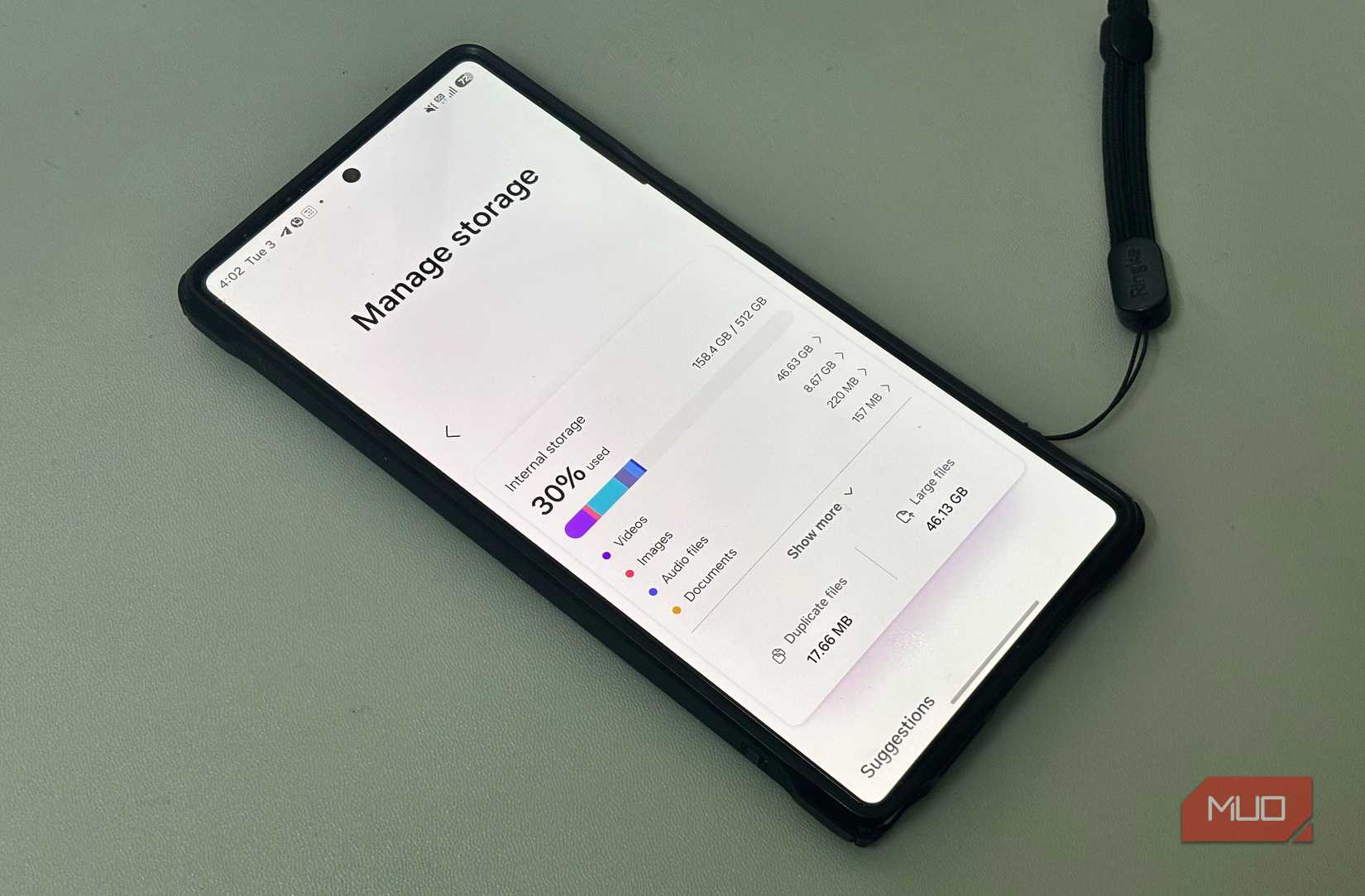
Storage on Android doesn’t always fill up all at once. It usually grows in small, unremarkable ways tied to everyday use. Opening apps, scrolling feeds, streaming videos, and syncing data leave behind temporary and cached files meant to make those actions faster the next time. None of this feels like downloading anything, yet it still adds up steadily in the background.
Much of this growth comes from app cache and background data that builds naturally as apps stay active. In many apps, heavier use means more data gets kept around to avoid starting from scratch each time. That’s why phones can lose free space even when no new apps are installed, and no large files have been saved.
This kind of storage use is easy to misread because it doesn’t behave like photos, videos, or downloads. It expands gradually, sits quietly in the background, and doesn’t announce itself until space starts to feel tight. By the time users notice, it can look like something has gone wrong, even though the phone has been doing exactly what it’s meant to do as part of normal use.
Related
Android Device Owners: Remove This App to Protect Your Privacy
It’s not worth risking your privacy!
The storage logic Android already uses
Your phone decides when space matters
Android doesn’t treat all storage the same way. Some data is user-important, like photos, videos, and files you deliberately save. Other data is treated as flexible, kept around for convenience but designed to be reclaimable. App cache falls into that second category.
Rather than aggressively clearing this kind of data all the time, Android tends to wait for a signal. Storage pressure is that signal. When free space drops far enough to matter, the system starts reclaiming space from data it knows can be rebuilt. Older cache and other temporary files are usually the first places reclaimed space comes from. Apps may reload content or take a moment longer to open afterward, but they typically aren’t reset or damaged in the process.
This approach avoids unnecessary churn. Clearing the cache too early would just force apps to recreate the same data again and again, wasting time and processing power. By responding primarily when space is actually needed, Android keeps frequently used data available while still ensuring the system can recover space on demand. It’s a quiet process, but it’s the foundation that makes storage feel adaptable instead of fragile.
How people accidentally work against it
Trying to fix, but making it worse
Digvijay Kumar / MakeUseOfCredit: Digvijay Kumar / MakeUseOf
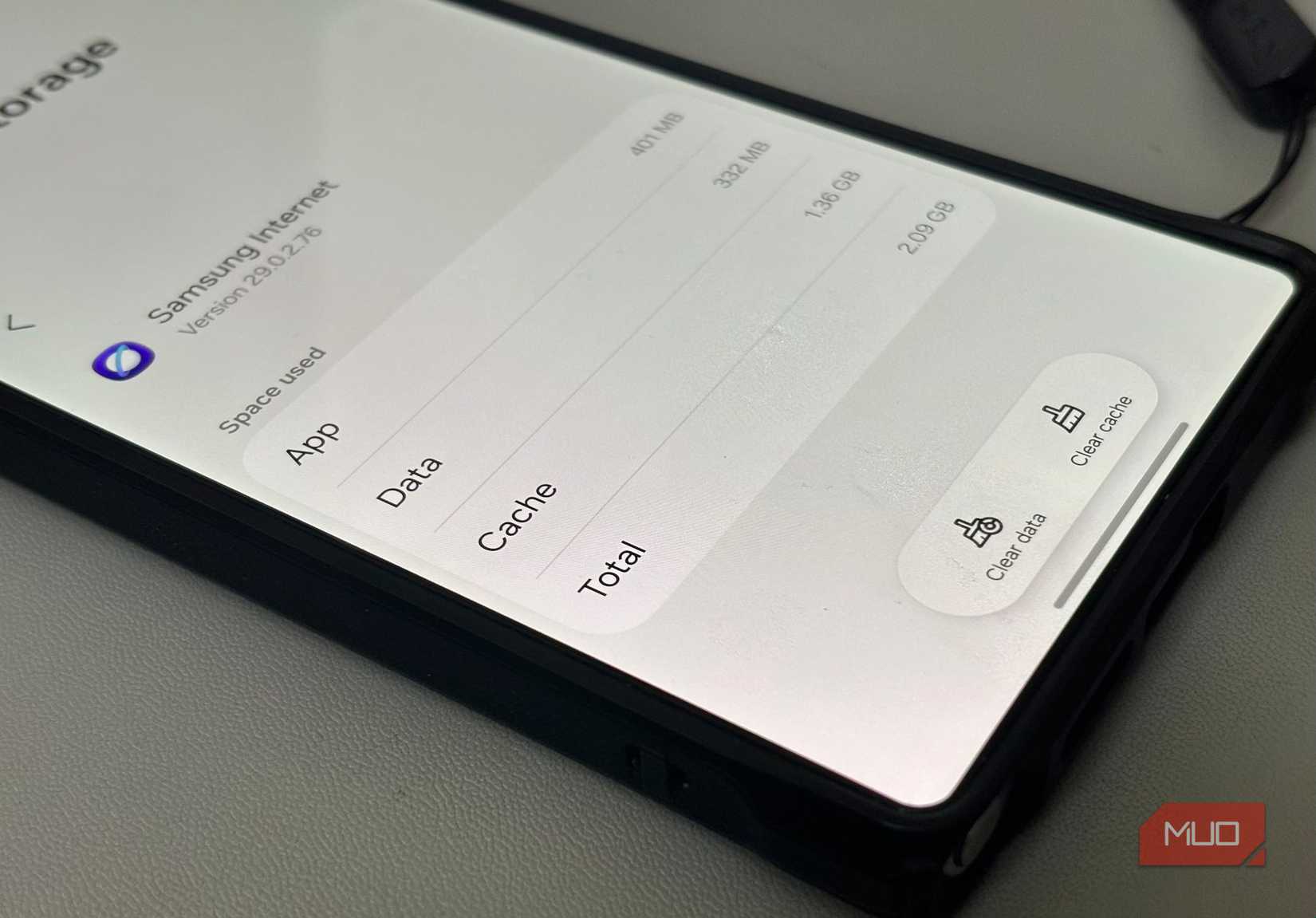
The confusion often starts in the storage screen. Large cache numbers look permanent, even though they aren’t. Seeing free space shrink creates pressure to act, and cleanup feels like the safest response. Clearing cache, trimming app storage, or running storage checks gives an immediate sense of control when the situation suddenly feels urgent.
The problem is that these actions interrupt the logic Android is already using. Cache exists to be reused until space is actually needed. Clearing it early doesn’t solve a long-term problem. It just forces apps to rebuild the same data over and over during normal use. Storage appears to refill, which reinforces the belief that Android isn’t managing it properly.
Over time, this creates a cycle. Storage grows quietly, users step in to clean it, apps rebuild what was removed, and the pattern repeats. The built-in behavior works best when it’s allowed to decide what to discard and when. And when that decision is repeatedly overridden, the system can look unreliable, even though it’s behaving the way it was designed to.
Seeing Android storage for what it is
Once you understand how Android treats storage, a few things become easier to judge. A shrinking free-space number doesn’t always mean a problem, and large cache numbers aren’t automatically a waste. Much of that data exists for speed and convenience, and it can be reclaimed when space is needed elsewhere.
Android is designed to reclaim space when pressure appears, rather than keeping storage lean at all times. The real advantage comes from knowing when the system is behaving normally and when it truly needs attention. Most of the time, letting it work without micromanaging is not neglect — it’s simply letting the system do its job.