While a lot of tech is going wireless, there are still times when you need to connect with a cable. My phone is with me 24/7, as is the case with most people today. It keeps me connected to work, friends, and family, tells me what’s on my daily calendar, updates me on the weather, traffic, and social apps, and more. So, when there’s a problem with my phone, I want to fix it as quickly as possible.
To accomplish this, I keep a few tiny USB-C accessories in my bag at all times so I never run into an issue without a solution. I use an iPhone, but with the iPhone 17 Pro and all iPhones starting with the iPhone 15, they use USB-C instead of the old Lightning connector. Meanwhile, every Android phone connects via USB-C. There are some wild things people plug into their phone’s charging port, but these accessories will come in handy no matter what phone you use.
Related
These Phone Accessories Seem Useless—but They’re Actually Genius
Don’t judge a phone accessory by its look.
Headphone adapter
Connect to wired headphones
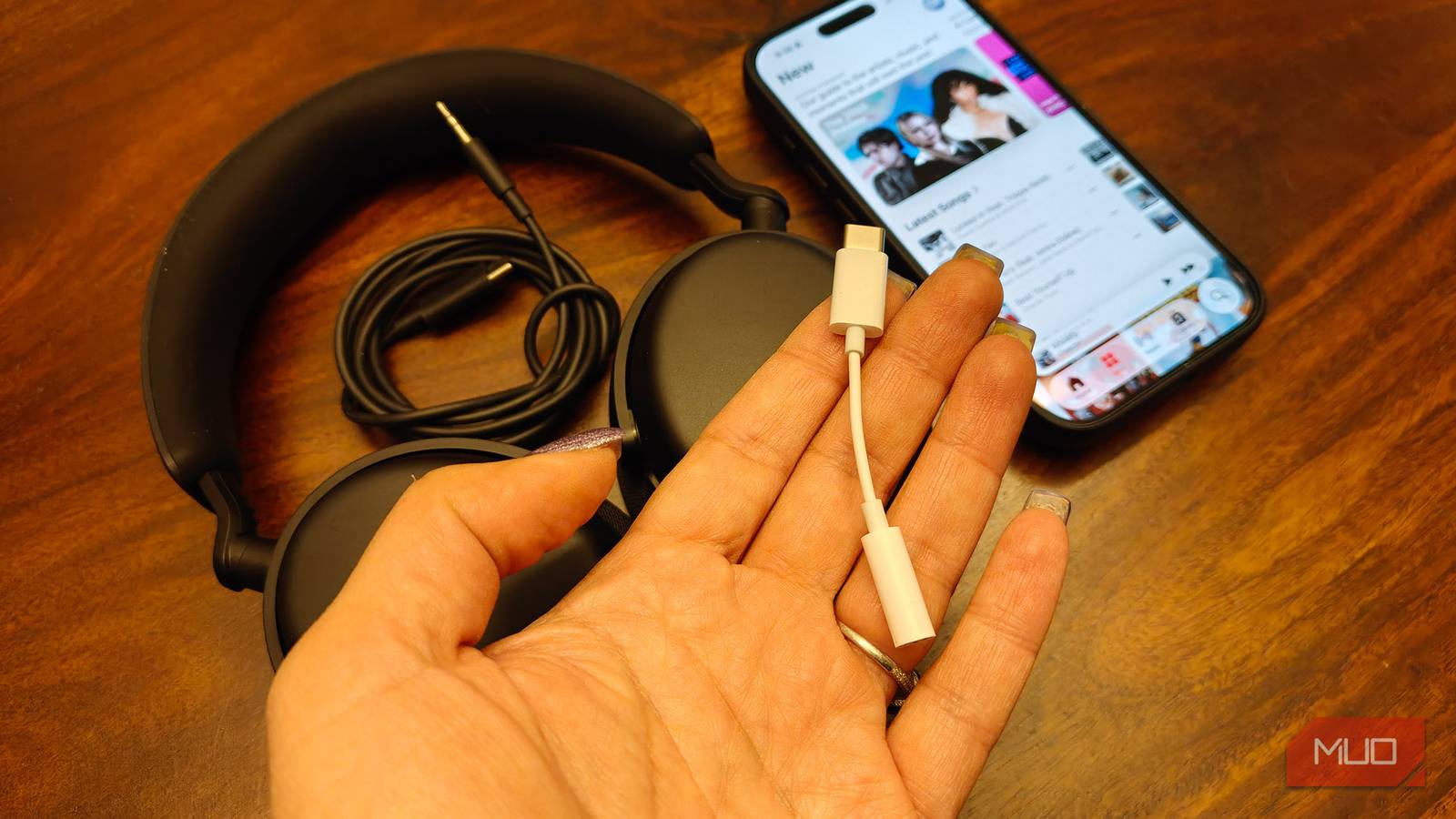
I remember the one time I rushed through the airport looking for an affordable adapter for my headphones. I use wireless ones, and the pair at the time came with a 3.5mm cable for listening when the battery dies (without active noise cancellation, of course). I failed to consider that my phone no longer has a headphone port. While I have since upgraded to new wireless headphones that come with a USB-C cable to solve this issue, I still keep a headphone adapter in my bag just in case. If I want to use wired earbuds, for example, or forget my headphones at home, I can still listen on my phone with cheap buds. There’s nothing worse than being in a public place and having someone nearby watching videos or playing games loudly without headphones, and I refuse to contribute to the problem!
The added benefit is that having this cable with me while traveling also allows me to connect to the airline’s seatback entertainment system. Life without the 3.5mm jack is still worse since most airlines are still stuck in the early 21st century and require that you plug in headphones this way. So, even when I do have my headphones and want a break from my phone to watch a movie provided by an airline, this accessory still comes in handy. When connecting to your phone, make sure the USB-C port supports audio via the adapter, as this may not be the case with some older models.
Small USB-A-to-USB-C cable
Keep it out of the red
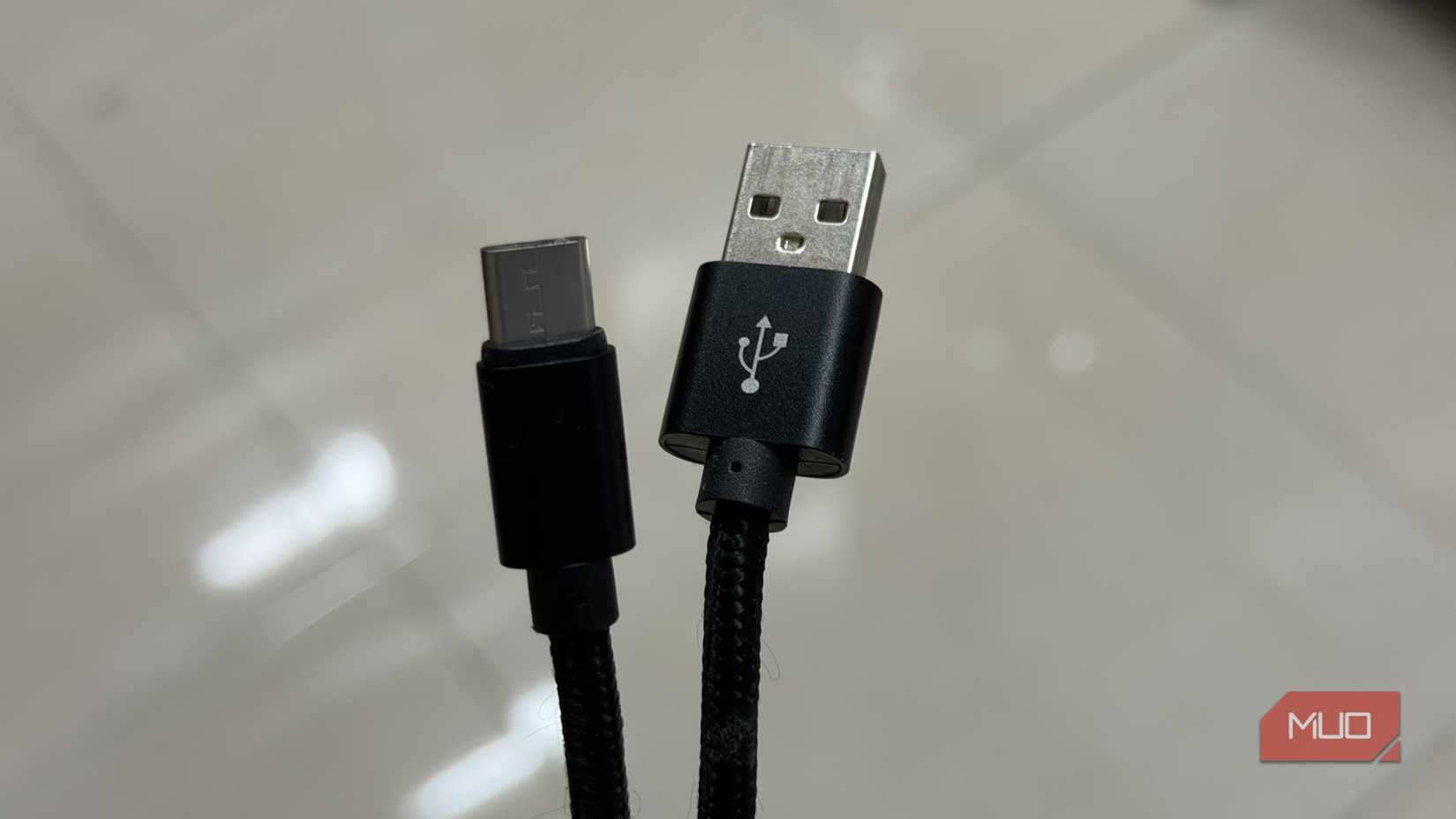
I have already discussed my love for and must-haves for a portable charging bank. As noted, I always keep one with me, whether I’m traveling with my backpack, purse, or even just a smaller belt bag. While I prefer ones with a built-in cable, some readers have expressed their distaste for such power banks, noting that once the cable frays or stops working, you can’t use the power bank anymore. But most, if not all, power banks with built-in cables have a second USB-A or USB-C port that will still work. Even so, if it’s dead and you need power on the go, it’s always a good idea to bring a spare cable along with you as well. I love not having to bring cables when traveling light, but I always keep a small USB-A-to-USB-C cable in a pocket of my backpack for longer trips.
This cable serves as a backup for recharging. Even though USB-C is the latest and most universal standard, if you’re hanging on to older power banks, they might only have USB-A ports for charging, even with a built-in cable. Some have both USB-A and USB-C. If you’re in a public place like an airport or coffee shop, it’s far more likely they’ll have a USB-A versus a USB-C port, for now at least. This small cable ensures that if my phone is annoyingly in the red with a low battery warning, I can at least top it up at the nearest outlet.
Portable SSD
Offload storage
Credit: Shiftcam
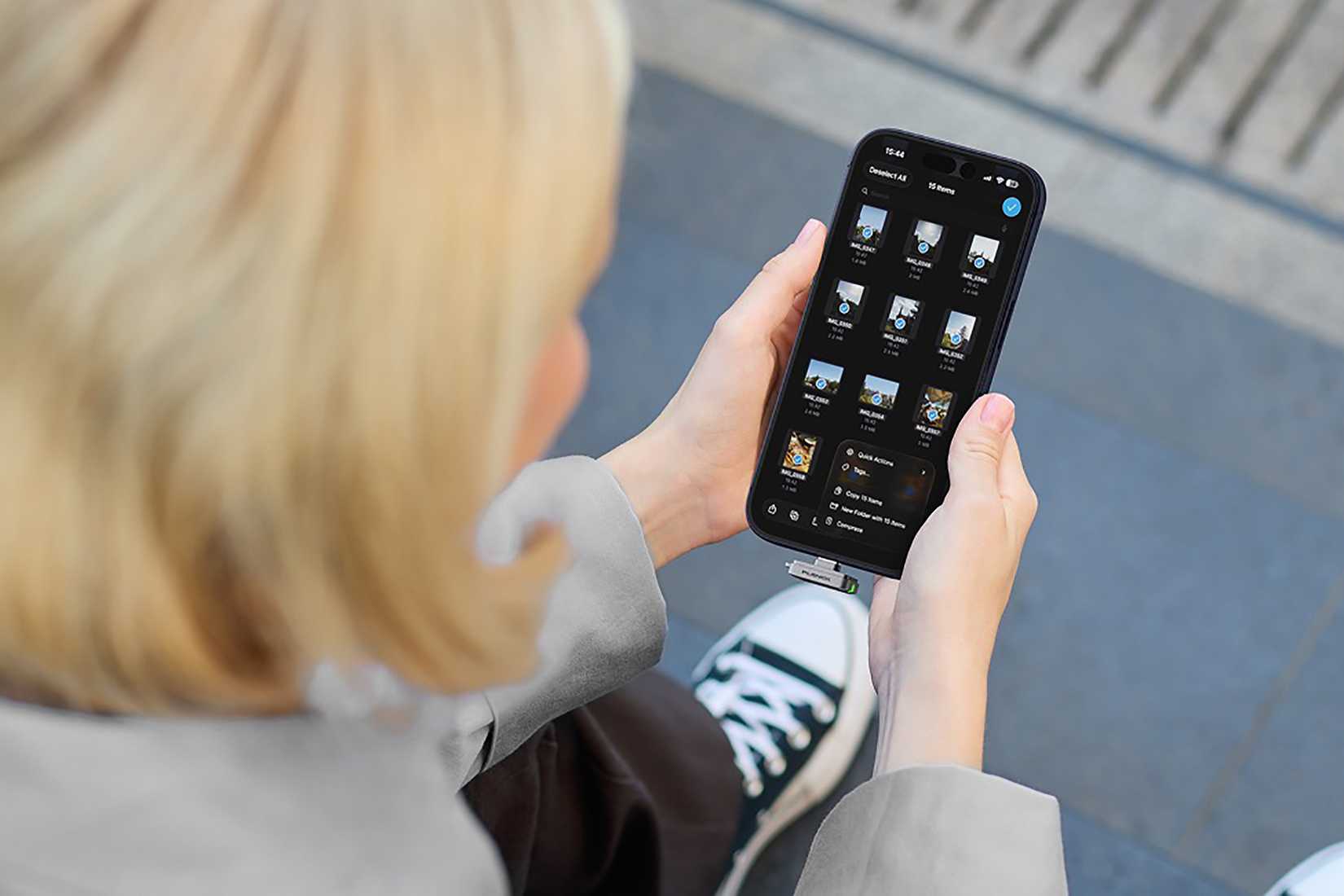
Admittedly, I don’t carry a portable SSD. But as my phone creeps into the full territory, even with iCloud storage, it’s an accessory I’m considering to avoid the dreaded “phone storage full message” that always seems to come right when you’re trying to capture important moments through photos or videos. While it’s always best to clean up your phone storage by removing duplicate photos, large attachments, and files you no longer need, you might want to offload certain content to a physical backup drive, like those hundreds (OK, thousands) of baby pics you have been taking.
There are some of the best portable SSD drives designed to connect right to a smartphone via USB-C, like the new ShiftCam Planck Essential. It’s ultra small at just 5 grams, which means I wouldn’t even notice carrying it in my bag. It offers 300MB/s read/write speeds and comes in 256GB or 512GB versions. That’s enough to potentially offload your entire phone’s photo library to free up space for more pics.
Car charger
Connect to the vehicle
Credit: Christine Persaud / MUO
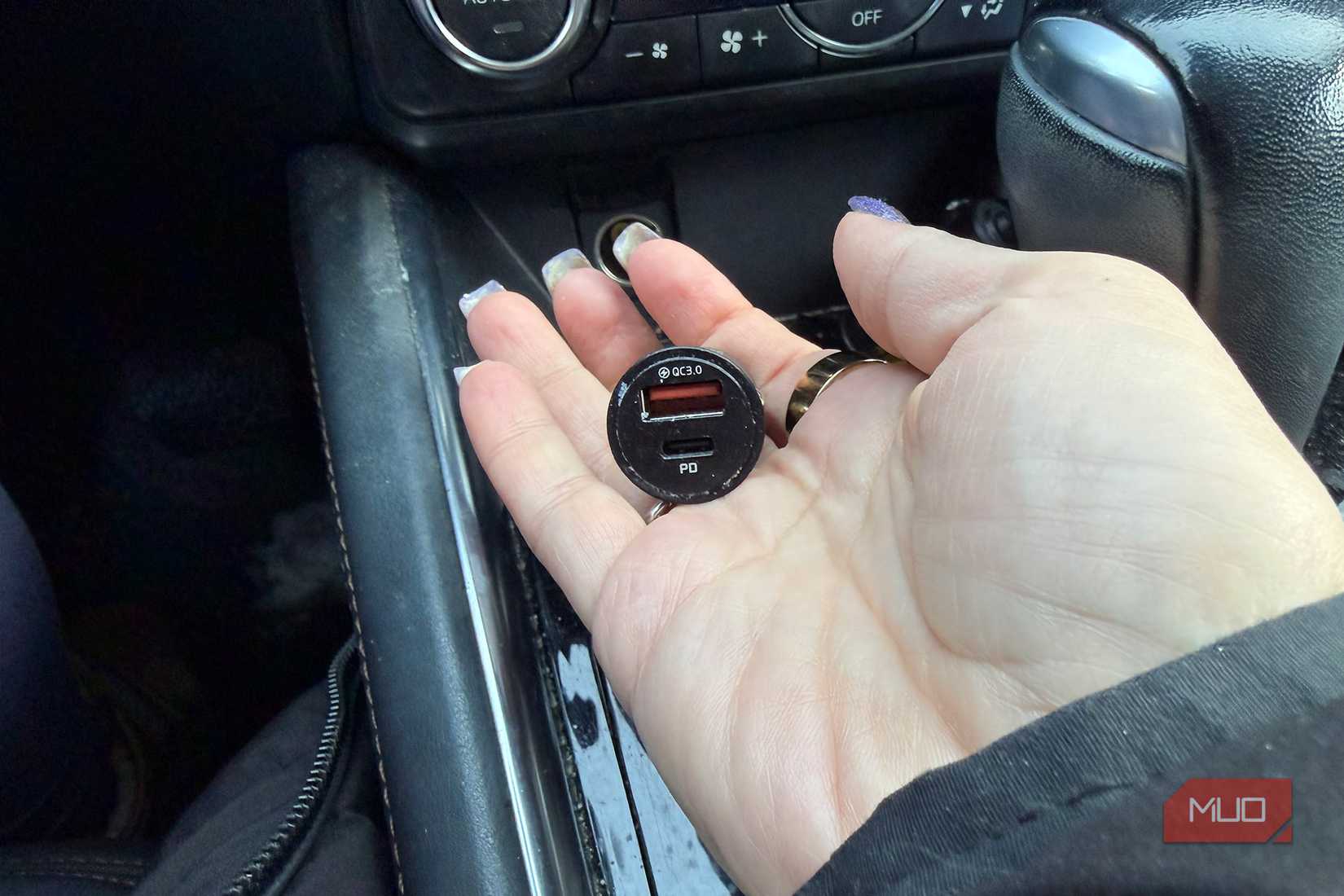
There are ridiculous gadgets that plug into your car’s cigarette port, but I stay simple and keep a small USB car charger plugged into the 12V adapter in my car at all times, even though my vehicle has USB-A ports, and one in my backpack, too. While the latest vehicles have USB-C ports and even Wi-Fi connectivity through apps like Apple CarPlay and Android Auto, not everyone drives a new, premium car. If you get a rental, you might also want to be able to connect your phone or charge it in someone else’s car.
It would be seriously annoying to get in a friend’s car and see that their phone is plugged into the only port and they don’t have an adapter while your phone is about to be bought. I love the BYOA mentality (“Bring Your Own Adapter”) so you can take care of yourself and keep your phone powered up. You’ll need that small cable as well to get it charged up, of course. Just make sure to get an adapter with a USB-A slot, or one with both USB-A and USB-C, so you’re covered for whatever cable is on hand.