
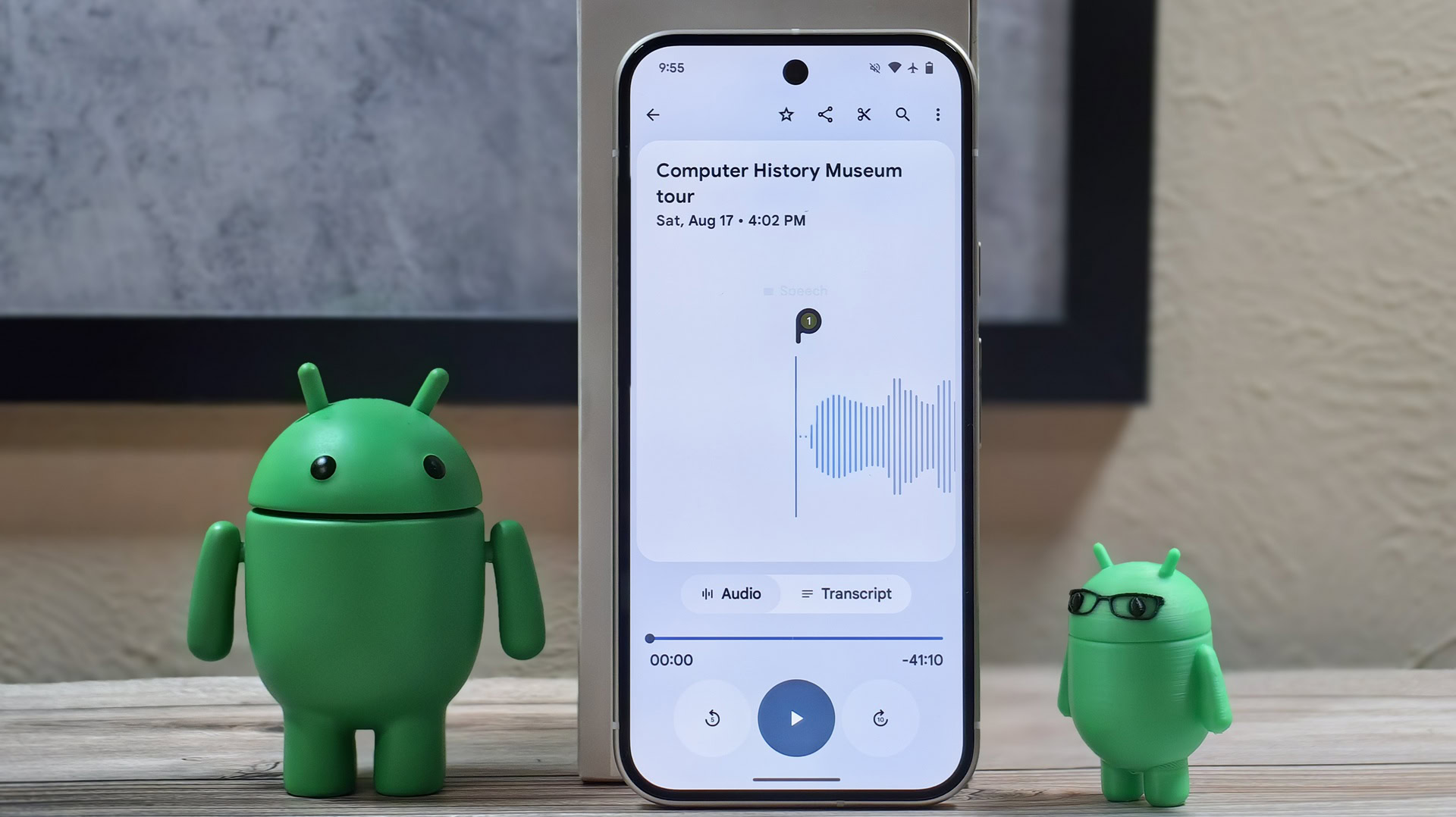
Mishaal Rahman / Android Authority
Pixel Recorder
TL;DR
- Google is rolling out a new update to the Recorder app for Pixel devices, introducing the new account switcher UI.
- The “Clear Voice” feature has been renamed to “Auto Clear Voice,” and Google now notes that the feature uses more storage.
- A new chip on the playback screen appears when audio is enhanced with Clear Voice, allowing you to revert to the original audio if needed.
Google added a Clear Voice toggle to the Recorder app for Pixels in December 2024, shortly after we had spotted the feature in development. Clear Voice reduces background noise during recording, making it quite handy for recordings. Google is now rolling out Recorder v4.2.20251104 to users, introducing a few changes to the Clear Voice feature, as well as introducing the account switcher into the app.
Don’t want to miss the best from Android Authority?


With this update, the Clear Voice feature has been renamed to Auto Clear Voice, and Google now notes that it uses more storage. However, we did not notice any changes in functionality, so there’s a chance this is merely a clarificatory note.
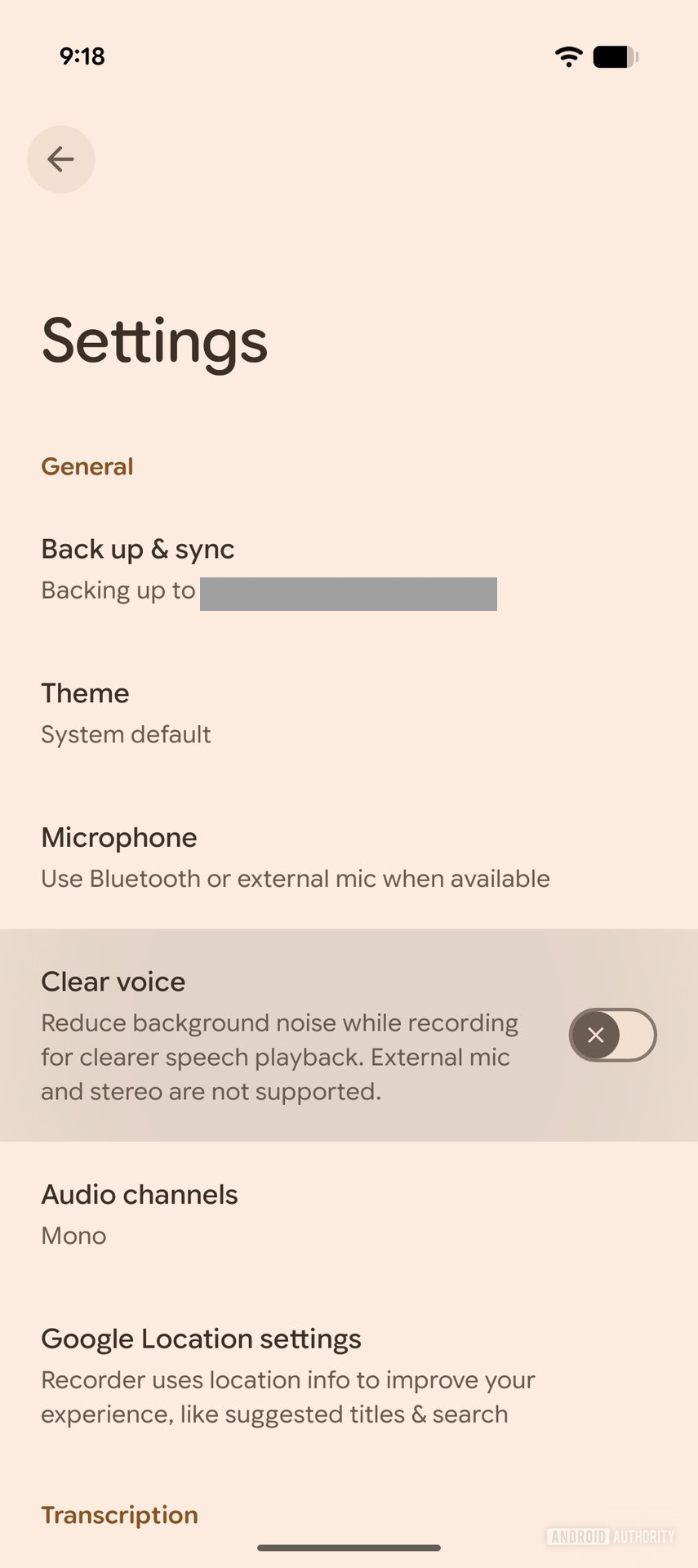 Old – Clear Voice
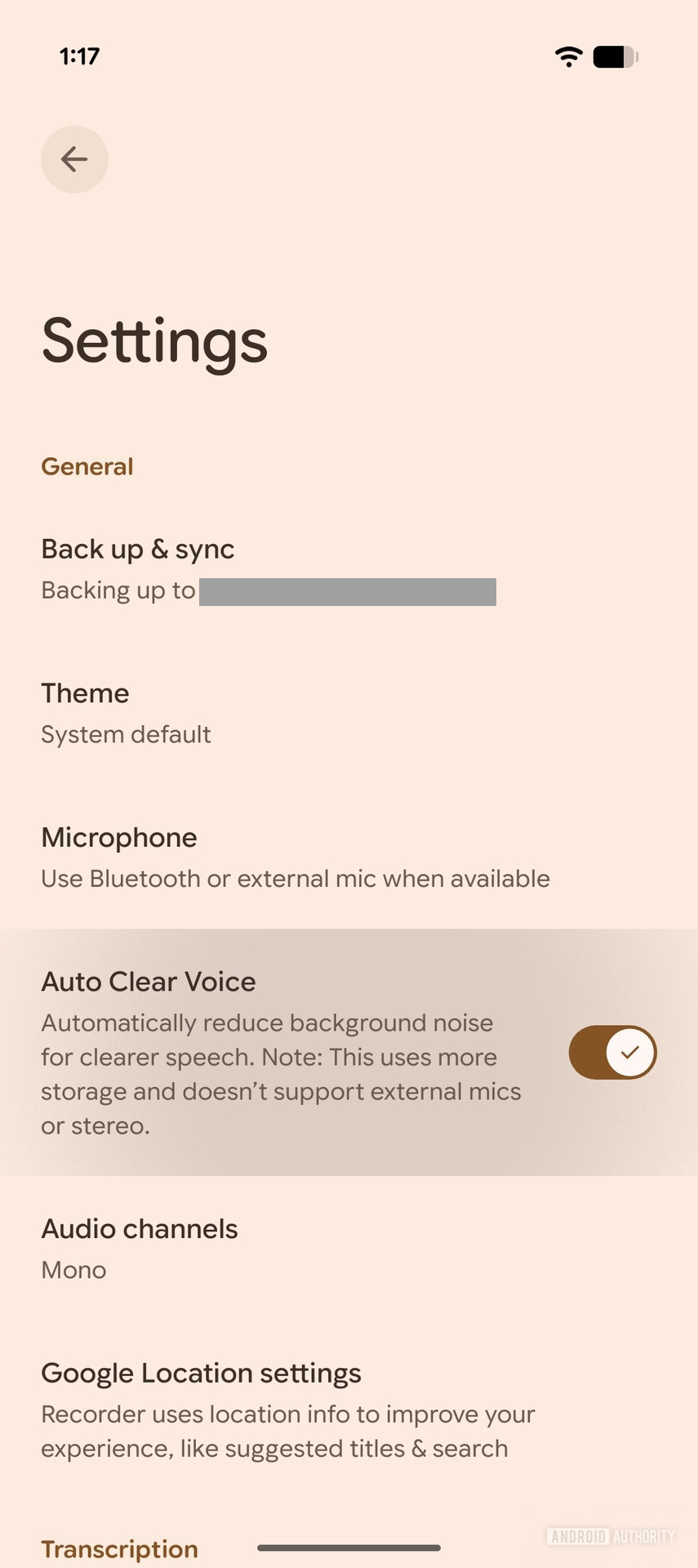 New – Auto Clear Voice
On recordings that have Clear Voice/Auto Clear Voice enabled, you will see a new Clear Voice chip on the playback screen. The chip will tell you that Clear Voice is automatically applied. You will also see an option to switch back to the original audio, if you wish, which will take you to the existing option in the bottom sheet.
The Recorder app also has the new account switcher UI with this update:
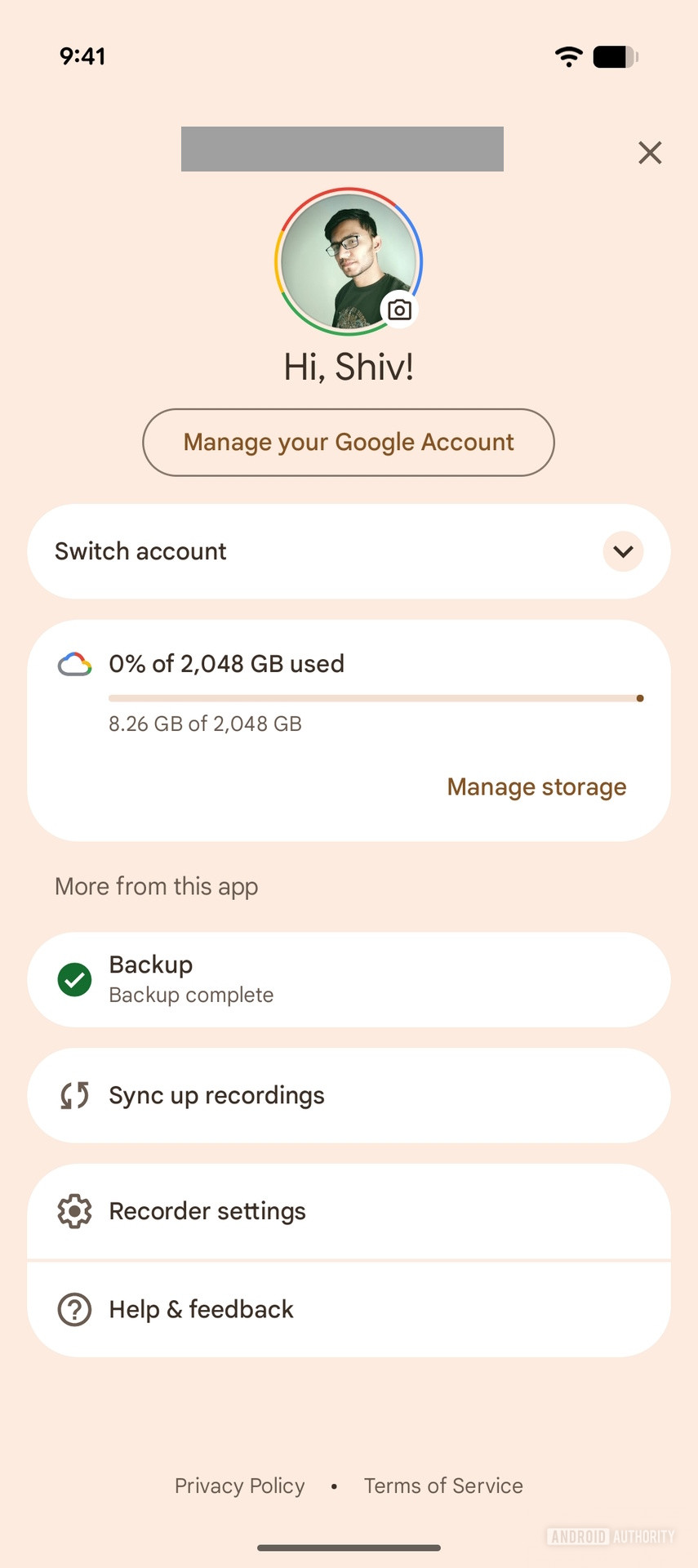
AssembleDebug / Android Authority
All of these changes are now available to users, so try them out in the app after it gets updated!
Thank you for being part of our community. Read our Comment Policy before posting.