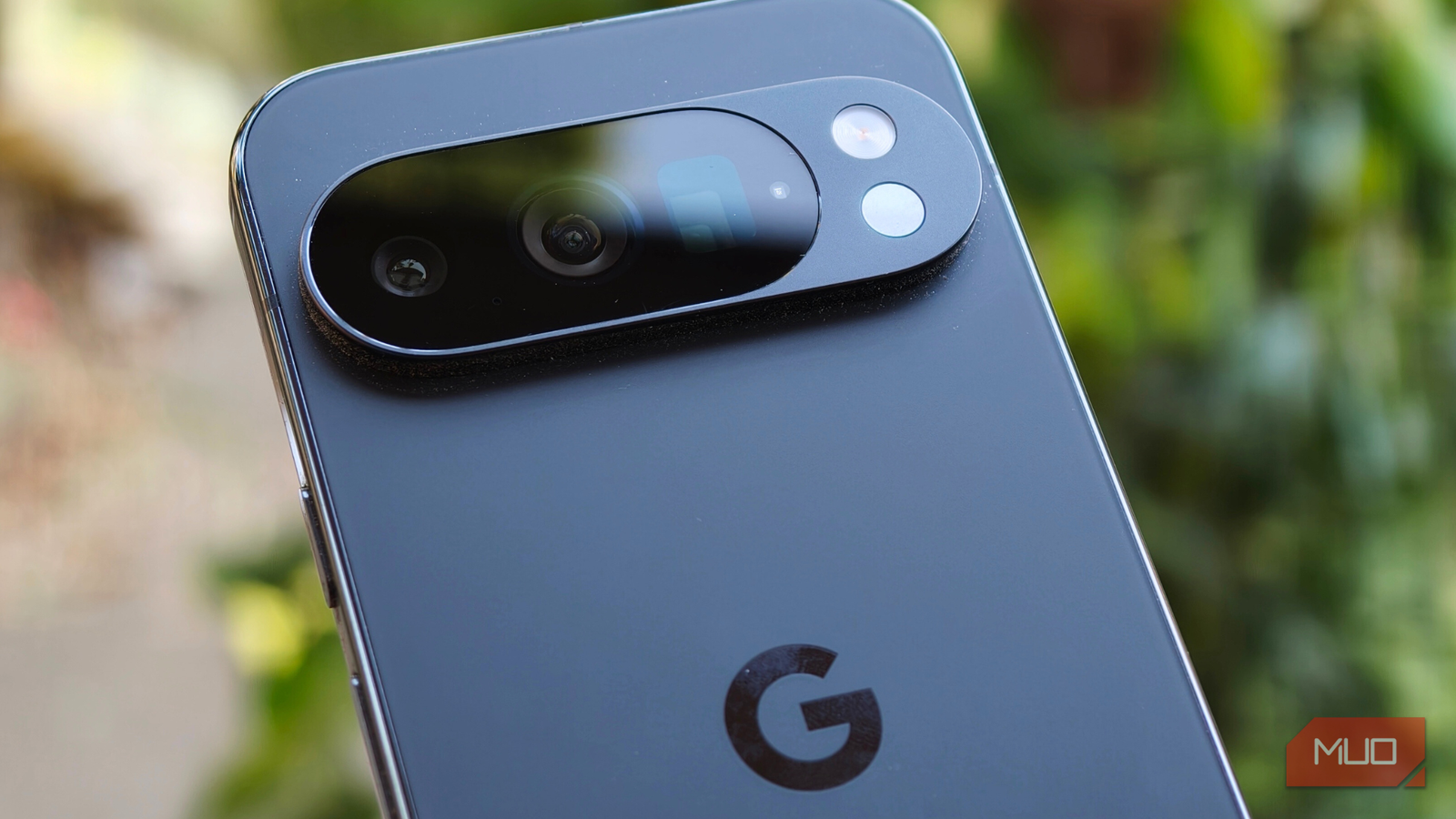
I thought I had the Google Pixel 10 Pro all figured out ever since its launch this year. Just when I assumed I knew every nook and cranny of this device, one sensor caught me completely off guard. What’s more surprising is that it had been there the entire time, quietly sitting at the back, unnoticed. And it turns out this is just one example of how thoughtful details like these make Pixel phones stand out, with seven quality-of-life features that genuinely set them apart from other Android devices.
More so, I was genuinely amazed that I’d gone so long without using it, especially how relevant it is during this season when everyone is frequently falling sick and consuming hot beverages as part of their daily routine. But it can do much more, and it’s something you should definitely know about too.
Related
Pixel 10’s Pixelsnap is a bigger deal than you think
The Pixel 10’s built-in magnets attract more than just accessories.
What does this sensor actually do?
A tiny detail with a lot to say
Credit: Shimul Sood / MakeUseOf
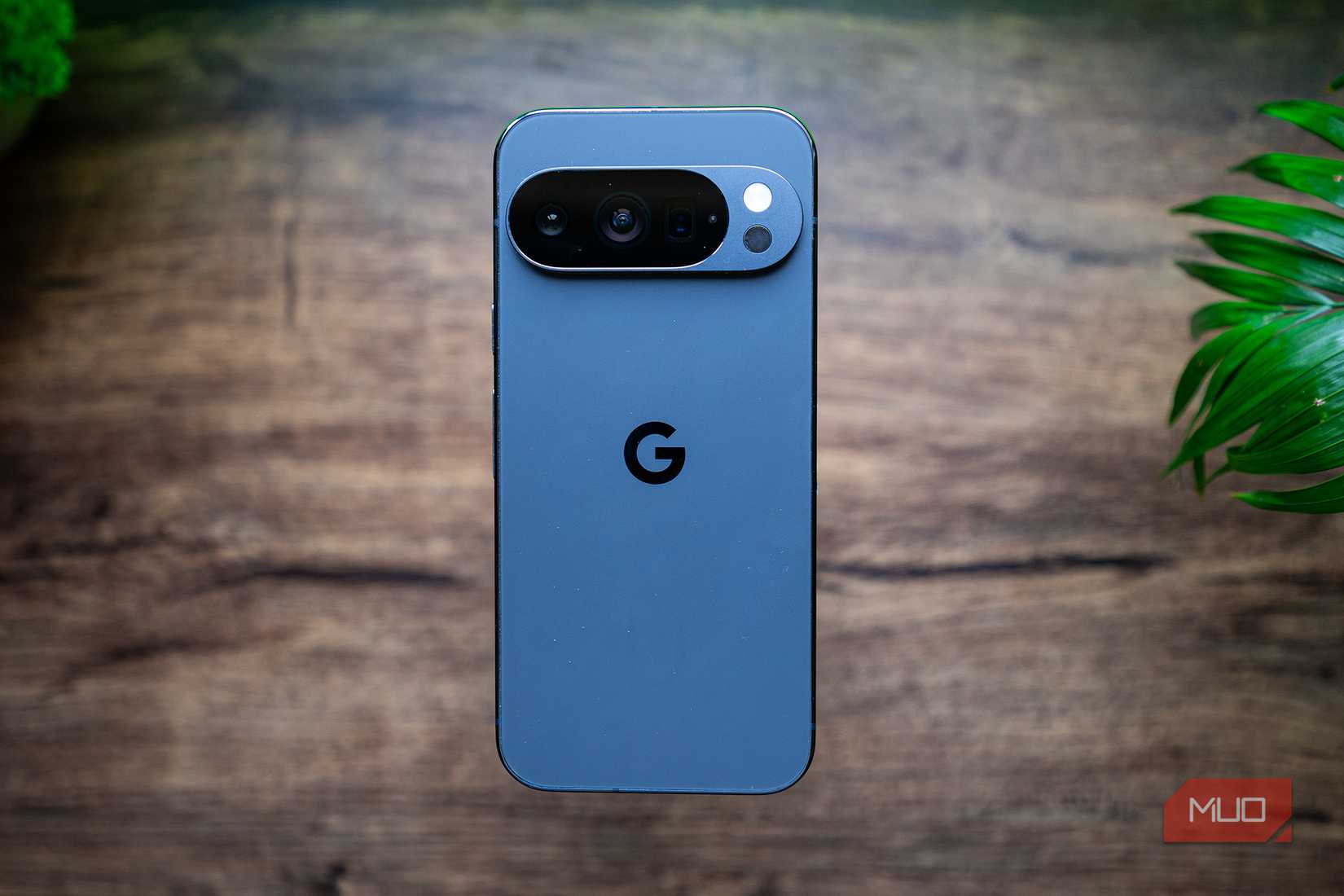
The temperature sensor is positioned right next to the camera module, just below the flashlight, on your Pixel smartphone. It lets you measure the temperature of objects in a very simple way.
At the moment, this sensor is exclusive to the Pro lineup, including the Pixel 8 Pro, Pixel 9 Pro, Pixel 10 Pro, and Pixel 10 Pro XL. That said, it’s likely to make its way to the standard models as well, starting with the Pixel 11 series next year.
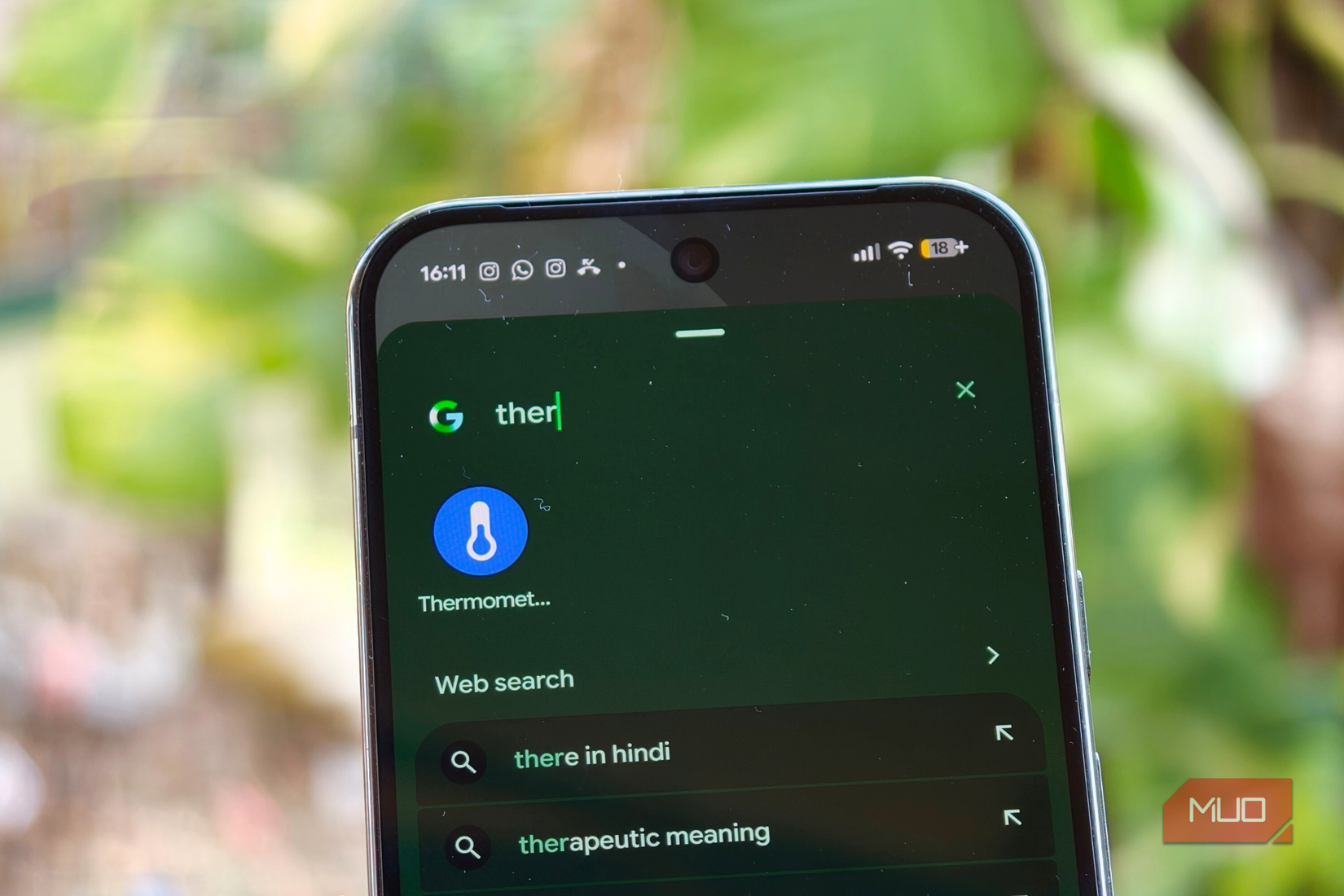
It’s surprisingly very easy to use. Simply open the Thermometer app on your Pixel phone and tap Object temperature to check the temperature of whatever you’re curious about. This could be a hot beverage, food, bath or pool water, refrigerated items, or even the human body. Yes, it can do that too.
Credit: Shimul Sood / MakeUseOf
Honestly, I never imagined a smartphone could do this. We really are living in some wild times. It’s features like these that make the Pixel phones stand out uniquely in the pool of Android smartphones. In fact, these eight Pixel features are so smart that other Android phones would be even finer if they followed in the Pixel’s footsteps.
My real-world use cases
I decided to go all out with this sensor

Credit: Shimul Sood / MakeUseOf
Thermometers are a common sight in most homes. I already have one for checking body temperature, along with a temperature gun for other use cases. Given that I’m constantly testing smartphones, I often rely on the gun to check device temperatures after running benchmarks, and it usually does the job well.
That said, I’d never really used a temperature gun to measure the temperature of everyday objects lying around in my house. The Pixel’s temperature sensor, however, pushed me to go all in and start using it far more broadly than I had ever before.
Putting it to the test at home
A very warm experiment, literally
Credit: Shimul Sood / MakeUseOf
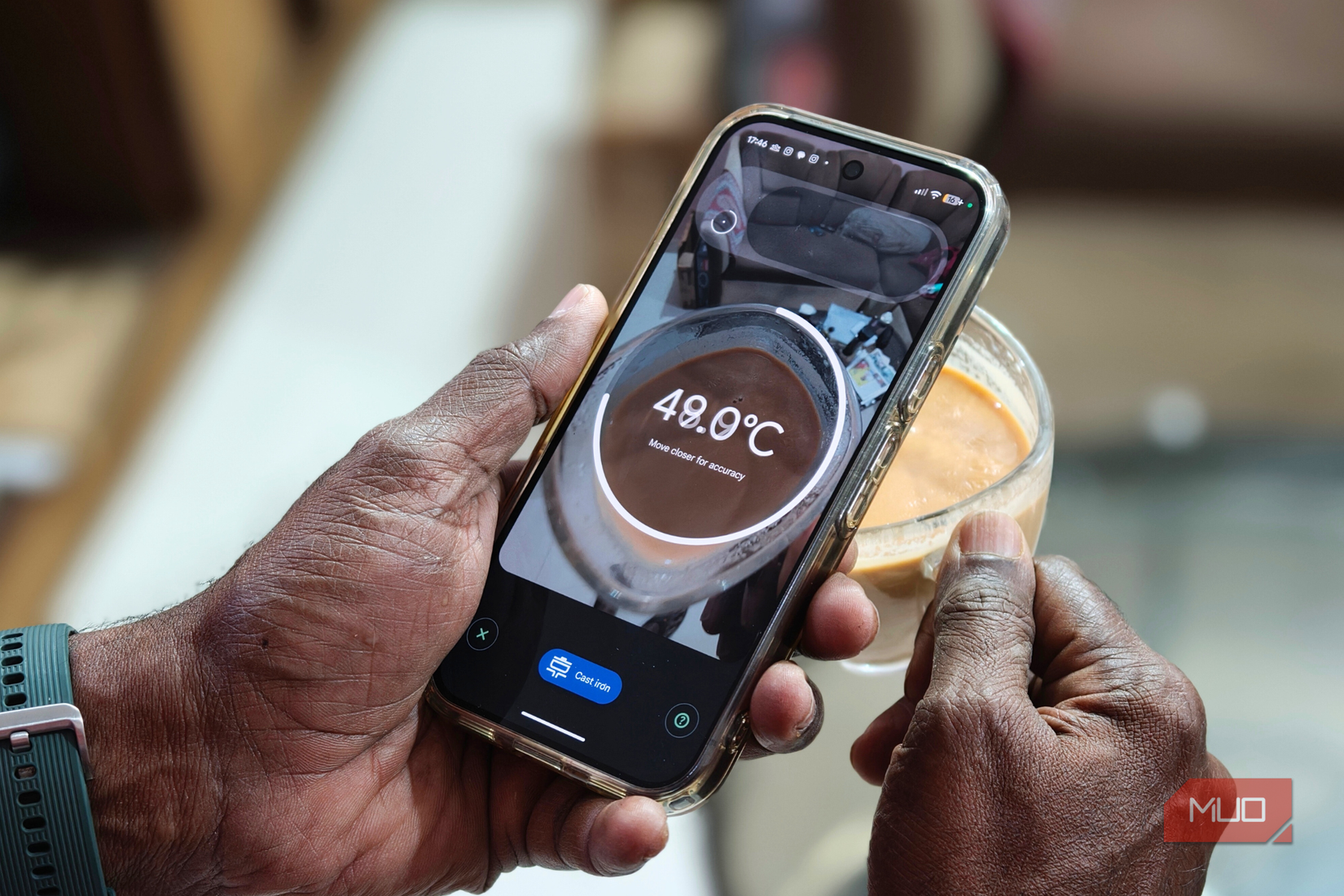
I started by checking the temperature of a few basic items, including a hot glass of water. To gauge accuracy, I compared the readings from a temperature gun with those from my Pixel 10 Pro. While the water was boiling, the temperature gun recorded 82.1°C, and the Pixel 10 Pro reported a nearly identical 81.7°C. On the other hand, a freshly poured hot cup of tea measured 73.7°C on the temperature gun, while the Pixel 10 Pro recorded 72.8°C.
Always exercise extreme caution when measuring the temperature of an object that is releasing hot steam. Never take a reading until the steam has completely dissipated.
I took a sip when the Pixel 10 Pro showed a reading of 49.0°C. The tea wasn’t too hot or too cold; it was just the right level of warmth for a comfortable sip.
I ran this comparison to purely check the Pixel 10 Pro sensor’s accuracy, and the results were quite reassuring. The readings were almost identical, differing by no more than 1 degree Celsius.
When measuring an object’s temperature, make sure the Pixel 10 Pro’s rear sensor does not come into direct contact with it. With hot items such as food and beverages, this usually happens naturally, but it’s important to follow the no-contact rule for all objects to ensure accurate readings.
Everyday cooking and beyond
Cooking, baking, and a little self-diagnosis
Credit: Shimul Sood / MakeUseOf
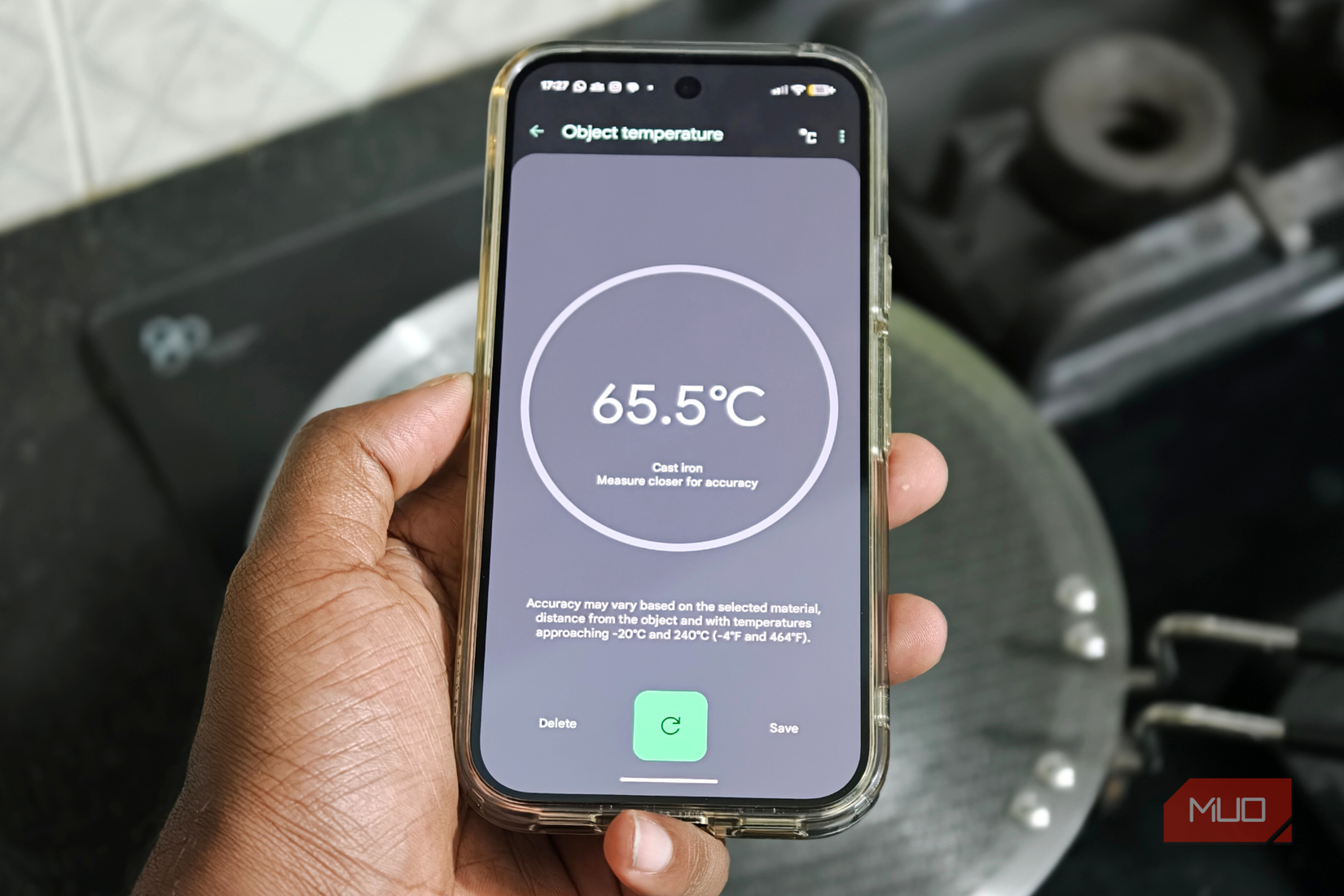
This sensor is also useful for checking whether defrosted chicken, fish, or other meats are at the right temperature before cooking. In my case, I mostly relied on it to measure the temperature of hot food and beverages, and it also came in handy while cooking. For instance, I used it to check the temperature of a non-stick pan. When savory vegetable pancakes are cooked over high heat in an overly hot pan, they tend to overcook and lose their actual flavor, so the sensor helped me judge when the pan was ready.
If you enjoy baking, the sensor can also simplify the preheating process. After preheating your oven or air fryer, use your Pixel’s sensor to check the temperature and decide when it’s time to add the baking batter.
Finally, the sensor can prove worthwhile when you’re away from home and not feeling your best. A quick body temperature check can help you tell if that annoying fever is creeping in. Although the object sensor is not intended for medical use, it can still act as a handy point of reference in a pinch. Nevertheless, it shouldn’t be mistaken for a medical-grade thermometer. That said, holding your phone close to your forehead is undeniably awkward, and attempting this in public may earn you a few curious stares, so proceed at your own risk.
The Thermometer app has more to offer
The app that makes you want to measure everything
You can start a fresh measurement at any time. To do this:
- Simply open the Thermometer app on your Pixel device.
- Tap Object Temperature.
- From there, tap the + icon.
- Select the material you want to measure.
- This should match the item itself or the material holding it.
The options are extensive and cover everything from food and beverages to cast iron, ceramic, matte or shiny material, plastic, fabric, wood, and even surfaces like walls and windows.
The Thermometer app offers a wide range of presets, and in most cases, the readings are quite accurate. However, accuracy may sometimes vary depending on factors such as how close the temperature is to the upper or lower limits of the sensor’s range, the material selected, the size of the object being measured, and the difference between the sensor and the object’s temperature. While the technology is impressive and constantly evolving, small discrepancies are inevitable.
A feature you’ll appreciate later
Let’s be honest, this sensor isn’t something you’ll use every day. I deliberately tested it across multiple scenarios to understand how it performs in real-world situations. That said, it’s an impressively thoughtful feature to have when it actually matters. Whether you’re out and about checking the temperature of a hot meal before taking a bite, or feeling under the weather and wanting an early indication of a fever, it can quietly come to your rescue.
So no, this isn’t a feature you’ll rely on daily. But when the moment calls for it, you’ll be glad it’s there, doing its job exactly the way you want it to. And with the holiday season just around the corner, if you’re planning to capture memorable pictures on your Pixel, these five settings can meaningfully transform the way you click photos.