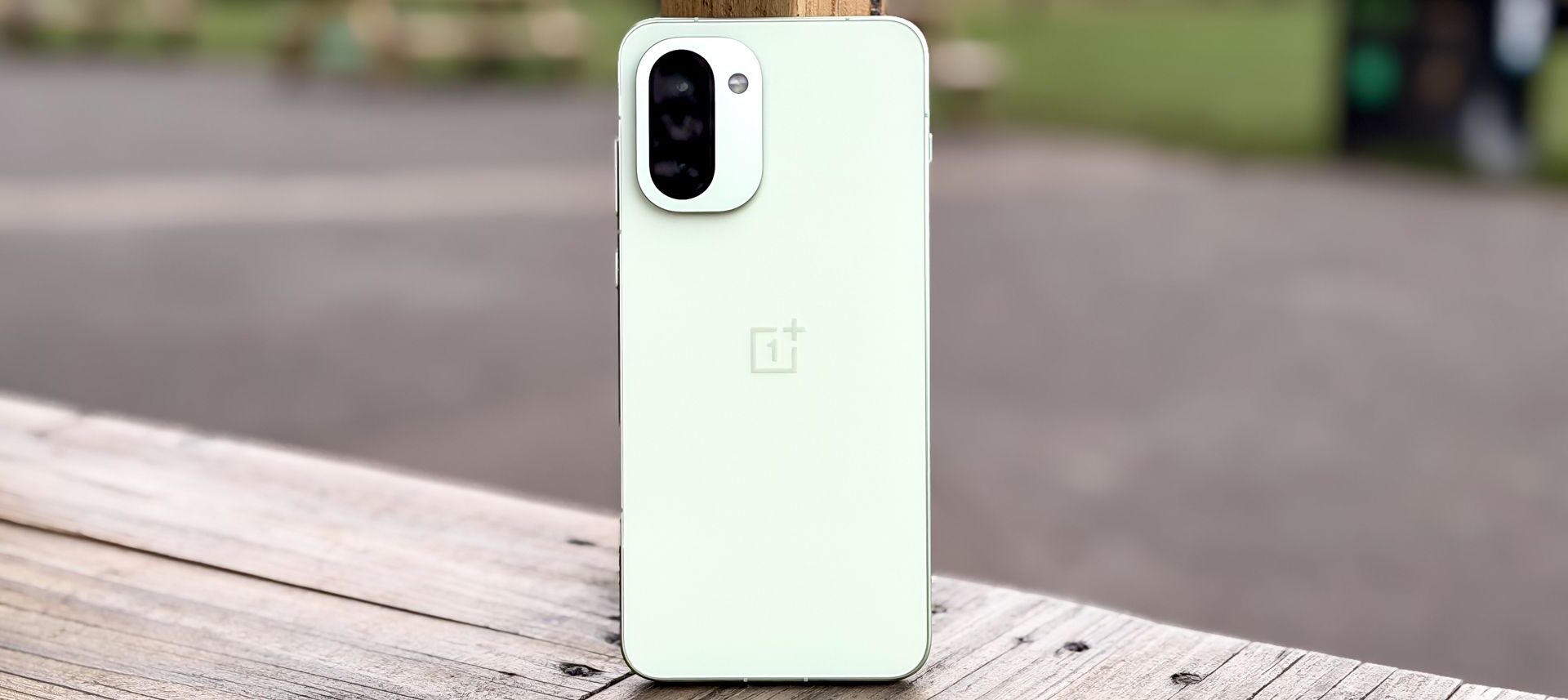
The OnePlus 15R charts an unusual path. Previous phones in OnePlus’ R-series have been simply more accessibly-priced versions of its main numbered flagship phones. But rather than be a cheaper version of the excellent OnePlus 15, the 15R has a whole new focus instead.
The 15R is still less expensive than the 15, but not by as much. And while it’s still meant to be a rival for the Samsung Galaxy S25 FE, Google Pixel 9a and iPhone 16e, OnePlus has elected to concentrate the 15R on performance rather than broad appeal. So while there’s plenty to appreciate in this phone, it’s less likely to be a good fit for the general phone buyer.
OnePlus 15R: SpecsSwipe to scroll horizontally
OnePlus 15R
Starting price
$699/£649
Display
6.83-inch OLED (2800 x 1272)
Refresh rate
165Hz adaptive
Rear cameras
50MP main (f/1.8), 8MP ultrawide (f/2.2)
Front cameras
32MP selfie (f/2.0)
Chipset
Snapdragon 8 Gen 5
RAM
12GB, 16GB
Storage
256GB, 512GB
Battery
7,400 mAh
Charging
80W wired
Operating system
Android 16 with OxygenOS 16.0
Water/dust resistance
Up to IP69K
Size
163.4 x 77.0 x 8.3mm (6.43 x 3.03 x 0.33 inches)
Weight
214/215 grams or 7.55/7.58 ounces (color dependent)
Colors
Charcoal Black, Mint Breeze
OnePlus 15R review: Price and availability
Perhaps because it’s launching just before Christmas, OnePlus is keeping 15R pre-orders open until January 15th. That gives you plenty of time to weigh up a potential buying decision.
You have to pay $699/£649 for the regular 12GB RAM and 256GB storage edition of the phone. There’s also the option to pay $799/£729 for 16GB RAM and 512GB storage, but this locks you to the black colorway.
With a pre-order, OnePlus will offer you $50 guaranteed trade-in credit and $50 cashback with your order, plus the choice of either a free case or a pair of OnePlus Buds 4 earbuds. If you buy the more expensive version, you don’t have to pick — you get both gifts included. And that’s just as well, since the 15R starts at $100 more than the $599 OnePlus 13R it replaced.
As a result, the OnePlus 15R is more expensive than the $499 Google Pixel 9a or $599 iPhone 16e, and the same or slightly more expensive than the $649 Galaxy S25 FE, depending on the market. And considering that phones like the Galaxy S25, Pixel 10 or iPhone 17 only cost a little extra, the OnePlus 15R is stuck in a precarious pricing position. Even the OnePlus 15 is only $200/£200 more expensive.
OnePlus 15R review: Design
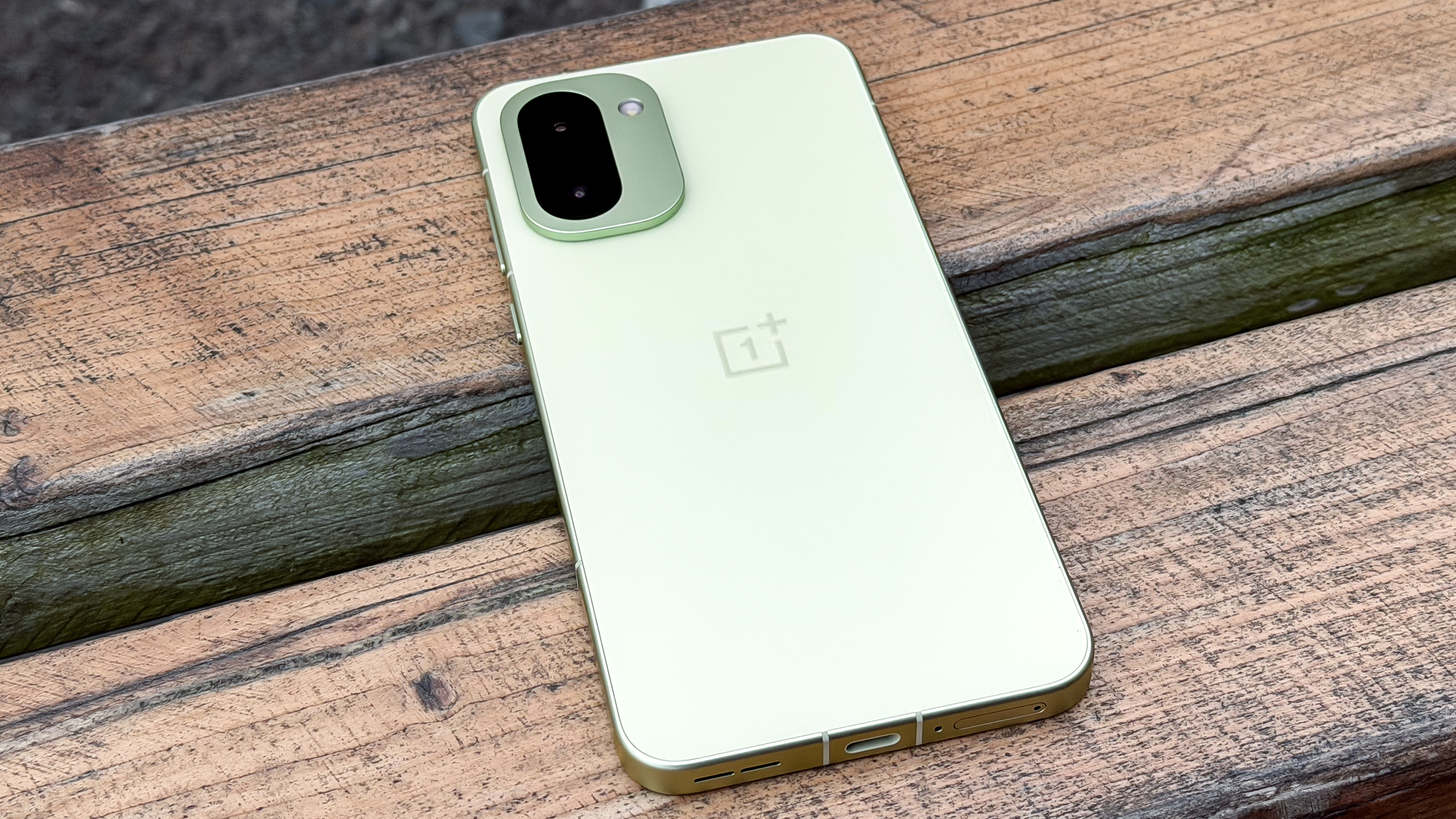
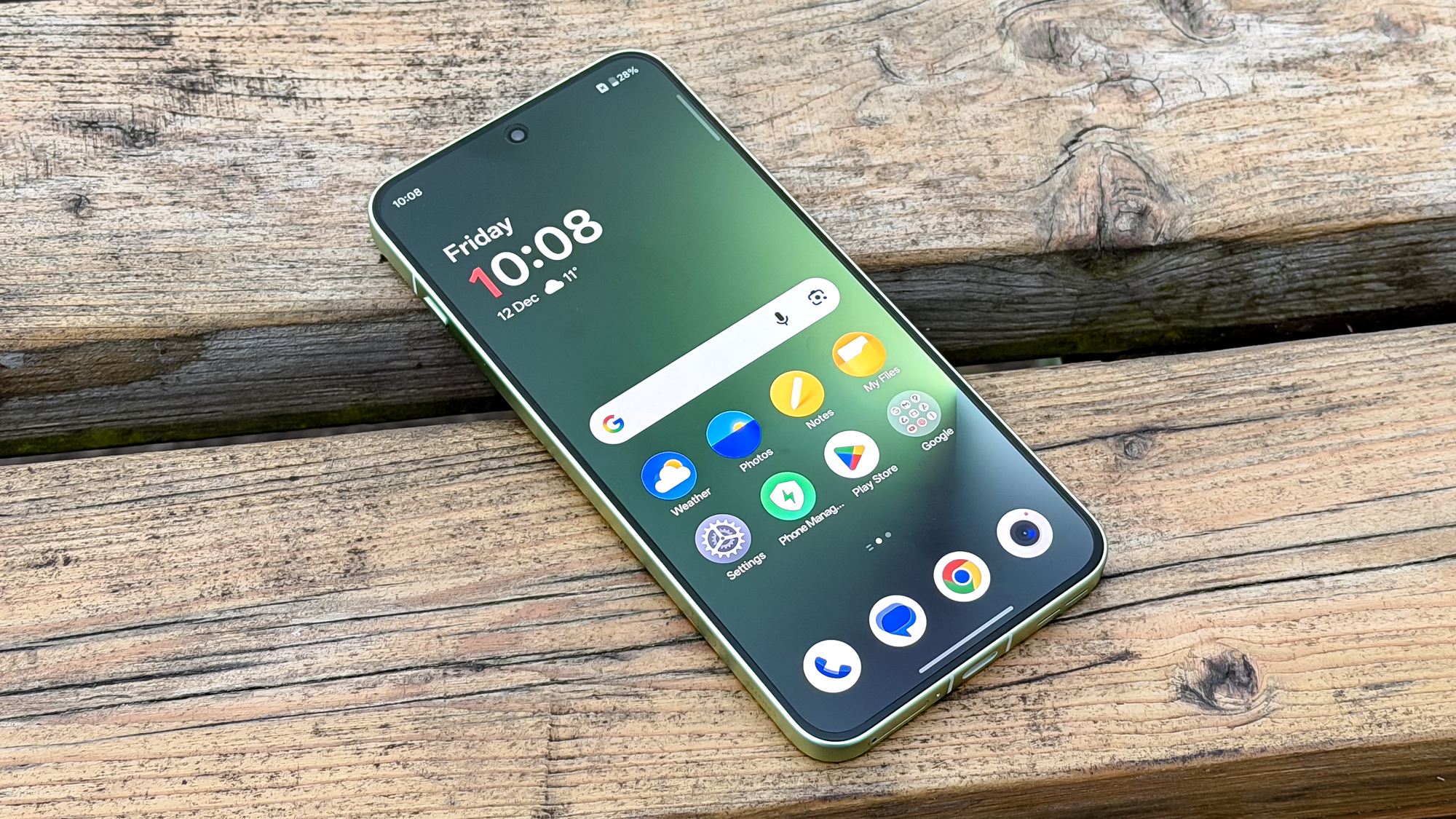
The OnePlus 15R turns to a new design compared to the OnePlus 13R, with a look that’s similar to the OnePlus 15. The new square-ish form with a similarly square camera block is fine on its face, but doesn’t carry as much personality as a Pixel’s camera bar, the iPhone 17 Pro’s camera plateau, or the individually-mounted lenses of a Samsung Galaxy S25 model.
(Image credit: Tom’s Guide)
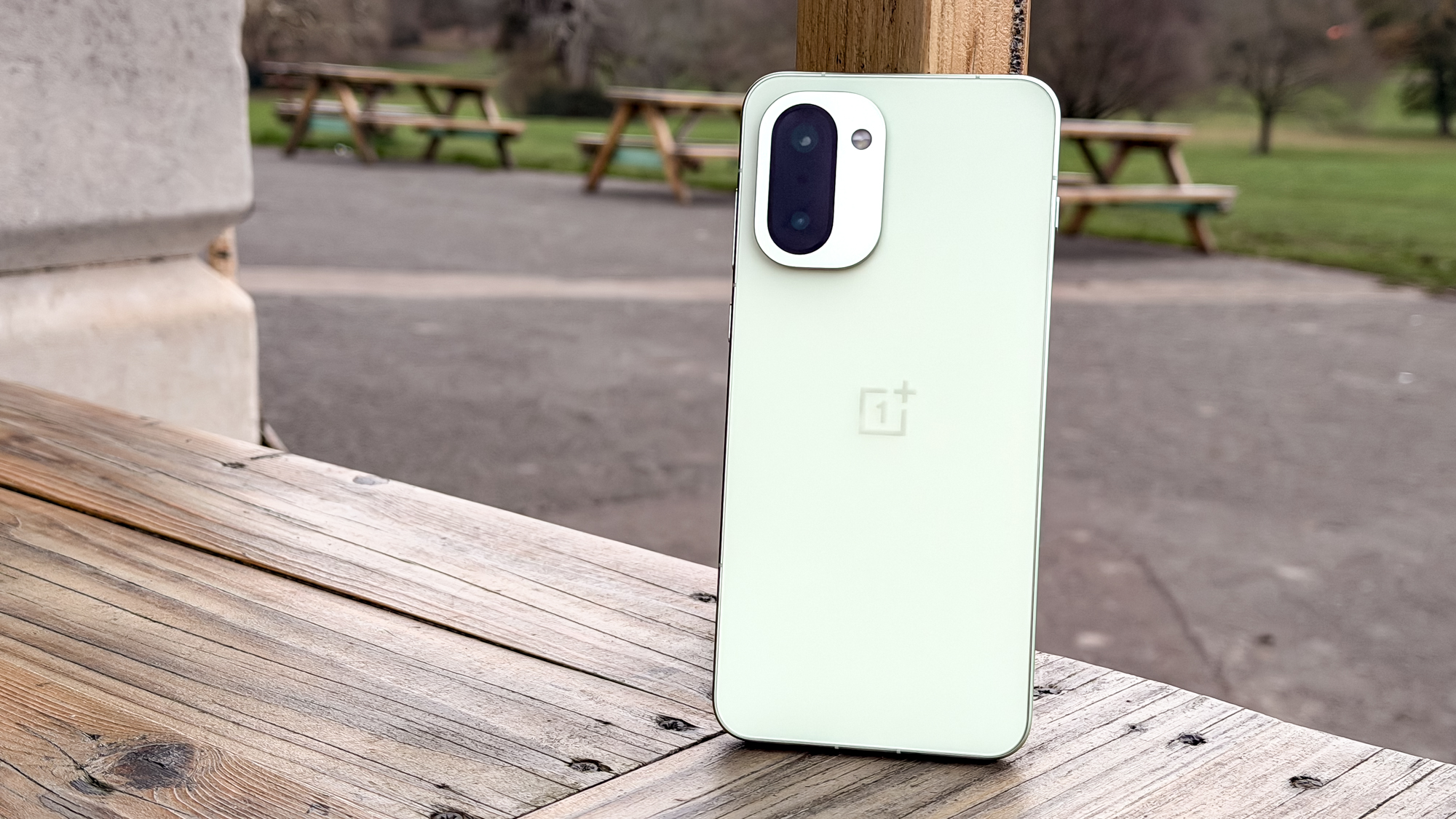
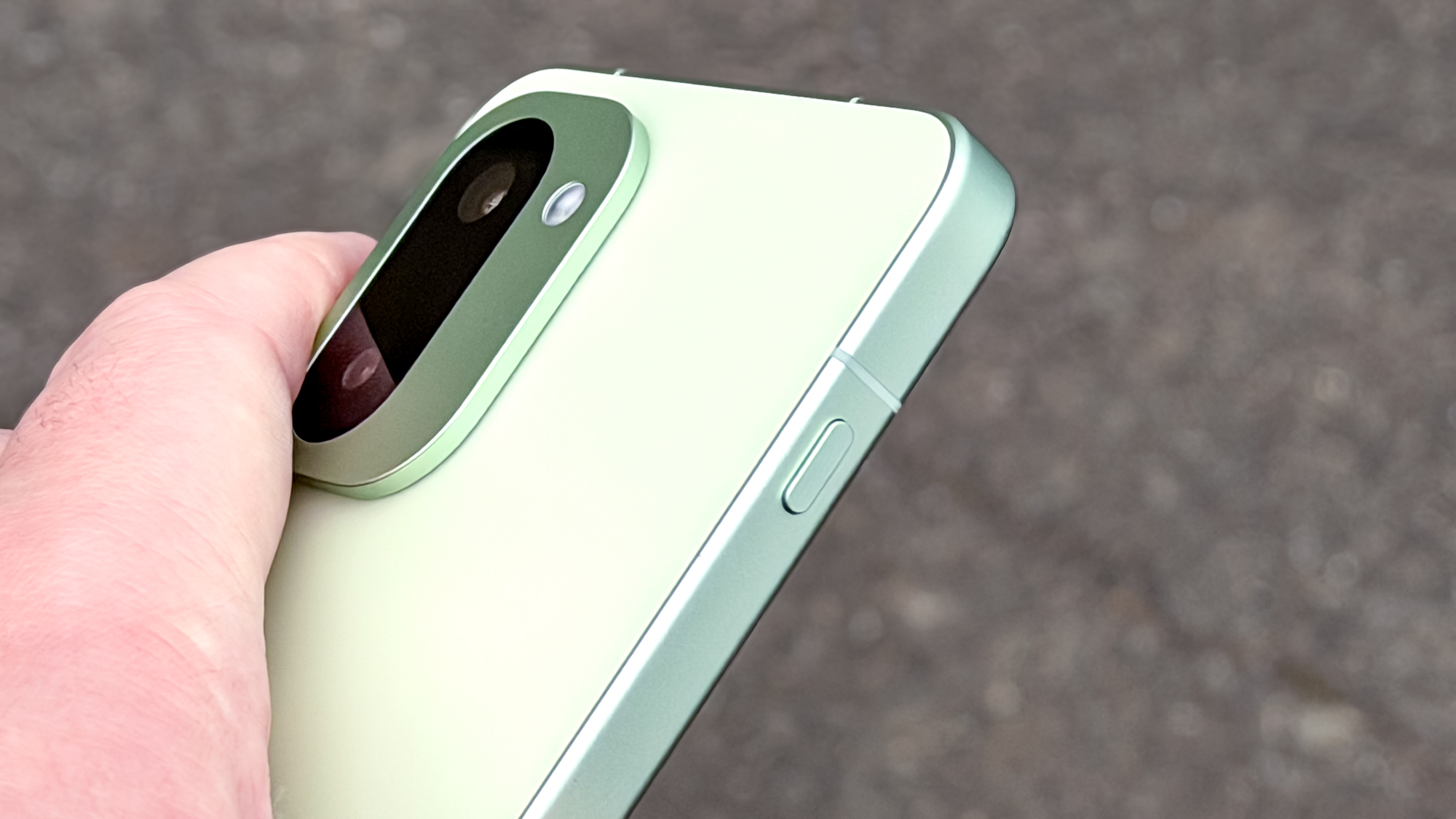
Fortunately, the OnePlus 15R feels just as premium as its rivals, with its aluminum sides and glass back providing a satisfying weight and texture. Only the slim camera block — since there are only two sensors here instead of the 15’s three lenses — gives any hint that this isn’t a complete flagship product.
My review unit was OnePlus’ “Mint Breeze” green option, which is suitably fresh-looking without being particularly shouty. If that’s still too funky a color for your tastes, then the Charcoal Black option is on hand for a classic and classy look. As always, I simply wish OnePlus offered another color or two to the available selection. And it would be nice if choosing different memory variants didn’t lock you to a specific color.
(Image credit: Tom’s Guide)
Resilience against water and dust is a big selling point of the OnePlus 15R, as the company asserts it has IP66, IP68, IP69 and IP69K certifications. While some of those ratings overlap, the bottom line is that this is a fully dust-resistant phone that should survive being immersed 1.5m deep in water, or being sprayed by 80°C (176°F) water jets. This is a trend we’re seeing with several Chinese-made phones at the moment, and one it’s hard to object to, assuming the increased durability pays off in a watery or dusty emergency when you need it.
Sadly, the display material is one of the places where OnePlus has cut costs compared to the OnePlus 15. The OnePlus 15R’s screen is clad in Gorilla Glass 7i, Corning’s latest option designed for cheaper phones; in contrast, the 15 uses the tougher Gorilla Glass Victus 2. While a bad drop onto a hard surface is going to crack a phone’s display no matter what, the Victus vs. 7i difference may be visible in how these two phones last against small scrapes and potential scratches. That, in turn, could affect the look of images and video on the 15R’s screen or the performance of the under-display ultrasonic fingerprint sensor.
OnePlus 15R review: Display
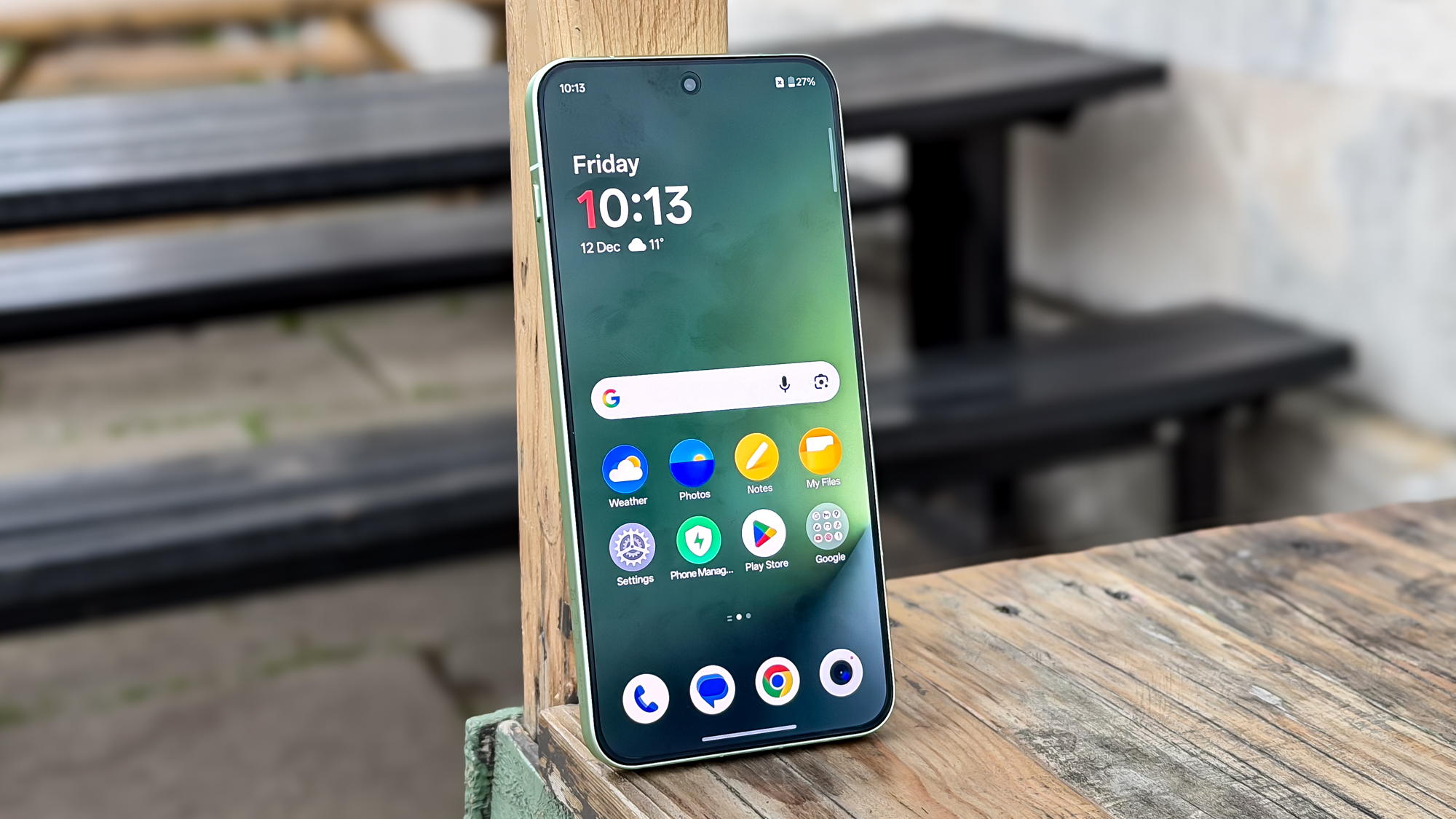
You’d be forgiven for assuming that the 0.05-inch difference between the 6.83-inch display of the OnePlus 15R and the smaller the OnePlus 15 means that the screens are not that different. However, there is a key difference under the skin.
(Image credit: Tom’s Guide)
The 15R’s screen is an LTPS model rather than an LTPO one, meaning that it has a baseline refresh rate of 60Hz, rather than the 1Hz that the OnePlus 15 can manage. That means worse power efficiency for the 15R during everyday screen-on use.
At least the OnePlus 15R does share the 15’s peak refresh rate of 165Hz, beating the usual 120Hz that modern smartphones hit. But it’s important to note that you’ll still be running at 120Hz for most tasks, with only games specifically built to run at 144Hz or the full 165Hz taking the screen to its limit.. You’re not going to see a difference through the whole phone and all your apps — only a few that have explicit support for such high frame rates.
Display test results below paint a far rosier picture than I was expecting for the OnePlus 15R’s screen. The panel achieved identical brightness and color accuracy to the OnePlus 15, with slightly higher color gamut coverage, too. The Pixel 10 Pro XL still dominates when it comes to brightness and color coverage, and the iPhone 17 Pro Max has the best color accuracy, but the OnePlus 15R still runs with the big dogs in the display stakes.
Swipe to scroll horizontally
OnePlus 15R
OnePlus 15 (Standard/natural)
Google Pixel 10 Pro XL (Adaptive/natural)
iPhone 17 Pro Max
Peak brightness (nits)
1222
1222
2555
1899
sRGB color gamut coverage (%)
115.2
111.8 / 110.8
125.7/103.7
109.6
DCI-P3 color gamut coverage (%)
81.6
79.2 / 78.4
89 / 73.4
77.6
Delta-e color accuracy (lower is better)
0.29
0.29 / 0.2
0.29 / 0.21
0.26
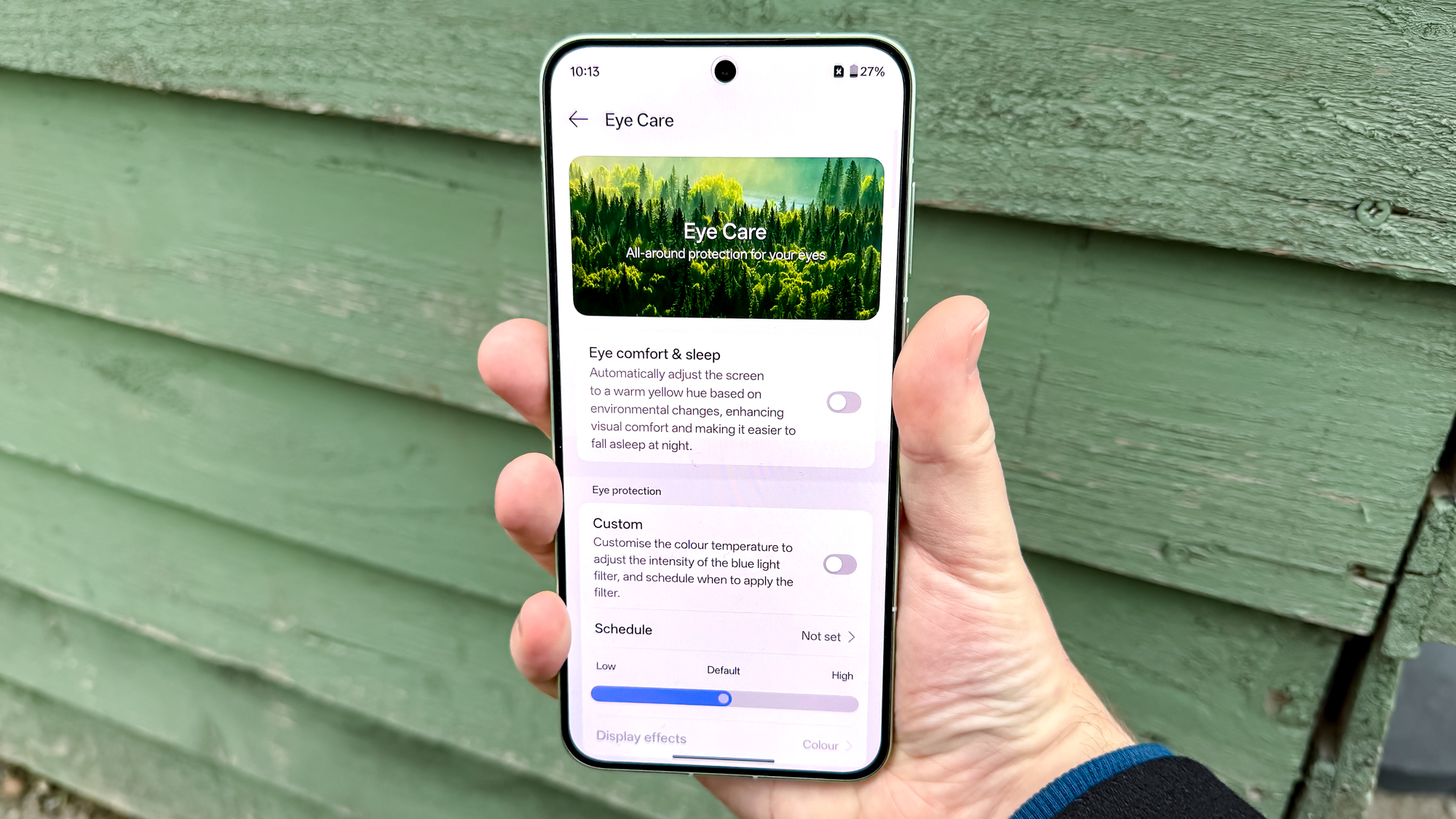
Beyond looking nice, OnePlus wants the 15R to keep users’ eyes healthy with its Eye Comfort Mode. This encompasses several features, such as allowing the screen to go as dim as 1 nit of brightness to make the display easier to read at night. You also get a 3,840Hz PWM dimming rate to reduce potentially headache-causing screen flickering, a MotionCue mode to add tracking dots while travelling in a car to avoid potential motion sickness, and reminders to blink.
(Image credit: Tom’s Guide)
To ensure you can keep using your phone even in bad weather, OnePlus has brought back its Aqua Touch and Glove Mode options to keep the screen usable if it’s wet or you’re using gloves. I don’t recommend using these modes for extended periods — they’re not as precise as using a dry display or your own bare digits. But it’s enough to let you check notifications or your map as you navigate to somewhere warmer and drier.
OnePlus 15R review: Cameras
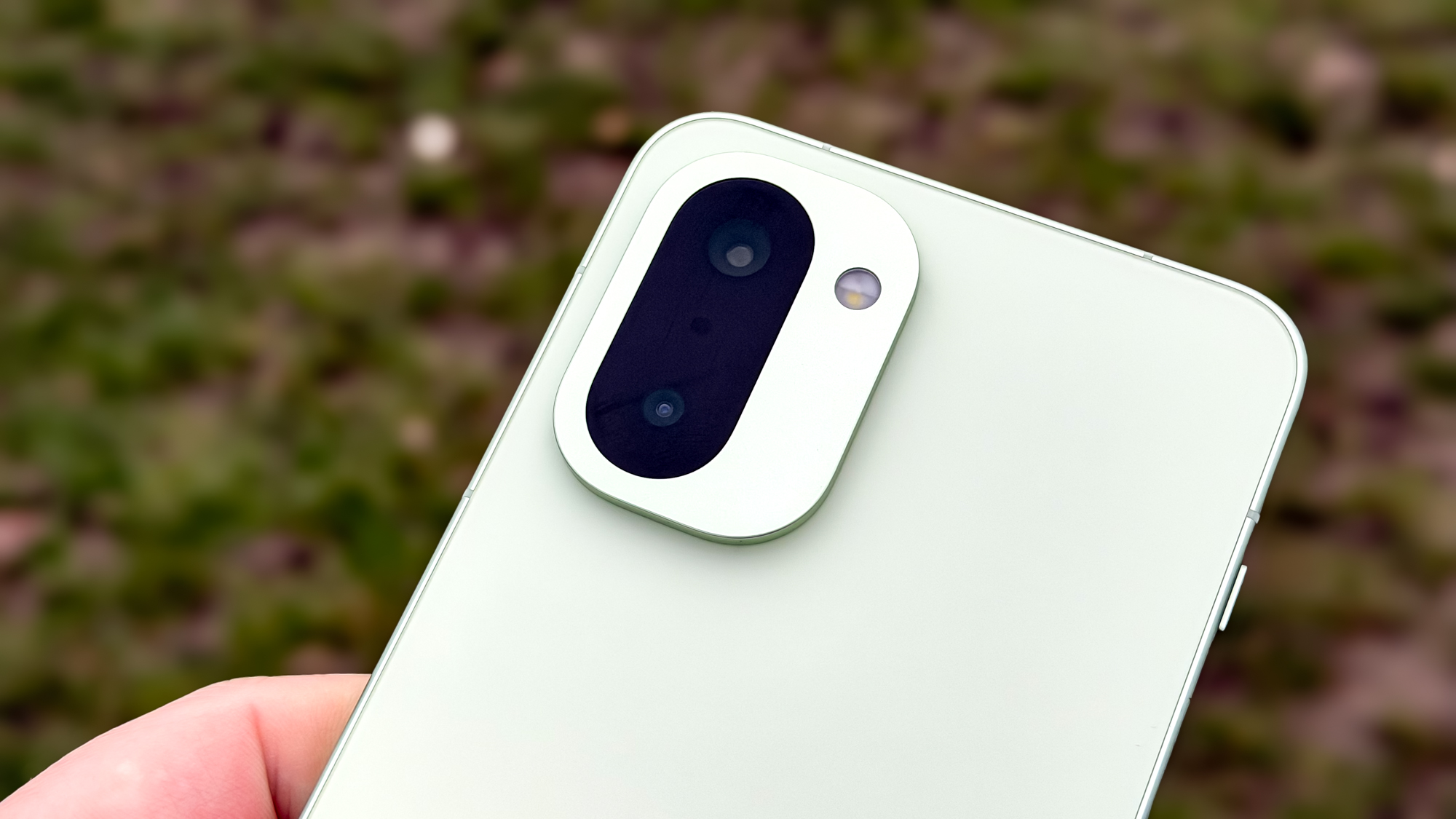
Photography duties on the OnePlus 15R are handled by the phone’s 50MP main and 8MP ultrawide rear cameras, plus a 32MP selfie cam up front.
(Image credit: Tom’s Guide)
There’s no telephoto sensor, like you’d get from a more expensive flagship such as the OnePlus 15 — or even the OnePlus 13R. But the 15R still gets the same DetailMax engine, OnePlus’ replacement for Hasselblad tuning, to process the raw images into theoretically beautiful pictures. I put that software-hardware combination to the test, using the Pixel 9a as a point of comparison with the OnePlus 15R.
Pointing the phones’ main cameras down this quiet road to a local park, it doesn’t take more than a glance to see that the OnePlus 15R has the stronger colors, helping the houses look their best, though that came at the expense of the grass and rocks, which look quite artificial. Meanwhile, the Pixel 9a has Google’s trademark balance of color and brightness, giving us details in the metal fencing or the bark of the trees that isn’t so visible in the OnePlus’ shot.
Using the main cameras’ built-in 2x zoom mode, the Pixel 9a produced a brighter image, which livens up the white paint of this old stair rail and stops the concrete in the background from looking quite so dull. But the OnePlus 15R’s darker shadows make the rustier parts of the image come across clearer.
In this night shot across a garden, the image from the OnePlus 15R is warmer overall, bringing out the color in the shadows on the leaf-littered lawn and the fences in the background. While I’d normally prefer the shot taken by the Pixel 9a for its less extreme coloration, the fact that the light in the scene came from warm outdoor security lights behind me makes the 15R image the more accurate.
The ultrawide comparison of Beckenham Place Mansion we have here is again brighter through the OnePlus 15R’s lens. But the OnePlus’ smaller lens means it’s not quite as sharp in the details, especially in the darker areas like the tops of the columns.
We finish with the selfie portraits, and just like the rear cameras, the OnePlus’ image is brighter. That helps with the look of my jacket, scarf and hair, but washes out my face — which is a bit of a problem for a selfie. The Pixel 9a captures a much better image of me, highlighting some details like the present on my festive jumper. The portrait effect on both photos is decent, but the Pixel fails the glasses cutout test while the OnePlus does not.
OnePlus 15R review: Performance
OnePlus has promised a big leap in performance as the 15R has moved from the 13R’s Snapdragon 8 Gen 3 chipset, already a year old at the time of the phone’s release, to a brand new Snapdragon 8 Gen 5. That silicon is not quite as advanced as the 8 Elite Gen 5 we see in the OnePlus 15 and likely many more Android flagship phones in 2026, but it’s still a big step forward.
Swipe to scroll horizontally
OnePlus 15R
OnePlus 15
Google Pixel 10 Pro XL
iPhone 16e
Chipset
Snapdragon 8 Gen 5
Snapdragon 8 Elite Gen 5
Tensor G5
A18
Geekbench 6 score (single-core / multi-core)
2,691 / 9,502
3,618 / 11,116
2,322 / 6,286
3,328 / 8,132
3DMark Wild Life Extreme Unlimited (score / fps)
4,669 / 27.96
7,099 / 42.52
3,462 / 20.73
2644 / 15.83
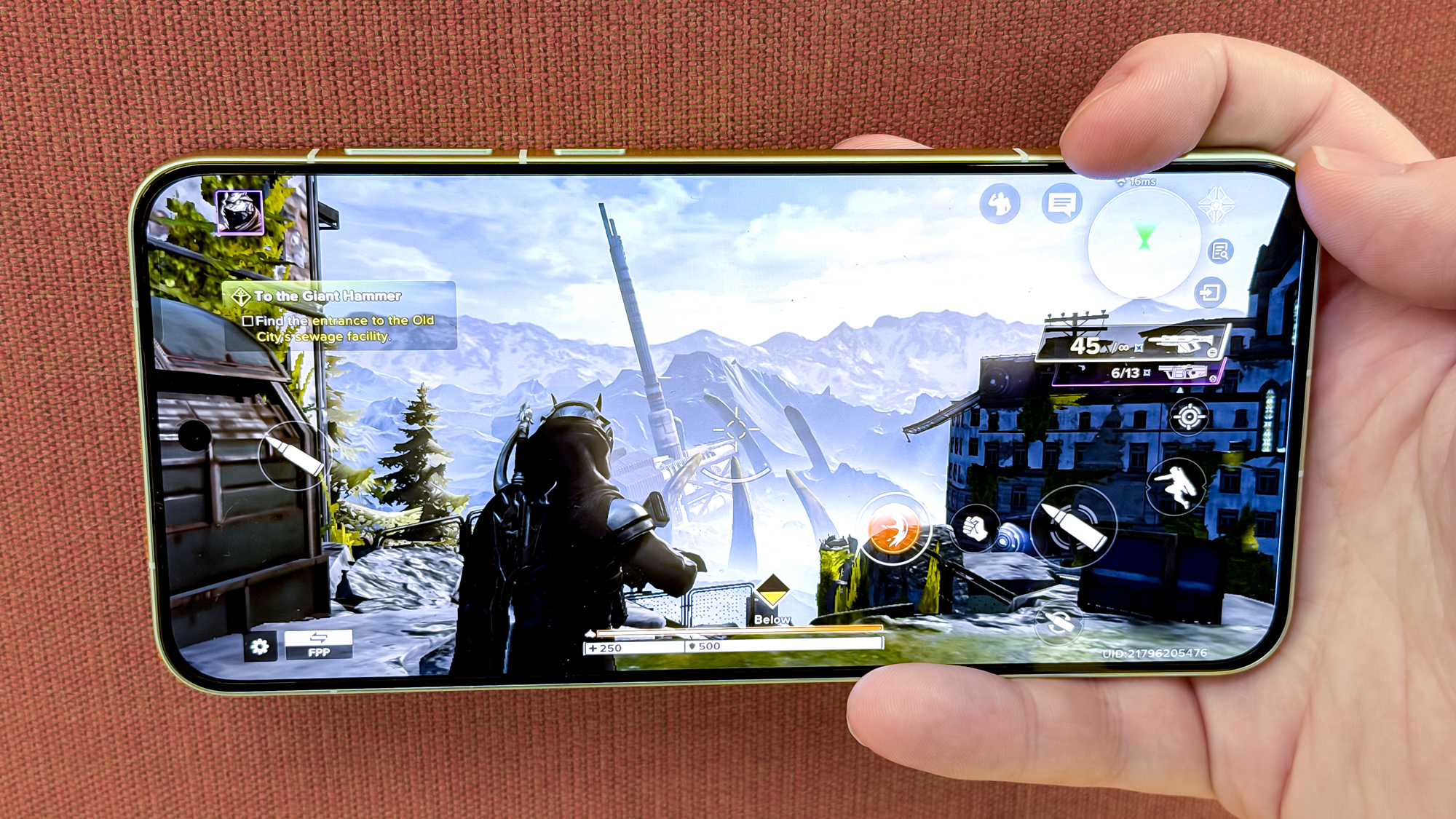
Our benchmark testing shows a performance gap between the Snapdragon 8 Elite Gen 5 and standard 8 Gen 5, but that the OnePlus 15R is still capable of competing with the top flagship phones. If you use the phone for gaming as OnePlus recommends, you’ll have a blast, as I did while playing Destiny Rising.
(Image credit: Tom’s Guide)
You can pick between 12GB or 16GB of LPDDR5X Ultra RAM on the OnePlus 15R, and 256GB or 512GB UFS4.1 storage accordingly. But picking the 16GB/512GB model locks you into the black colorway, which is a shame if you like the green version.
I need to lavish praise on the OnePlus 15R’s cooling system. The CryoVelocity Cooling System features aerogel to insulate the display, a large vapor chamber and a graphite layer to help spread the heat around to avoid hot spots. It’s certainly effective, making sure the whole phone warms evenly without being uncomfortable to hold, even after long periods.
OnePlus 15R review: Battery and charging
The OnePlus 15R breaks company records with its 7,400 mAh battery — the largest cell in a OnePlus phone yet. That size also beats the OnePlus 15’s already spacious battery capacity by 100mAh. This silicon-carbon battery with 15% silicon content gives you more capacity in a smaller space, which OnePlus promises will hold out as it ages, with a claim of the phone retaining 80% of its original capacity after four years of use.
Given that the OnePlus 15 is our new phone battery life champion, we had high hopes for the OnePlus 15R and its even more spacious battery. It doesn’t last quite as long as the OnePlus 15, which held out for 25 hours of continuous surfing on our battery test, the 15R is still impressive, with a time of 21 hours and 54 minutes.
That’s especially impressive compared to some of the OnePlus 15R’s nominal competitors. The iPhone 16e achieved 12 hours and 41 minutes, and the Pixel 9a topped 13 hours.
In typical OnePlus fashion, you get rapid 80W wired charging to refuel the OnePlus 15R. It fills the battery to 34% in 15 minutes and 55% in half an hour with the phone’s Smart Rapid Charging setting enabled — not close to filling the phone, but as the above results show, that’s still a day’s use even if you’re not taking special care. Sadly, there’s no wireless charging, as with previous OnePlus R-series phones. While I didn’t expect OnePlus to add it, it would have been good to see wireless charging capabilities given the price increase.
OnePlus 15R review: Software
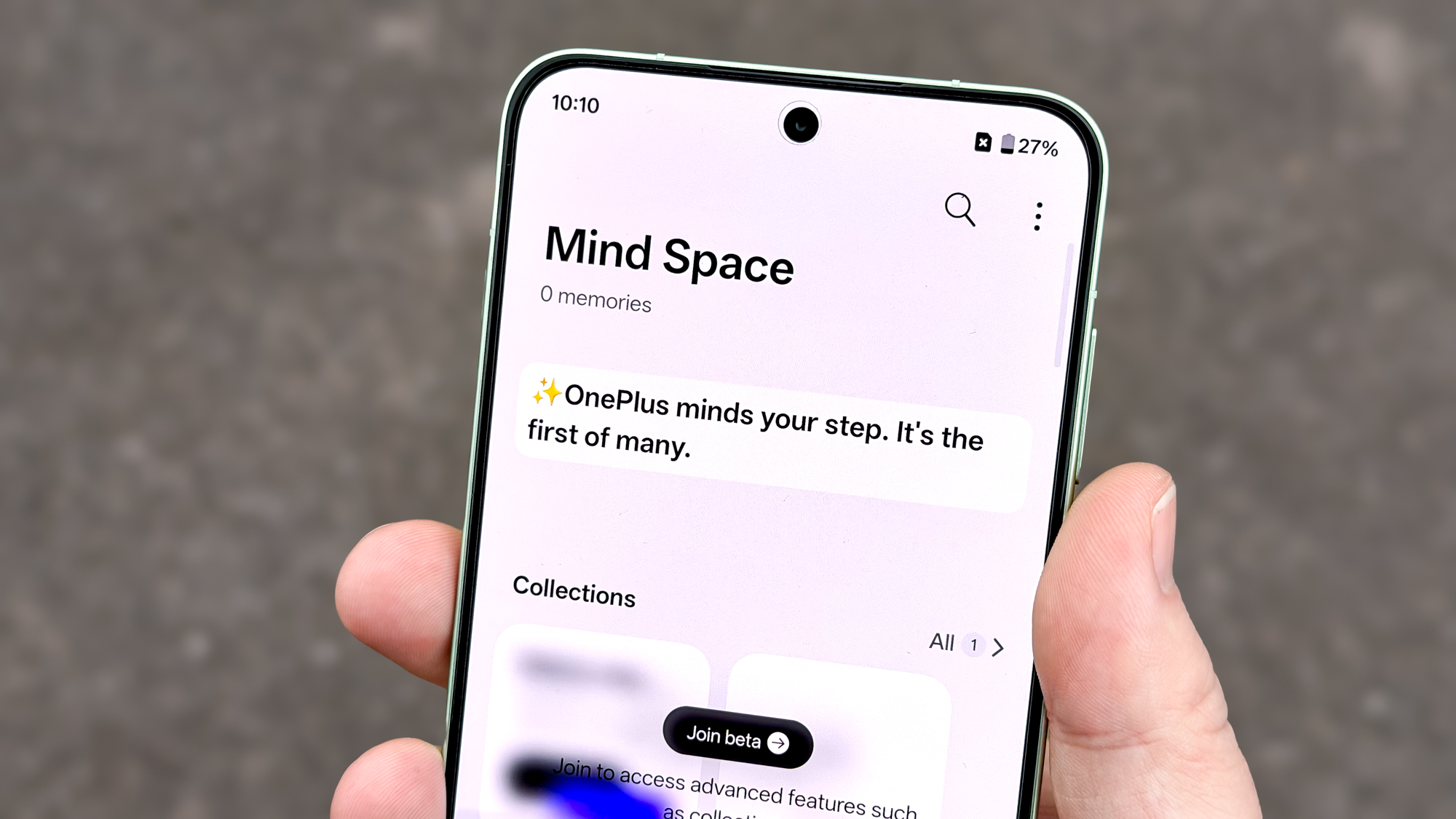
The OxygenOS 16 interface of the OnePlus 15R does not differ from that of the OnePlus 15. You still have access to Plus Key shortcuts (in lieu of OnePlus’ traditional alert slider), the Plus Mind repository for screenshots and recordings that you can refer to manually or via Gemini, and all the other powers that Gemini offers, including interactions with OnePlus’ own apps if you prefer to use them instead of the default Google ones.
(Image credit: Tom’s Guide)
The fun doesn’t end with just the 15R — the OnePlus Connect app allows easy file transfers between the phone and Windows, Mac or iPhone devices. It can even be used to remote control a Mac to grab photos or edit your documents while away from your desk.
(Image credit: Tom’s Guide)
Things do get bumpy when we check OnePlus’ update schedule for the 15R: four years of Android updates and six years of security updates. That’s the same as the OnePlus 15 gets, but Google and Samsung’s full seven-year update guarantees are still the benchmark in this area. Perhaps you know that you’ll update your phone before OnePlus stops updating the 15R, but it would still be nice not to have that time pressure to consider when deciding if it’s time to move on or not.
OnePlus 15R review: Verdict
A price hike is often all it takes to sour what is otherwise an easy-to-recommend phone. And the OnePlus 15R shuffles right up to the line with a $100 price increase, rebates and pre-order offers aside.
(Image credit: Tom’s Guide)
The refocus of the OnePlus 15R from a generalist flagship to a gaming-focused one has made the phone a more niche device as a result.That’s not necessarily a bad thing, though, and with its big chip upgrade and more responsive display, the OnePlus 15R certainly fits in with the gaming phone crowd while also standing out from phones in the same general price bracket. While other brands may tout their phones’ performance, I can’t imagine Apple, Google or Samsung launching a gaming-specific handset in the current tech climate.
I know I’d never buy a OnePlus 15R for myself. I’d either save up for the OnePlus 15 or turn to a cheaper Pixel 9a. But perhaps you’ll gravitate toward the OnePlus 15R if you value this precise blend of power, battery life and pricing, or want a gaming-first phone that doesn’t go the whole hog with RGB lighting and gaming flourishes.
OnePlus 15R: Price Comparison