
If you buy into Samsung’s ecosystem of products, you can get a lot of convenient features, such as sharing files easily and syncing data across your Samsung devices. One such convenience is integration of Galaxy Book laptops and Galaxy phones and tablets. You can lock your Galaxy Book or any Windows computer using your Galaxy phone.
Lock Windows PC using your Galaxy (or Android) phone
Microsoft has released an update (via Windows Latest) to the Link to Windows app for Android phones. With version 1.25102.140.0 of the app, the company has introduced a new UI design and a way to lock your paired Galaxy Book laptop (or any Windows laptop and PC). As you can see in the first screenshot below, the UI design of the app now looks more modern. This app comes pre-installed on all recent Galaxy phones and tablets.
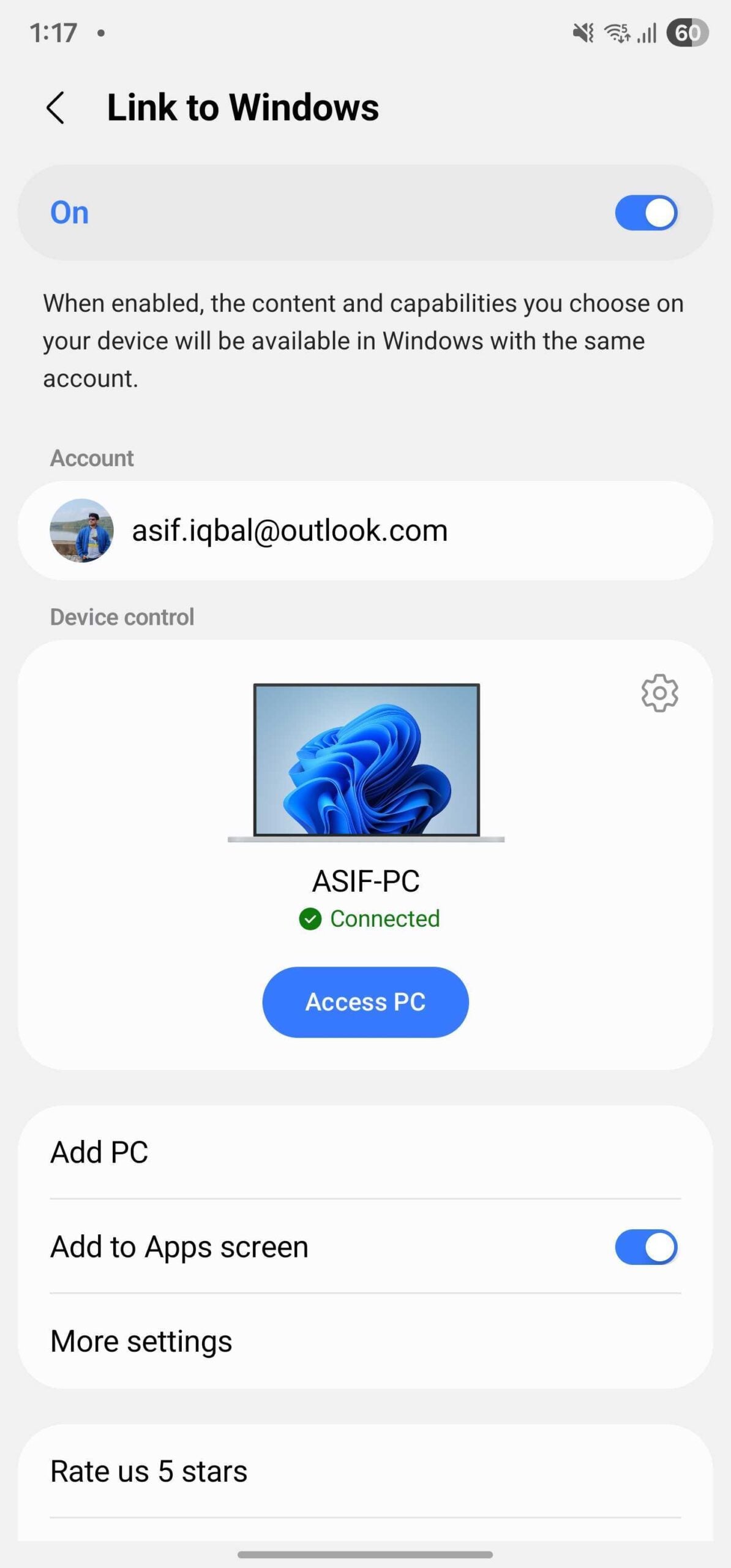
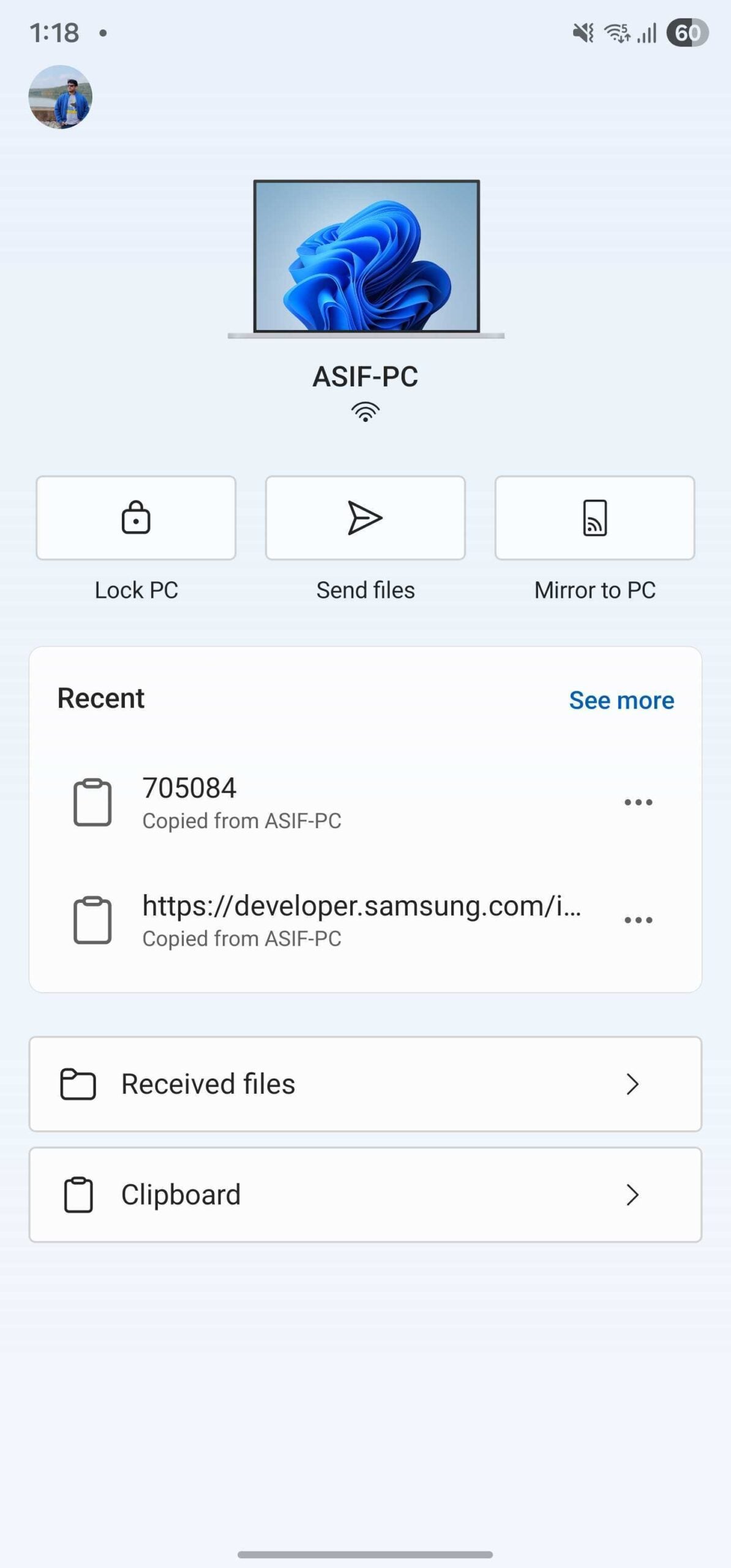
Moreover, when your PC and phone are connected via Bluetooth and Wi-Fi, a Lock PC button gets activated on the Link to Windows app on your phone. Tapping that button instantly locks your Windows computer. This feature can come in handy when you forget to lock your PC and are in a different room.
You can also start mirroring your phone’s screen wirelessly to your PC’s screen using this app. It also allows you to send any file or access your computer’s clipboard on your Android phone. This greatly enhances the convenience of using an Android phone with a Windows computer.
This new version of Link to Windows is rolling out to everyone (all Android phone users) right now, so you don’t need to install any beta version of the app or a Windows Insider version of Windows 11 on your computer.
