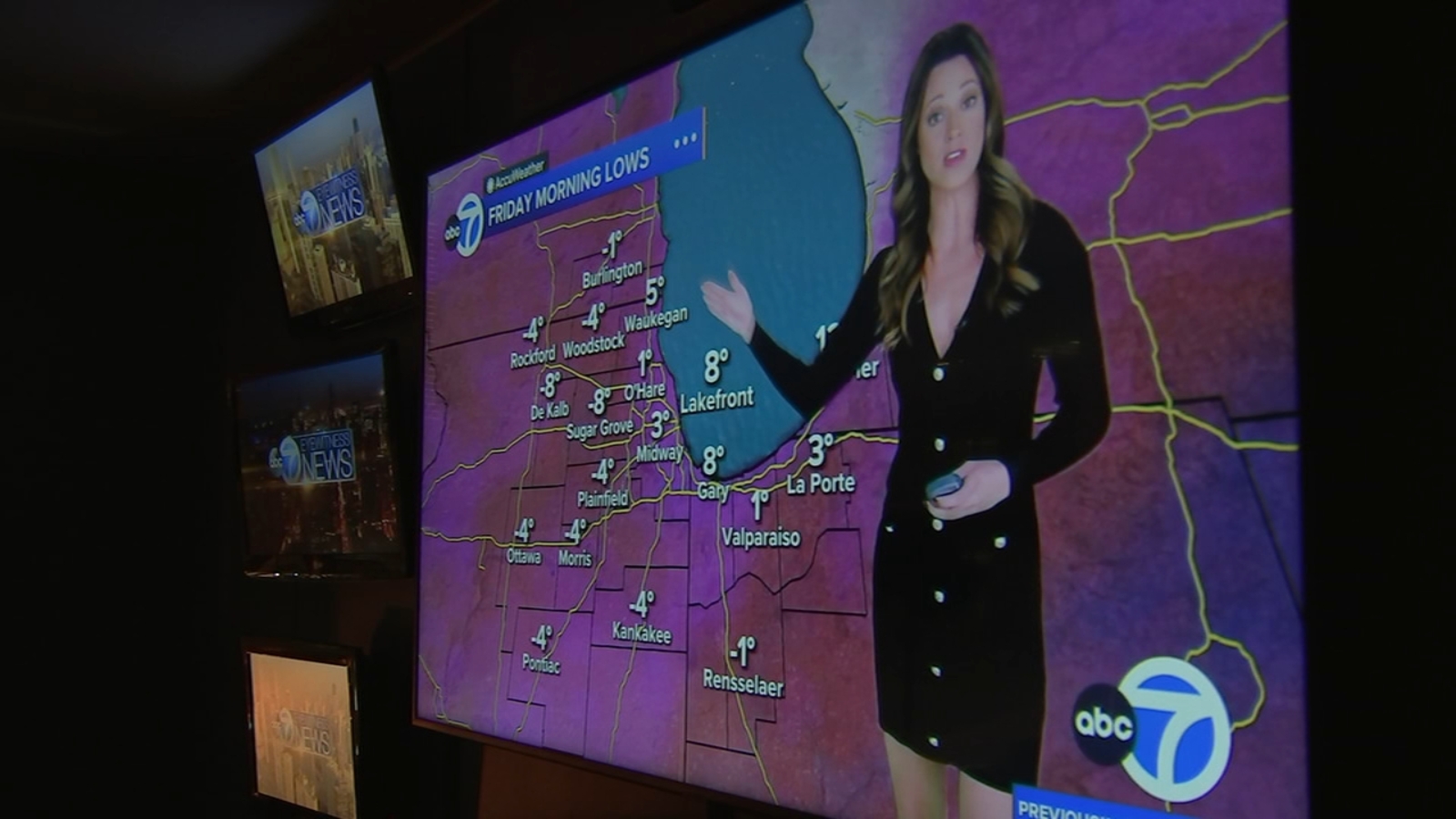
CHICAGO (WLS) — Did you get a new smart TV this holiday season? A lot of people are setting up their new devices and wondering, how do I stream ABC7? It’s pretty simple, and we will walk you through it.
ABC7 Chicago is now streaming 24/7. Click here to watchConnect to internet
First, make sure you are connected to the internet. Grab your remote and go to your settings menu, then select internet. Choose your wi-fi network and enter your password, and you’re good to go.
Go to app store
Next, you’ll want to find your app store. It varies depending on your specific TV, but look for it on your home screen, or it might be a button on your remote.
Find streaming app
Once you’re in the app store, find the search icon and type in the streaming app you’re looking for, such as Roku or any other streaming app.
Install the app
You’ll see an install or download button. Hit that, and once it’s done installing, open it. Depending on the app, you might need to sign in.
Search for ABC7
Okay, now you’re in the app. Go to the search icon and type in ABC7.
And there you go. You are ready to start streaming all your live local news and weather.
READ MORE | ABC7 Chicago launches live news streaming apps on Amazon, Roku, Samsung, Apple and Android
Copyright © 2025 WLS-TV. All Rights Reserved.