I opened my banking app to set a resolution, expecting the usual holiday damage. Fancy dinners, surge-priced Ubers, maybe one late-night pizza.
What I found instead was a cash bleed that had nothing to do with the holidays.
I found a $19 Hulu charge between groceries and petrol. Two lines down was a charge for a meditation app I hadn’t opened since the Biden administration.
I thought I had it under control. But when I finally sat down to audit my expenses, I found almost $100 a month. That adds up to $1,200 a year.
This is how I audited my subscriptions, what I found, and how you can stop wasting money too.
Related
I’m done falling for sneaky subscription traps — here’s how to avoid them this holiday season
A few tools and habits can keep your spending under control
How to find subscriptions that don’t want to be found
Credit: Lucas Gouveia / Android Police | Luby
Most people think checking their subscriptions means opening the settings menu on their iPhone.
That’s a rookie mistake. It’s exactly where they want you to look, because it only shows half of the story.
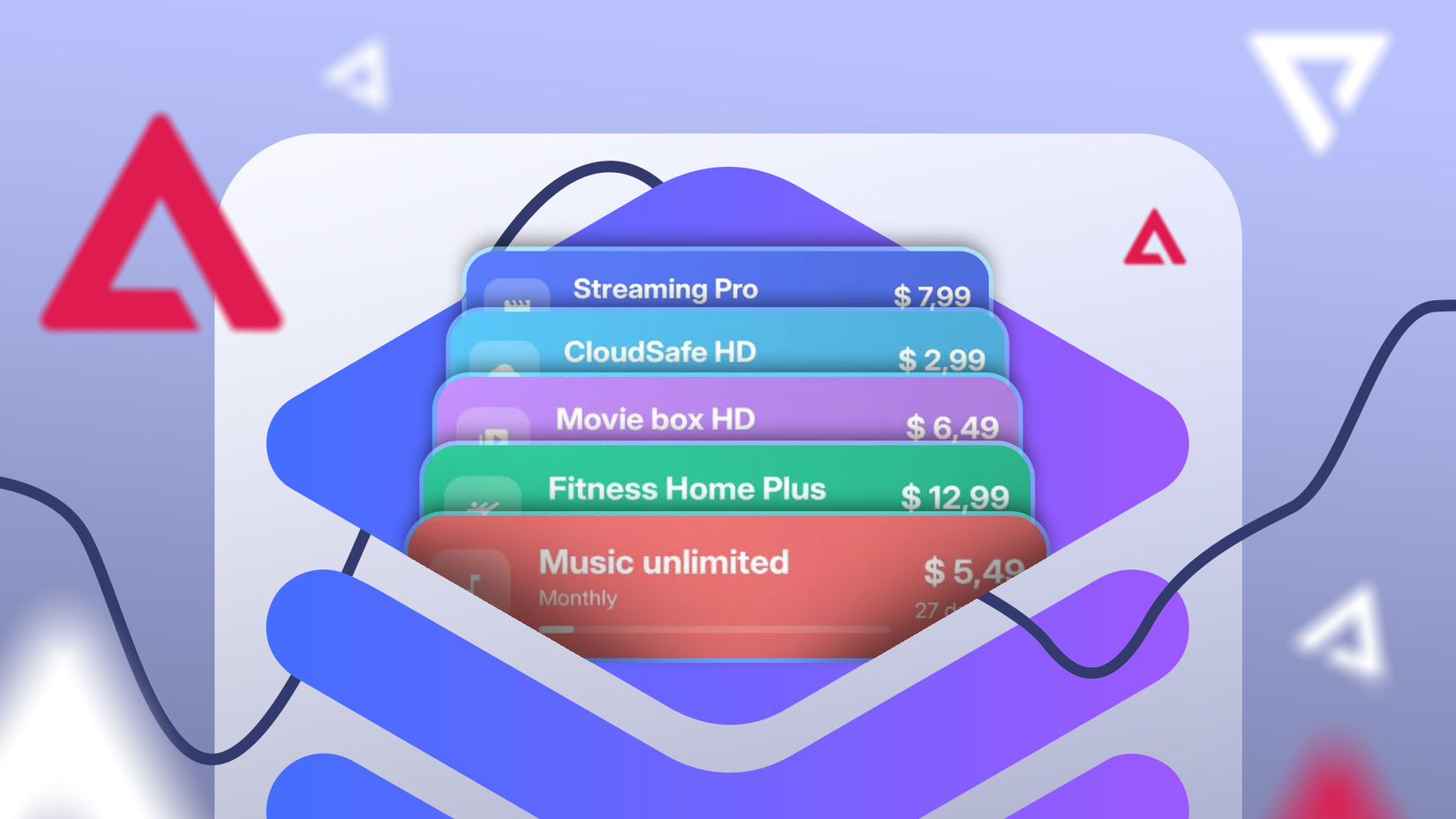
To really get rid of these ghosts, you have to dig deeper. I started by downloading all my bank and credit card statements for 2025.
This step is for spotting subscriptions outside the Play Store, like those billed directly through websites or other platforms. Look for these keywords in your statement:
- Recurring
- Bill
- Renewal
- Trial
- Member
The most dangerous subscriptions are the annual renewals that hit you when you are least expecting them.
There was a charge from a PDF editor I’d begun on a free trial that had quietly switched to a monthly subscription I hadn’t caught.
After the bank statements, I checked the Play Store. It’s where mobile app free trials go to die and rise again as paid monthly charges.
To find your subscriptions, open the Google Play Store and tap Profile icon > Payments & subscriptions >Subscription.
I found the Active list, but I didn’t stop there. I looked at the Inactive list too. Sometimes, seeing what you used to pay for makes you realize you might’ve resubscribed somewhere else
The usual suspects behind runaway subscription costs
Credit: Lucas Gouveia/Android Police | PxB/Shutterstock
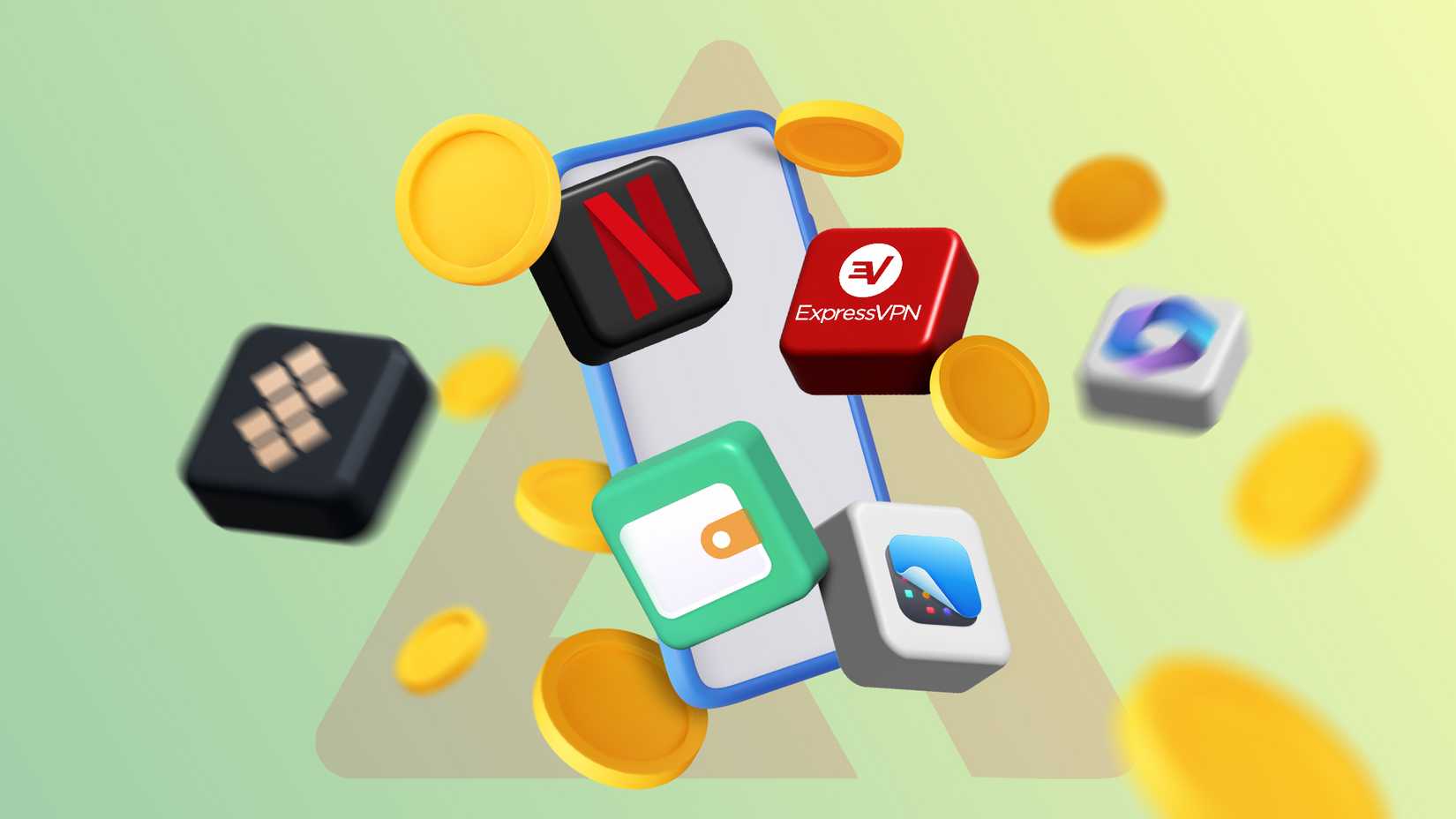
Subscription redundancies are more common than you think. They usually come in three main types
Streaming and entertainment
Streaming services have broken up into pricey pieces. Here are some of the big names:
- Netflix Premium: $25 a month
- Disney+ Premium (No Ads): $19 a month
- Hulu (No Ads): $19 a month
- Max (Standard): $19 a month
Video streaming subscriptions can quickly add up. Mine totaled about $80 a month. Take a moment to review what you’re actually watching.
For me, it was The Bear on Hulu and Severance on Apple TV+, but Max? I hadn’t even opened it in months, yet I was still paying.
Here’s the thing. You don’t need to keep every subscription active all the time.
By rotating your subscriptions based on what you’re watching right now, you can save without missing out on any shows. All it takes is accepting that you won’t watch everything right away.
Retail and online shopping
I was paying for Amazon Prime and Walmart+ at the same time. Why?
I again signed up for a Walmart+ free trial to buy a PS5 and forgot to cancel. Do I really need free shipping from two mega-retailers? No.
I checked my order history. I order from Amazon a lot. Walmart? Only twice in 2025. So, I cut Walmart+.
Cloud storage services
This category feels like a regular utility bill. You keep paying and forget to question it. For what, exactly? Do you really need cloud storage?
Archives and old projects don’t. If you need safe storage, offloading them to an external drive makes a lot more sense.
Now, if you really need cloud storage or any subscriptions, it pays to hunt for deals and bundles.
I was paying $20 a month for ChatGPT Plus, plus another $10 for 2TB of Google Drive. That’s $30 every month.
Then I found out about the Google AI Pro deal. For $20 a month, you get 2TB of storage plus Google’s Gemini.
If you’re already paying for cloud storage, the AI is $10 extra, or if AI is your thing, the storage comes at no extra cost.
Why does canceling feel harder than subscribing?
Credit: Adobe.com | Giorgio Trovato / Unsplash
The subscription economy works by playing on our biases. So it’s no surprise if you feel a pause staring at your kill list.
I came to see that I wasn’t really paying for the app, but for the version of myself I hoped to become.
I paid for Headspace because the ideal me meditates every morning. I paid for Duolingo Super because that same version of me is fluent in French.
The real me, however, watches TikToks in bed and speaks exclusively English. Canceling these subscriptions feels like admitting defeat.
Then there’s the fear of missing out. If I cancel Disney+, what if they drop a new hit show next week?
It’s one tap to join, but unsubscribing feels like a maze. The cancel button is tiny and grey, but the “Keep My Subscription” button is huge and bright blue.
And to mess with you more, they guilt-trip you. It’s all designed to keep you subscribed longer. I faced this with Adobe (more on them later). It’s designed to wear you down until you give up.
Turning the cancel button into leverage
If you’re hesitant to cancel a subscription but want to save money, here’s a trick. I’ve seen on Reddit that sometimes you can score good deals by threatening to cancel with the big companies.
When you press the cancel button, most services ask why you’re leaving.
If you say it’s too expensive, they often offer you a better deal — like a discounted rate or a special promotion — to keep you around.
So if you’re on the fence or want to give it another shot without paying full price, try threatening to cancel first.
How I escaped an early cancellation fee
This part was the worst.
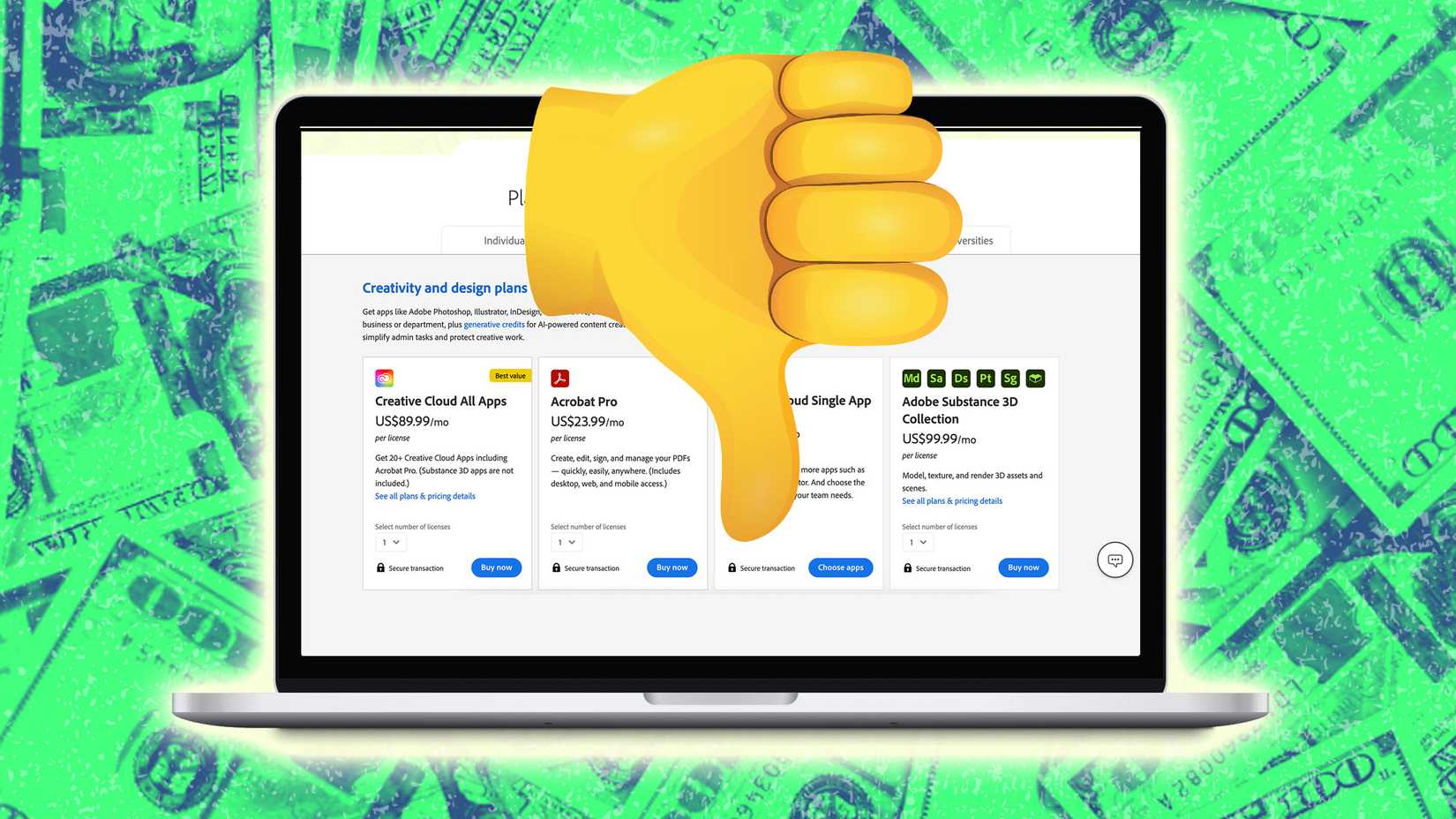
I was on the Adobe Creative Cloud All Apps plan and used Photoshop and Premiere occasionally.
Because I signed up for an annual plan, paid monthly, Adobe wanted to charge me the remaining contract fee if I left early. Luckily, I found a loophole on Reddit.
- Go to Manage Plan.
- Switch your plan to a different tier (for example, the cheaper Photography plan).
- >After you’re on the new plan, a new 14-day cooling-off period starts.
- Cancel the new plan the next day for a full refund and no termination fee.
You might not even have been dealing with Adobe, but this example counts.
If you’re caught in a contract and looking at a ransom fee, there may be an escape hatch if you look carefully.
Why $15 a month deserves a second look
So, what can $1,200 really get you?
Maybe a round-trip flight from your city to that dream vacation spot, depending on the time of year. Or perhaps that new Android tablet you’ve been wanting, especially if it’s on sale.
We like to think $15 a month is not a big deal. But conscious spending means going all out on the things you love and cutting mercilessly on the things you don’t.
I came up with a simple rule. One in, one out. If I want Apple TV+, I need to drop either Netflix or Disney+.
Open your banking app right now. Don’t wait until tomorrow. Find those recurring charges you forgot about and cancel them. It might only be $10, but that’s your money.