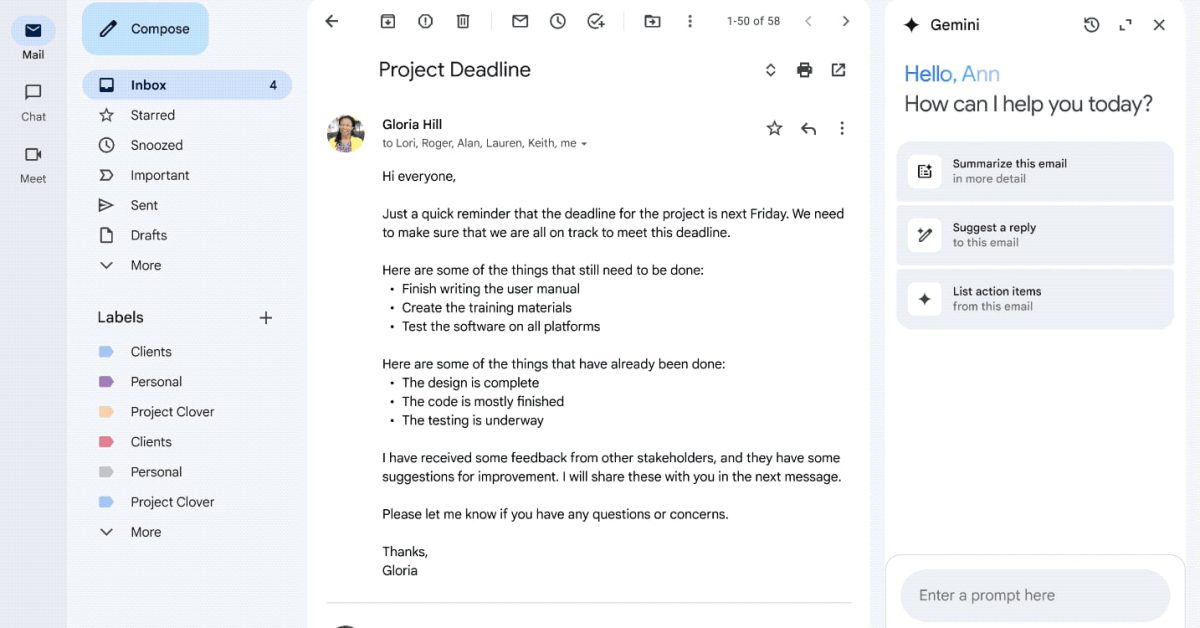
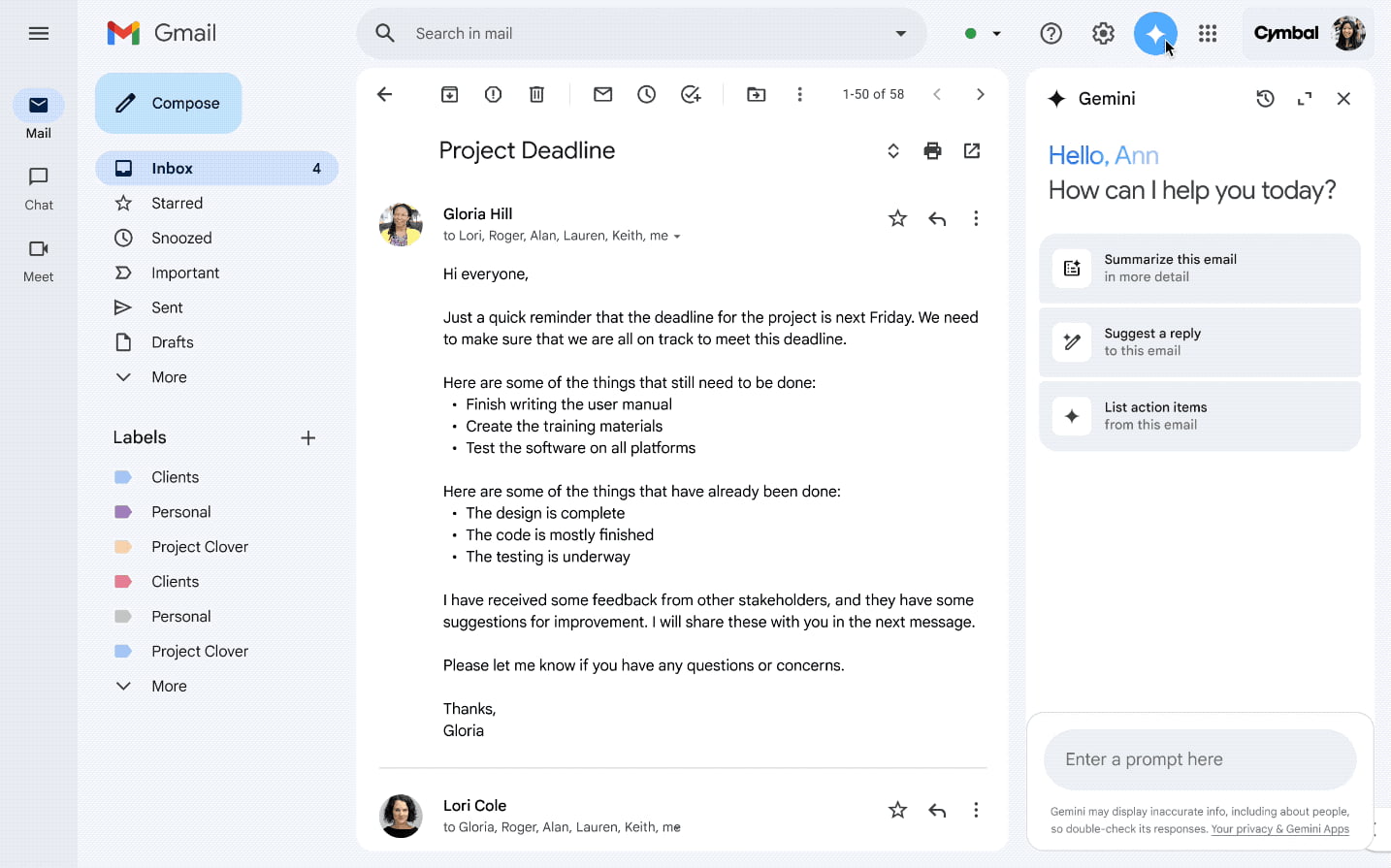
With the launch of “in-line AI experiences” in Gmail yesterday, Google has shared that the Gemini side panel is going away for AI Pro and Ultra subscribers in the US.
On the web, this side panel was accessed by tapping the Gemini spark next to your profile photo in the top-right corner. This traditional chatbot interface let you:
- Summarize an email thread
- Suggest responses to an email thread
- Draft an email
- Find information from previous emails
- Find information from your Google Drive files
- Get information about Google Calendar events
- Create events in Google Calendar
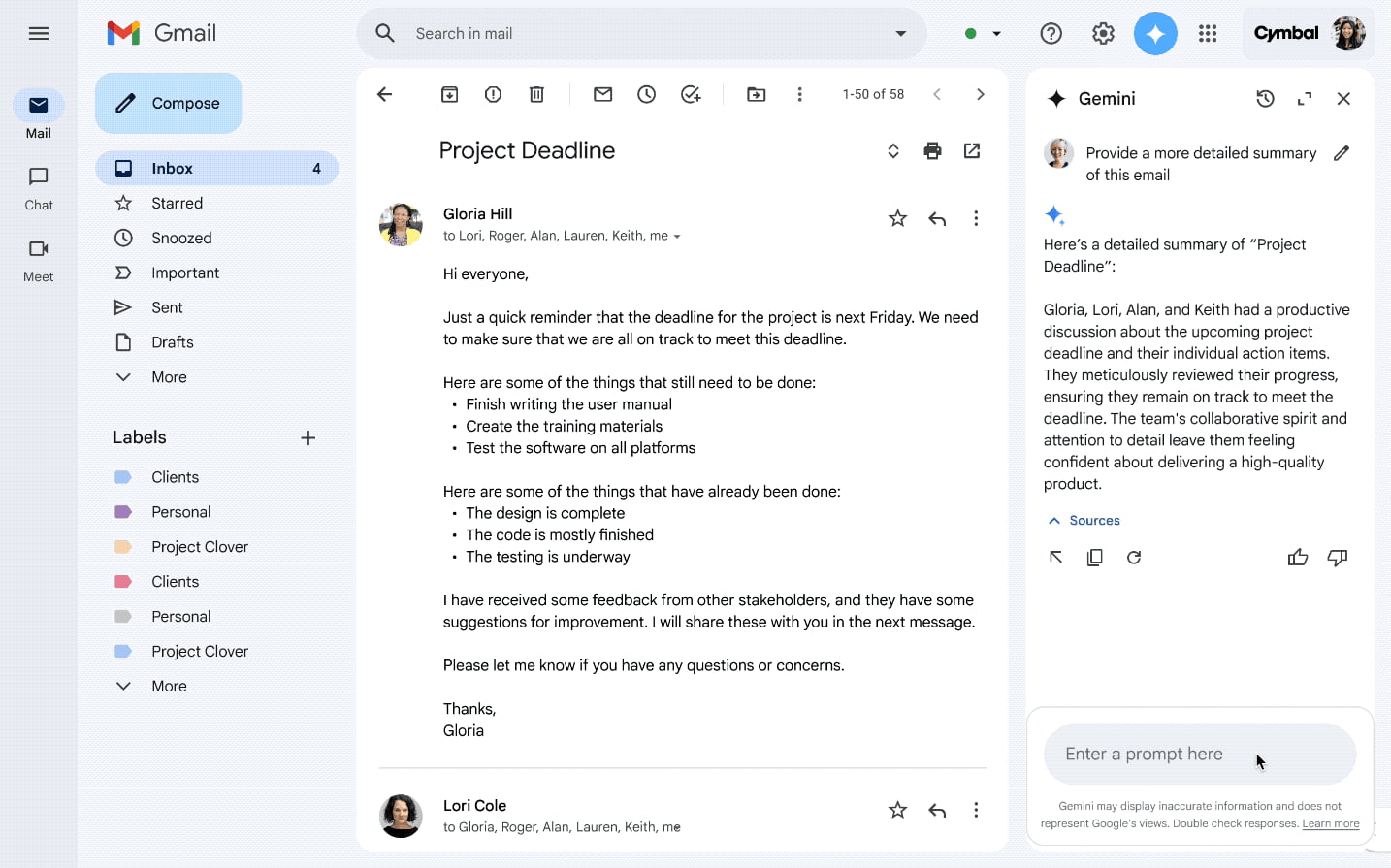
As part of making it “easier to use AI directly in Gmail,” Google says AI Pro and AI Ultra “subscribers in the US may no longer see Ask Gemini in Gmail or be able to open the Gemini in Gmail side panel.”
Most of that functionality is now handled via the “in-line AI experiences,” with Help Me Write unchanged and Proofread serving as a more powerful spelling, grammar, and style check. There’s also the upgrade to Suggested Replies that takes into account the context of the thread.
Advertisement – scroll for more content
Meanwhile, AI Overviews can summarize longer email threads and the new AI Overviews in search provide a more integrated experience where you’d naturally expect it.
As of today, the side panel is gone on our personal Gmail account that has the new features, but it remains on mobile (Android).
There are no changes to the availability of the Gemini side panel in Gmail for Google Workspace plans.
FTC: We use income earning auto affiliate links. More.