It’s all too easy to get sucked into a doom-scrolling vortex, losing hours at a time that would have been better spent doing almost anything else.
The harms aren’t difficult to spot.
When I’m using my phone without any boundaries in place, not only do I see a marked increase in my general anxiety, but my quality of sleep and my mood suffer big time.
I’ve been threatening to sell my smartphone and buy a flip phone for years, but that’s not practical for most people.
Instead, I made two small, easy changes to my Android phone that have dramatically improved my screentime and helped me regain my free time.
Related
6 apps that help you monitor and reduce screen time
Reclaim your time with these Android apps designed to reduce smartphone addiction
Digital minimalism is easier than ever
You don’t have to buy a ‘dumb phone’
Credit: Eirik Solheim / Unsplash
The first thing I did on my quest to declutter and simplify my smartphone was open the Google Play Store and search for “dumb phone.”
There had to be some sort of app that would allow me to transform my phone into my most boring device. What I found was launchers galore.
A launcher is essentially a replacement for your home screen. It’s the software that holds your device’s user interface.
Launchers can change the design of your home screen and operating system. The ones that appeared in my search were geared towards minimalism, featuring clean, simplistic designs.
There are tons of minimalist launchers available, and I chose Olauncher, a “minimal AF Android launcher with just enough features.”
What I like most about Olauncher
The more boring, the better
The design is very plain and not enticing. There are no colorful app icons to distract the eye from getting where it needs to go. All apps are listed in plain text, even in the app drawer.
Even with limited features, it’s very customizable. Choose up to eight apps to display on your home screen, the text size, alignment, and even remove the date and time.
Additionally, Olauncher allows you to hide apps from your app drawer or rename them, which can help make more distracting apps a little harder to access.
An optional screentime indicator. If you have specific goals or limits in mind for your daily screentime, this is an excellent tool. It adds up startlingly fast.
The best part is that there are absolutely no ads or data collection. This one speaks for itself. Who doesn’t love privacy?
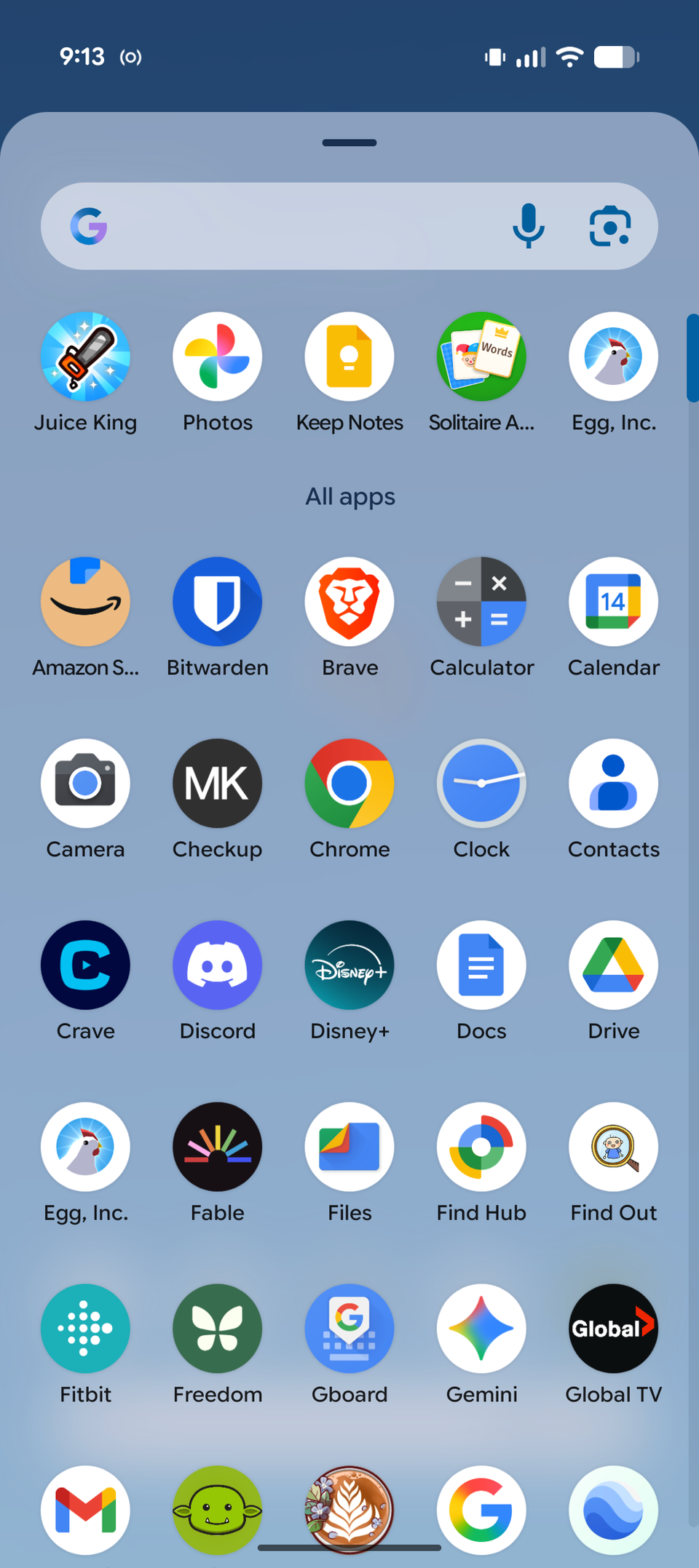
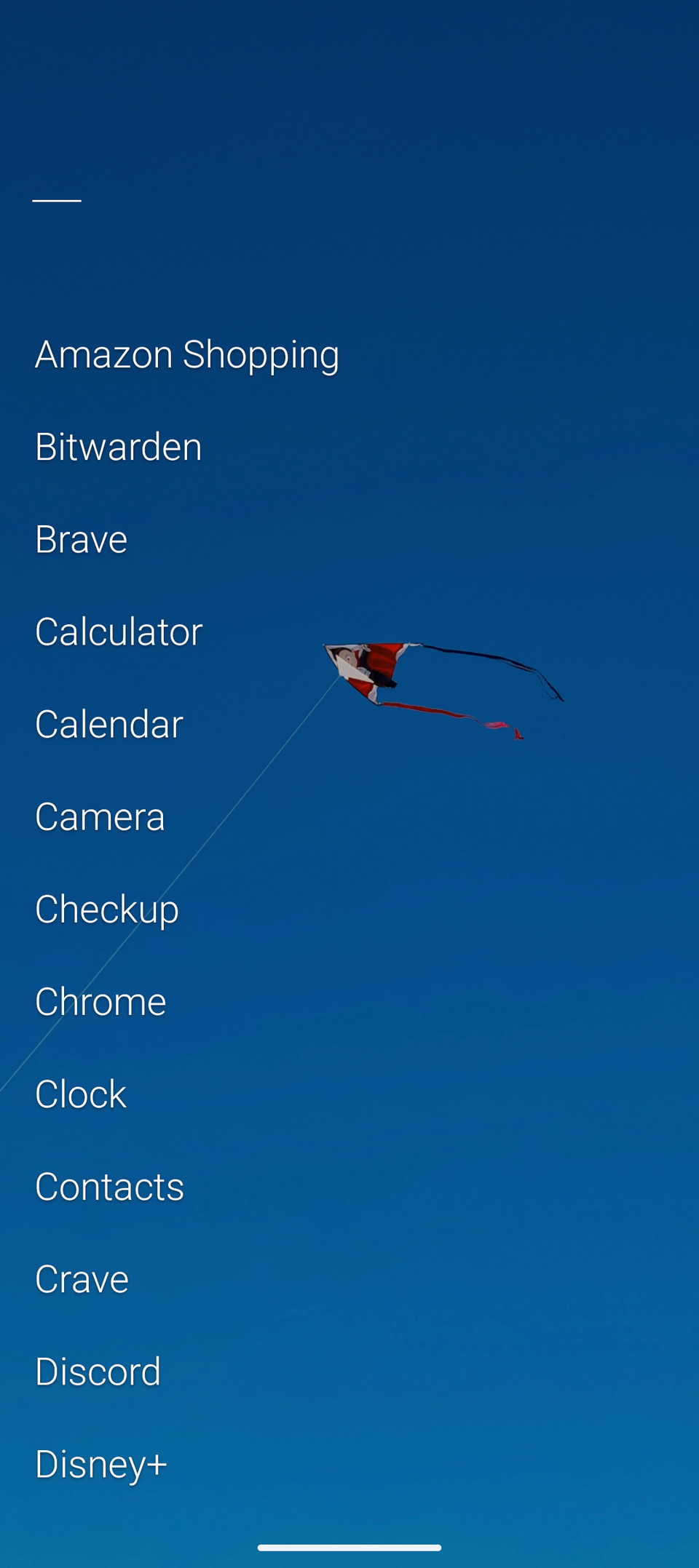
I had no idea how much the appearance of my home screen affected my ability to use my phone effectively.
Being forced to navigate more thoughtfully and putting extra steps in between me and the most distracting apps made a big difference in my daily screen time.
Setting it up took less than five minutes, and getting used to it took maybe two days.
App timers and blocking
It turns out Digital Wellbeing settings aren’t just there to look nice
Some people can just say, “I’m going to use TikTok less,” and then use TikTok less. For me, it hasn’t been that simple. I needed some extra help.
Android smartphones have built-in settings called Digital Wellbeing that can help you manage your screentime.
It features Bedtime mode, which turns your screen to grayscale and mutes your notifications during your chosen resting hours.
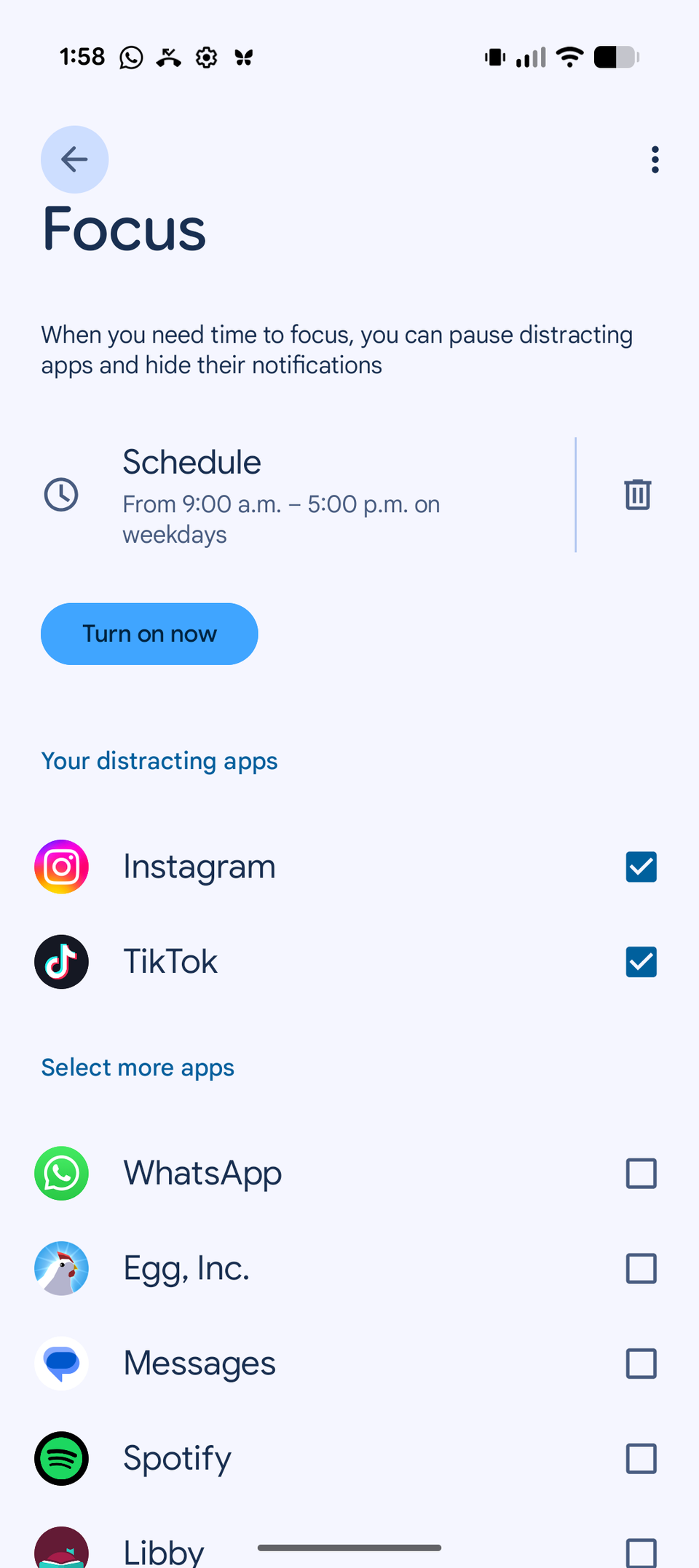
I’ve mainly utilized Focus, which pauses distracting apps and hides their notifications during your set daytime hours.
I currently have TikTok and Instagram paused during my working hours from Monday to Friday.
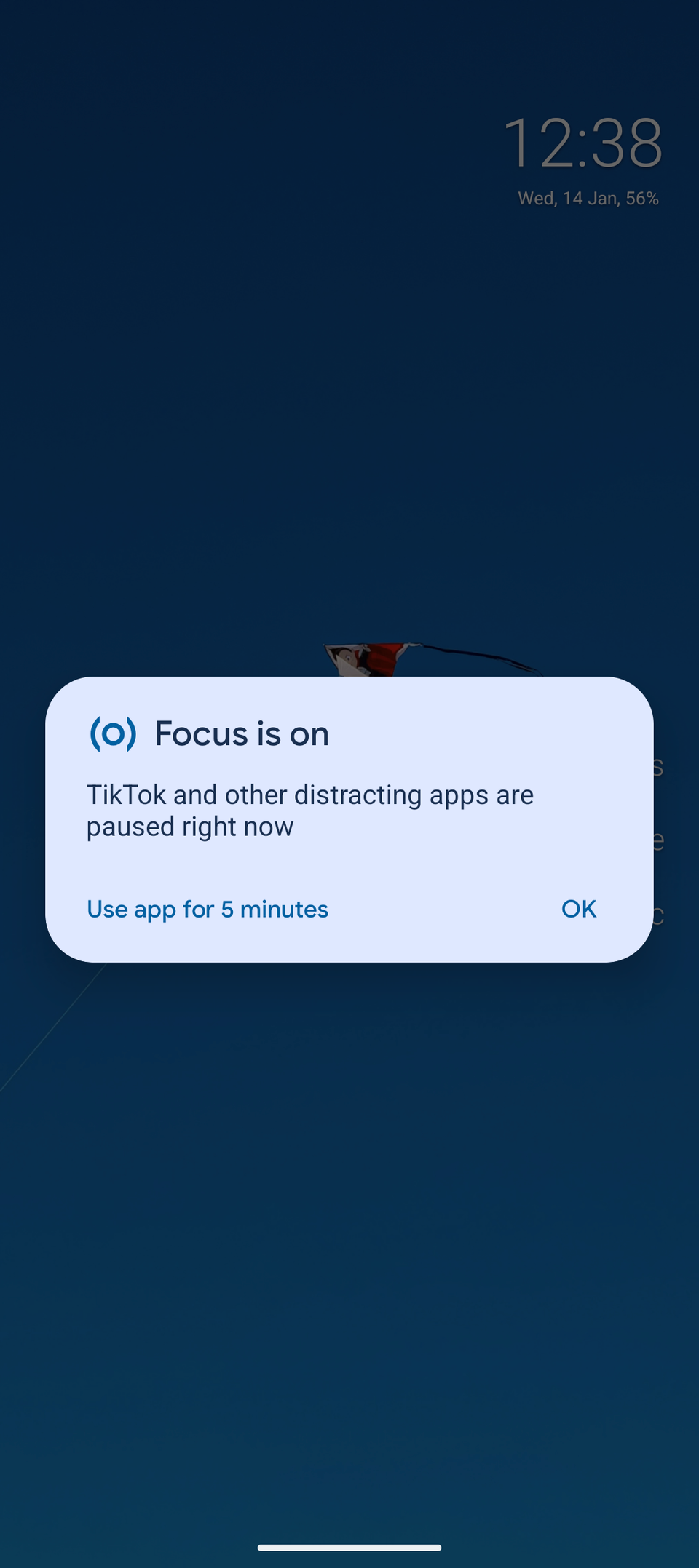
When you try to open an app that’s paused by Focus, you’ll be intercepted by a gentle reminder that you’re supposed to be focusing.
You’ll also have the option to use the app for five minutes, which is helpful for easily taking breaks throughout the day.
When your five minutes are over, Focus offers the option to add another five minutes. It’s very easy to do without thinking.
When I found myself overusing that feature, I went looking for something a little more strict.
It may seem counterproductive to download yet another app to decrease screentime, but Freedom offered just the right set of features I needed for the right price: free.
What I like the most about Freedom
A little bit of tough love goes a long way
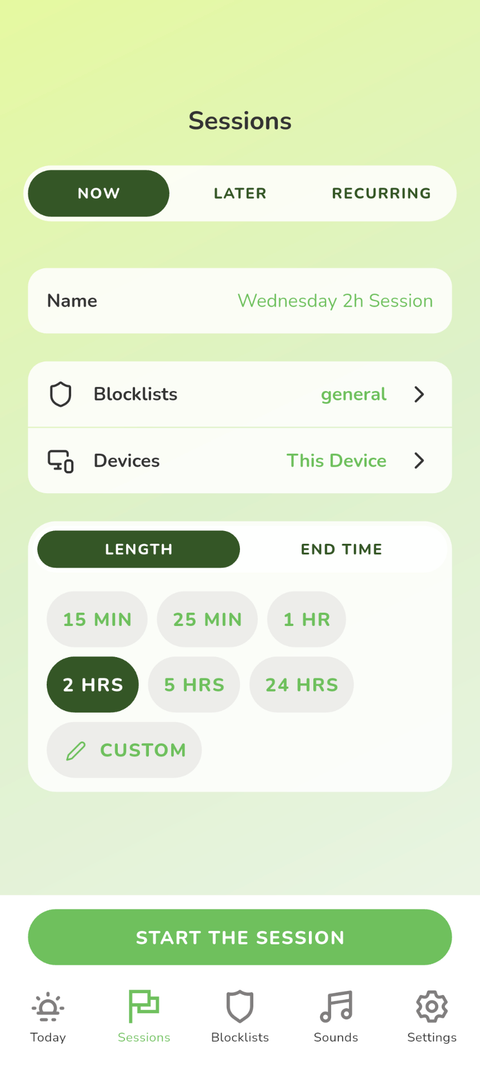
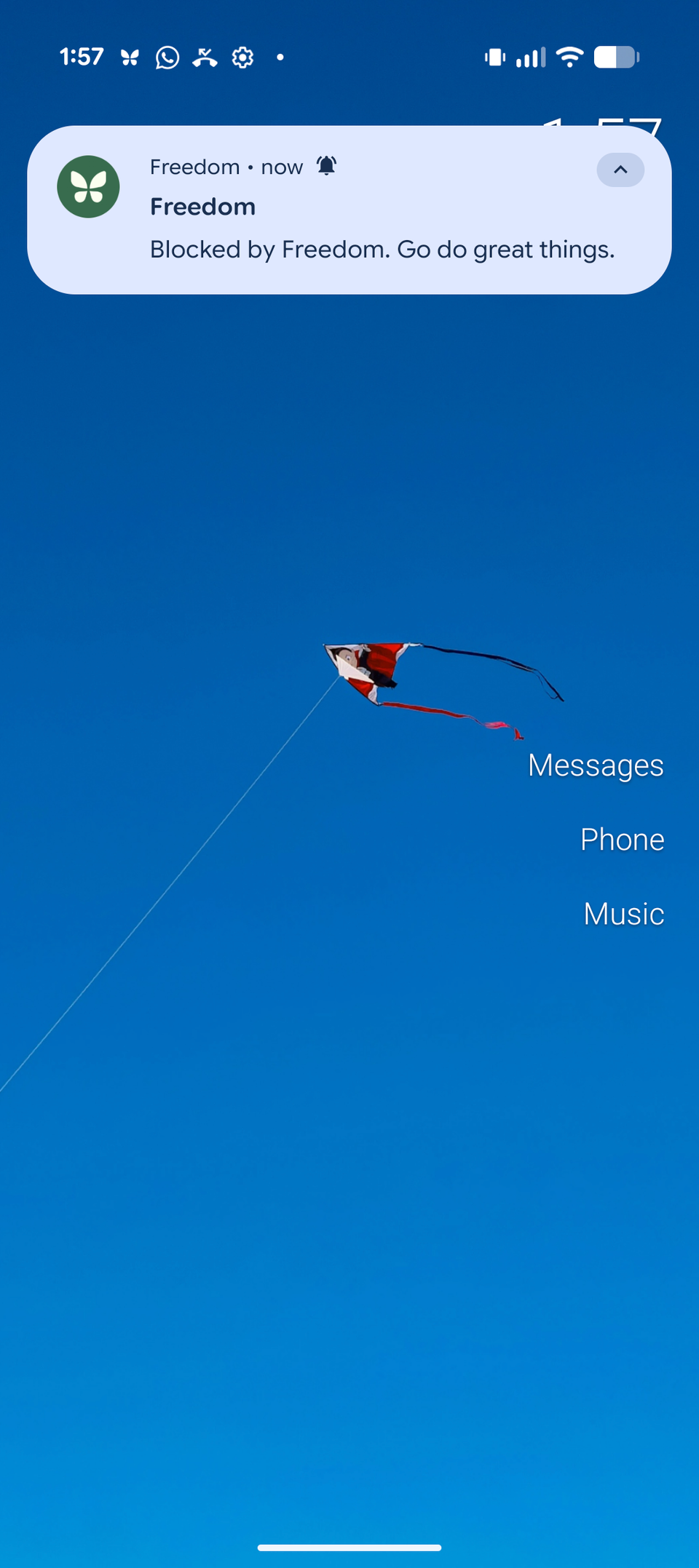
Even the free version offers unlimited blocklists, which some other app blocking services do not.
When you attempt to open a blocked app, you are not given the option to take a break.
While the free version has a maximum of two-hour sessions, you get unlimited sessions in a day. The paid version also features recurring sessions.
The paid version even offers a Locked Mode, which disables your ability to log out and end a session early.
Start a session just before you get into bed at night and as soon as you wake up in the morning. It forces you to find better ways to fall asleep and start your day.
Can’t I just turn it off or delete it?
In theory, you could delete Freedom to regain access to all your apps. You do need to exercise a certain level of discipline and self-control for it to work.
But Digital Wellbeing, Freedom, and other app-blocking services minimize the amount of effort required on your part to resist the charms of doom-scrolling.
Time to go touch grass
Since making these changes, I’ve freed up a lot of time. I’ve been reading more books, having more fun playing with my daughter, learning new crochet stitches, and even sleeping better.
If you’re struggling to put down your phone, you’re not alone. The temptation to dissociate and scroll the hours away is very real.
With these two quick, easy tweaks and a little bit of willpower, decreasing your screentime and getting back to real life can be simpler than you think.