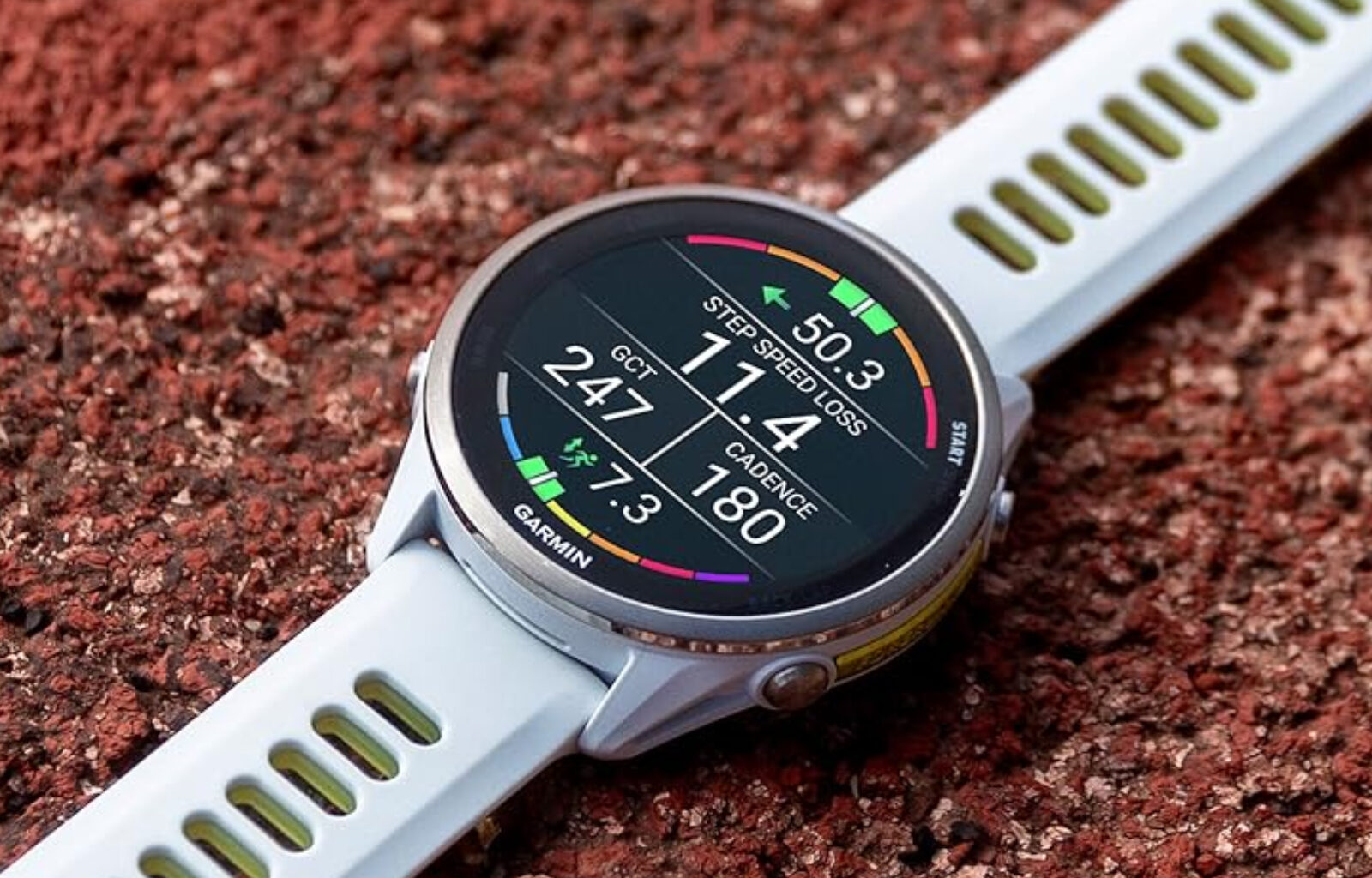
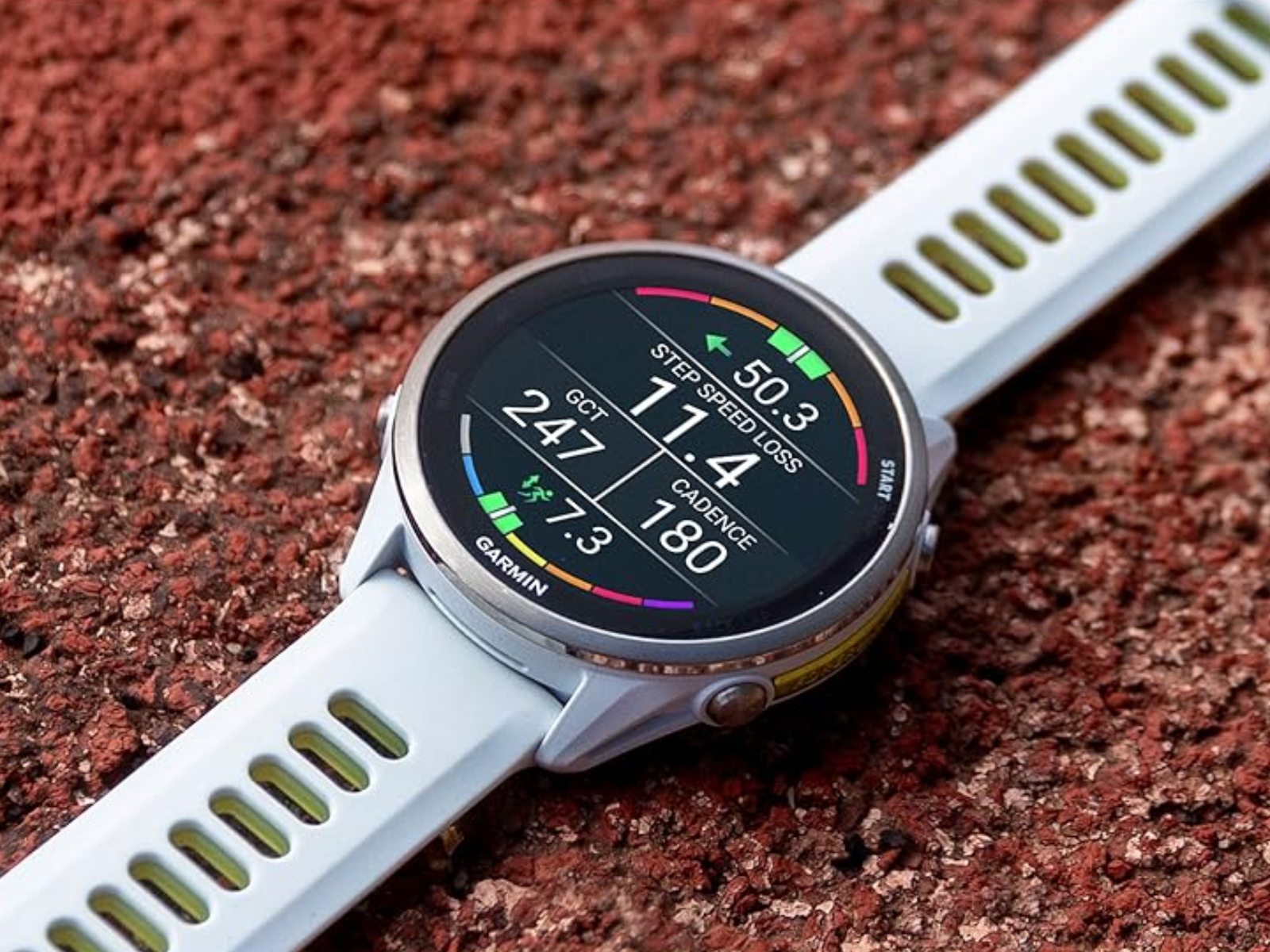
 Garmin has brought numerous features to the Forerunner 570 and Forerunner 970 with their new beta update. (Image source: Garmin)
Garmin has launched a new update for multiple smartwatches. Rolling out now, the update brings more than a dozen new features and improvements to compatible smartwatches, including multiple changes relating to Garmin’s heart-rate variability chart.
Now, Garmin has found another dozen or so improvements that it has packaged as Beta Version 16.17. Skipping over two interim builds in the process, Beta Version 16.17 is rather bug-fix heavy. To that end, nine of the thirteen changes listed aim to resolve outstanding issues like ones that cause a Forerunner 570 or Forerunner 970 to reset when setting a favourite sports team or viewing the heart rate variability (HRV) chart.
Additionally, Garmin claims to have improved the course details page layout. Moreover, it has refined the distance intervals audio prompt to report the time at set intervals. On top of that, Beta Version 16.17 adds support for more spoken watch face complications and showing stoppage time on sports scores. Beta Version 16.17 will arrive within the next few days to all Beta Program-enrolled Forerunner 570 and Forerunner 970 smartwatches. Alternatively, one can request the new update manually. The full changelog between Beta Versions 16.14 and 16.17 is as follows:
- Adds support for additional spoken watch face complications.
- Adds support for showing stoppage time on sports scores.
- Fixes an issue that could cause an activity to be canceled when adding a navigation data screen to the page loop.
- Fixes an issue that could cause the device to reset when adding a team to the sports scores glance.
- Fixes an issue that could cause the device to reset when loading a course for indoor cycling.
- Fixes an issue that could cause the device to reset when setting a favorite team in the sports scores glance.
- Fixes an issue that could cause the device to reset when viewing the HRV chart.
- Fixes an issue that could cause the stay time to be displayed incorrectly when following a course with a rest point.
- Fixes an issue with displaying long course point names.
- Fixes an issue with the golf course green not displaying correctly.
- Fixes other minor issues.
- Improves the audio prompt for distance intervals to report the time for that interval.
- Improves the layout of the course details page.
 Alex Alderson – Senior Tech Writer – 14101 articles published on Notebookcheck since 2018
Prior to writing and translating for Notebookcheck, I worked for various companies including Apple and Neowin. I have a BA in International History and Politics from the University of Leeds, which I have since converted to a Law Degree. Happy to chat on Twitter or Notebookchat.