On June 20, 2024, Google officially pulled the plug on its Google One VPN. It was never the fastest VPN out there, and it certainly didn’t have the bells and whistles of a power-user suite.
Still, using it made me feel safer while borrowing public Wi-Fi with an overpriced latte in hand. So I spent time trying to find a spiritual successor.
Eventually, I landed on a tool so good it made me glad Google pulled the plug on its own service.

Related
Best VPNs for multiple devices in 2025
It only takes one of these VPN subscriptions to cover your whole fleet of computers, mobile devices, and streamers
Pixel owners and Fi subscribers, your VPN is still alive
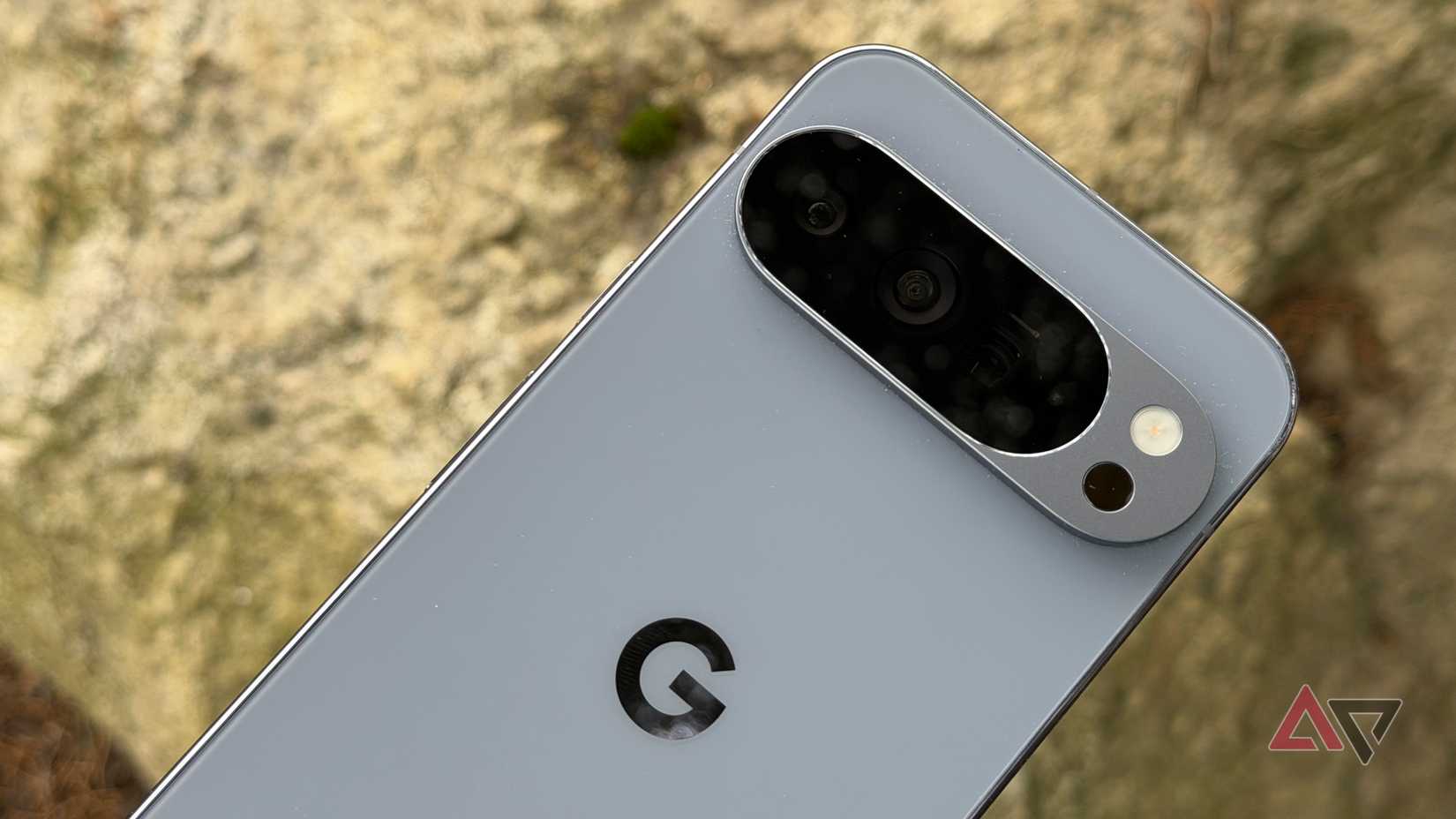
Before I get to the replacement part, I need to clear something up for Pixel owners. If you’re using a Google Pixel 8 or anything newer, your VPN is still intact.
Although Google shut down the standalone Google One VPN app across iPhone, Mac, Windows, and non-Pixel Android phones, the VPN by Google service remains a perk for the Pixel faithful.
Alongside Pixel owners, Google Fi subscribers still get a built-in VPN that runs directly inside the Google Fi app.
The three things I look for in a VPN that just works
Credit:
Lucas Gouveia / Android Police
Most VPN companies sell fear. It’s all hackers in dark rooms and ominous talk of government surveillance. I don’t care about the drama. I want to know one thing.
If I install this on a family member’s phone, will they call me five minutes later because their banking app broke, or their battery is suddenly at 10%?
That’s why I judged every option against the three pillars of lazy privacy.
The resource drain test every VPN has to pass
Google’s VPN felt especially efficient on Android, likely due to its tight integration with the operating system.
Most third‑party VPNs don’t enjoy that same level of system integration.
They chew through resources, and if my battery is on life support by mid-afternoon, I’m done with it.
The CAPTCHA problem most VPNs can’t solve
Most VPNs make you share IPs with thousands of others. When that many people access Google from one IP, Google gets suspicious.
Suddenly, you are identifying chimneys and buses in blurry squares.
In my experience, Google’s VPN didn’t have this problem, likely because Google tightly controls and manages the servers and IP space behind it.
The VPN interface I enjoy using
I don’t want to see a map of the world with 5,000 blinking dots. I’m not here to play network engineer or puzzle out the best server. I want a big button that makes the right call for me.
Proton VPN checks all my boxes

Credit: Android Police
There are big names like NordVPN and ExpressVPN, but they felt a bit too heavy and complicated for what I needed.
I was after lazy privacy, and that’s why Proton VPN caught my attention.
Proton VPN comes from the same people who built Proton Mail, and its entire business model is built on the idea that privacy is a human right. It’s fast, open-source, and it is governed by Swiss privacy laws.
The interface is simple, and the app automatically finds the fastest nearby server. You don’t have to worry about protocols or port numbers.
While the free tier is generous, the $10 Plus version is the true heir to Google’s VPN.
With the Plus plan, you get access to a feature called NetShield. NetShield blocks ads, trackers, and malware at the DNS level.
When you block things at the DNS level, it means the VPN stops requests before your device even tries to connect to them. This is often faster than blocking them after they’ve already started loading.
I have also found that my phone feels cooler, and my battery lasts longer when NetShield is active. Using the WireGuard protocol — which is the default — the speed hit is almost negligible.
I see download speeds that are about 80% of my base connection. Streaming Netflix in 4K or jumping on a high-res Zoom call has been flawless. I rarely see the buffering.
Finally, on a scale of 1 to 10, where 1 is no CAPTCHA, and 10 is that I’m a professional bus identifier, Proton sits at a comfortable 2.
I might get a check once every two weeks, usually when I am on a particularly crowded server, which is fine for me.
Proton VPN gave me peace of mind after Google left
Losing the Google One VPN felt like a gut punch at the time. But after using the alternatives, I have realized that we are actually better off.
What I’m using is invisible, budget-friendly, and maintenance-free.
It costs less than a latte once a month, and, in return, you get the peace of mind that comes with knowing your data is secure.
Download the app, set up your split tunneling, and turn on the always-on feature today. You will forget it is there within ten minutes, and that is exactly the point.